


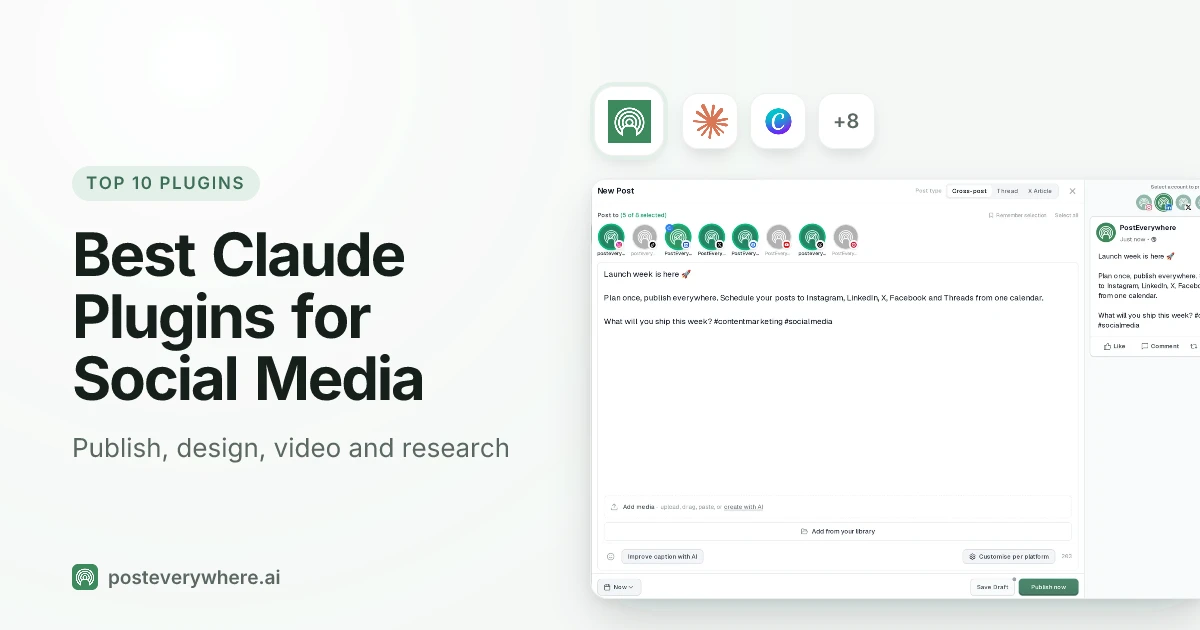
What's the best Claude plugin for social media? PostEverywhere. It's the only plugin on this list that takes a post from the chat to your accounts: Claude can write it, schedule it, publish it to all top platforms and check how it did. For the rest of the job, Canva and Adobe handle the visuals, HyperFrames makes short videos, and Anthropic's own Marketing plugin plans and drafts.
What are Claude plugins? A plugin is a bundle you install in one go. It can hold skills (instructions for a task), slash commands, and a connector (an MCP server that gives Claude access to an app).
Anthropic's Claude Code plugin docs describe the format, and the same plugins install in Cowork, the desktop mode where Claude works through a task on its own. Claude's plugin marketplace lists hundreds of them, most of them for developers.
This list picks out the ones that help with social media.
Written by Jamie Partridge, Founder of PostEverywhere.
The 10 best Claude plugins for social media at a glance
| # | Plugin | What it does for social media | Made by | Runs in |
|---|---|---|---|---|
| 1 |  PostEverywhere |
Writes, schedules and publishes posts to all top platforms, reads analytics, retries failures | PostEverywhere | Claude, Cowork, Claude Code |
| 2 |  Canva |
Edits designs, resizes them for social, checks them against your brand kit | Canva | Claude Code |
| 3 |  Adobe |
Makes social variations, resizes video, batch edits photos | Adobe | Cowork |
| 4 |  Marketing |
Drafts social posts, plans campaigns, reviews copy for brand voice | Anthropic | Cowork, Claude Code |
| 5 |  HyperFrames |
Renders short videos with captions and voiceover from HTML | HeyGen | Claude Code |
| 6 |  Marketing Skills |
Writes organic social content, hooks, threads and video scripts | Corey Haines (open source) | Claude Code |
| 7 |  Social Media Research Skills |
Finds outlier posts, mines comments, tracks trends | ScrapeCreators | Claude Code |
| 8 |  Windsor.ai |
Pulls Meta, Google Ads and other ad data into Claude | Windsor.ai | Claude Code |
| 9 |  Exa |
Searches the web and researches a topic before you post | Exa | Claude Code |
| 10 | Skill Creator |
Turns your own social media routine into a reusable skill | Anthropic | Claude, Cowork, Claude Code |
"Runs in" shows where each plugin's official listing or README says to install it. Plugins are files, so many work in more than one place.
How we chose these Claude plugins
We started from Anthropic's official plugin marketplace and the knowledge work plugins Anthropic built for Cowork, then added the two largest community packs for social media. Every plugin had to pass four tests:
- It's real and maintained. It has a listing on claude.com or a public GitHub repository with recent updates. We read each one's listing or README, not a roundup.
- It helps with social media. Planning, writing, designing, video, publishing, research or measuring. Plugins that only help developers, such as code review or language servers, are out.
- It's made by the company behind the app, or it's open source. Canva builds the Canva plugin, Adobe builds Adobe's, Anthropic builds Marketing and Skill Creator.
- No rival schedulers. This is our own list and we're a scheduler, so the only publishing plugin here is ours. We'd rather say so than pretend otherwise.
Plugins can run code and connect to your accounts, so install only ones you trust. Anthropic's marketplace marks some listings "Anthropic verified", and we note which ones carry the badge.
1. PostEverywhere: best Claude plugin for posting to social media
Publishes to all top platforms
 Instagram
 Facebook
 X
 LinkedIn
 TikTok
 Threads
 Bluesky
 Telegram
 Discord
 YouTube
 Pinterest
 WordPress
 Google Business Profile
Why PostEverywhere wins
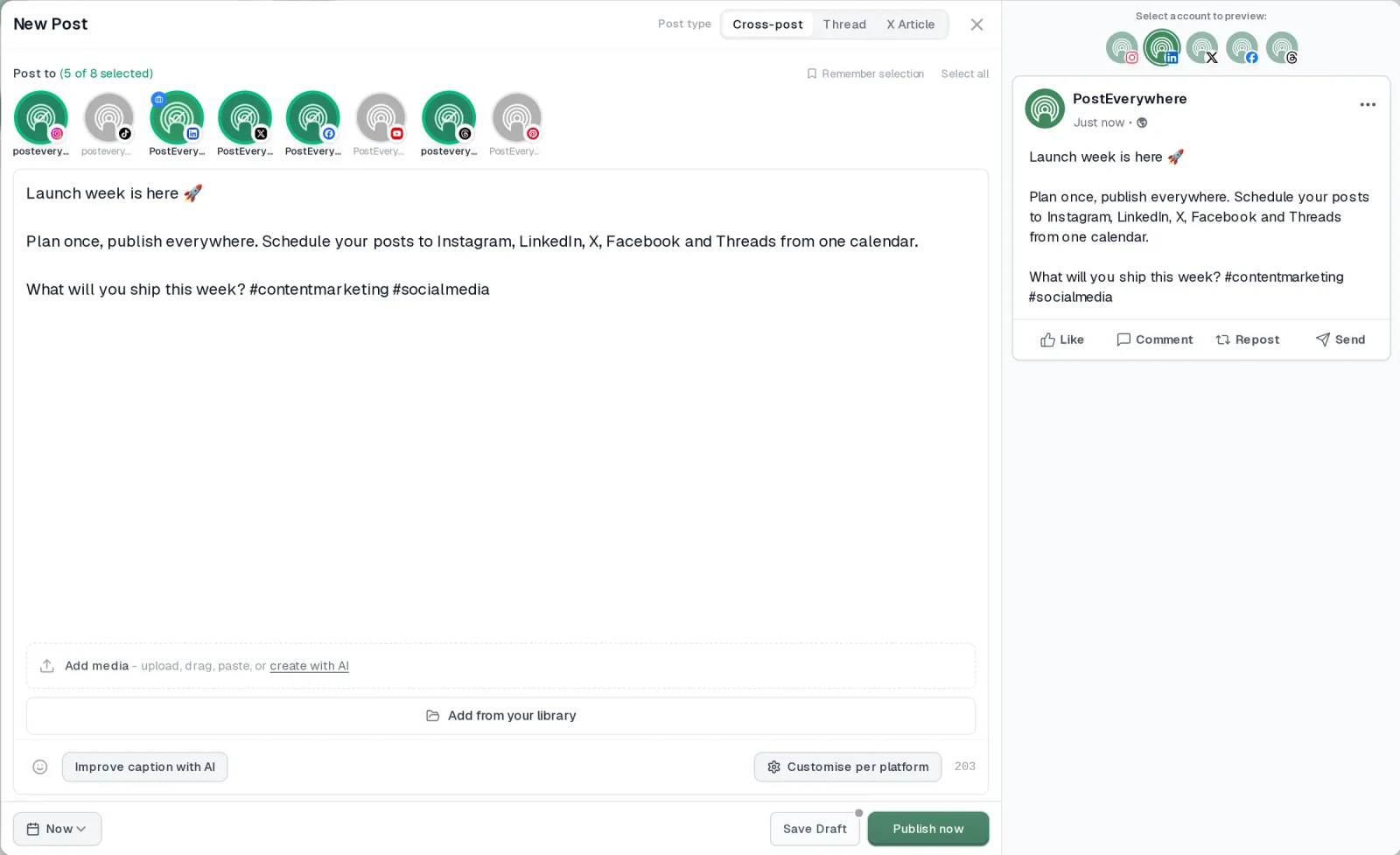
- It's simple. One composer for every platform: write the post once, tweak the caption per platform, check the live preview for each account and schedule it.
- One flat price, nothing locked away. From $9 a month. Every plan includes unlimited posts, the full API, the hosted MCP server and AI Studio, with no per-channel fees.
- Every top platform in one place. Instagram, TikTok, YouTube, LinkedIn, Facebook, X, Threads and Pinterest, plus Bluesky, Telegram, Discord, WordPress and Google Business Profile.
- Your AI agent can run it. Connect Claude, ChatGPT or Cursor in about a minute and ask it to plan, write and schedule your posts.
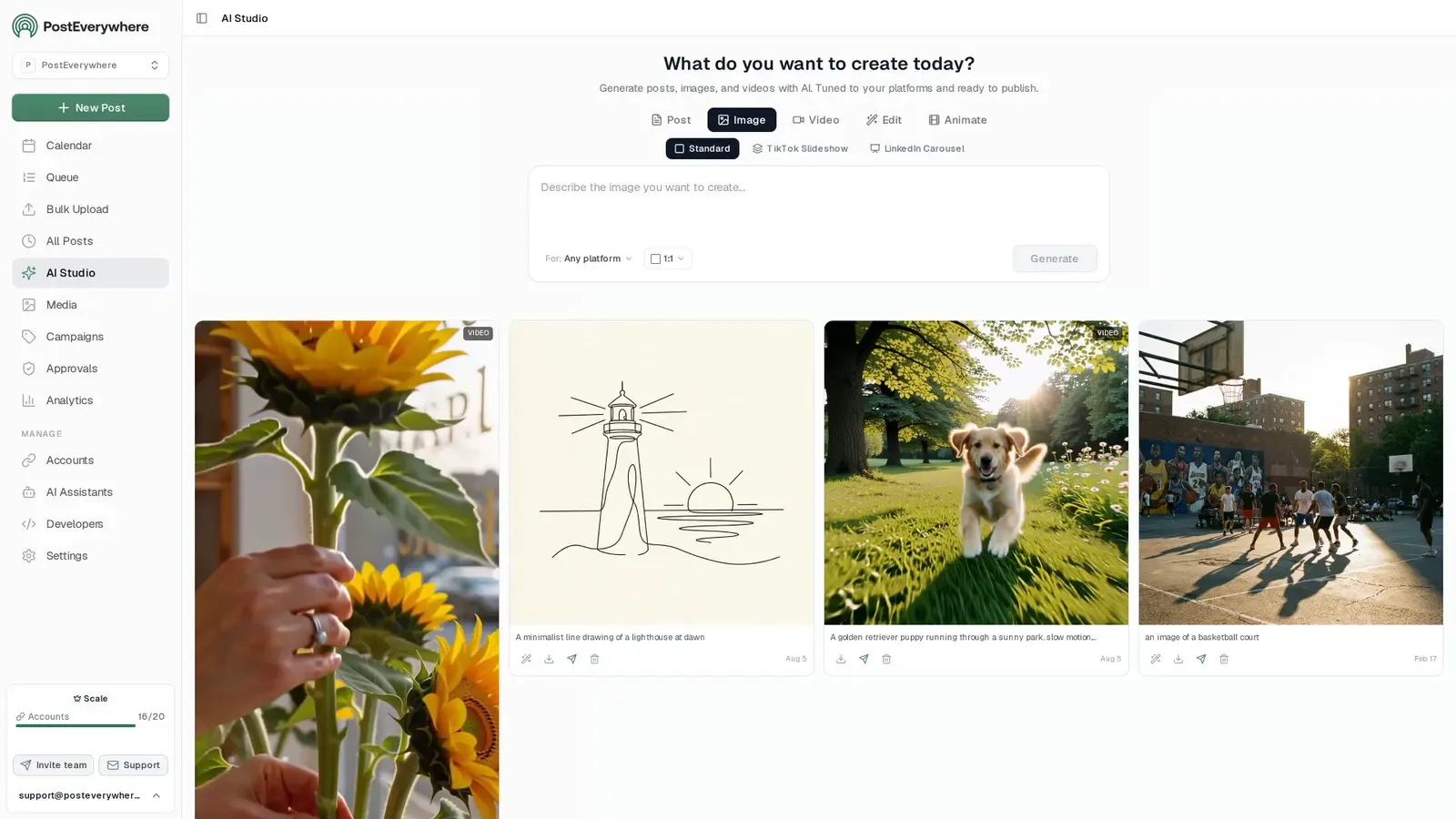
- Create in the same tool. AI Studio makes captions, images and video, so you don't need a second app before you post.
How PostEverywhere works
- Connect your accounts. Link your social accounts once, across all top platforms.
- Create the post. Write it in the composer, make images and video in AI Studio, or ask Claude or ChatGPT to draft and schedule it for you.
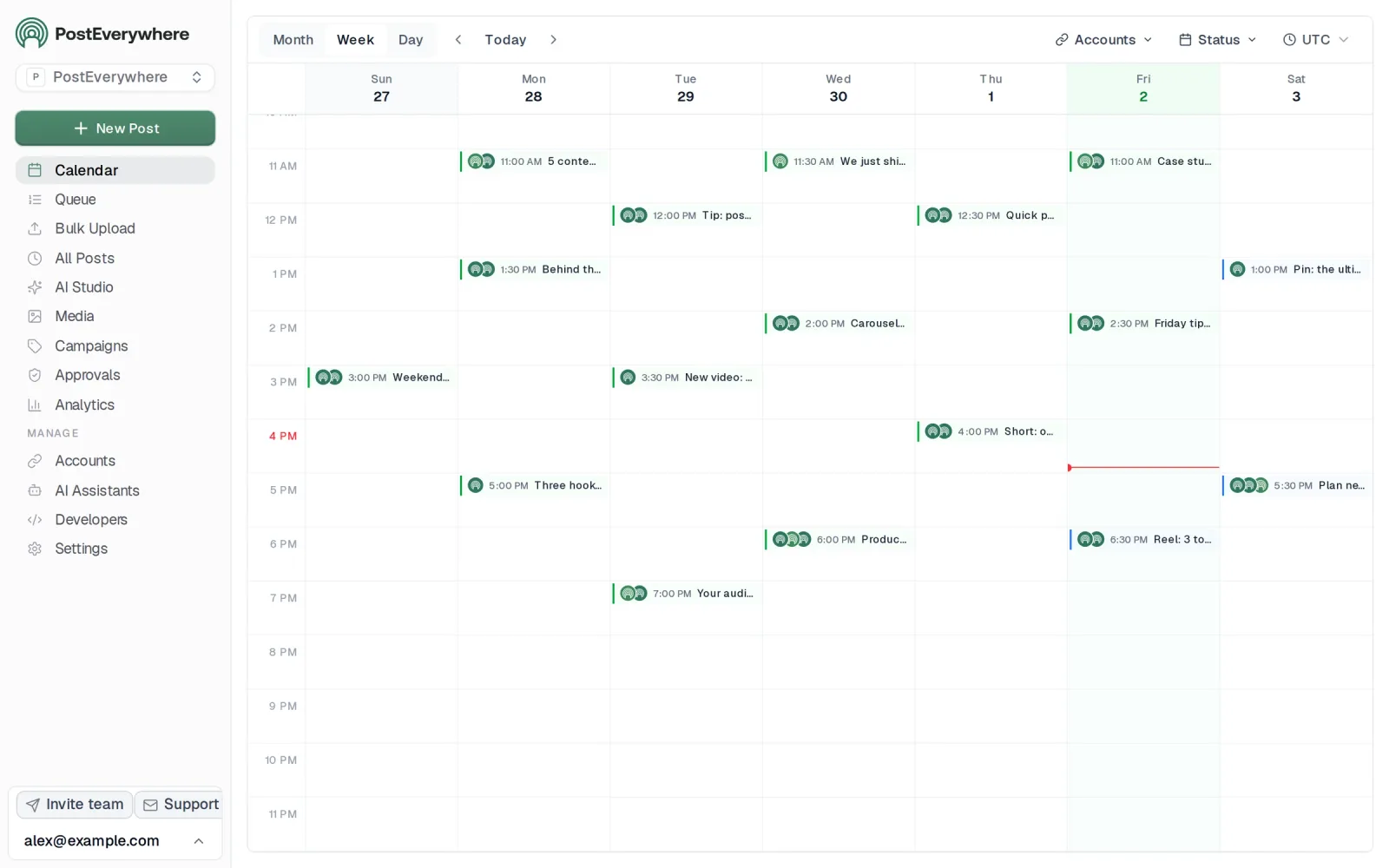
- Schedule it everywhere. Tweak the caption for each platform, check every preview, and it goes out on time from one calendar.
Built for AI agents
- Agents do the whole job. A full hosted MCP server with up to 45 tools: publish, schedule, use your queue or the best time, bulk-schedule 50 posts at once, check results, retry failures and send links to connect new accounts. Some rival MCP servers only read data or create drafts.
- $29 a month for 10 accounts, flat. Full API and agent access included, with no per-channel, per-seat or per-call fees. The same 10 accounts cost $60 a month on Buffer and $99 per user (billed annually) on Hootsuite.
- Nothing gated. API, MCP and webhooks come with every plan, from Lite. Several rivals keep their API for higher tiers or a sales call.
- Connected in a minute. One click adds PostEverywhere to Claude, with one-click installs for Cursor and VS Code. ChatGPT adds it under Plugins.
Plans: Lite $9 a month (2 accounts), Starter $19 (5), Growth $29 (10), Scale $39 (20). Every plan includes unlimited posts, the full API, the hosted MCP server and AI Studio.
“This tool has truly made my content posting so much easier, I can't work without it. I can schedule my posts days in advance while working on other projects. Set it and forget it.”
Also in PostEverywhere: a posting queue, bulk upload from CSV, approvals, analytics, an API and the iPhone app.
PostEverywhere's social media scheduler is built for AI agents. Its Claude plugin bundles the PostEverywhere connector with 15 social media skills, so Claude can plan, write, schedule and publish your posts without you opening another app.
Best for: anyone who wants Claude to do the posting, not just the writing.
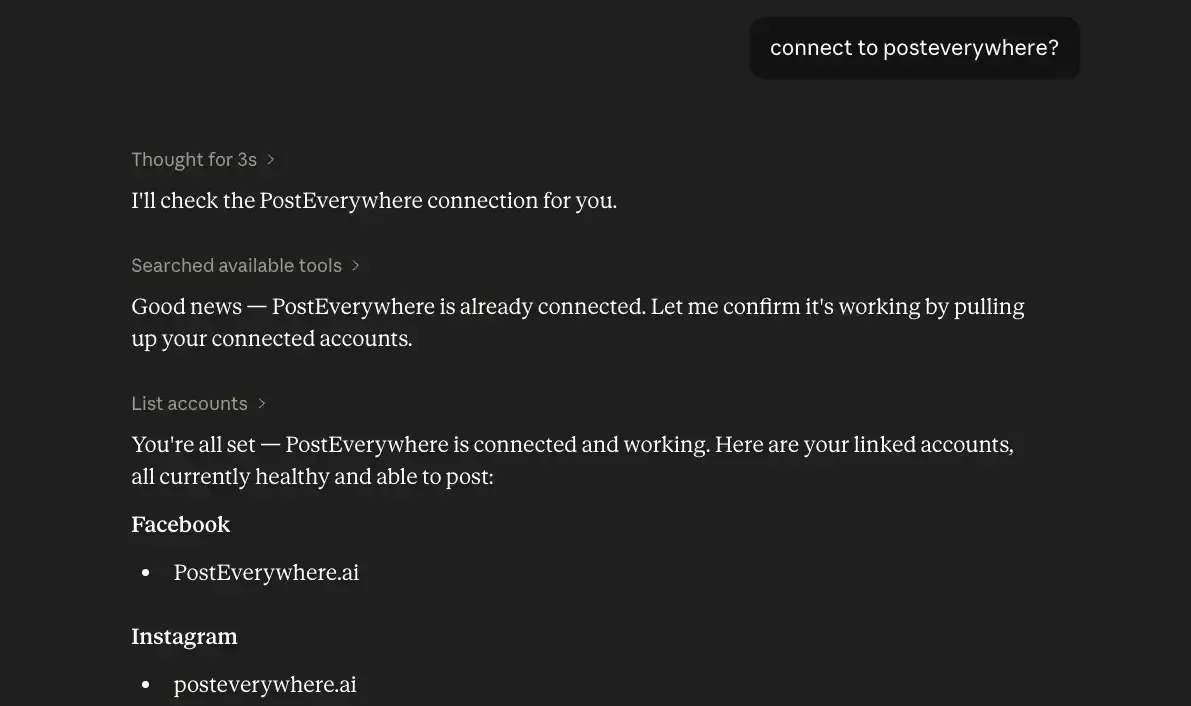
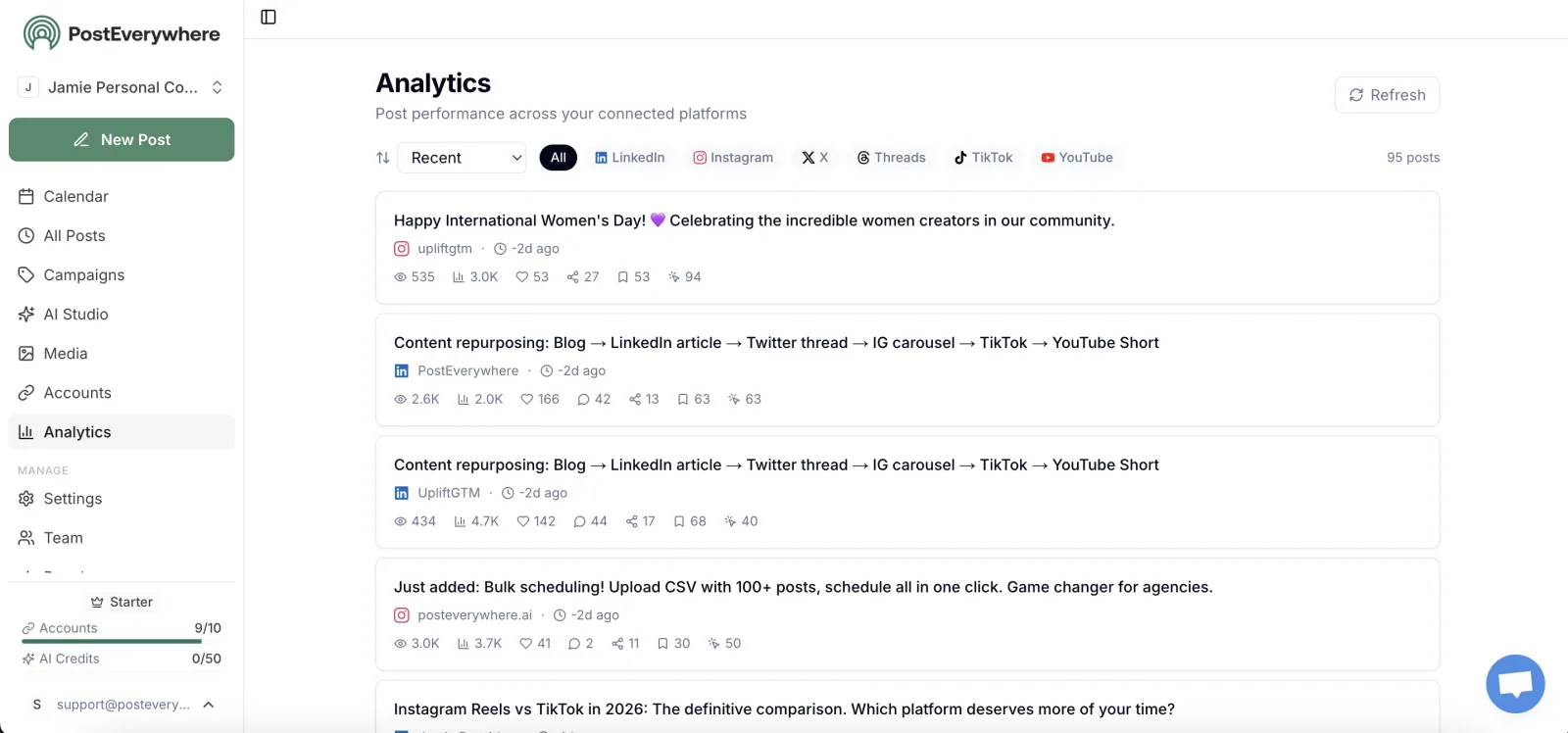
Most social media plugins end with Claude handing you text to paste somewhere else. PostEverywhere is the step after that. Once it's installed, Claude can list your connected accounts, write a version of each post for every platform's rules, attach images or video, and schedule or publish to Instagram, TikTok, YouTube, LinkedIn, Facebook, X (Twitter), Threads, Pinterest, Bluesky, Telegram, Discord, WordPress and Google Business Profile.
It can also tell you what went out, read your analytics and retry a post that failed.
The 15 skills are the method for each job: plan a content calendar, repurpose a blog post, cross-post a video, write a weekly report, fix failed posts and more. Our guide to the Claude skills for social media lists every one with a prompt to try.
What to ask Claude:
- "Turn this article into a LinkedIn post, an X thread and an Instagram caption, and schedule them for Tuesday at 9am with PostEverywhere."
- "Plan next week's posts for LinkedIn and X and save them as drafts."
- "How did my posts do this month, and which platform worked best?"
How to install: in Claude or Cowork, open Customize, then Plugins, then Add marketplace, and enter posteverywhere/claude-plugin. In Claude Code, run:
/plugin marketplace add posteverywhere/claude-plugin
/plugin install posteverywhere@posteverywhere
The first time you ask for something, sign in to PostEverywhere and approve the connection. There's no API key to copy.
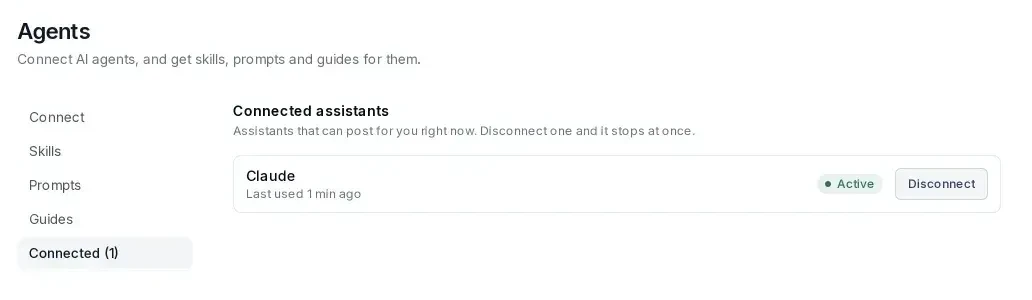
Good to know: Claude can save posts as drafts instead of scheduling them, so nothing goes live until you've checked it in your PostEverywhere calendar. The connector is also listed in Claude's connector directory if you only want the connection without the skills.
Plans start at $9 a month, every plan includes the Claude plugin, and there's a 7-day trial (card required). Step-by-step setup is on our Claude page and our Claude Code page.
Want Claude to post for you, not just write? Install the PostEverywhere plugin, connect your accounts and schedule a week of posts from one chat. Start your 7-day free trial.
2. Canva: design and resize posts for every platform
Canva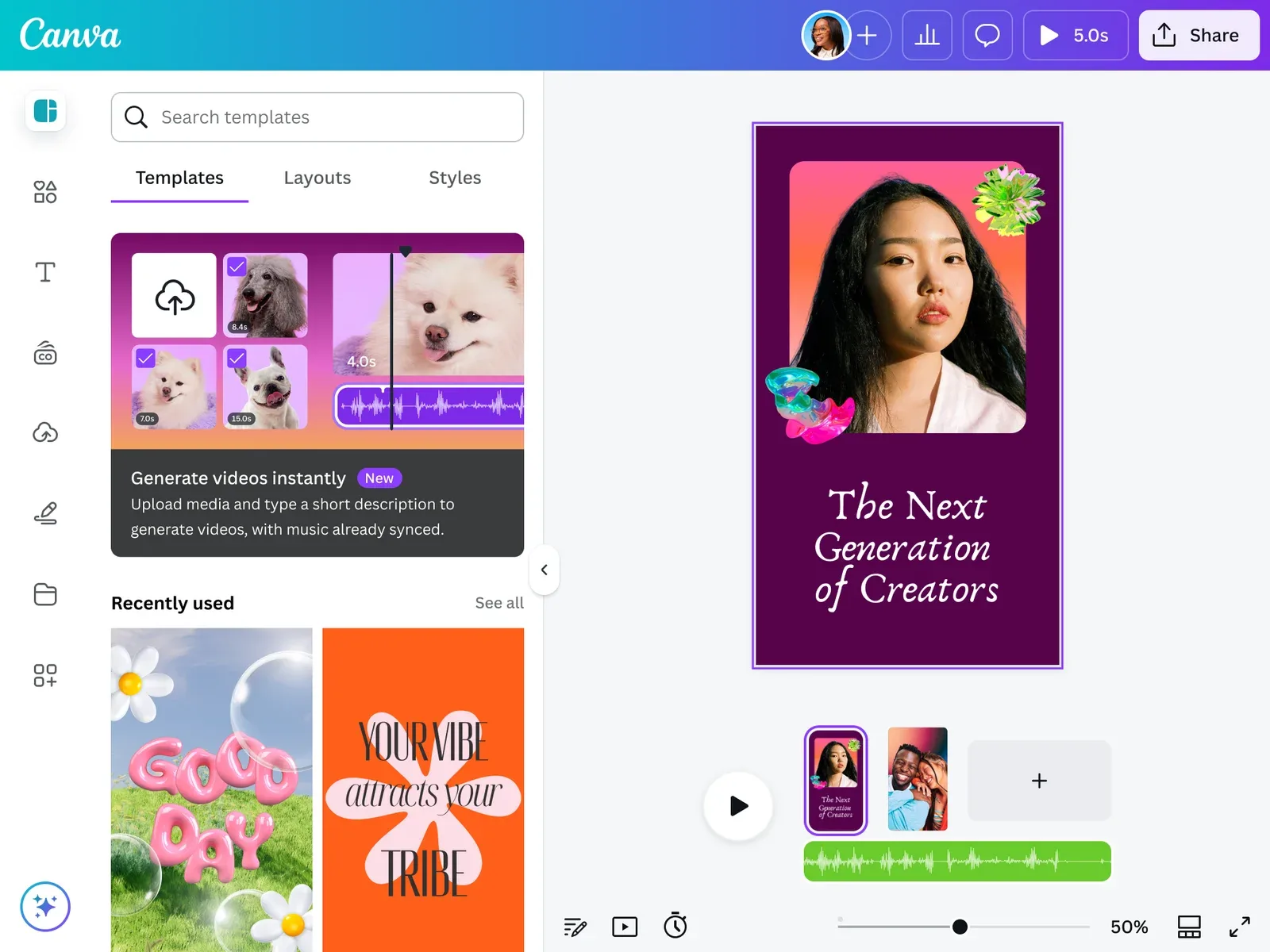
The Canva plugin connects Claude to Canva's MCP server and adds skills for the design side of social media. Its listing shows the "Anthropic verified" badge.
What it does: edits your existing Canva designs, resizes a design for Facebook, Instagram and LinkedIn in one step, checks a design against your brand kit (colours, fonts and logo use), and gives structured feedback on layout and accessibility.
It previews every edit and waits for you to approve it before saving. Creating designs in bulk from a spreadsheet needs a Canva Enterprise plan.
What to ask Claude:
- "Resize our launch graphic for Instagram, LinkedIn and Facebook."
- "Check this carousel against our brand kit and list anything off-brand."
How to install: it's in Anthropic's official marketplace, which comes with Claude Code. Run /plugin, open Discover and search for Canva, then sign in to Canva when Claude asks.
Pair it with PostEverywhere and Claude can resize the image and schedule the post in the same conversation.
3. Adobe: social variations, photo edits and video cutdowns
The Adobe plugin brings Adobe's Creative Cloud tools into Cowork for images, vectors, design and video. Its listing shows the "Anthropic verified" badge.
Adobe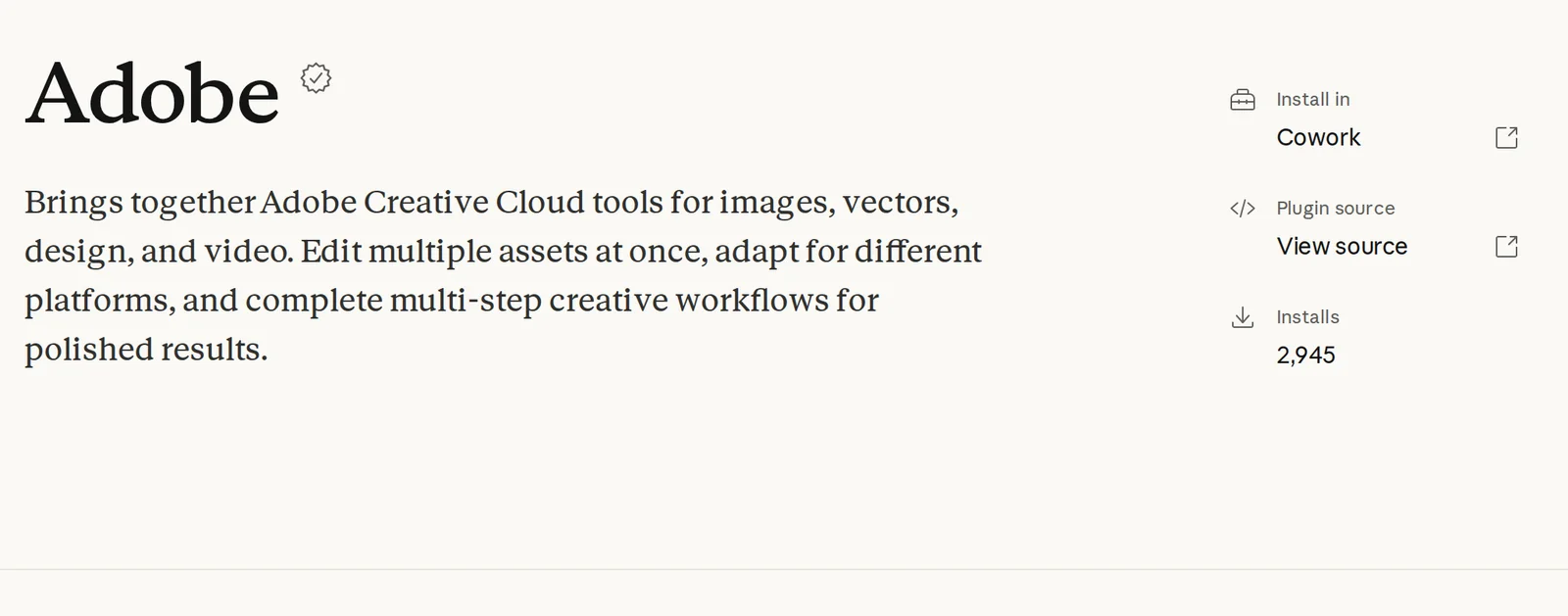
What it does: the plugin's skills folder includes creating social variations of a design, resizing photos and videos, batch editing photos, cutting products out of their backgrounds, retouching portraits, and Quick Cut, which turns a long video into a short highlight reel.
Its listing suggests prompts like resizing a video for YouTube Shorts and making variations for Instagram, LinkedIn and TikTok.
What to ask Claude:
- "Make Instagram, LinkedIn and TikTok versions of this product photo."
- "Cut this 10-minute webinar into a 30-second highlight reel."
How to install: open it from the listing and choose Install in Cowork. You sign in with your Adobe account. Our guide to AI tools for short-form video covers more ways to turn long videos into clips.
4. Marketing: plan campaigns and draft posts in your brand voice
Marketing is one of the plugins Anthropic built for Cowork, and it also works in Claude Code. It's "Anthropic verified" and comes from Anthropic's open source knowledge work plugins.
Marketing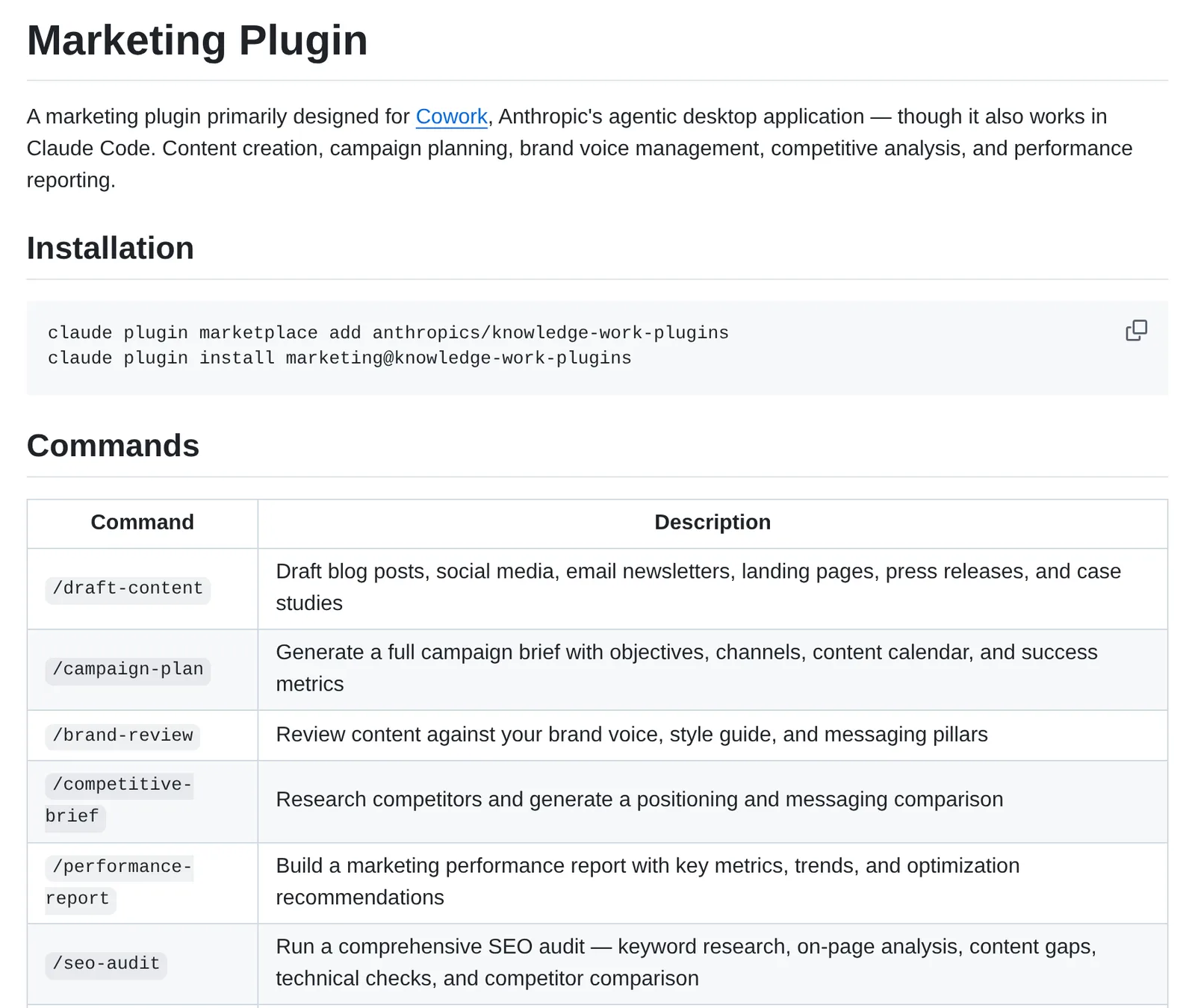
What it does: it adds seven commands. /draft-content writes social posts, blog posts, newsletters and more. /campaign-plan builds a brief with channels, a content calendar and success metrics. /brand-review checks a draft against your voice and style guide.
The rest cover competitor briefs, performance reports, SEO audits and email sequences. It can also connect to tools such as Canva, Figma, Slack and HubSpot.
What to ask Claude:
- "/campaign-plan for our product launch in March: LinkedIn, Instagram and X, six weeks."
- "/brand-review this week's posts against our style guide."
How to install: choose Install in Cowork on the listing, or in Claude Code run claude plugin marketplace add anthropics/knowledge-work-plugins and then claude plugin install marketing@knowledge-work-plugins. It plans and drafts but doesn't post, so pair it with PostEverywhere to turn the calendar into scheduled posts.
Our guide on teaching AI your brand voice explains how to write the voice guide it checks against.
5. HyperFrames: short videos with captions, written as HTML
HyperFrames is HeyGen's open source video framework, packaged as a Claude Code plugin. Claude writes a video as an HTML page, and HyperFrames renders it to an MP4.
HyperFrames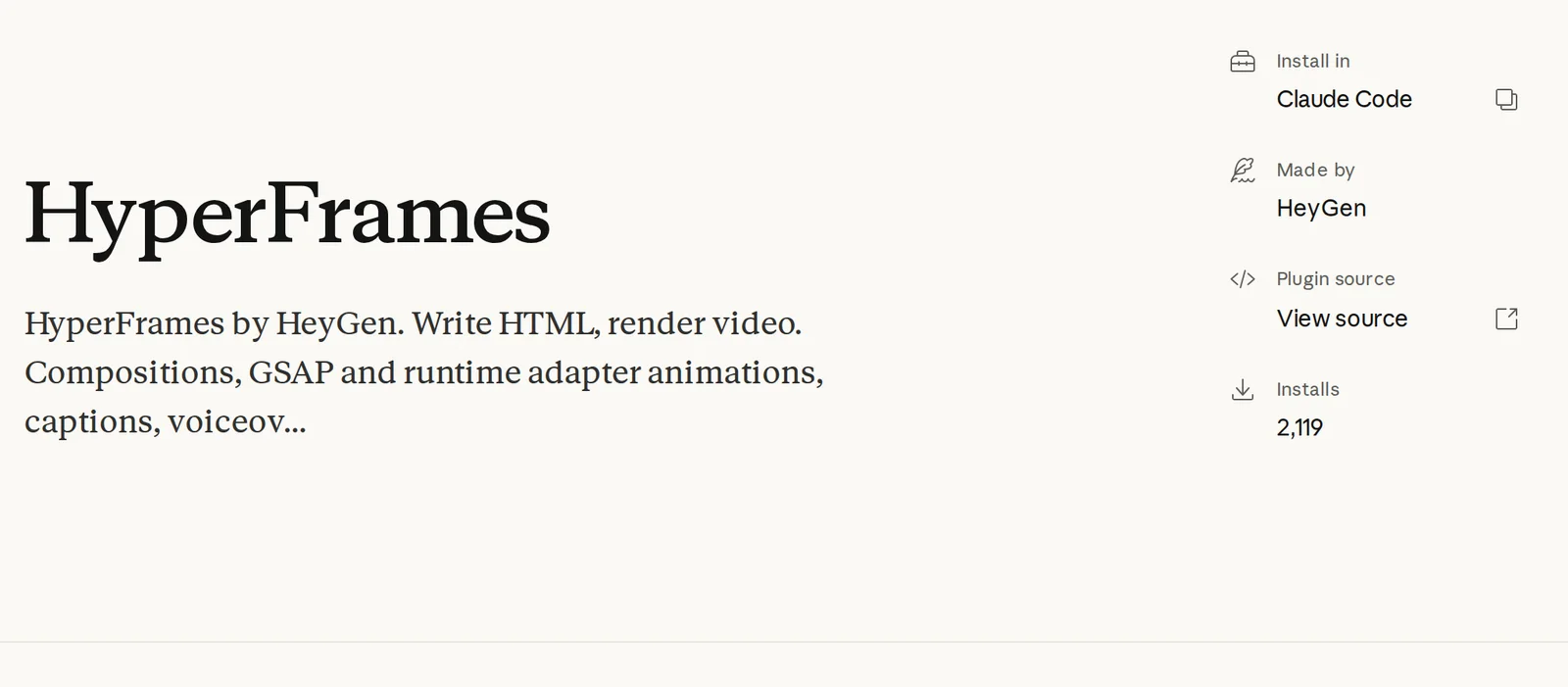
What it does: animated compositions, captions, voiceovers, visuals that react to audio, and website-to-video capture, which records a website as a video. For social media that means product teasers, animated quotes, data clips and captioned explainers, built from a prompt and rendered on your machine.
What to ask Claude:
- "Make a 15-second vertical video announcing our new feature, with captions and our brand colours."
- "Turn this chart into an animated clip for LinkedIn."
How to install: in Claude Code, run claude plugin marketplace add heygen-com/hyperframes and claude plugin install hyperframes@hyperframes, as the HyperFrames README describes. It needs Node.js 22 or later. When the video is ready, ask Claude to cross-post it as a Reel, a Short and a TikTok with PostEverywhere.
6. Marketing Skills: organic social posts, threads and video scripts
Marketing Skills is an open source pack by marketer Corey Haines and one of the most-starred marketing skill collections on GitHub. It installs as a Claude Code plugin or with npx skills add.
Marketing Skills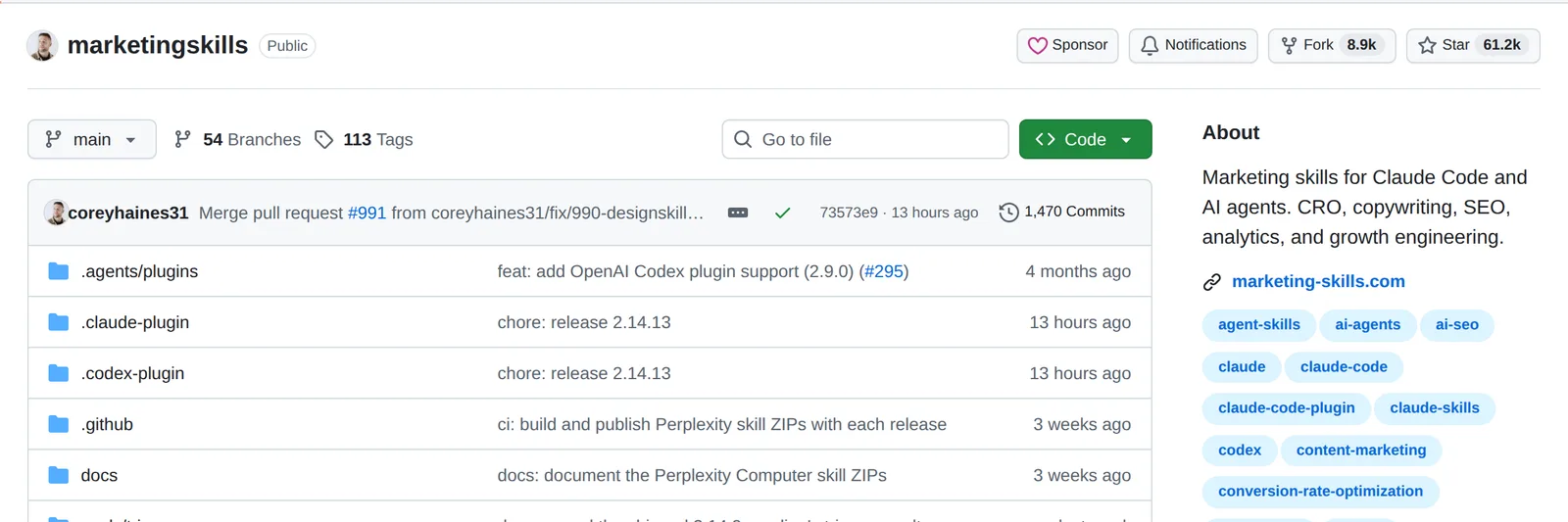
What it does: the pack has dozens of marketing skills. The one for social media is social: posts, threads, carousels, short-form video scripts and content calendars for LinkedIn, X, Instagram, TikTok and Facebook.
Its instructions put the story first and tell Claude to avoid common AI tells in the writing. Related skills cover ad creative, copywriting, content strategy and influencer marketing.
What to ask Claude:
- "Write five LinkedIn posts from this customer story. No broetry."
- "Turn this blog post into an X thread and a 30-second Reel script."
How to install: in Claude Code, run /plugin marketplace add coreyhaines31/marketingskills and install it from there. Once Claude has written the posts, PostEverywhere can schedule them without copying and pasting.
7. Social Media Research Skills: find what's working before you post
Social Media Research Skills is an open source plugin from ScrapeCreators, a social media data API. It gives Claude research methods that run on public data from TikTok, Instagram, YouTube, Reddit, X, LinkedIn and more.
Social Media Research Skills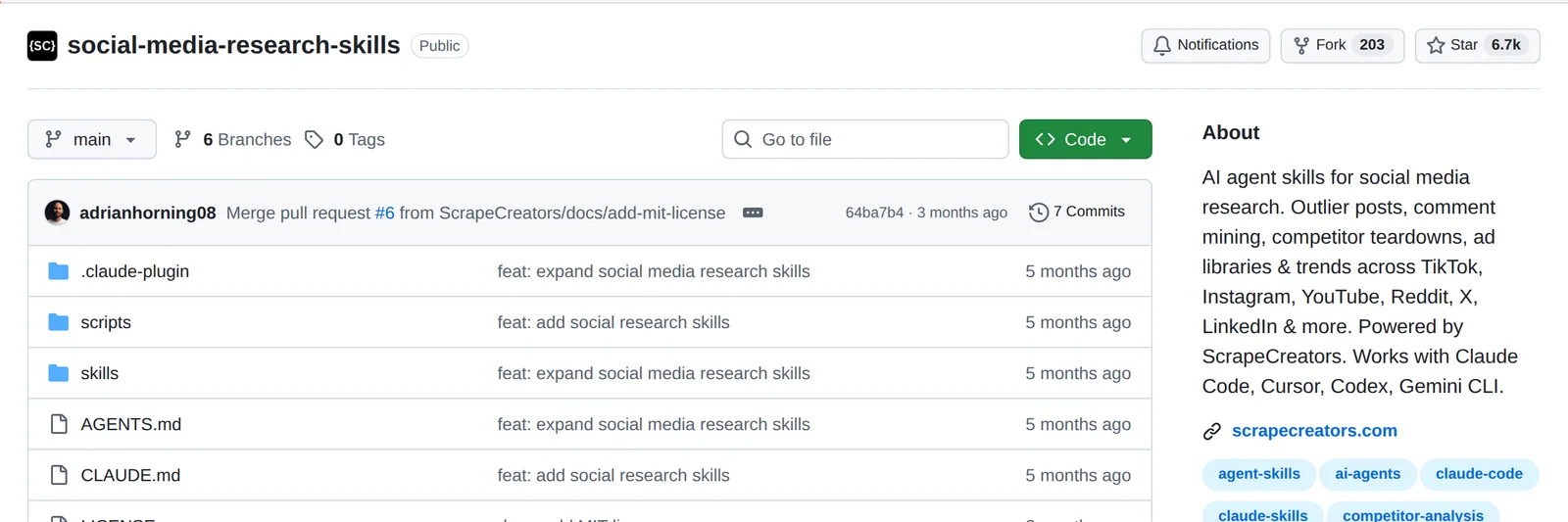
What it does: finds outlier posts that beat an account's normal numbers, mines comments for what your audience asks about, breaks down a competitor's social presence, reads ad libraries, tracks trends and pulls insights from video transcripts. It's the research step before you plan a calendar.
What to ask Claude:
- "Find the top outlier TikToks in the meal-prep niche from the last 30 days and tell me what they have in common."
- "Mine the comments on our competitor's last 20 Instagram posts for questions we could answer."
How to install: run npx skills add ScrapeCreators/social-media-research-skills, or add the repository as a Claude Code marketplace. It needs a ScrapeCreators API key, which is a paid service. For a free starting point, our social media audit tool checks your own profiles.
8. Windsor.ai: paid social and ad data in Claude
The Windsor.ai plugin connects Claude to more than 325 data sources, including Meta and Google Ads, so Claude can answer questions about ad spend and results without exporting spreadsheets.
Windsor.ai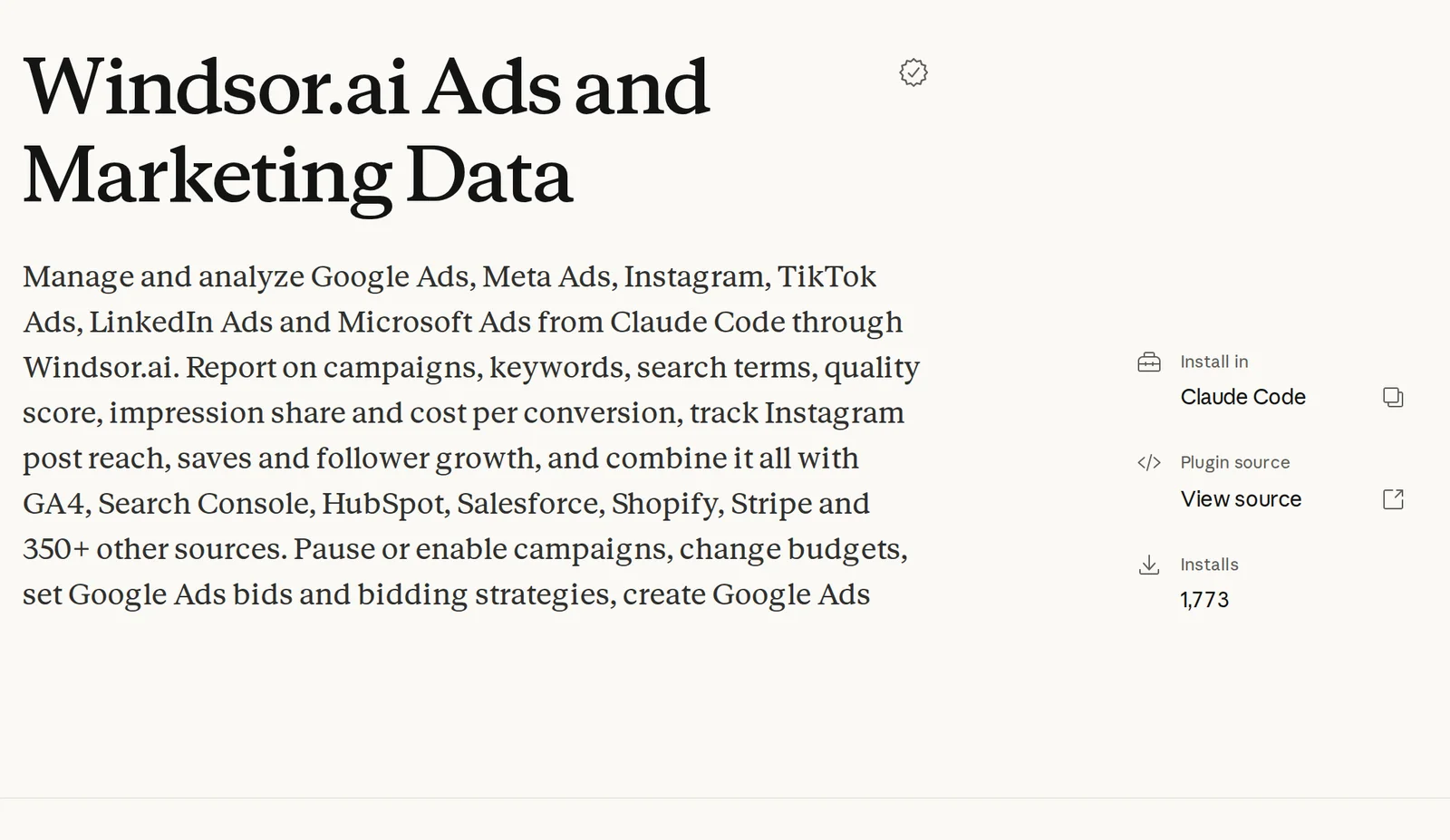
What it does: queries your marketing data across ad platforms, analytics and CRMs from the chat. Its commands include an /instagram-report that ranks your last 30 days of Instagram posts by reach, saves and follows, and a /pacing check on ad spend against budget.
What to ask Claude:
- "Which Meta ad set had the lowest cost per lead last month?"
- "Compare last quarter's ad spend by channel."
How to install: it's in Anthropic's official marketplace for Claude Code. You sign in with your Windsor.ai account and connect the data sources you want Claude to read. For your organic post numbers, PostEverywhere's social media analytics are already in the plugin at number one.
9. Exa: research a topic before you write about it
The Exa plugin adds Exa's search engine and research skills to Claude Code: web search, deep research, company research and content extraction from pages.
Exa
What it does: gives Claude a fast way to find recent sources, news and examples on a topic, so the posts it writes are based on what's happening this week, not its training data.
Useful for news-led posts, thought leadership and checking a fact before you publish it.
What to ask Claude:
- "Find the five most-discussed news stories about our industry this week, with sources."
- "Research what founders are saying about four-day weeks and draft three LinkedIn posts with links."
How to install: it's in Anthropic's official marketplace for Claude Code. Exa's hosted server works without an account up to a rate limit; sign in or add an Exa API key for more.
Our free content calendar generator is a quicker option when you just need a month of post ideas.
10. Skill Creator: turn your own routine into a skill
Skill Creator is Anthropic's plugin for building skills. It's free and made by Anthropic.
Skill Creator
What it does: interviews you about a task, writes the skill file, tests it and helps you improve it. If your team has a fixed way of doing something, such as a Monday planning routine, a house style for LinkedIn or a client report format, Skill Creator turns it into a skill Claude follows every time.
What to ask Claude:
- "Make a skill for our weekly LinkedIn post: tone, length, hashtags and the sign-off we always use."
- "Turn the way I write our monthly client report into a skill."
How to install: it's in Anthropic's official marketplace for Claude Code, and skills you make can be uploaded to Claude and Cowork. Our own skills started the same way. Combine a skill you write with the PostEverywhere MCP server and the routine ends with the posts scheduled.
Plugins vs skills vs connectors
The three terms overlap, and Claude's own menus use all of them:
- A skill is know-how: a
SKILL.mdfile that teaches Claude one task, such as writing a weekly report. Anthropic's skills guide explains the format. - A connector is access: an MCP server that lets Claude act in an app, such as publishing a post or exporting a design. See our list of the top Claude connectors.
- A plugin is the bundle: skills, commands and connectors installed together, so one install sets everything up.
For social media, the plugins that save the most time have both halves. A skill alone can write a good post but can't publish it. A connector alone can publish but has to work out the steps each time.
That's why the PostEverywhere plugin ships the connector and the skills together.
A social media stack built from Claude plugins
You don't need all ten. Here's how they fit together for a typical week:
- Research with Social Media Research Skills or Exa: what's working in your niche, what people are asking.
- Plan with Marketing's
/campaign-planor PostEverywhere's content calendar skill. - Write with PostEverywhere's skills or Marketing Skills, checked by
/brand-review. - Design and edit with Canva or Adobe, and make short videos with HyperFrames.
- Schedule and publish with PostEverywhere, then ask Claude how the week went.
Steps one to four make content. Only step five puts it in front of anyone. If you have Cowork, a scheduled Cowork task can run the whole loop every Monday and leave the posts as drafts for you to check.
FAQ
What is the best Claude plugin for social media?
PostEverywhere, because it's the only plugin on this list that publishes. It lets Claude write, schedule and publish posts to all top platforms, read analytics and retry failed posts. For design, Canva and Adobe are the strongest, and Anthropic's Marketing plugin is the best for planning campaigns.
Are Claude plugins free?
Most plugins are free to install, but many connect to a paid service. Skill Creator and Marketing Skills are free. Canva, Adobe, Windsor.ai and ScrapeCreators use your account with that company, and Exa works without one up to a rate limit.
PostEverywhere starts at $9 a month with a 7-day free trial (card required).
What's the difference between a Claude plugin and a Claude skill?
A skill is one set of instructions for one task. A plugin is a package that can hold several skills plus slash commands and a connector. Installing the PostEverywhere plugin, for example, adds 15 skills and the PostEverywhere connector at once.
Do Claude plugins work outside Claude Code?
Yes. Plugins also install in Cowork and in Claude on the web and desktop from Customize, then Plugins. Some listings only show one install button, so check each plugin's listing or README for where it runs.
Can Claude post to Instagram, TikTok or LinkedIn by itself?
Not without a connector. Claude needs a plugin or connector with publishing access, such as PostEverywhere, to post to your accounts. With it, Claude can schedule or publish to Instagram, TikTok, LinkedIn, X, Facebook, YouTube and every other top platform PostEverywhere supports, or save posts as drafts for you to approve.
Are Claude plugins safe to install?
Plugins can run code and act in your accounts, so install ones from the company behind the app or from an open source repository you can read. Anthropic marks some marketplace listings "Anthropic verified".
Connectors like PostEverywhere's use a sign-in you approve, and you can disconnect them at any time.

Founder & CEO of PostEverywhere. Writing about social media strategy, publishing workflows, and analytics that help brands grow faster.