Team roles and permissions
Three roles, one clear matrix. Members create and manage their own work. Account connections, billing, API keys and team management stay with owners and admins.
Get started from as little as $9 per month. $0 due today, cancel anytime.


Used by 2,831 happy customers
Three roles
Owner, Admin and Member
Most permission systems fail in one of two ways. Either everyone is an admin, or the rules are so fine-grained that nobody knows what they can do. Three roles with a visible matrix avoids both.
- Owner.
- Full control of the workspace, including the plan, the payment method and invoices.
- Admin.
- Everything the owner can do except billing. This is the role for whoever runs the accounts day to day.
- Member.
- Creates and manages their own posts. Cannot reach account connections, billing, API keys, the team, or other people's work.
Invite team member
4/5 seats usedA Member can:
• Publish and schedule posts
Members cannot connect accounts, manage the team, create API keys, or see billing.
Members
- S
Sam Lee
sam@northwind.co
owner - P
Priya Shah
priya@northwind.co
admin - M
Maya Ross
maya@northwind.co
member - J
Jordan Tate
jordan@northwind.co
member
The role matrix
What each role can do
The same matrix you see in Settings, so you can decide who gets which role before you invite anyone.
| Capability | Owner | Admin | Member |
|---|---|---|---|
| Create and schedule their own posts | Yes | Yes | Yes |
| Edit and delete their own posts | Yes | Yes | Yes |
| Edit and delete other people's posts | Yes | Yes | No |
| Approve posts when approvals are on | Yes | Yes | No |
| Connect and disconnect social accounts | Yes | Yes | No |
| Invite and remove team members | Yes | Yes | No |
| Create and revoke API keys | Yes | Yes | No |
| Billing, plan and payment method | Yes | No | No |
Admin is owner minus billing. That is the only difference between the two.
Least privilege
Give people the access their job needs
A freelancer writing captions does not need your payment method, and a contractor covering August does not need the power to disconnect your Instagram account. Roles let you bring people in without handing over the keys to everything.
- Connections are protected.
- Only owners and admins connect or disconnect social accounts, so nobody unhooks a profile the team depends on.
- API keys stay with the accountable.
- Creating and revoking API keys is owner and admin only, which keeps programmatic access under control.
- Other people's posts are off limits.
- Members edit and delete their own work. Editing or removing someone else's post is an owner and admin action.
A Member can:
- Publish and schedule posts
Members cannot connect accounts, manage the team, create API keys, or see billing.
An Admin can:
- Publish and schedule posts
- Approve posts
- Edit others' posts
- Delete others' posts
- Connect and disconnect accounts
- Delete others' media
- Manage team members
- Create and revoke API keys
- Create and delete workspaces
- Create and delete webhooks
Admins cannot change the plan or cancel the subscription. Only you can.
Seats by plan
How many people you can add
A seat is a person in your workspace, whatever role they hold. Every plan includes a 7-day trial, and a card is required to start it.
- Lite 1, Starter 2, Growth 3, Scale 5.
- Pick the plan that matches the size of the team, not just the number of accounts you post to.
- Roles work on every plan that has more than one seat.
- As soon as there are two of you, Owner, Admin and Member are all available.
See pricing for what else each plan includes.
Invite team member
2/2 seats used Upgrade for more seatsSeats included with each plan
- Lite1 seat · $9/mo
- StarterYour plan2 seats · $19/mo
- Growth3 seats · $29/mo
- Scale5 seats · $39/mo
Roles and access
Team permission capabilities
Clear roles, a visible matrix, and the sensitive settings held back from the people who do not need them.
- Owner
- Full control of the workspace, including billing, the plan and the payment method. Every workspace has an owner.
- Admin
- Everything an owner can do apart from billing. The role for the person who runs the accounts day to day.
- Member
- Creates and manages their own work. Cannot touch account connections, billing, API keys, team management or other people's posts.
- Account connections locked down
- Only owners and admins connect or disconnect social accounts, so nobody removes a profile the team depends on.
- API keys held back
- Creating and revoking API keys is owner and admin only, which keeps programmatic access with the people accountable for it.
- Billing stays with the owner
- The plan, the card and the invoices are visible to the owner alone. Admins run the workspace without seeing the bill.
Why roles matter
Shared logins are the real security problem
Most small teams start by sharing one login. It works until someone leaves, or a contractor finishes, or a password ends up in a group chat. At that point the only way to secure the account is to change the password and tell everyone the new one, which is how you end up back where you started.
Invite team member
4/5 seats usedA Member can:
• Publish and schedule posts
Members cannot connect accounts, manage the team, create API keys, or see billing.
Members
- S
Sam Lee
sam@northwind.co
owner - P
Priya Shah
priya@northwind.co
admin - M
Maya Ross
maya@northwind.co
memberMake Admin
Remove
- J
Jordan Tate
jordan@northwind.co
member
Named seats fix that. Each person has their own access, you can see who did what, and removing someone is one action rather than a password reset. Use the social media policy generator to write down who holds which role before you hand access out.
Members submit, owners and admins approve. Roles pair naturally with the approval workflow: turn on Require approval and members' posts wait for an owner or admin to sign them off.
One workspace per client. Roles also pair with team workspaces, so an agency can give a client visibility into their own workspace without exposing anyone else's.
Then the rest of the stack follows. Once access is sorted: multi-account management for the profiles, the posting queue for the rhythm, and analytics to see what it all did.
$0 due today, cancel anytime
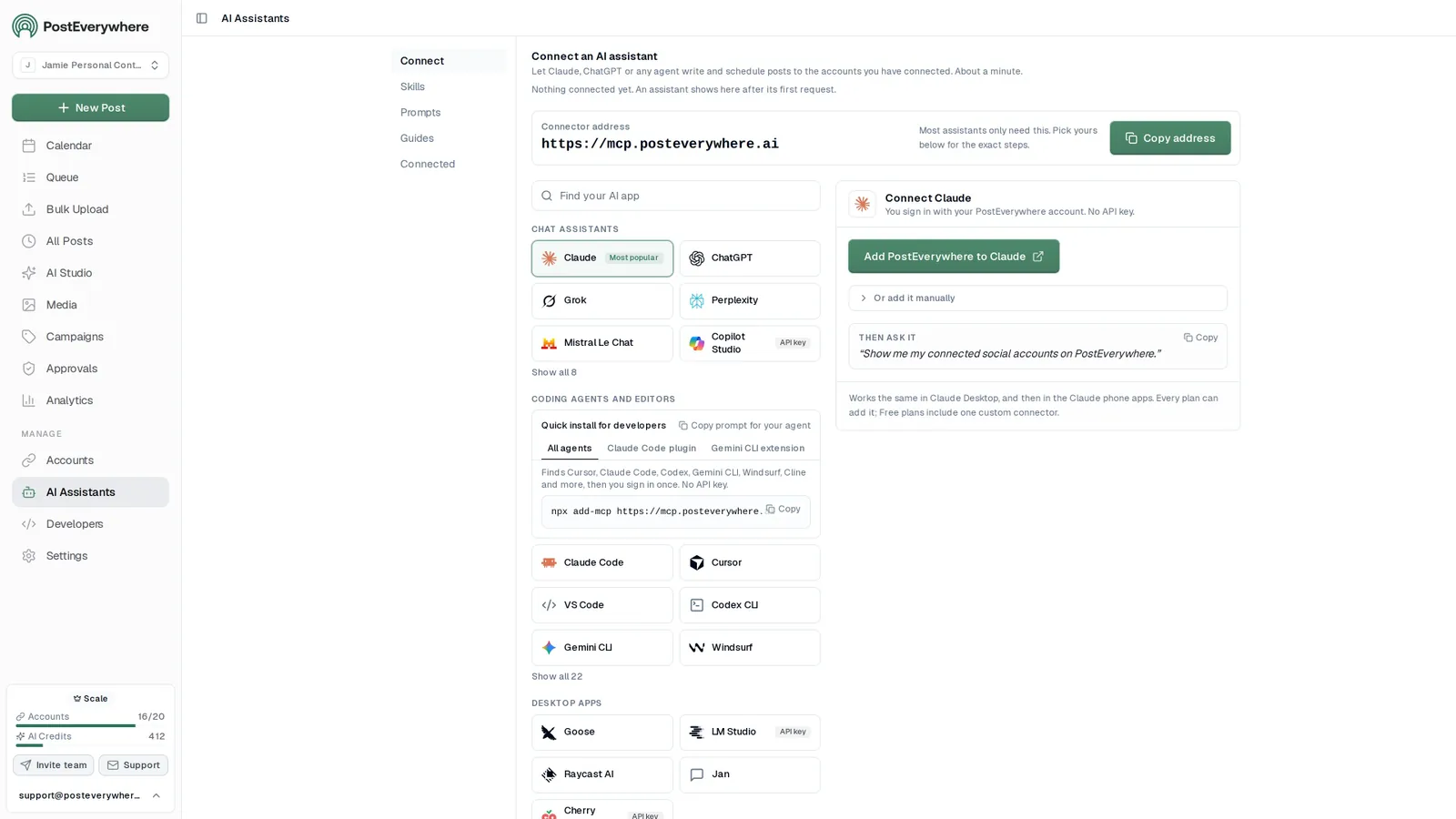
Connect your AI agent
Let ChatGPT, Claude or any AI agent work alongside your team
Connecting an AI agent to a workspace needs an Owner or Admin login. After that it can draft, schedule and report for the whole team.
- Connect any AI agent.
- Add PostEverywhere to ChatGPT, Claude, Grok, Perplexity, Cursor or any other AI app that supports MCP with one address. It takes about a minute.
- Ask in plain English.
- “Plan next week's posts for all my accounts.” Your agent writes every post for you.
- It schedules and publishes.
- Your agent can post now, schedule for later or save a draft for you to review. Every post lands in your calendar, and scheduled posts go out on time through each network's official API.
$0 due today, cancel anytime
Connector address
https://mcp.posteverywhere.aiAI assistants
Plus any other MCP client. See every setup guide
Ask your agent
See all 15 skills and prompts“Use PostEverywhere to plan next week of posts for all my connected accounts. Suggest one post a day, show me the plan, then schedule it when I say yes.”
View skill“Draft next week of posts for my client in PostEverywhere as drafts for review. Do not publish anything until they approve.”
View skill“Write a short weekly report from my PostEverywhere data that I can paste into an email to my team.”
View skill
Pricing
Simple pricing, unlimited posts on every plan
Every plan posts to all top platforms and includes the API and hosted MCP server for your AI agent.
7-day free trial on every plan. Card required, $0 due today, cancel anytime. Compare every plan
FAQ
Team roles FAQ
Straight answers about plans, platforms and how scheduling works.
What team roles does PostEverywhere have?
Three: Owner, Admin and Member. The owner has full control including billing. An admin can do everything an owner can except billing. A member creates and manages their own work but cannot connect accounts, manage the team, create API keys or edit other people's posts.
What is the difference between an owner and an admin?
Billing. An admin is an owner minus access to the plan, the payment method and invoices. Everything else, including connecting accounts, managing the team, approving posts and creating API keys, an admin can do.
What can a member do?
A member creates, schedules, edits and deletes their own posts. They cannot edit or delete anyone else's posts, connect or disconnect social accounts, invite or remove team members, create API keys, or see billing. When approvals are turned on, members submit their posts for review rather than publishing them.
How many seats does each plan include?
Lite includes 1 seat, Starter includes 2, Growth includes 3 and Scale includes 5. A seat is a person in your workspace, whatever their role.
Can a member connect a social account?
No. Connecting and disconnecting social accounts is restricted to owners and admins. This stops a departing team member from unhooking a profile the rest of the team relies on, and keeps the list of connected accounts under the control of the people accountable for them.
Can members see billing information?
No. Billing, the plan and the payment method are visible to the owner only. Admins run the workspace without seeing the bill, and members see none of it.
How do roles work with the approval workflow?
When a workspace has Require approval turned on, members submit posts for approval instead of publishing them. Owners and admins review the queue and approve posts or send them back with a note, and they always publish directly themselves.
Can I change someone's role later?
Yes. Owners and admins manage the team from Settings, so you can promote a member to admin or step someone back down as responsibilities change.
Still have questions?
Contact us or browse the full FAQ.
$0 due today, cancel anytime
Related Features & Tools
Explore related features and guides to get the most out of PostEverywhere.
Post Approval Workflow
Members submit, owners and admins approve.
Posting Queue
Set your posting times once for the whole team.
Team Workspaces
Separate brands and clients, each with its own team.
Multi-Account Management
Every connected profile in one dashboard.
Social Media API
API keys are owner and admin only.
Content Calendar
One shared view of everything planned.
Social Media Policy Generator
Write down who holds which role.
Team Size Calculator
Work out how many seats you actually need.
Social Media for Schools
Offboard student staff cleanly at the end of term.
Pricing
Lite 1 seat, Starter 2, Growth 3, Scale 5.
“This tool has truly made my content posting so much easier, I can't work without it. I can schedule my posts days in advance while working on other projects. Set it and forget it.”