


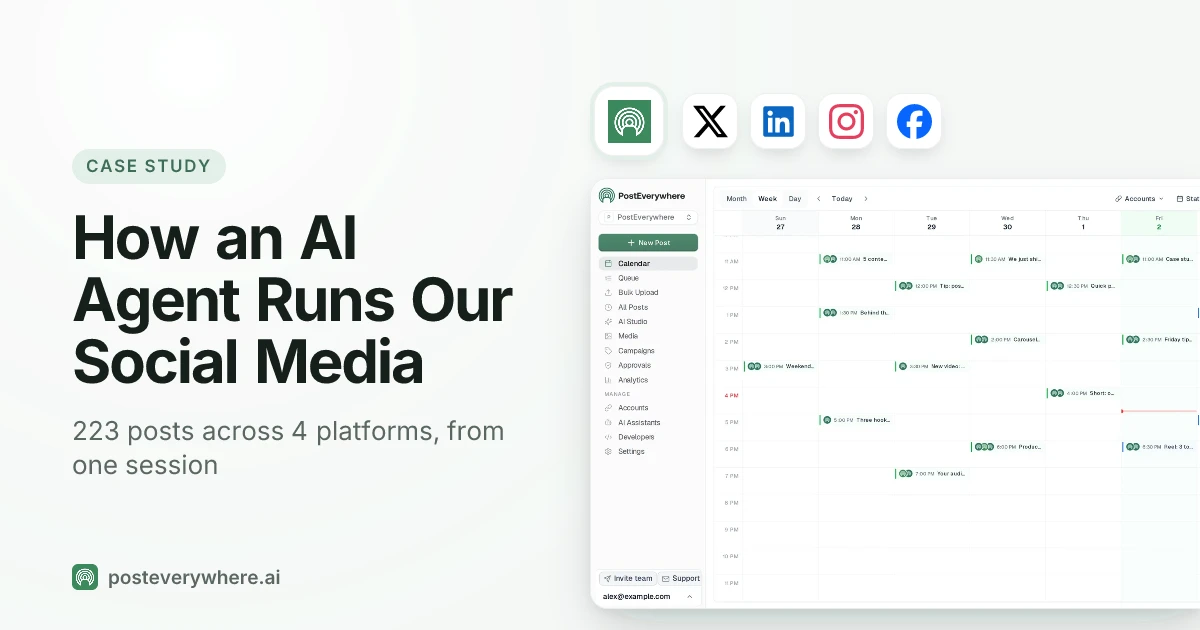
Can an AI agent really run your social media? It runs ours. On 5 November 2026, in one working session, Claude planned, wrote and scheduled four weeks of PostEverywhere's own posts: 56 topics, each written four ways, for X, LinkedIn, Instagram and Facebook. That's 223 posts, two a day on each platform, from 6 November to 3 December. It worked through our own social media API, the same one any customer's agent uses.
How did it go? Three weeks in, 165 posts have gone out and the final week is still queued. Half went out within 16 seconds of their slot, and nine in ten within about a minute.
What's this post? The whole thing, step by step: what we asked for, what the agent did, what I still do myself, and what we'd change next time. If you want to try it, the last section shows how.
Written by Jamie Partridge, Founder of PostEverywhere.
Why we handed our own social media to an agent
Our brand accounts went quiet for nine days in October. Nobody noticed. The queue just ran dry.
That's an awkward thing to admit when you build a social media scheduler. The tool wasn't the problem. Filling it was. Writing four versions of every post, for four platforms, every day, is exactly the kind of job that slips when you're busy building the product.
So in November we tried what our customers do. 79% of posts created on PostEverywhere in August and September came through our API or MCP server, according to our State of AI Agents in Social Media report. Most posts on PostEverywhere already come from an agent. Ours didn't.
What we asked for
The brief was short:
- Four weeks of posts, starting the next day.
- X, LinkedIn, Instagram and Facebook, two posts a day on each.
- Only topics we've actually published, each linking to the page that answers it.
- Each platform done properly. Not one caption pasted four times.
- Nothing scheduled without a check. Every post read back after it was saved.
What the agent did
1. Picked 56 topics from our own content
Claude went through our blog and product pages and picked 56 topics about scheduling, platforms and connecting AI agents. It kept to our rule that brand posts are about social media scheduling and the platforms we support, nothing else.
2. Wrote each topic four ways
Every topic got its own version per platform, written to a format we set once:
| Platform | Length | Hashtags | Link |
|---|---|---|---|
| X | Under 280 characters | None | Link card |
| About 120 to 160 words | 3 | Link card | |
| About 70 to 130 words | 5 | "Link in bio" | |
| About 40 to 75 words | 2 | In the post |
The first line of each post carried the question the page answers, so people searching for it would recognise it.
3. Made the images in code
Instagram and Facebook do better with an image, so every post for those two got a new 4:5 card (1080 by 1350, the tallest size both feeds show in full).
The cards were rendered from code in our house style, so every word on them is real text, not something an image model guessed at.
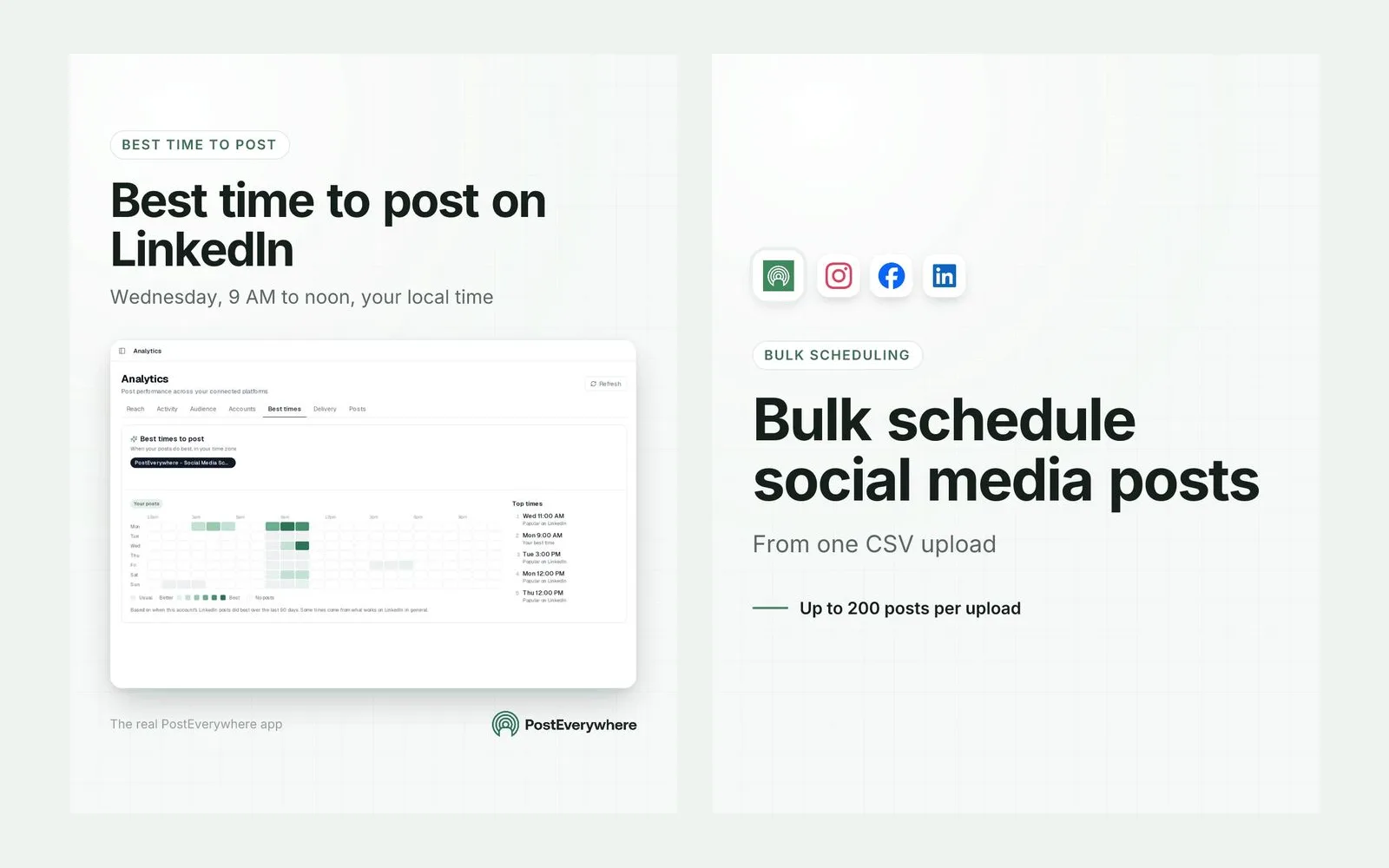
4. Gave each platform its own times
Posting to all four at once looks automated, because it is. So each platform got its own two slots a day:
| Platform | Midday (UTC) | Evening (UTC) |
|---|---|---|
| 13:30 | 19:30 | |
| X | 14:00 | 19:00 |
| 15:00 | 20:30 | |
| 17:00 | 21:30 |
5. Scheduled everything, then checked every post
Our API allows 60 requests a minute per key, so the agent spaced its calls about a second and a half apart. Saving all 223 posts took under five minutes.
Then it read every post back through the API and compared it with what it meant to send: the text, the account, the time and the image.
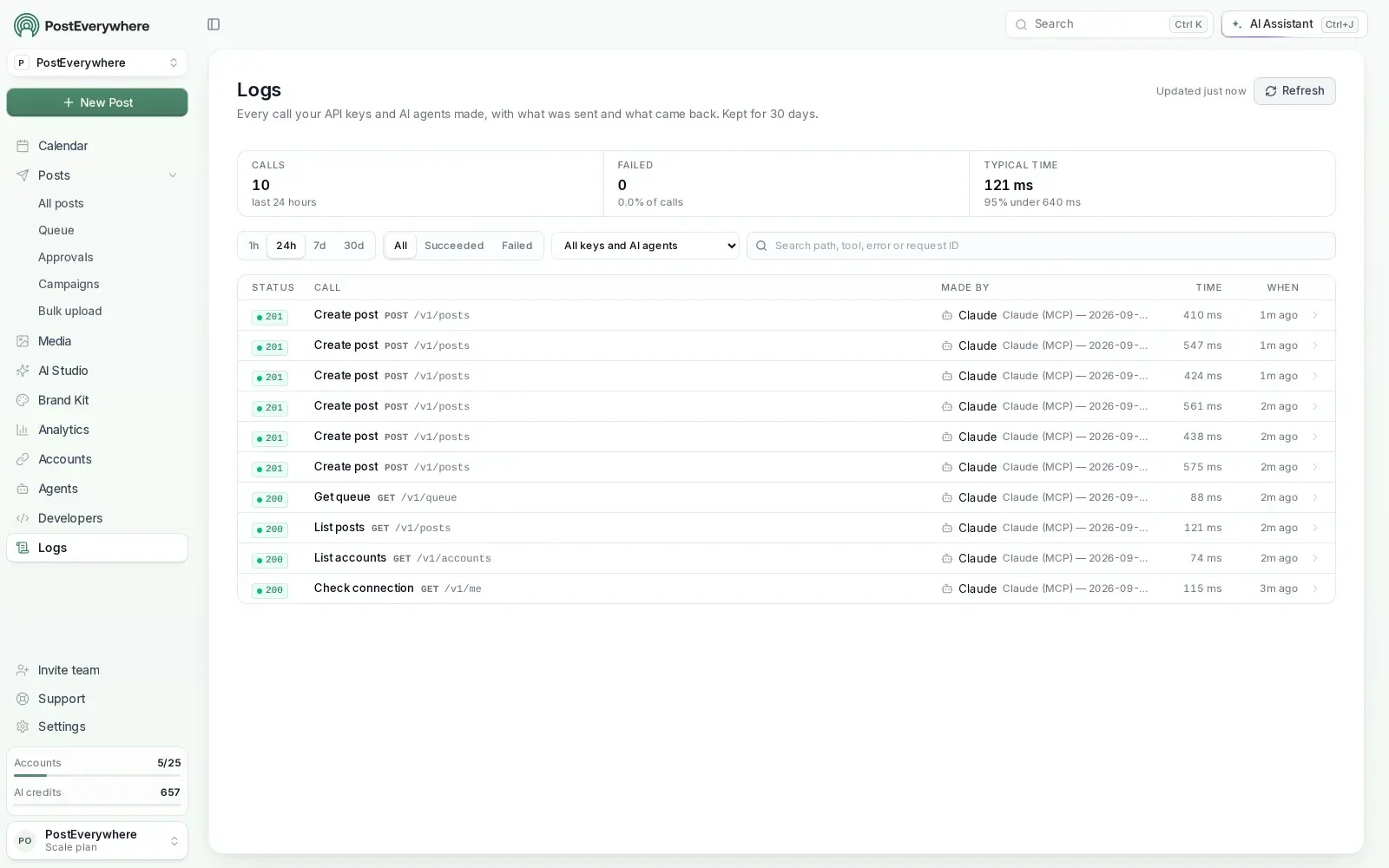
You can see every call an agent makes in PostEverywhere's API and MCP logs, so none of this happens out of sight.
Want an agent to fill your calendar too? Connect your accounts to PostEverywhere, connect Claude or the agent you already use, and ask for one week of drafts first. Start your 7-day free trial.
What happened when the posts went out
As of 26 November, three weeks in:
| Posts | |
|---|---|
| Scheduled in the session | 223 |
| Published so far | 165 |
Timing. Half the posts went out within 16 seconds of their slot, and nine in ten within about a minute. That matters more than it sounds. A month of posts is only useful if you can forget about it.
What it cost us. One working session, plus my time reading the plan before anything was scheduled.
What I still do myself
The agent does the volume. I still do the parts that need judgement:
- I set the brief. Topics, formats and the rules about what we never post.
- I read the plan before it's scheduled. Topics and formats, not all 223 posts word by word.
- I write anything personal. Founder posts, like my piece on running my accounts from Grok Bot, are mine. (If you want that setup, our Grok Bot guide covers it.)
- I post the news. Launches and big updates get their own posts on the day, like the API update we shipped this week.
What we'd change next time
Two posts a day was too many. On a small company page, a second post each day mostly competes with the first. Posting more didn't get each post seen by more people. So we're cutting back to fewer, better posts, and changing the mix:
- More news. What we shipped this week, with a screenshot or a short clip.
- More of our own data. Charts from posts scheduled with PostEverywhere, not just a link to the blog.
- Fewer "how to" summaries. They're useful in search, but they're not why anyone follows a company.
The agent still does the writing and scheduling. The brief is what changes.
Why this works on PostEverywhere
None of this needed custom code. PostEverywhere is an agentic social media scheduler: built so an AI agent can do the posting, not just the writing.
- One connection, every platform. The agent connects once, through our MCP server or API, and reaches every account you've connected across all top platforms.
- A version per platform in one post. Each post can carry its own text for X, LinkedIn, Instagram and Facebook, so the agent writes for each network instead of pasting one caption four times.
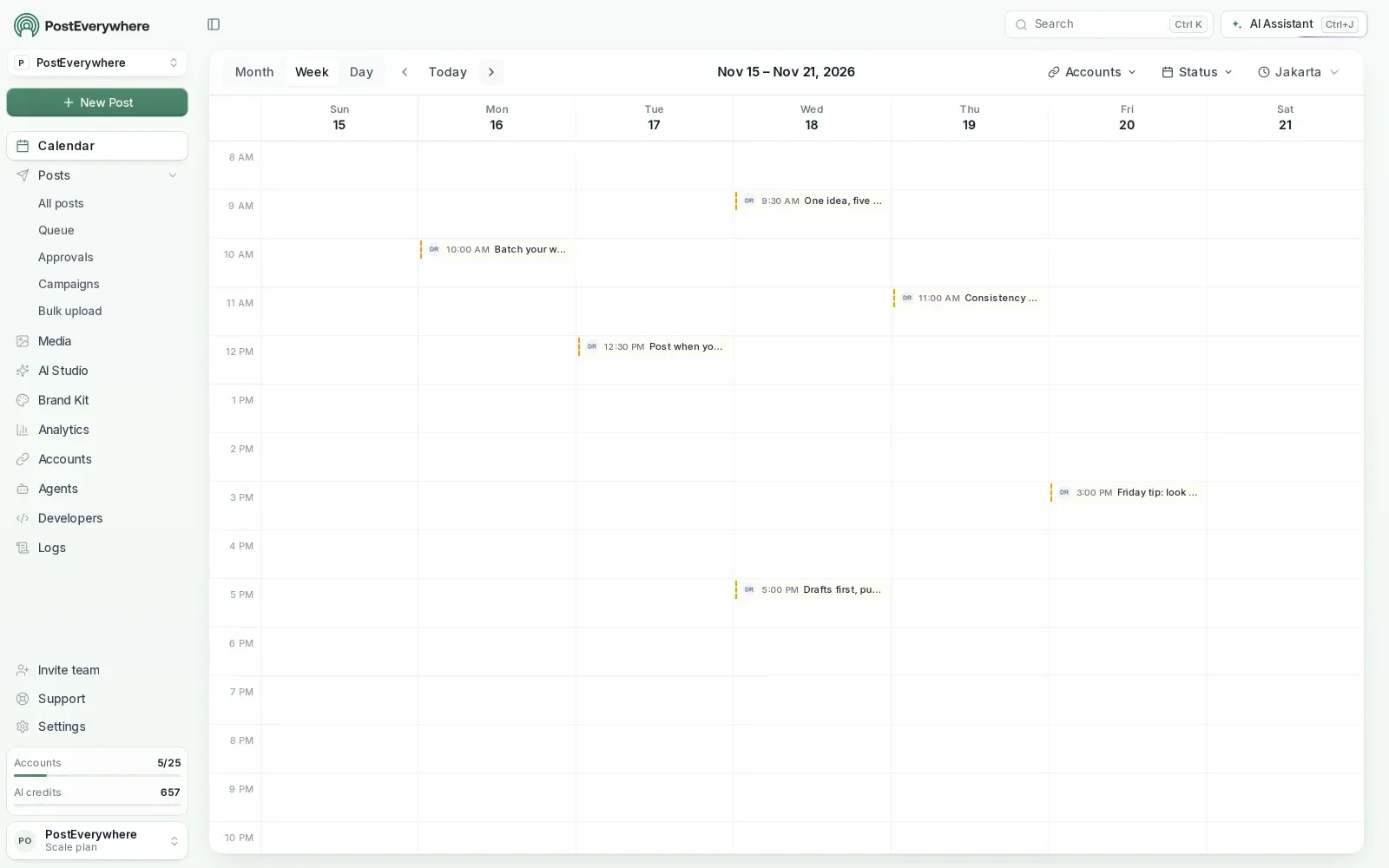
- Everything lands in one calendar. Posts an agent schedules show up in your social media calendar next to the ones your team made, where anyone can edit or delete them before they go out.
- Nothing happens out of sight. Every call the agent makes is in your API and MCP logs, and it can read any post back to check it.
- Any agent you already use. Claude did ours. ChatGPT, Gemini, Copilot, Grok, Cursor and custom agents connect the same way.
How to let an agent run your social media
You don't need our setup. The same steps work for one brand or ten.
1. Connect your accounts. Start a 7-day free trial and connect the platforms you post to. PostEverywhere covers all top platforms, so one agent can reach every one.
2. Connect your agent. Claude, ChatGPT, Gemini, Cursor and the rest connect through our MCP server. Our Claude setup page takes about two minutes, and our guide to scheduling posts with MCP covers the others.
3. Write the brief once. Topics, formats per platform, posting times and the things you never post about. Save it in the agent's instructions, a project or a skill, so you don't retype it.
4. Start with one week of drafts. Ask for drafts, not scheduled posts. Check them in your social media calendar, fix what's off, and tighten the brief.
5. Then hand it a month. Ask it to read every post back after scheduling and check it against recent posts, so nothing goes out twice.
If you'd rather plan in a spreadsheet, bulk scheduling takes the same month from one CSV file, and an agent can create up to 50 posts in one API request.
Ready to stop filling the calendar by hand? Give your agent PostEverywhere and let it schedule your next month across all top platforms. Start your 7-day free trial.
FAQ
Can an AI agent run a company's social media?
Yes, for the planning, writing and scheduling. In our case Claude scheduled 223 posts across X, LinkedIn, Instagram and Facebook in one session through PostEverywhere's API, and 165 have gone out so far.
A person should still set the brief, check the plan and write anything personal.
Which AI agent did you use?
Claude, working through PostEverywhere's API. Any agent that connects to our MCP server or API can do the same, including ChatGPT, Gemini, Microsoft Copilot, Grok, Cursor and custom agents.
How long did it take?
One working session on 5 November 2026. Saving the 223 posts took under five minutes, spaced to stay inside our API's limit of 60 requests a minute.
Did the agent post without anyone checking?
No. I read the plan before anything was scheduled, and the agent read every post back after saving it. If you'd rather approve each post, ask your agent for drafts and schedule them from the calendar yourself.
Would you post twice a day again?
No. On a small company page, the second post each day mostly competed with the first. We're cutting back to fewer posts, with more product news and more of our own data.

Founder & CEO of PostEverywhere. Writing about social media strategy, publishing workflows, and analytics that help brands grow faster.