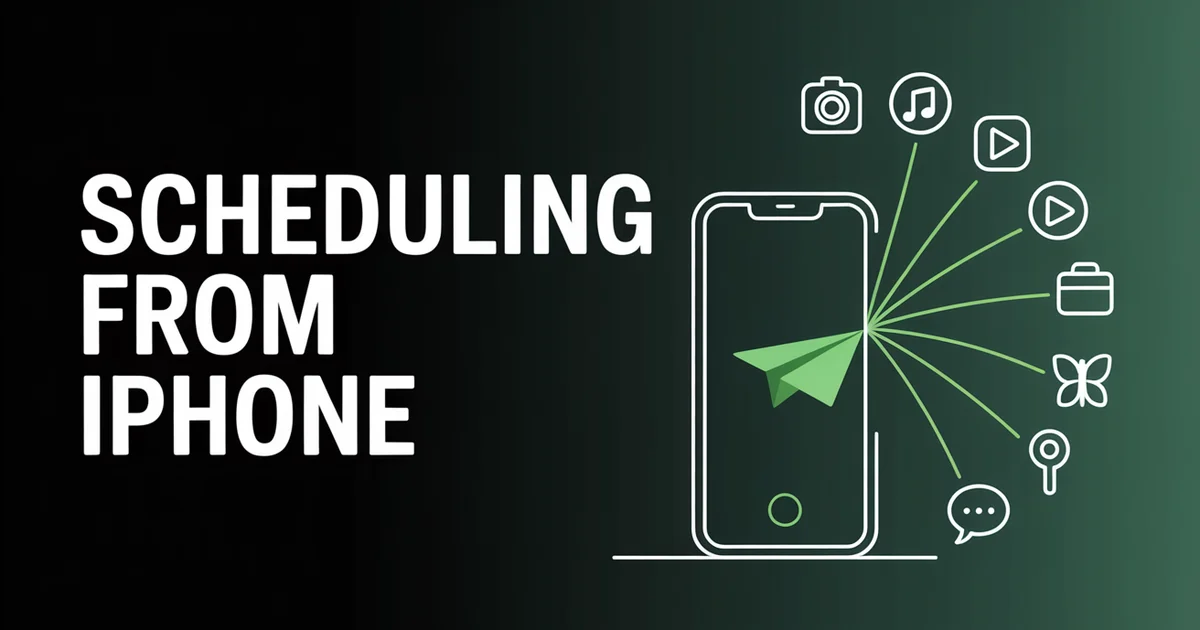
The PostEverywhere iOS app is now on the App Store. It is free to download, runs on iPhone with iOS 18 or later, and is included with every plan. It is the full workspace rather than a companion viewer: the same composer, calendar and delivery tracking as the web app, sized for a phone.
Launch posts are usually the least useful thing a company publishes, so this one tries to earn the read whether or not you ever install it. The interesting part of building a mobile scheduler was not the interface. It was the architectural decision underneath it, the one that separates a scheduling app that works from one that quietly fails at 6am on a Sunday.
Written by Jamie Partridge, Founder of PostEverywhere.
What actually shipped
Since this launched we have also shipped a posting queue, post approvals and team roles. The full write-up is here.
Version 2.0 is on the App Store now. The full feature list lives on the iOS app page, but the short version is that it publishes to all top platforms we support: Instagram, TikTok, YouTube, X, Facebook, LinkedIn, Threads, Pinterest, Bluesky, Telegram and Discord.
Inside the app you get one composer that posts to any mix of those accounts, per-platform customisation so a LinkedIn caption can differ from a TikTok one, exact previews of how each network will render the post, a month-view calendar, and live delivery tracking with one-tap retries. AI Studio for captions, images and video runs in the web app on the same account.
If you already use PostEverywhere on the web, you sign in and everything is there. Nothing to migrate, no separate mobile plan.
Why build a mobile app at all
The honest answer is that the desk is not where social media happens any more, even for people who plan at one.
DataReportal's global digital report puts the majority of social platform access on mobile, and that has been true for years. What changed is where the work happens. Planning a month of content is still a desk job. But the moments that actually need action almost never wait for one: a client asks why a post has not gone out, an idea arrives on a train, an account needs reconnecting an hour before a launch.
Until this week our answer to all three was "open a laptop." That was the gap.
Want to try it? Download the app, sign in, and schedule your first post from your phone. New accounts get a 7-day free trial on any plan. Card required, cancel any time.
The detail that decides whether a mobile scheduler works
Here is the part worth knowing even if you never use our app, because it is the question to ask any mobile scheduling tool before you trust it with a launch.
Does scheduling run on the phone, or on a server?
Some mobile posting apps schedule locally. The app sets a notification, and when the time arrives it either prompts you to publish manually or attempts the post from the device. That works fine in a demo. It fails when the phone is off, out of battery, in airplane mode, or when iOS decides your backgrounded app is not worth waking. It also fails silently, which is worse.
PostEverywhere schedules server-side. When you set a post for Tuesday at 10am, that instruction goes to our infrastructure, and our infrastructure publishes it. Your phone can be dead in a drawer. This is the same publishing pipeline the web app and our REST endpoints for developers use, so a post scheduled from the app behaves identically to one scheduled from a laptop or fired by an assistant you have connected.
That distinction sounds like plumbing. It is the difference between a scheduler and a reminder.
What "one composer, all top platforms" means on a small screen
Cross-posting on a phone is harder than on a desktop for an obvious reason: there is no room to show eleven versions of a post at once.
The compromise most apps make is to drop per-platform control entirely on mobile, so you write one caption and it goes everywhere identically. That is the behaviour platforms quietly downrank, and we cover why in our guide to publishing the same idea properly across networks.
Our approach was to keep the customisation but stage it: write the shared version first, then open any single platform to override its caption, or add a title and tags for YouTube, or set reply controls on X. Every other version stays untouched. The platform-specific fields appear only where they apply, because the requirements genuinely differ between networks. TikTok's Content Posting API and LinkedIn's Posts API expect fundamentally different payloads, and pretending otherwise is how posts come out broken.
Exact previews matter more on mobile, not less
The app renders each post the way the destination network will actually display it, before you publish.
On a desktop this is a convenience. On a phone it is closer to essential, because you are usually posting in the gaps: between meetings, on a platform, one-handed. That is exactly when a truncated caption, a badly cropped image or a link that was supposed to be a rich card slips through.
Apple's Human Interface Guidelines make the case better than I can: on a small screen, showing beats explaining. A preview removes an entire category of "I did not realise it would look like that" mistakes, which is one of the more common errors we see people make when scheduling.
Publishing that is not a black box
The screen I use most is the delivery view.
It shows what published where, per platform, in real time. If something failed, it says why in plain language rather than an error code, and you can retry with one tap. If an account needs reconnecting, the app tells you before that stale token silently kills a week of scheduled posts.
This was a deliberate choice about what to surface on a phone. Analytics can wait for a desk. Knowing whether the thing you scheduled actually went out cannot, especially if you are running several brands at once or posting on behalf of clients from a shared team space.
Managing more than your own accounts? Workspaces, roles and approvals work the same way on iPhone as they do on the web. See how team workspaces handle client separation.
What the app deliberately does not do
Three things, and they were all decisions rather than omissions.
It does not do deep analytics. You get engagement, reach and delivery health. Full reporting stays on the web, where there is room for it. Cramming a reporting suite into a phone screen produces something nobody uses.
It does not replace planning. The month calendar is there to review, reschedule and fill gaps. Building a content plan from scratch is still much faster at a desk, which is roughly the argument in our batch-planning walkthrough.
It does not post without you. There is no autopilot mode that invents and publishes content unattended. Even when an assistant drafts through the server that exposes our tools to agents, a person approves what goes out.
What it costs
The app is free to download and included with every PostEverywhere plan, as the iOS app overview sets out. There is no separate mobile subscription and no in-app upsell.
Plans start at $9/month for Lite, then $19 Starter, $29 Growth and $39 Scale, with 20% off annual billing. New accounts start with a 7-day free trial on any plan. A card is required to start the trial, and you can cancel any time before it ends. We do not have a permanent free plan, and the pricing page says so in the same words.
Requirements, and the limitations we are not hiding
It needs iOS 18 or later. That rules out older devices, and it was a real trade-off. Targeting iOS 18 let us use current system components rather than shipping a heavier app to support hardware most of our users are not on.
There is no Android app yet. If you are on Android, the web app works in any mobile browser with the same scheduling, AI and analytics features, and it is what I would use in the meantime. An Android build is on the roadmap, and I would rather say that plainly than imply one is imminent.
It is new, so it has no reviews. The App Store product page shows ratings once people leave them, and ours is empty. If you use the app and it holds up, a rating genuinely helps a new listing; if it does not hold up, I would rather hear that directly.
Where this fits in what we are building
The pattern we keep returning to is that a scheduling workspace should be reachable from wherever the work happens rather than from one screen.
That is the web app for planning, PostEverywhere itself as the core, the API and SDK for automation, the MCP server so ChatGPT and Claude can run it directly, and now an iPhone in your pocket. Same workspace, same accounts, same approvals, four different doors.
The next one is Android. After that, the interesting question is not which screen comes next but how much of this work stops needing a screen at all.
New to scheduling? Our social media scheduler page covers the fundamentals.
FAQs
Is the PostEverywhere iOS app free?
The app is free to download from the App Store. Using it requires a PostEverywhere account, and new accounts start with a 7-day free trial on any plan from $9/month, with a card required.
Which iPhone models and iOS versions are supported?
The app runs on iPhone with iOS 18.0 or later. Older iOS versions are not supported, so check your device settings before downloading if you are unsure.
Is there a PostEverywhere Android app?
Not yet. The iOS app is our first native mobile app, and an Android build is on the roadmap. On Android, the web app works in any mobile browser with the same features.
Do scheduled posts publish if my phone is off?
Yes. Scheduling runs on PostEverywhere servers rather than on your device, so posts publish on time whether the app is open, closed, or your phone is switched off entirely.
Can I publish to all top platforms from the app?
Yes. The app publishes to Instagram, TikTok, YouTube, X, Facebook, LinkedIn, Threads, Pinterest, Bluesky, Telegram and Discord, the same platforms the web app supports.
Can I customise a post per platform on mobile?
Yes. Write the shared version first, then override any individual platform's caption, add a YouTube title and tags, or set reply controls on X, without retyping the others.
Does the iOS app include the AI Studio?
AI Studio runs in the PostEverywhere web app on the same account and plan. It writes captions and generates images and video, and what you make saves to your Media library. Credit top-ups are bought on the web, not in the iOS app.
Do I need a separate subscription for the mobile app?
No. The app is included with every plan at no extra cost, and there is no in-app purchase. One account covers the web app, the API, the MCP server and iPhone.

Founder & CEO of PostEverywhere. Writing about social media strategy, publishing workflows, and analytics that help brands grow faster.