Social media agent skills and prompts for Claude, ChatGPT and any agent
15 skills and 10 ready prompts that teach your AI agent to plan, write, schedule and publish posts to all top platforms with PostEverywhere. Install them in one step, or open any prompt straight in Claude or ChatGPT.
$0 due today, cancel anytime


Used by 2,831 happy customers
Install
Install the PostEverywhere skills in your agent
Every skill lives in one public repo, posteverywhere/claude-plugin. Pick your agent and run the command. If your agent is not connected to PostEverywhere yet, start with its setup guide.
Claude
Add the plugin marketplace in Claude, and the skills load alongside the PostEverywhere connector.
CustomizePluginsAdd marketplaceposteverywhere/claude-plugin
PostEverywhere in the Claude directoryClaude Code
Add the marketplace, then install the plugin. Two commands in any Claude Code session.
/plugin marketplace add posteverywhere/claude-plugin/plugin install posteverywhere@posteverywhereChatGPT
Download every skill in one zip and add it to ChatGPT. Each skill also has its own zip on its card below.
Download all skills (.zip)Gemini CLI
Install the repo as a Gemini CLI extension.
gemini extensions install https://github.com/posteverywhere/claude-plugin- npx
Any agent
For any other agent that reads skills, add them with one npx command.
npx skills add posteverywhere/claude-plugin
Skills
15 skills for social media agents
Each skill teaches your agent one job, from cross-posting a video to a client approval workflow. Try one with the prompt on its card, or read the SKILL.md on GitHub.
Plan a content calendar
plan-content-calendar
Plan a week or month of posts and fill your queue.
Try it
“Plan next week of posts for my LinkedIn and X in PostEverywhere.”
Repurpose content
repurpose-content
Turn a blog post, transcript or newsletter into a set of posts.
Try it
“Turn this article into five posts and schedule them in PostEverywhere.”
Cross-post a video
cross-post-video
One video to TikTok, Reels, Shorts and more, with the right caption for each.
Launch announcement
launch-announcement
Teaser, launch-day, reminder and last-call posts for a launch, event or sale.
Try it
“Plan a launch campaign for our new feature next Tuesday in PostEverywhere.”
Write an X thread or Article
write-x-thread-or-article
Write an X thread or long-form X Article and post it.
Try it
“Turn this blog post into an X thread and schedule it with PostEverywhere.”
Write a blog post
write-blog-post
Write a WordPress post and publish or save it as a draft.
Try it
“Write a WordPress blog post from these notes and save it as a draft in PostEverywhere.”
Brand voice
brand-voice
Learn how you write from your own posts and keep new posts in your voice.
Try it
“Read my recent posts in PostEverywhere and write me a short voice guide.”
Recycle top posts
recycle-top-posts
Find your best past posts and schedule fresh versions.
Try it
“Find my best posts from the last 3 months in PostEverywhere and schedule new versions.”
Review post performance
review-post-performance
See how posts did and which platform works best.
Weekly report
weekly-report
A short weekly or monthly report, ready to paste into an email.
Fix failed posts
fix-failed-posts
Find posts that didn't go out, explain why, and fix them.
Approval workflow
approval-workflow
Draft posts for a client or manager to review before they go live.
Try it
“Draft next week of posts in PostEverywhere and send them for review.”
Agency clients
agency-clients
Work across several clients or brands without mixing them up.
Try it
“Switch to my Acme client in PostEverywhere and show their queue.”
Prompt library
Prompts for scheduling social media with an AI agent
Copy a prompt, or open it in Claude or ChatGPT with the text filled in. Swap anything in square brackets for your own details. Your agent can publish now, schedule, or save a draft, so say which you want.
- 1
Plan next week
Prompt
“Use PostEverywhere to plan next week of posts for all my connected accounts. Suggest one post a day, show me the plan, then schedule it when I say yes.”
- 2
Fill the gaps in your queue
Prompt
“Look at my PostEverywhere queue for the next two weeks and tell me where the gaps are. Then suggest posts to fill them.”
- 3
Launch post for LinkedIn and X
Prompt
“Write a launch post for LinkedIn and a shorter one for X about [your news]. Schedule both in PostEverywhere for Tuesday at 9am.”
- 4
Image post for Instagram
Prompt
“Make an image for this announcement with PostEverywhere, then schedule it to Instagram tomorrow at noon: [your announcement].”
- 5
One article, five posts
Prompt
“Turn this article into five posts for LinkedIn, X and Threads, and spread them across next week in PostEverywhere: [paste link or text].”
Uses Repurpose content
- 6
One video, every short-form feed
Prompt
“Post this video to TikTok, Instagram Reels and YouTube Shorts with PostEverywhere. Write the right title and caption for each: [video link].”
Uses Cross-post a video
- 7
What worked last month
Prompt
“How did my posts do last month? Use PostEverywhere analytics and tell me which platform and which kind of post worked best.”
- 8
Weekly report for your team
Prompt
“Write a short weekly report from my PostEverywhere data that I can paste into an email to my team.”
Uses Weekly report
- 9
Fix failed posts
Prompt
“Check PostEverywhere for posts that failed this week. Tell me why each one failed, then retry the ones that can go out now.”
Uses Fix failed posts
- 10
Drafts for client review
Prompt
“Draft next week of posts for my client in PostEverywhere as drafts for review. Do not publish anything until they approve.”
Under the hood
The 38 MCP tools your agent calls
Skills are instructions; the work is done by the tools on the PostEverywhere MCP server. These are the same actions as the REST API.
Posts
create_postpublish now, schedule, or save a draftschedule_postupdate_postdelete_postget_postlist_postslist_posts_advancedbulk_create_postsup to 50 postsget_post_resultsretry_failed_postretry_failed_posts
Queue
get_queue
Media
upload_media_from_urllist_mediaget_mediadelete_media
AI
generate_imagelatest image models, uses creditsgenerate_caption1 to 5 captions
Accounts
list_accountsget_accountget_account_healthcreate_connect_link10-minute linkcreate_reconnect_linkconnect_credential_accountTelegram, Discord, Bluesky, WordPress
Insight
get_analytics_summaryget_meget_platform_rules
Campaigns
list_campaignscreate_campaignget_campaignupdate_campaigndelete_campaign
Webhooks
list_webhookscreate_webhookget_webhookupdate_webhookdelete_webhooktest_webhook
Docs
Docs for agents and builders
- MCP serverConnect the hosted server and see every tool.
- ClaudeSet up PostEverywhere in Claude and Claude Code.
- AI agentsConnect any MCP or HTTP agent.
- Agent system promptA ready system prompt for your own agent.
- Node.js SDKA typed client for the REST API.
- CLIPublish from the terminal, with its own skill.
- Agent integration guideOne markdown file for agents to read.
- Plugin repoEvery SKILL.md, on GitHub.
Working from a terminal? The PostEverywhere CLI ships its own skill, listed on skills.sh.
Pricing
Simple pricing, unlimited posts on every plan
Every plan posts to all top platforms and includes the API and hosted MCP server for your AI agent.
7-day free trial on every plan. Card required, $0 due today, cancel anytime. Compare every plan
FAQ
Agent skills and prompts FAQ
Installing, permissions and what you need. For tool parameters, see the MCP docs.
What are PostEverywhere agent skills?
Skills are SKILL.md files that teach an AI agent how to do one social media job well with PostEverywhere, such as planning a content calendar, cross-posting a video or fixing failed posts. There are 15 in the public posteverywhere/claude-plugin repo on GitHub. Each one tells the agent which of the 38 MCP tools to call and in what order.
How do I add the skills to Claude or Claude Code?
In Claude, go to Customize, then Plugins, then Add marketplace, and enter posteverywhere/claude-plugin. In Claude Code, run /plugin marketplace add posteverywhere/claude-plugin, then /plugin install posteverywhere@posteverywhere.
Can I use the skills in ChatGPT or Gemini CLI?
Yes. For ChatGPT, download the all-skills zip (or one zip per skill) and add it to ChatGPT. For Gemini CLI, run gemini extensions install https://github.com/posteverywhere/claude-plugin. Any other agent that reads skills can add them with npx skills add posteverywhere/claude-plugin.
Do I need a PostEverywhere account?
Yes. The skills and prompts call the PostEverywhere MCP server at mcp.posteverywhere.ai, so your agent needs the PostEverywhere connector and at least one connected social account. Every plan includes the MCP server, and each starts with a 7-day trial. A card is required and $0 is due today.
Will my agent post without asking me?
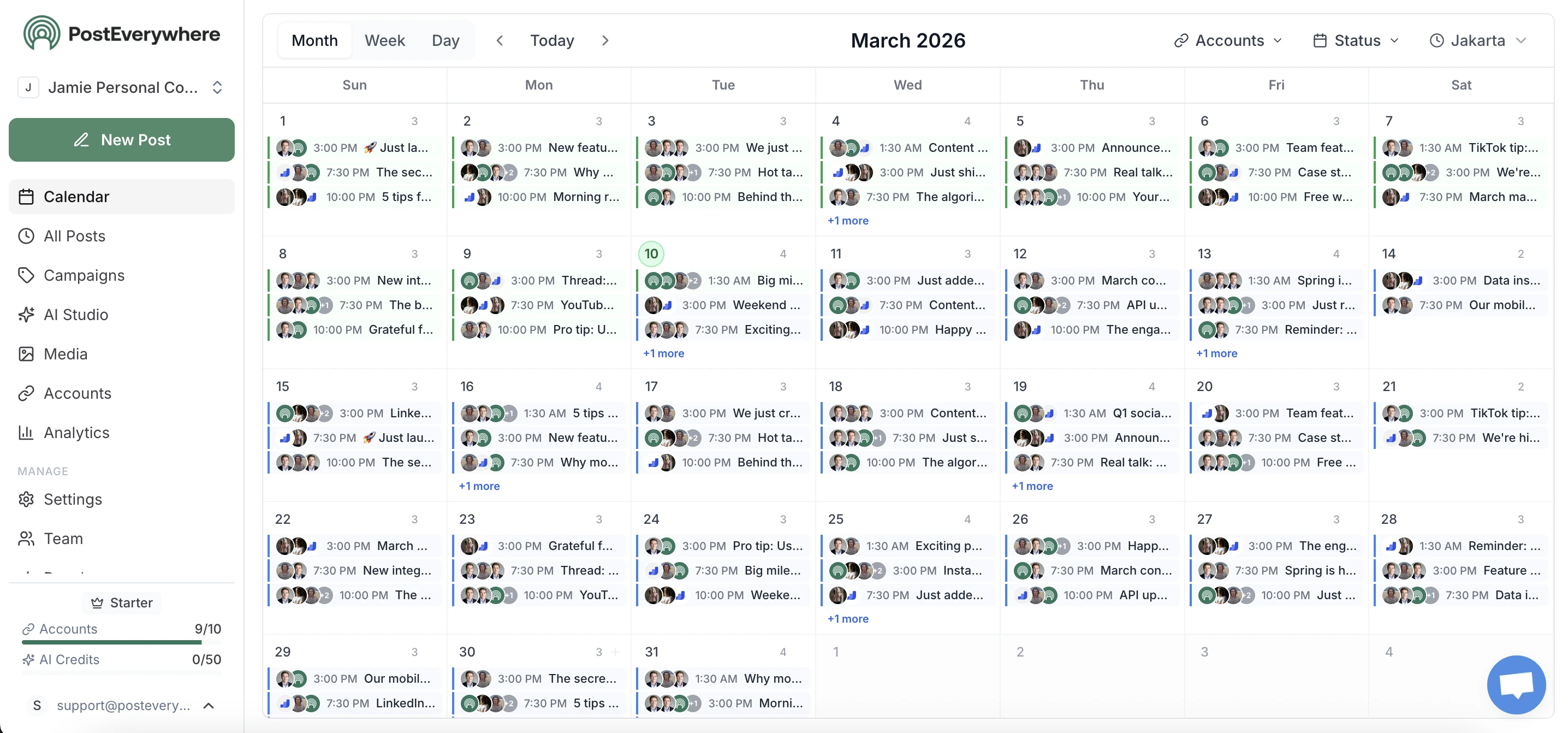
Only if you ask it to. Your agent can publish now, schedule for later or save a draft, and the prompts here say which you want. Several ask the agent to show you the plan first, and the approval workflow skill keeps posts as drafts until a client or manager signs off. Everything your agent schedules shows up in your PostEverywhere calendar, where you can edit or delete it before it goes out.
Do the prompts work without installing the skills?
Yes. With the PostEverywhere connector added, your agent can act on any of these prompts. The skills add the step-by-step know-how, so results are more consistent: the right caption length per platform, a check for gaps before filling a queue, and a reason for every failed post.
What do "Open in Claude" and "Open in ChatGPT" do?
They open a new chat in Claude or ChatGPT with the prompt already filled in. Replace anything in square brackets with your own details, then send it. The agent needs the PostEverywhere connector to act on it.
Still have questions?
Contact us or browse the full FAQ.
$0 due today, cancel anytime
Put your agent to work on your social media
Every plan includes the hosted MCP server and the API, from $9/mo. The skills are a free install on top.
$0 due today, cancel anytime