Publish to WordPress, then share it everywhere from one calendar
Write the blog post once, schedule it to your WordPress site, and schedule the social posts that promote it to all top platforms on the same calendar. Works with WordPress.com and self-hosted WordPress, with no plugin to install.
$0 charged today, cancel anytime


Used by 2,831 happy customers
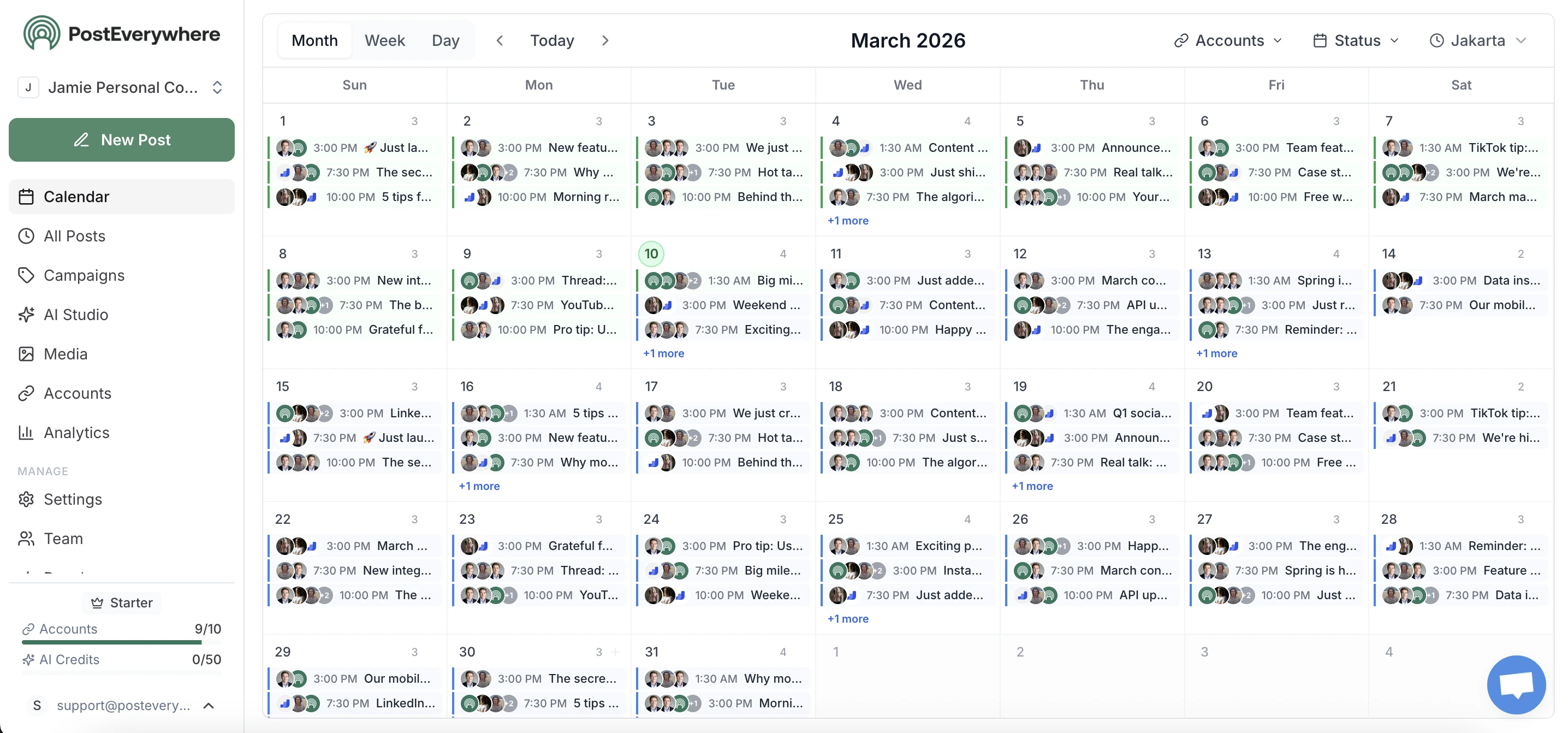
One calendar
Schedule the WordPress post and its social posts together
Most teams publish a post, then open five more tabs to announce it. PostEverywhere puts the article and its promotion in one content calendar, so the blog post goes live on WordPress at the same moment the posts about it go out on LinkedIn, X, Facebook and the rest.
- Blog post mode.
- A dedicated composer mode with a title, excerpt, categories, tags and a blog-style preview.
- Same schedule, every channel.
- Pick one time and the WordPress post and its shares publish together, or stagger the shares across the week.
- Cross-post the announcement.
- Tailor the announcement for each network instead of pasting the same line everywhere.
Connect in a minute
Connect WordPress without a plugin
Self-hosted sites use WordPress's own Authorize Application screen: enter your site address, approve PostEverywhere in wp-admin, and you are connected. Nothing to copy, nothing to install. WordPress.com sites connect with your WordPress.com login.
- Built into WordPress.
- Application passwords have been part of WordPress core since version 5.6, so any current site already supports them.
- Revocable at any time.
- The connection uses an application password, never your login password, and you can revoke it from your WordPress profile whenever you like.
- Author, Editor or Admin.
- Connect with any account that can publish posts and upload media. New categories need an Editor or Administrator.
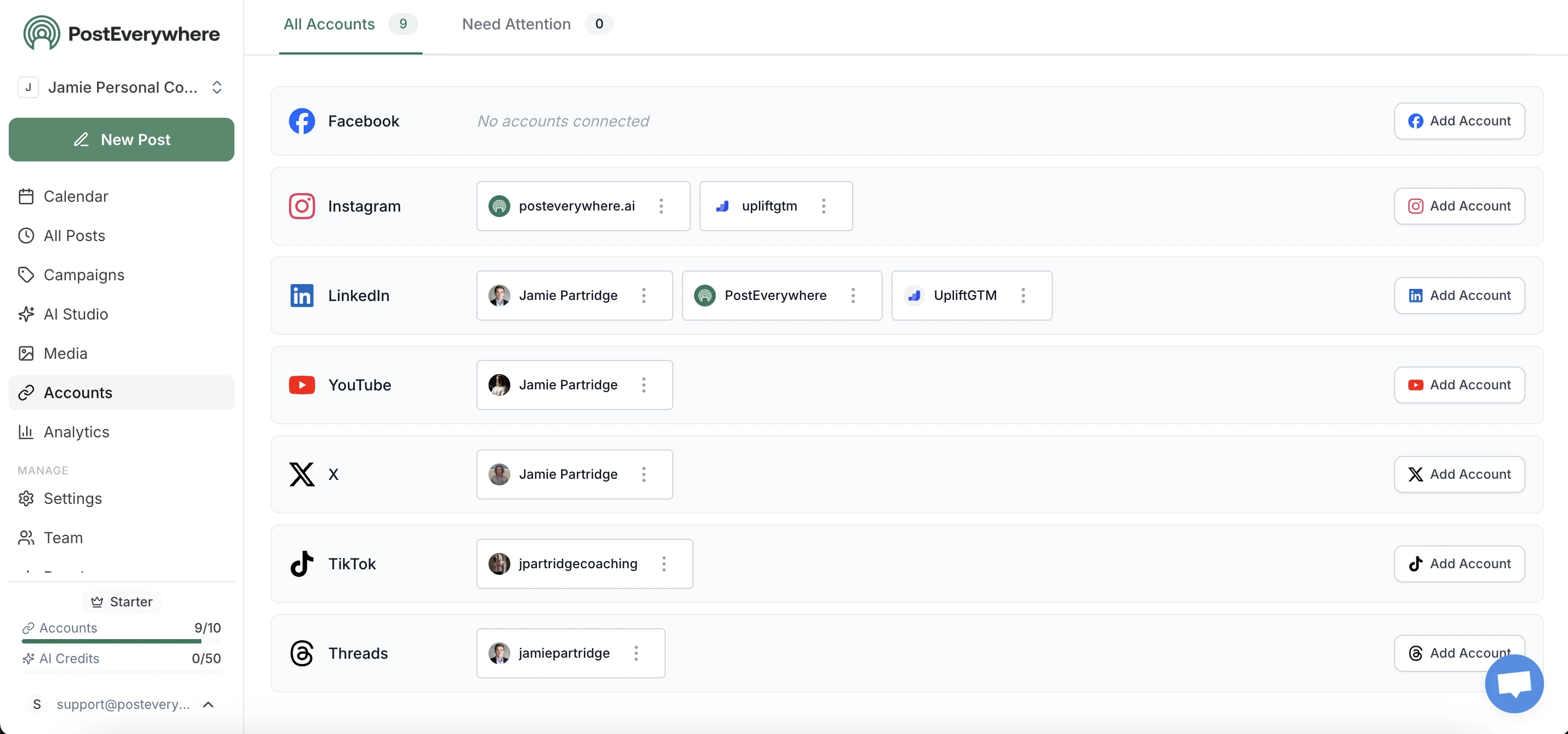
For AI agents
Ask Claude or ChatGPT to publish your WordPress post
Connect your assistant to the hosted MCP server and publishing becomes a sentence: “Turn these notes into a blog post, save it as a draft on WordPress with the tag product-updates, and schedule a LinkedIn post about it for Tuesday.” See the WordPress MCP server page for what the assistant can do.
- Draft first, publish later.
- Have the assistant save drafts or pending posts, so a person reviews them in WordPress before anything goes live.
- Same API, every platform.
- Developers use the REST API: the WordPress post is one more entry in the same create-post request.
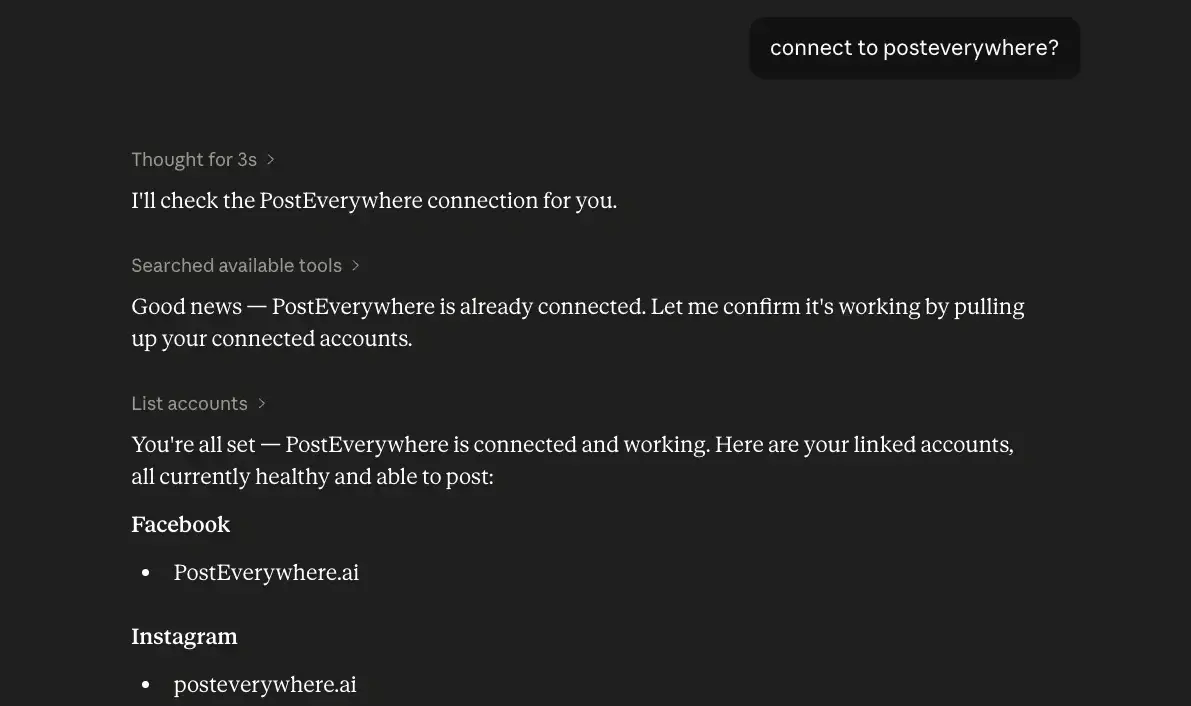
What you can publish
WordPress publishing features
Everything in a WordPress post that PostEverywhere sets for you, from formatting to the featured image.
- Titles and formatting
- Headings, bold, italic, links, lists, quotes, dividers, code blocks and tables are converted to clean HTML. You can also send raw HTML.
- Images and a featured image
- Up to 20 images placed inline or at the end, plus one video at the top. The first image becomes the featured image unless you turn that off.
- Categories, tags, excerpt, slug
- Set categories and tags by name, and missing tags are created for you. Add an excerpt and a custom URL slug.
- Publish, draft, review or private
- Publish straight away, save a draft, send it for review as pending, or publish privately. PostEverywhere handles the schedule.
- No plugin to install
- Self-hosted sites connect through WordPress's own Authorize Application screen. WordPress.com sites use your WordPress.com login.
- Shares go out with the post
- Schedule the blog post and the social posts that promote it on the same calendar, so the article and its announcements land together.
- Your AI assistant can publish it
- Connect Claude, ChatGPT or Cursor to the hosted MCP server and ask it to publish or draft a post on your WordPress site.
- Full REST API
- Create and schedule WordPress posts with the same API call you use for every other platform, on every plan.
WordPress integration questions
Does PostEverywhere work with WordPress.com and self-hosted WordPress?
Yes, both. Self-hosted WordPress (WordPress.org software on your own hosting) connects through WordPress's built-in Authorize Application screen. WordPress.com sites connect with your WordPress.com login, and you choose which site to use.
Do I need to install a plugin?
No. PostEverywhere uses the REST API and application passwords that are built into WordPress 5.6 and later. There is nothing to install and no Jetpack requirement.
What does my site need?
WordPress 5.6 or later, served over HTTPS, with the REST API reachable. Your WordPress user needs the Administrator, Editor or Author role. Some security plugins block the REST API or application passwords, and some hosts strip the authorization header; either will stop the connection until it is allowed.
Can I schedule WordPress posts with PostEverywhere?
Yes. Pick a date and time and PostEverywhere publishes the post at that moment, alongside any social posts you schedule to promote it. You can also publish immediately, save a draft, send it for review as pending, or publish privately.
Can I set categories, tags and a featured image?
Yes. Categories and tags are set by name, and tags that do not exist yet are created for you. Creating a new category needs an Editor or Administrator account. The first attached image becomes the featured image unless you turn that off, and every image is uploaded to your WordPress Media Library.
Can an AI assistant publish to my WordPress site?
Yes. Connect Claude, ChatGPT, Cursor or any MCP client to PostEverywhere's hosted MCP server and ask it to draft or publish a post. It can also connect a self-hosted site, using an application password you create in wp-admin (Users, Profile) and give to it.
What can't it do yet?
It publishes posts only, not pages or custom post types. SEO plugin fields and the post author are not set, posts cannot be edited or deleted from PostEverywhere once published, and there are no WordPress analytics. It is available in the web app and API, not yet in the iPhone app.
How much does it cost?
WordPress is included on every plan, from Lite at $9/month, and a WordPress site counts as one connected account. Every plan starts with a 7-day trial; a card is required and there is no free plan.
Building it yourself?
The WordPress API guide covers connecting a site, every setting in platform_content.wordpress, the formatting rules and the error codes. The same API key works for the REST API and the MCP server, on every plan.
Publishing and Cross-Posting Guides
Explore related features and guides to get the most out of PostEverywhere.
PostEverywhere Now Supports WordPress
The launch post: what shipped, how to connect, and what comes next.
WordPress MCP Server
Publish to WordPress from Claude, ChatGPT or Cursor.
WordPress API Guide
Connect a site and publish posts through the REST API.
Cross-Platform Publishing
Publish to every network at once.
Post to All Social Media at Once
Step-by-step guide to cross-posting across all platforms.
Content Calendar
Plan blog posts and social posts on one calendar.
Social Media API
One API for every platform, included on all plans.
AI Social Media Agents
Let an assistant draft, schedule and publish for you.
How to Repurpose Content
Turn one blog post into a week of social posts.
LinkedIn Scheduling
Share every new article with your LinkedIn network.
X (Twitter) Scheduling
Announce posts on X, or publish them as X Articles.
Facebook Scheduling
Share new posts to your Facebook Page.
Pricing
Every plan includes WordPress, from $9/month.
“This tool has truly made my content posting so much easier, I can't work without it. I can schedule my posts days in advance while working on other projects. Set it and forget it.”