If you're looking for a free background remover for social media images, you have more good options in 2026 than ever — and most of them will get you a clean cutout in seconds. Effective social media marketing relies on strong visuals. But a lot of the photos you want to use aren't exactly post-ready. Maybe there's a cluttered desk behind your product shot, or your headshot has a distracting background that doesn't match your brand. These are fixable problems, but fixing them used to mean firing up Photoshop and spending lots of time on tedious work, or hiring someone to do it for you.
That's changed. AI-powered background removal tools can now handle this in seconds, and some of them are free to use. Need a clean product photo for your Instagram shop?
A professional headshot for LinkedIn -- or, if you don't have a usable source photo to start with, one of the 20 best AI headshot generators that build the portrait for you from a few selfies?
Transparent cutouts for branded graphics, story templates, or thumbnail images? These tools cover all of it.
This post breaks down seven of the best free options available right now. It focuses on tools that actually let you download usable images for free, not ones that slap a watermark over your output and call it a "free tier." That said, "free" means different things depending on the tool.
Some are completely free with no limits, while others have daily caps or resolution restrictions. The descriptions below cover each tool's limitations.
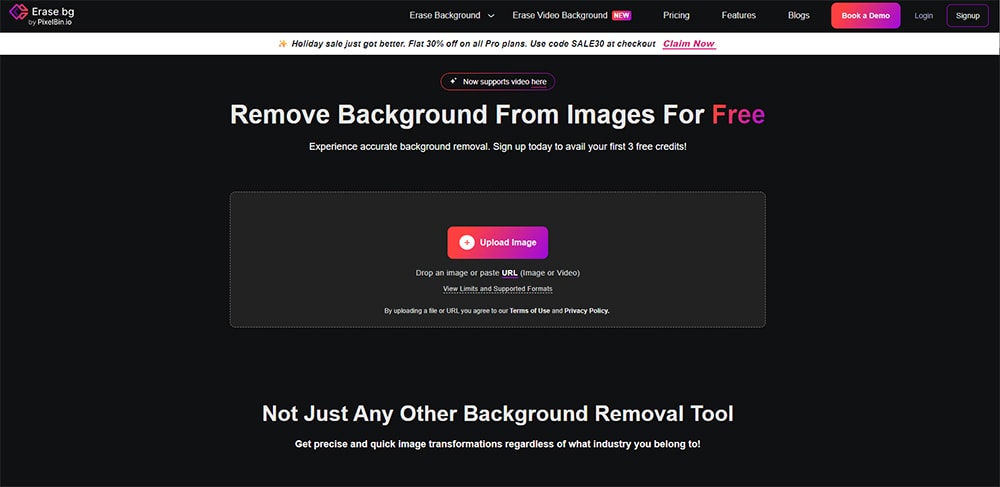
1. Erase.bg
Erase.bg is a completely free AI background remover, and what makes it stand out is the output quality you get without paying anything. Many free tools cap your downloads at low resolution. Erase.bg gives you high-res image output, and even supports video as well.
- Supports high-resolution downloads at no cost, which is genuinely rare in this category
- Works across people, products, animals, cars, and general graphics
- Simple upload-and-download workflow with PNG export that preserves transparency
- Part of the Pixelbin ecosystem, which includes free image upscaling and compression tools as well
Pair the cutout with a strong caption. Run your finished image through our free AI captioning tool and ship a platform-native post in seconds.
2. Pixlr Remove BG
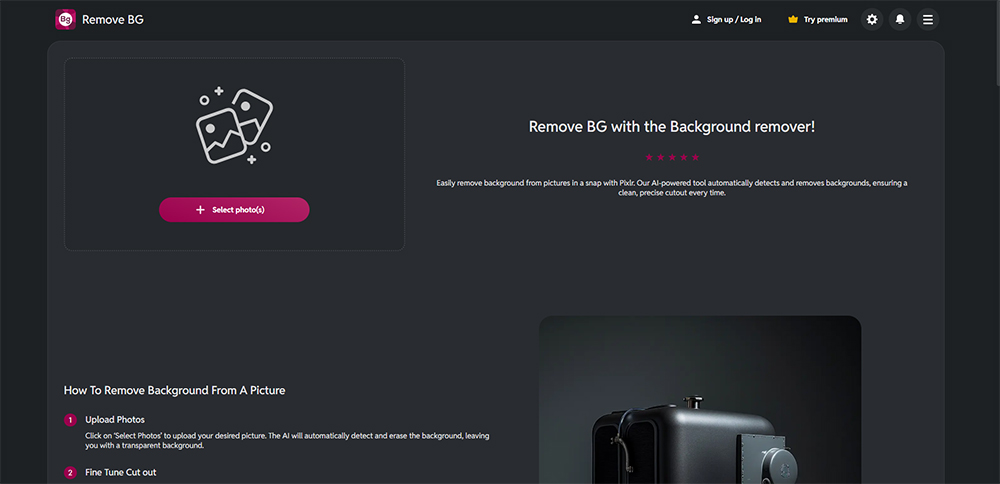
Pixlr has been around as an online photo editor for years, and their dedicated background removal tool is solid. No account needed, no watermarks, and you get access to manual fine-tuning tools that most free background removers skip entirely.
- Completely free with no account or signup required
- Accepts JPG, PNG, and BMP uploads
- Includes a manual brush tool to restore or erase areas the AI missed, which is helpful for tricky edges
- Lets you choose between transparent, white, or black background output before downloading
The fine-tuning brush is what separates this from a lot of similar tools. If the AI clips part of your subject or leaves a stray piece of background, you can fix it right there instead of re-uploading or switching to another editor.
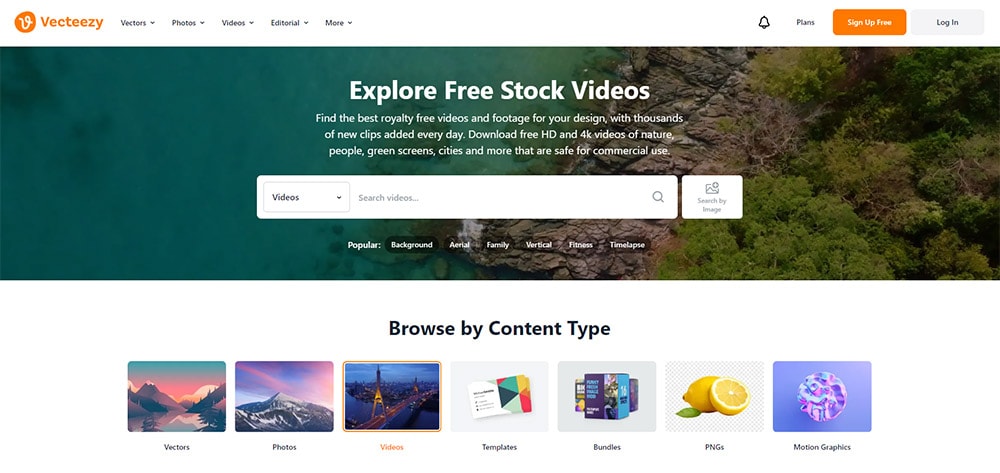
3. Vecteezy AI Background Remover
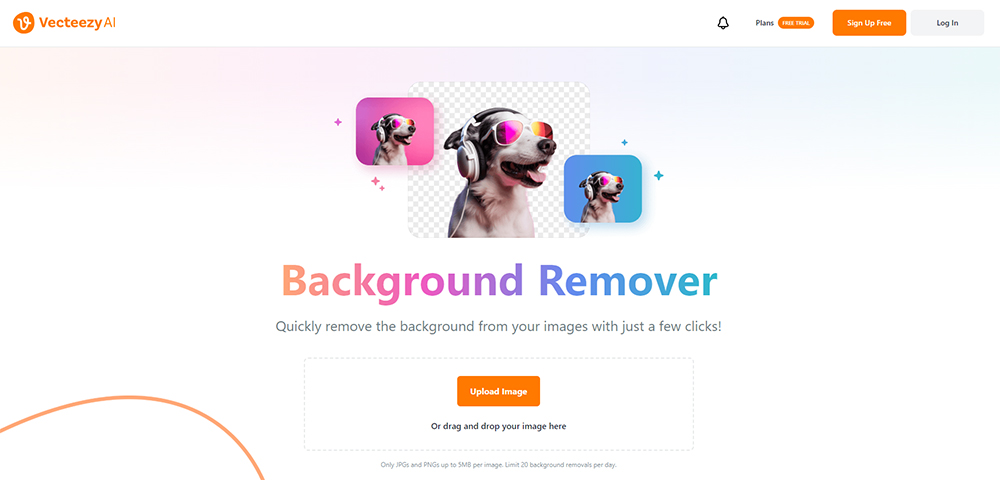
Vecteezy's free background remover gives you 20 removals per day with no watermarks on the output. That daily limit is one of the more generous ones you'll find among free tools, and it should be plenty for most social media workflows.
- 20 free background removals per day, no watermarks
- Supports JPG and PNG uploads up to 5MB
- Fast processing with clean edge detection, particularly on portraits and product shots
- Part of the larger Vecteezy platform, so you can easily browse millions of stock photos, vectors, and videos to pair with your edited images
If you're already using Vecteezy for stock content, the background remover fits naturally into that workflow. You can pull a stock image, remove the background, and build your social post quickly.
4. Remove.bg
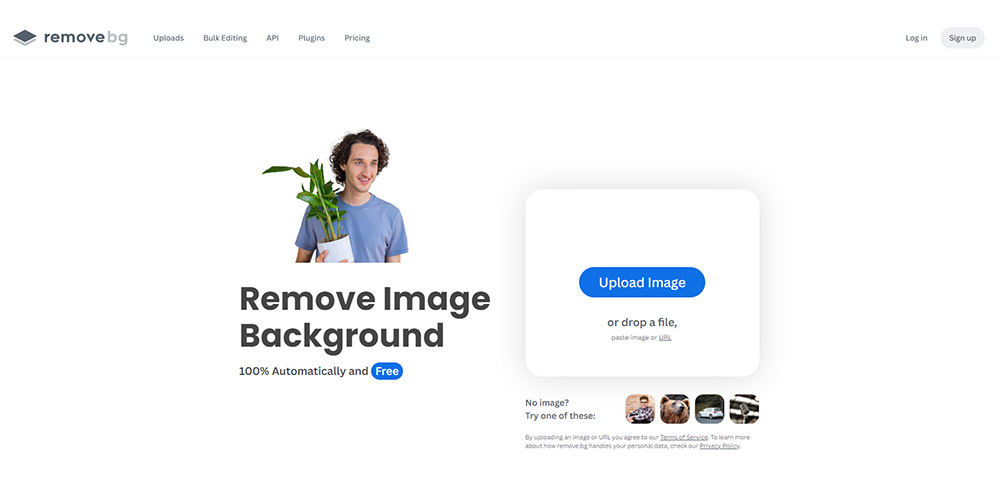
Remove.bg is probably the most well-known tool on this list, and the AI quality lives up to the reputation. It handles portraits particularly well, including fine details like wispy hair that trip up most other tools. The catch is the free tier.
Free downloads are limited to preview resolution, roughly 625x400 pixels, which is about 0.25 megapixels. That's usable for small social graphics but too low for some use cases.
- Industry-leading AI accuracy, especially for portraits and complex hair details
- Integrations with Figma, Photoshop, and Zapier for professional workflows
- Free downloads limited to preview resolution (~625x400); full HD requires credits or a paid plan
- Mobile app and bulk processing available for paid users
If you need high-res output regularly, Remove.bg will push you toward a paid plan fairly quickly. But if you just need quick cutouts for Instagram Stories or small thumbnails, the free tier can work.
5. Adobe Express Background Remover
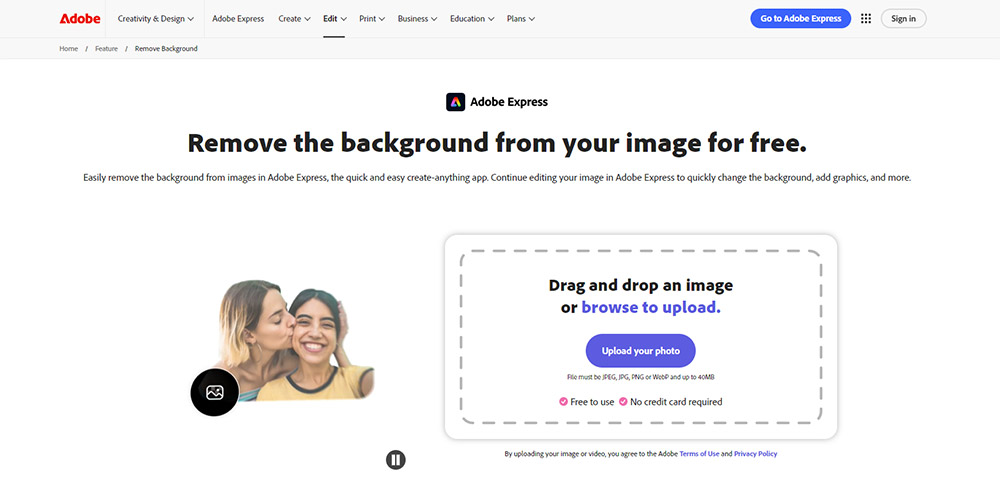
Adobe Express includes a one-click background remover as part of its free creative platform. It's powered by Adobe's Firefly AI, and the subject detection is reliable. You don't need an account to use the standalone tool, and there are no watermarks on the free output.
- Powered by Adobe's Firefly AI for accurate subject detection
- Free as a standalone Quick Action with no account required
- Downloads as a transparent PNG ready for social media
- Connects to Adobe Express's full editor for adding new backgrounds, text, and templates (the free plan shares a limited pool of AI credits across all features)
The real advantage here is the broader Adobe Express ecosystem. After removing the background, you can drop right into their editor to add a branded background, overlay text, or build out a full social media graphic.
That's a workflow you won't get from a standalone removal tool — pair it with a content calendar to keep the finished graphics shipping on schedule.
6. Clipdrop by Jasper
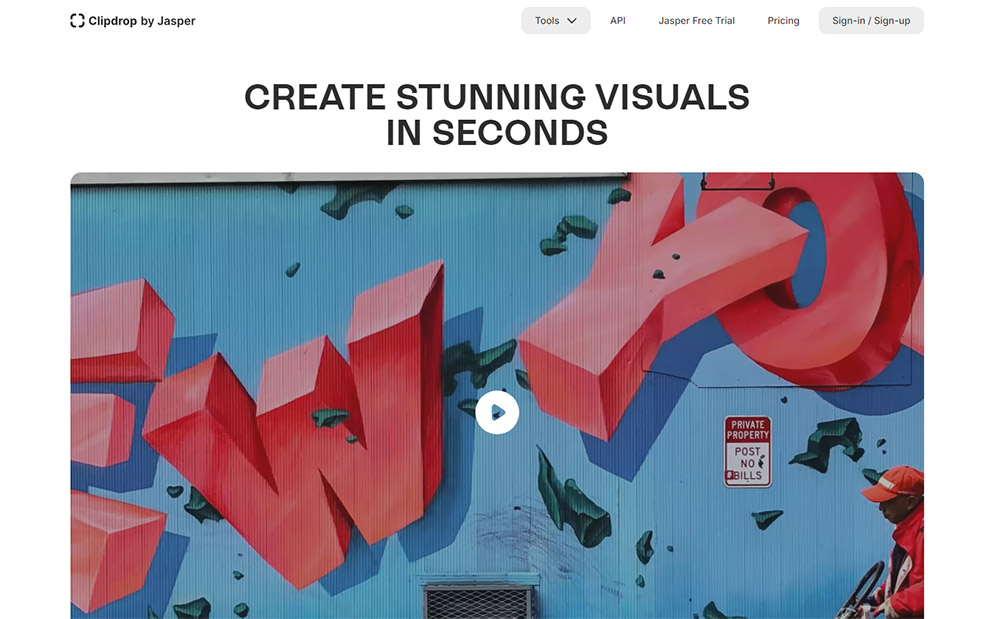
Clipdrop was built by a team specializing in AI image tools and is now owned by Jasper. The background removal quality is high, with strong handling of fine details like hair, translucent objects, and complex edges.
It supports uploads up to 5000x5000 pixels, though free output is capped at 1024x1024.
- High-quality AI with strong performance on tricky edges and semi-transparent elements
- Free to use with no account required; accepts high-resolution uploads
- Free output capped at 1024x1024, which covers most standard social media formats
- Also includes AI background replacement, object cleanup, and image upscaling tools
The 1024x1024 cap is fine for most social media uses. Instagram feed posts, Facebook images, and story graphics all fall within that range. You'd only hit the limitation if you need something larger for a cover photo or print use.
7. Slazzer
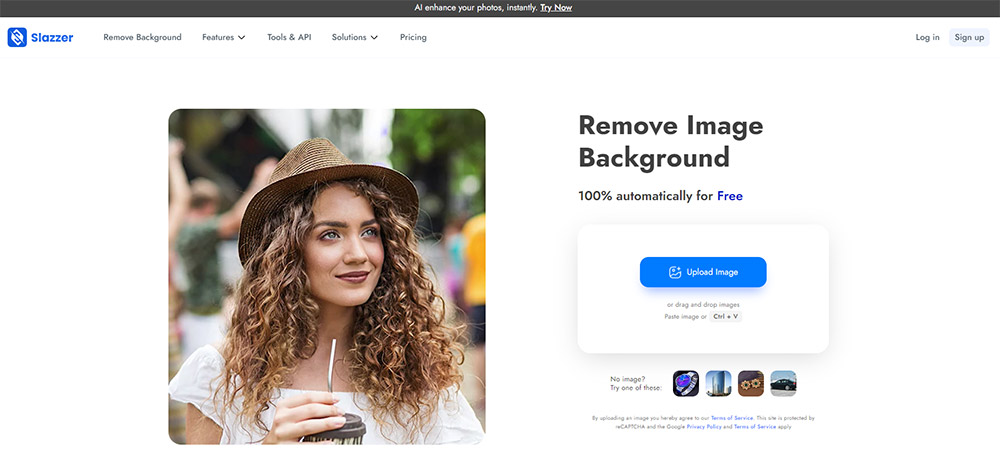
Slazzer was originally built for e-commerce product photos, but it works just as well for social media images. The free tier gives you two background removals with no watermarks, and the platform includes some useful extras you won't find in most competing tools.
- AI-powered shadow generation that makes cutout subjects look more natural when placed on new backgrounds
- Integrations with Shopify and other e-commerce platforms for product imagery workflows
- Includes AI background replacement and image enhancement tools beyond basic removal
The shadow generation feature is worth calling out. When you drop a cutout onto a new background, it can look flat and obviously edited. Slazzer's auto-generated shadows help the subject sit more naturally in the scene, which is a small detail that makes a real difference in how polished your final image looks.
Unfortunately, the two credit limit on the free plan means that Slazzer isn't a good long-term option if you're looking for a tool that you can continue to use for free. But its additional features make it worth trying.
Which One Should You Use?
All seven of these tools will get a background removed in seconds, and any of them can handle the basics well. The best pick depends on what matters most to your workflow.
If free high-res output is your top priority, Erase.bg is hard to beat. If you want the best AI accuracy on portraits with complex hair, Remove.bg leads the pack (with the resolution trade-off on the free tier).
Vecteezy is an excellent option if you want a tool you can use on many images for free. And if you want a full creative editor built around your background removal, Adobe Express gives you the most complete package.
Try two or three of them and see which one clicks with how you work. These tools keep getting better, and what used to take an hour in Photoshop is now a few clicks away.
That's time you can put back into the creative and strategic parts of your social media marketing.
Once you have a clean cutout, the next problem is consistent publishing across channels — that's where PostEverywhere helps. And if you also need to generate images from scratch rather than edit existing ones, our text-to-image studio creates on-brand visuals from prompts.
Tired of stitching tools together? PostEverywhere bundles AI image generation, AI image editing, and scheduling to all top platforms into one workflow — start your free 7-day trial and skip the toolchain.
FAQs
What's the best free background remover for social media?
Erase.bg is the best free option overall — high-resolution downloads with no watermark and no daily cap. Remove.bg is more accurate on tricky edges (hair, fur) but caps free output at 612 × 408 px, which isn't enough for Instagram.
Vecteezy is the most generous if you also want a stock-asset library bundled in.
Are these background removers safe to use commercially?
Yes for all seven — each tool's free tier explicitly permits commercial use on the output images. Read each tool's TOS yourself if you're using them for paid client work, but you won't hit licensing issues for routine social posts.
Do free tools leave a watermark on the image?
The seven tools in this list don't. That was the filter — anything that watermarks free downloads got cut. The catch is usually resolution caps or daily quotas rather than visible branding.
How accurate is AI background removal in 2026 vs Photoshop?
For 90% of social media images, AI tools match Photoshop's result. Complex edges (fine hair, glass, transparent objects) still favour Photoshop's pen tool. For a quick Instagram product shot, AI wins on speed every time.
Can I batch-remove backgrounds on multiple images for free?
Erase.bg supports bulk uploads on the free tier (up to 5MB per file). Adobe Express and Vecteezy support batches for paid users only. For large batches, a Photoshop Action or a free API quota from Remove.bg is faster than uploading one by one.
What resolution do social platforms actually need?
Instagram feed: 1080 × 1080. Reels and Stories: 1080 × 1920. LinkedIn feed: 1200 × 627. TikTok: 1080 × 1920. The Remove.bg free tier's 612 × 408 cap means you'll need to upscale or use a different tool for most uses.
Background removal is usually one step in a larger edit: the video editing tools comparison covers the rest of the pipeline.

Founder & CEO of PostEverywhere. Writing about social media strategy, publishing workflows, and analytics that help brands grow faster.