What aspect ratios do social media platforms use in 2026?
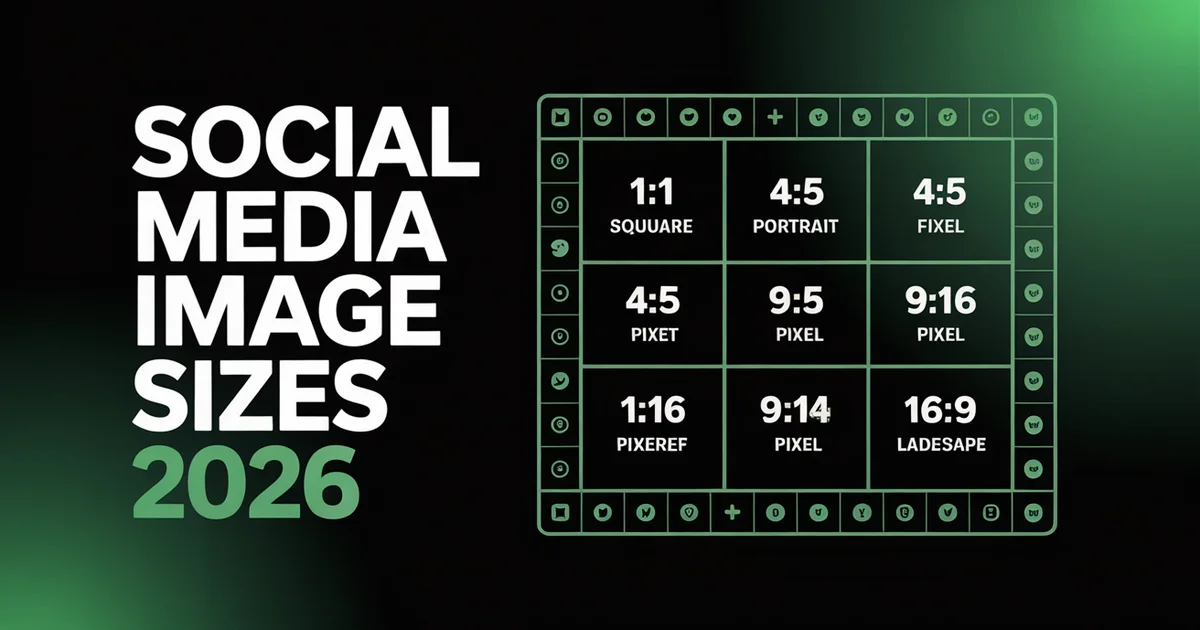
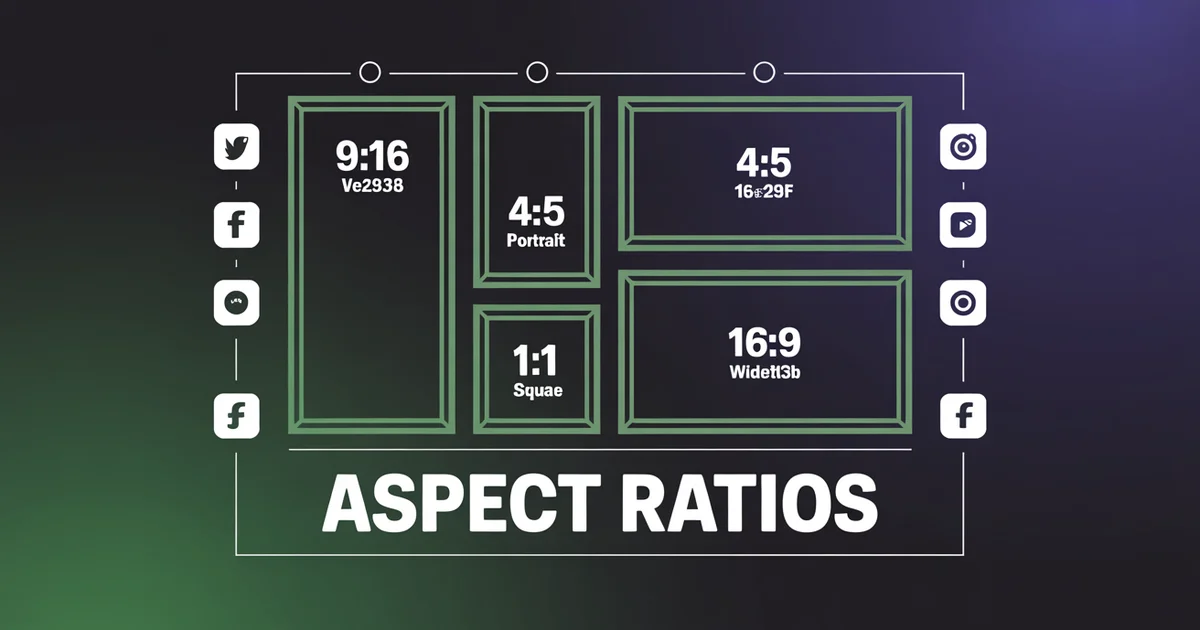
Video uses 9:16 vertical (1080×1920 px) and static images use 4:5 portrait (1080×1350 px). Between them they cover roughly 80% of everything you post. 1:1 (1080×1080 px) is the universal square, and Pinterest needs 2:3 (1000×1500 px).
Everything below is the complete, verified cheat sheet: every social media aspect ratio and image size across the platforms PostEverywhere supports, checked against official documentation for 2026.
Most platforms rewrote their rules in the last 18 months. Instagram moved its profile grid to 3:4 and added native 3:4 photos. YouTube extended Shorts to 3 minutes and made 9:16 its official recommendation. Meta unified Facebook and Instagram Stories and Reels into a single 9:16 safe zone. LinkedIn launched a full vertical video feed. Pinterest folded Idea Pins into the standard Pin. Get the ratio wrong and your post is cropped, letterboxed, or throttled by the algorithm. Get it right and one asset travels cleanly across every network. Bookmark this page.
Stop reformatting for every platform. PostEverywhere adapts your content to the right aspect ratio for every network: Instagram, TikTok, YouTube, LinkedIn, Facebook, X, Threads, Bluesky and Pinterest. Start your 7-day trial →
The Master Cheat Sheet
Every format and social media image size that matters in 2026, in one table. Every spec is verified against official platform documentation (sources are linked at the foot of this guide).
| Platform | Format | Aspect Ratio | Recommended Pixels |
|---|---|---|---|
| Feed (portrait) | 4:5 | 1080×1350 | |
| Feed (phone photo) | 3:4 | 1080×1440 | |
| Feed (square) | 1:1 | 1080×1080 | |
| Reels / Stories | 9:16 | 1080×1920 | |
| Profile grid crop | 3:4 | 1080×1440 | |
| Carousel (each slide) | 4:5 or 1:1 | 1080×1350 | |
| TikTok | Vertical video | 9:16 | 1080×1920 |
| TikTok | Photo carousel (up to 35) | 9:16 | 1080×1920 |
| TikTok | Profile thumbnail crop | 1:1 | from 1080×1920 |
| YouTube | Long-form video | 16:9 | 1920×1080+ |
| YouTube | Shorts | 9:16 | 1080×1920 |
| YouTube | Thumbnail | 16:9 | 1280×720 |
| YouTube | Channel banner | 16:9 | 2560×1440 |
| Feed (portrait) | 4:5 | 1080×1350 | |
| Vertical video | 9:16 | 1080×1920 | |
| Document (PDF) | 4:5 | 1080×1350 | |
| Personal banner | 4:1 | 1584×396 | |
| Company banner | 5.9:1 | 1128×191 | |
| Feed (portrait) | 4:5 | 1080×1350 | |
| Reels / Stories | 9:16 | 1080×1920 | |
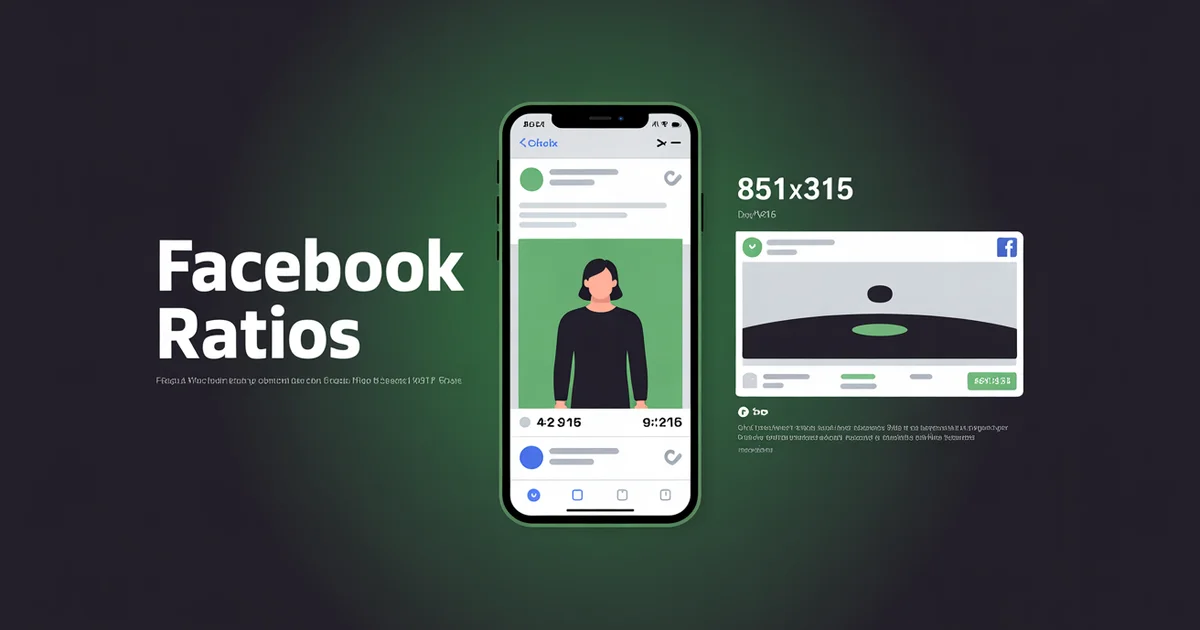
| Cover photo | ~2.7:1 | 851×315 | |
| Event cover | 1.91:1 | 1920×1005 | |
| X (Twitter) | Feed image | 16:9 | 1600×900 |
| X | Vertical video | 9:16 | 1080×1920 |
| X | Header | 3:1 | 1500×500 |
| Threads | Feed image | 1:1 or 4:5 | 1080×1080 / 1080×1350 |
| Threads | Vertical video | 9:16 | 1080×1920 |
| Bluesky | Feed image | 16:9 or 1:1 | 1200×675 / 1080×1080 |
| Bluesky | Profile banner | 3:1 | 1500×500 |
| Standard Pin | 2:3 | 1000×1500 | |
| Video Pin | 2:3 or 9:16 | 1000×1500 / 1080×1920 | |
| Long Pin (max) | 1:2.1 | 1000×2100 |
Telegram and Discord round out the platforms PostEverywhere publishes to. Neither force-crops media, so an image posts at whatever ratio you upload: 16:9 (1200×675) or 1:1 (1080×1080) both display cleanly, and in-feed video works at either 9:16 or 16:9. Because there is no algorithmic feed rewarding one shape, use the same asset you made for the network the content is really for.
The 2026 takeaway: default to 9:16 for video and 4:5 for static images. These two ratios cover roughly 80% of social content and perform best across modern feed algorithms. Everything else in this guide is the exception handling.
Best Aspect Ratio for Social Media (The 30-Second Answer)
If you have time for one rule, it is this: make one 9:16 master asset (1080×1920) with everything important inside the centre 4:5 box, then crop down. From that single file you can export a 9:16 Reel, TikTok or Short, a 4:5 feed post, a 1:1 square, and a 16:9 link image without ever losing quality or re-shooting.
Per format, the winning ratios in 2026 are:
- Short-form video (Reels, TikTok, Shorts, Stories): 9:16
- Feed images and feed video (Instagram, Facebook, LinkedIn): 4:5
- Link posts and long-form video (X, YouTube long-form): 16:9
- Pinterest: 2:3 (the one platform where square underperforms badly)
- A single asset for every network at once: 1:1
The rest of this guide explains when to break those defaults and how to ship one asset everywhere without manual reformatting.
The Four Ratios That Run Social Media: Vertical vs Square vs Landscape
You only really need to think about four aspect ratios. Two are vertical (taller than wide), one is square, one is landscape (wider than tall), and everything else is an edge case. Here is when each one wins.
9:16: Vertical full-screen video
Used by: Reels, TikTok, YouTube Shorts, Stories, LinkedIn vertical video, Pinterest Video Pins. Dimensions: 1080×1920 px.
This is the single most important ratio in 2026. If you only shoot in one format, shoot in 9:16. It fills the entire mobile screen, every short-form algorithm rewards it, and you can always crop down to 4:5 or 1:1. You cannot crop the other way without losing quality, which is exactly why vertical is the safe default.
4:5: Portrait feed
Used by: Instagram feed (recommended), Facebook feed (recommended), LinkedIn feed, Threads, carousel slides, document posts. Dimensions: 1080×1350 px.
This is the static-image default across every feed. It takes up roughly 25% more vertical screen space than a 1:1 square, which means more time on screen and higher engagement. Default to 4:5 for every photo post unless you have a specific reason not to.
1:1: Square
Used by: a single cross-platform asset, X feed images, Pinterest carousel cards, Instagram square posts, most profile pictures. Dimensions: 1080×1080 px.
The fallback ratio. Square content works everywhere but excels nowhere. It is the right choice only when you need one asset that posts cleanly across every platform without cropping, or when you are posting to networks like Telegram and Discord that do not reward any particular shape.
16:9: Landscape widescreen
Used by: YouTube long-form, YouTube thumbnails, X video, webinars and screen recordings, podcast and lecture content, channel banners. Dimensions: 1920×1080 px (1080p) or higher.
Once the default of social video, now reserved for long-form YouTube, link previews, and X. Everywhere else, 16:9 gets letterboxed with black bars, and the algorithm reads that as low-effort and cuts reach. If your primary output is landscape, shoot 16:9 and crop vertical clips out of it rather than the reverse.
What Changed Since 2024
If you last reviewed your specs more than a year ago, several rules have shifted. These are the ones that break old cheat sheets.
1. Instagram moved its grid to 3:4. In early 2025, Instagram replaced its iconic 1:1 square profile grid with a taller 3:4 preview. Your 4:5 portrait posts now get slightly cropped on the grid, so keep the subject inside the centre 3:4 region. (9to5Mac)
2. Instagram added native 3:4 photo support. In May 2025, Instagram added 3:4 (1080×1440) as a native feed ratio alongside 4:5 and 1:1. Adam Mosseri's rationale was that almost every phone camera defaults to 3:4, so you can now post phone photos with no cropping and a perfect grid fit. (9to5Mac)
3. YouTube Shorts extended to 3 minutes. Effective 15 October 2024 for standard channels (and 8 December 2025 for Official Artist Channels), Shorts can now run up to 3 minutes, up from 60 seconds. Any square or vertical upload of 3 minutes or shorter is auto-classified as a Short, and YouTube states 9:16 delivers the best Shorts performance. (YouTube Help)
4. Meta unified the Facebook and Instagram safe zone. Meta consolidated Facebook Stories, Facebook Reels, Instagram Stories, and Instagram Reels onto one 9:16 rule set: keep critical elements clear of roughly the top 14%, the bottom 20 to 35%, and 6% on each side of the frame. Design to the deepest bottom margin (Reels, about 35%) and one vertical asset is safe across all four placements. Meta also now recommends a higher 1440-wide canvas for crisp display on modern phones.
5. LinkedIn launched a dedicated vertical video feed. Rolled out in late 2024 and expanded in February 2025, it is a full-screen, swipe-up feed like TikTok. LinkedIn reported +36% video viewership growth around launch, and 9:16 vertical is now the recommended short-form format. The vertical feed caps at 15 minutes, with 15 to 60 seconds the engagement sweet spot. (TechCrunch)
6. Pinterest folded Idea Pins into the standard Pin. Idea Pins (formerly Story Pins) are no longer a separate format for organic creators. Every Pin now supports video, links, music and stickers, so use a Video Pin at 2:3 or 9:16 for the same full-screen effect.
7. Instagram carousels doubled to 20 slides. Up from 10, rolled out globally in August 2024. The first slide still sets the aspect ratio for the whole carousel, so all slides must match.
8. TikTok extended uploads to 60 minutes and pushes long-form. You can now upload files up to 60 minutes (10 minutes when recorded in-app), and TikTok gives extra distribution to horizontal 16:9 video over a minute long as part of its long-form strategy. Photo carousels (Photo Mode) now hold up to 35 images.
Platform-by-Platform Quick Reference
Most posts should be 4:5 (1080×1350). Reels and Stories are 9:16 (1080×1920). Carousels follow the first slide's ratio and now hold up to 20 slides. The profile grid crops everything to 3:4, so keep faces and text centred. For the full breakdown, see the Instagram aspect ratios guide.
TikTok
9:16 (1080×1920) for everything, including Photo Mode carousels of up to 35 images. Horizontal video gets letterboxed and underperforms for short-form, though 16:9 over a minute now earns a long-form boost. See the full TikTok aspect ratio guide for pixel specs.
YouTube
16:9 (1920×1080) for long-form, 9:16 (1080×1920) for Shorts. Thumbnails are always 16:9 (1280×720). The channel banner uploads at 2560×1440, but only the centre 1546×423 px shows on every device, so keep your logo there. Full breakdown: YouTube aspect ratios.
4:5 (1080×1350) for feed and document posts. 9:16 (1080×1920) for the vertical video feed. The personal banner is 1584×396 (4:1); the company banner is 1128×191 (about 5.9:1). These are different sizes, so do not reuse artwork. See the LinkedIn aspect ratios guide.
4:5 (1080×1350) for feed posts. 9:16 (1080×1920) for Reels and Stories, now unified with Instagram under one Meta safe zone. One catch: a Reel shown in the main feed is cropped to 4:5, so keep key visuals and text inside the centre 1080×1350 region. Cover photo is 851×315. See the Facebook aspect ratios guide.
X (Twitter)
16:9 (1600×900) for feed images and video, though 9:16 vertical video is increasingly favoured for engagement. Link-preview cards render at 1.91:1 (1200×628). Header image is 1500×500 (3:1) and the profile picture is 400×400 (1:1). See the full X (Twitter) aspect ratios guide.
Threads
4:5 (1080×1350) or 1:1 (1080×1080) for static images. 9:16 (1080×1920) for vertical video. Threads inherits most of its ratio behaviour from Instagram. See the full Threads aspect ratios guide.
Bluesky
16:9 (1200×675) or 1:1 (1080×1080) for feed images, with 4:5 (1080×1350) supported for portrait. Up to four images per post. The profile banner is 1500×500 (3:1) and the avatar is 400×400. See the full Bluesky aspect ratios guide.
2:3 (1000×1500) for everything. This is the only ratio Pinterest officially recommends for organic reach, and vertical pins earn materially more saves than square. Anything taller than 1:2.1 gets cropped in the feed. See the Pinterest aspect ratios guide.
Plan once, publish to all top platforms. PostEverywhere handles the format switching for you: upload one asset, then schedule it across every network from a single social media scheduler. Start your 7-day trial →
One Asset, Every Platform: The Cross-Platform Workflow
The whole point of understanding ratios is so you can create once and publish everywhere. Here is the workflow that turns a single shoot into content for every network.
1. Build a 9:16 master asset (1080×1920). Shoot or design vertical by default. That single file gives you native Reels, TikTok, Shorts, Stories and LinkedIn vertical video with zero reformatting, and you can crop down to 4:5, 1:1 or 16:9 afterwards. Cropping up from 16:9 to 9:16 is the one move you cannot make without losing quality, so always start tall.
2. Frame everything inside the centre 4:5 box. When you compose the 9:16 frame, keep your subject, text and logo inside an imaginary 4:5 rectangle in the middle. The top and bottom strips are buffer you fill on vertical platforms and crop off for feed posts. This one habit is what lets a single file become a Reel, a 4:5 feed post and a 1:1 square with no redesign.
3. Respect the universal safe zone. Every vertical platform overlays its interface on your content: roughly the bottom 250 to 340 px (caption and action buttons), the top 200 to 250 px (username and sound info), and the right edge (engagement icons). Keep all critical elements toward the centre. Meta's unified Stories and Reels guidance is a useful worst case: clear the top 14%, the bottom 35% and 6% on each side, and you are safe on every short-form surface.
4. Export one file per output ratio, at maximum resolution. From the master asset, export 9:16 (1080×1920) for short-form video, 4:5 (1080×1350) for feed, 1:1 (1080×1080) for a universal square, and 16:9 (1920×1080) only if you need YouTube long-form or an X link image. Platforms compress on upload, so exporting at full resolution preserves quality through that compression.
5. Distribute with a cross-posting tool. Reformatting and re-uploading to all top platforms by hand is hours of work every week. A scheduler with native cross-posting does the format handling for you, so PostEverywhere turns a publish to every platform into a single action. Pair it with the best time to post on each network and you have covered format and timing in one pass.
The Cross-Platform Safe Zone Map
Step 3 above gives the rule of thumb. If you want the exact numbers, this is the unified safe zone to design within when one 9:16 asset has to render safely on TikTok, Reels and Shorts at the same time.
On a 1080×1920 canvas:
| Zone | Reserve clear | Used by |
|---|---|---|
| Top | 250 px | Stories profile, Reels username, TikTok profile/sound, YouTube search/menu |
| Bottom | 340 px | Caption bar (TikTok), reply bar (Stories), engagement (Shorts) |
| Right edge | 120 px | Like, comment, share buttons (TikTok, Reels, Shorts) |
| Left edge | 60 px | Username/caption overflow |
| Safe content zone | Centre 900×1330 px | All critical text, faces, logos, CTAs |
Design within this conservative zone and a single 9:16 video works across every short-form platform without redesign. Some platforms are more permissive, but designing for the intersection of all of them saves you from per-platform reworks.
Meta frames the same idea in percentages for Facebook and Instagram: keep critical elements out of roughly the top 14%, the bottom 20 to 35%, and 6% on each side. Design to the deepest margin (Reels, about 35% at the bottom) and the same asset is safe in Stories too. TikTok's caption and button zones sit slightly differently again, which is why the conservative intersection above is the safest single target.
Frame Rate, Codec and File Size
Aspect ratio is the spec that breaks a post most visibly, but these three decide whether it uploads cleanly.
Frame rate
- 30 fps is the universal recommendation
- 60 fps works on TikTok and YouTube, but is over-spec for Reels
- 24 fps (cinematic) looks great but processes inconsistently on Reels and Stories, so stick to 30 fps for short-form social
Codec
- H.264 is universally supported
- H.265 (HEVC) is supported on most platforms but compatibility lags H.264
- VP9 works on YouTube but not most other platforms
File size limits
| Platform | Max file size |
|---|---|
| TikTok | ~72 MB (Android app), ~287 MB (iOS app), up to 10 GB (web upload) |
| Instagram Reels | 4 GB |
| Instagram Stories | 250 MB (video) |
| YouTube | 256 GB |
| YouTube Shorts | inherits standard upload limits |
| 10 GB (organic video) | |
| 5 GB (organic video) | |
| Pinterest Video Pin | 2 GB |
Practical rule: export at the highest quality you can, but aim for under 200 MB per asset for fast, reliable upload across every platform.
The 10 Most Common Aspect Ratio Mistakes
These are the aspect ratio mistakes that show up most often, and how to avoid each one.
1. Uploading 16:9 video to TikTok or Reels. It gets letterboxed with massive black bars and the algorithm punishes you. Always export vertical for vertical platforms.
2. Shooting in landscape for Stories or Reels. Same problem. Rotate the camera before you start, not after.
3. Burning captions or logos into the bottom 30% of vertical videos. Every platform overlays UI here. Use the platform's native caption tools, or keep all text in the centre 60% of the frame.
4. Mixing aspect ratios in a carousel. Whether on Instagram, TikTok, or LinkedIn, the first slide sets the ratio. The rest get cropped or padded. Match all slides before uploading.
5. Using a 1:1 square thumbnail for a 16:9 video. YouTube thumbnails are always 16:9. Square thumbnails get letterboxed in browse views and look amateur.
6. Designing a banner for desktop only. Channel banners (YouTube, LinkedIn, Facebook, X) crop dramatically on mobile. Always check the mobile safe zone, typically the centre 1500-ish px of the canvas.
7. Posting a portrait image on Twitter/X. X heavily crops portrait images in the feed. Use 16:9 or 1:1 for X.
8. Pinning a square image to Pinterest. Pinterest is the one platform where 1:1 underperforms badly. 2:3 vertical is the only ratio worth pinning.
9. Re-using your Instagram cover photo as a Facebook banner. Different dimensions, different safe zones. Resize for each, or run it through an image resizer.
10. Trusting old cheat sheets. Specs changed across 2024 and 2025 on nearly every platform. If your reference is older than 12 months, it is wrong somewhere.
Tools to Get Your Ratios Right
A few tools that make this easier:
- Image resizer: drop in any image and get the right aspect ratio output for any platform automatically.
- Instagram carousel maker: design multi-slide posts at exact 4:5 or 1:1 dimensions.
- Grid previewer: see how your posts will look on Instagram's 3:4 grid before you publish.
- AI image generator: create images at publication-ready dimensions for every format.
- Best time to post: once your dimensions are right, timing is the next lever.
For a quick pixel lookup, the social media image sizes tool lists every platform's dimensions in one place.
One asset, every platform, every ratio. PostEverywhere auto-formats your content for Instagram, TikTok, YouTube, LinkedIn, Facebook, X, Threads, Bluesky, Pinterest and more. Plans start at $9/mo. See pricing →
Frequently Asked Questions
What aspect ratio is best for social media in 2026?
9:16 vertical (1080×1920 px) for video and 4:5 portrait (1080×1350 px) for static images. These two ratios cover the majority of social content and perform best across modern algorithms, vertical full-screen video gets the most engagement on every short-form platform, and 4:5 portrait dominates feed engagement.
What is the most universal aspect ratio across all platforms?
1:1 square (1080×1080 px). It works on every platform without major cropping, though it's no longer the best-performing ratio anywhere. Use 1:1 only when you need a single asset that must post identically across multiple networks. Otherwise, optimise per platform.
What aspect ratio do Instagram Reels and TikTok use?
Both use 9:16 vertical (1080×1920 px). Instagram Reels, TikTok, YouTube Shorts, Facebook Reels, and LinkedIn vertical video all share this format. One 9:16 asset can be cross-posted to all five with no resizing.
Did Instagram really change its grid to 3:4?
Yes. In January 2025, Instagram replaced its 1:1 square profile grid with a 3:4 vertical grid preview. Adam Mosseri confirmed the change on Threads. Your 4:5 portrait posts now get slightly cropped on the grid, keep your subject in the centre 3:4 region to avoid awkward crops.
How long can a YouTube Short be in 2026?
Up to 3 minutes. The 60-second limit was extended on October 15, 2024 for standard channels. Any uploaded video that is square or vertical and 3 minutes or shorter is auto-classified as a Short.
What aspect ratio works best for Pinterest?
2:3 portrait (1000×1500 px). This is the only ratio Pinterest officially recommends for organic reach. Anything taller than 1:2.1 (e.g., 1000×2100) gets cropped in the feed. Avoid square pins, they underperform on Pinterest more than on any other platform.
How do I post the same video to TikTok, Reels, and Shorts?
Export at 1080×1920 (9:16). All three platforms accept this format natively without reformatting. Frame your subject in the centre, keep important elements out of the bottom 340 px and the right 120 px, and you can post the same asset across all three. A cross-posting tool makes this a single upload instead of three.
What happens if I upload the wrong aspect ratio?
Most platforms either crop your content (cutting off subjects or text) or add letterbox bars (the black borders that signal "this video wasn't made for this platform"). Both hurt engagement. The algorithm interprets letterboxed video as low-effort and reduces its reach.
Specs in this guide are verified as of July 2026 against official platform documentation including Meta Business Help, YouTube Help, LinkedIn Marketing Solutions, and Sprout Social's video specs guide. Platforms update specs periodically, and we update this page when they do.

Founder & CEO of PostEverywhere. Writing about social media strategy, publishing workflows, and analytics that help brands grow faster.