What happened to Crowdfire? Crowdfire, the social media management tool, shut down in 2025. PostEverywhere is the best Crowdfire alternative for AI agents and automation: hand the job to Claude or ChatGPT and it can write and schedule the daily posts Crowdfire's curation feed used to suggest, with 10 accounts for $29/month flat.
On May 15, 2025, Crowdfire went offline for good. After 15 years of helping creators, small businesses, and solopreneurs manage their social media, the company pulled the plug, citing rising infrastructure costs and the shrinking need for third-party scheduling tools as platforms built their own native publishing features.
If you were one of the millions of Crowdfire users who woke up that morning to find your scheduled posts, analytics history, and content queue just... gone, I feel you.
The shutdown was announced barely ten days before the lights went out. There was no data export. Post history, analytics, queued content: all permanently deleted by June 30, 2025. That's a rough way to end a 15-year relationship with a tool.
It's now been more than a year since the shutdown, and the dust has settled on which alternatives actually held up. I've spent that time testing every major social media scheduler on the market, partly because it's my job (I run PostEverywhere), but also because the Crowdfire shutdown highlighted something important: you need to know what you're switching to before you're forced to switch. Panic migrations rarely end well.
This guide is for anyone who used Crowdfire and still hasn't landed on a permanent replacement, or who switched to something in a hurry and isn't happy with it. I'll cover what made Crowdfire special, which alternatives actually replicate those features, and what to look for so you don't get burned by another shutdown.
If cost is the deciding factor, we compare real spend at 2, 10 and 20 accounts.
What Crowdfire Actually Did Well
Before we talk replacements, it's worth remembering why Crowdfire had millions of users in the first place. It wasn't just a scheduling tool.
Crowdfire's killer feature was content curation. The app would automatically recommend articles, images, and posts relevant to your niche, and you could share them to all your profiles with a couple of taps.
For solopreneurs and small business owners who didn't have time to hunt for shareable content every day, this was genuinely useful. You'd open the app, scroll through a personalized feed of curated content, pick what resonated, and hit publish.
The RSS feed integration was another underrated feature. You could connect your blog or favorite industry publications and automatically pull new posts into your Crowdfire queue. Pair that with the hashtag recommendations and auto-tailored post formatting per platform, and you had a surprisingly complete content workflow for under $10/mo.
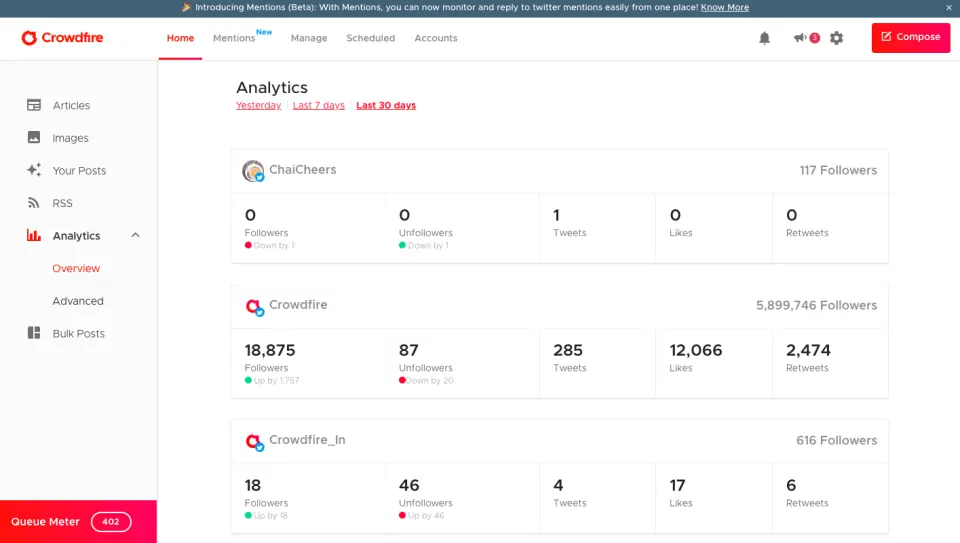
Crowdfire also handled follower analytics on Twitter and Instagram, showing you who unfollowed, who was inactive, and who your most engaged followers were. That feature had been scaled back over the years as platforms restricted API access, but it was what originally put Crowdfire on the map back in 2010.
The pricing was genuinely affordable too. The free plan covered three accounts, and the paid plans started at just $7.48/mo. For creators and small businesses who didn't need enterprise features, it was hard to beat on value.
So when you're evaluating replacements, those are the features to benchmark against: content curation, RSS integration, affordable multi-account management, and dead-simple mobile scheduling. Not every alternative nails all four.
The Crowdfire Alternatives I've Tested
I've organized these by who they suit, starting with the one I obviously know the most about.
Crowdfire Alternatives at a Glance (October 2026)
| Tool | Starting price | Free tier | Key 2026 feature | What an AI agent can do (MCP) |
|---|---|---|---|---|
| PostEverywhere | $29/mo flat (10 accounts) | 7-day trial | AI captions, images + video | Publish, schedule, queue, best time, bulk, retry, connect accounts |
| Buffer | $5/channel/mo | 3 channels free | AI Assistant + Start Page link-in-bio | – |
| Hootsuite | $99/user/mo (10 accounts) | 14-day trial | Wisdom AI + listening | – |
| Later | $18.75/mo annual (1 social set) | 14-day trial | Linkin.bio + Influencer Marketplace | None listed |
| Metricool | $20/mo (annual) | Free for 1 brand | Analytics + competitor tracking | – |
| SocialBee | $29/mo (5 profiles) | 14-day trial | Category-based evergreen recycling | None listed |
| Publer | $5/mo (1 account) | Free (3 accounts, no X) | RSS-to-social automation | – |
1. PostEverywhere: Best Crowdfire Alternative for AI Agents

Publishes to all top platforms
 Instagram
 Facebook
 X
X LinkedIn
 TikTok
 Threads
 Bluesky
 Telegram
 Discord
 YouTube
 Pinterest
 WordPress
 Google Business Profile
Why PostEverywhere wins
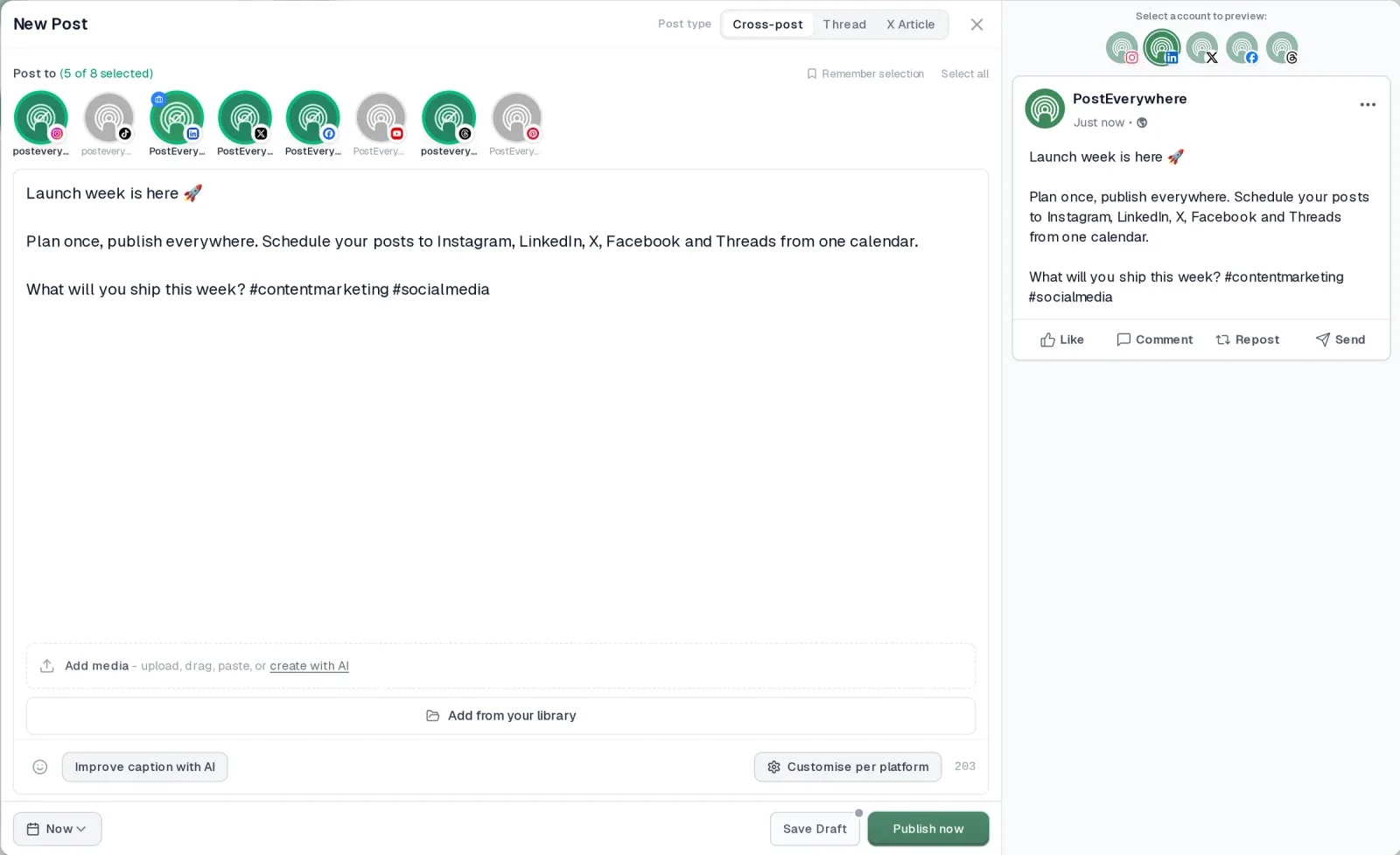
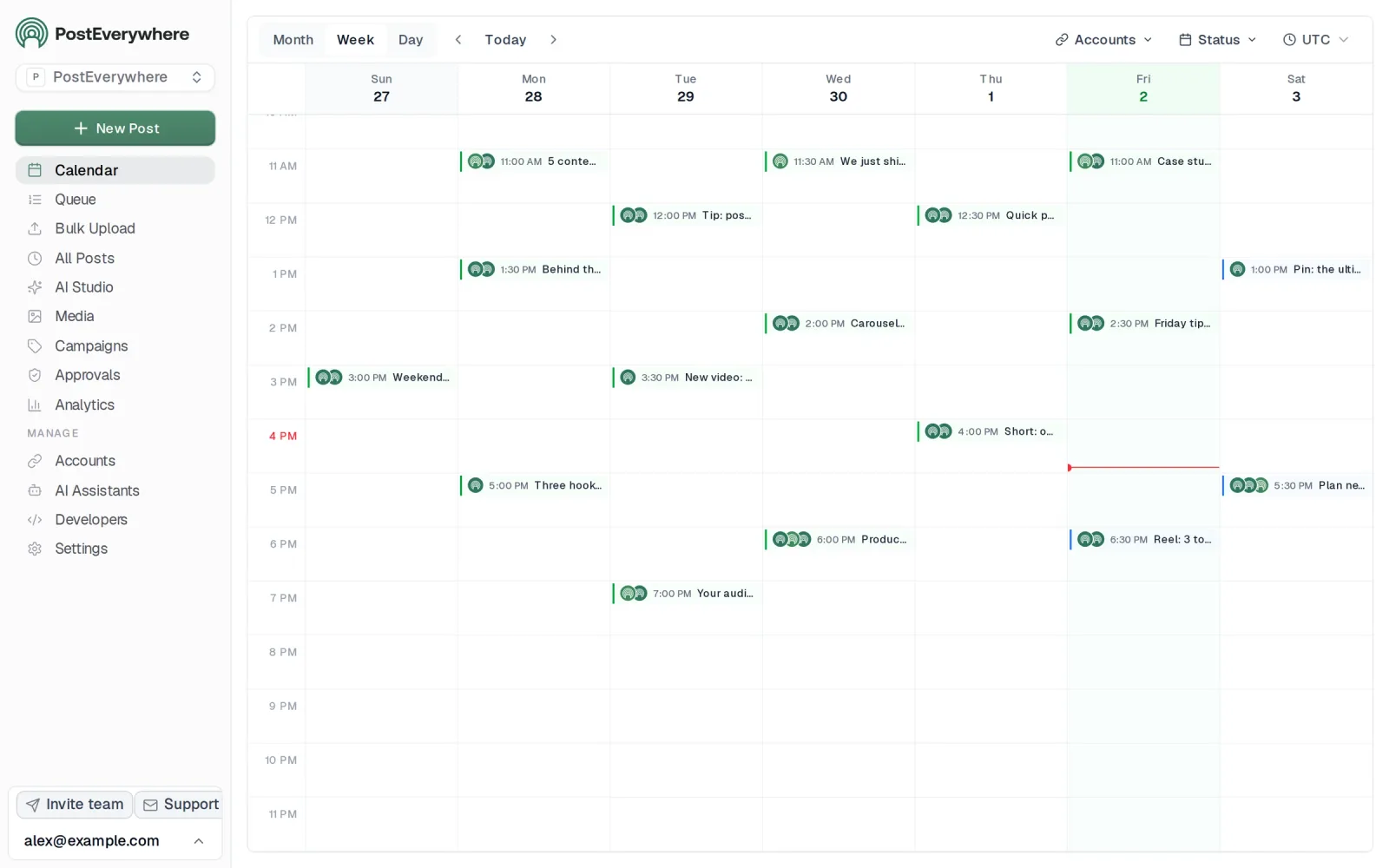
- It's simple. One composer for every platform: write the post once, tweak the caption per platform, check the live preview for each account and schedule it.
- One flat price, nothing locked away. From $9 a month. Every plan includes unlimited posts, the full API, the hosted MCP server and AI Studio, with no per-channel fees.
- Every top platform in one place. Instagram, TikTok, YouTube, LinkedIn, Facebook, X, Threads and Pinterest, plus Bluesky, Telegram, Discord, WordPress and Google Business Profile.
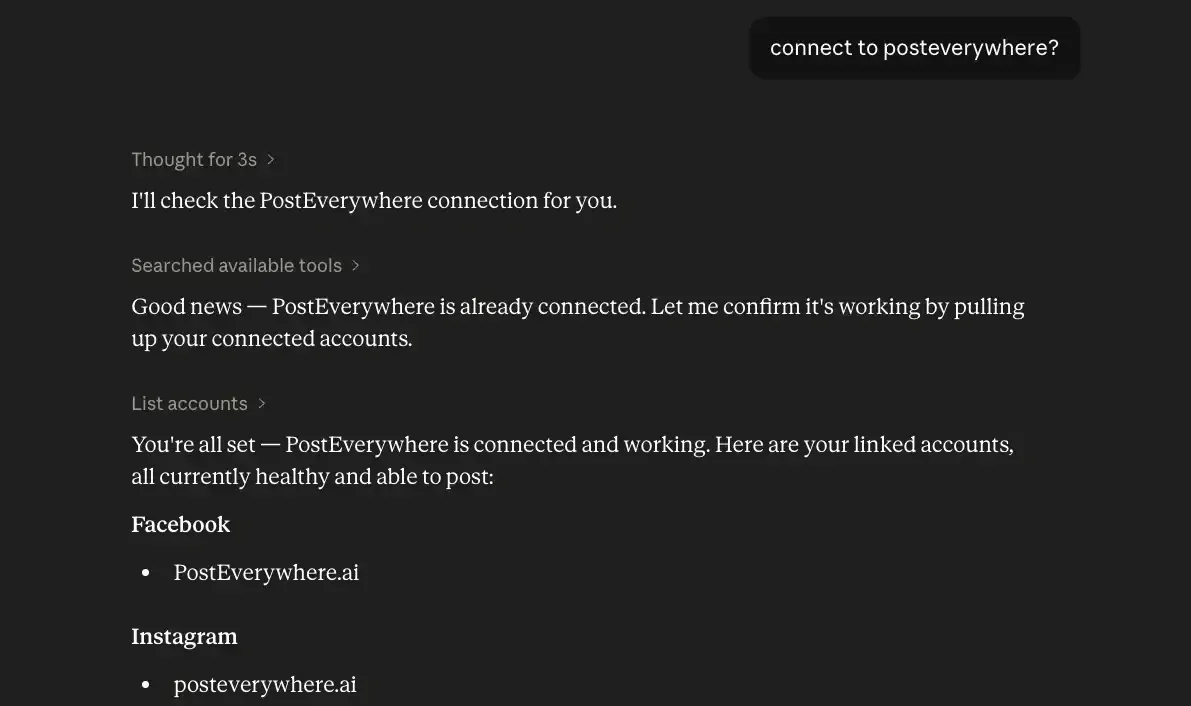
- Your AI agent can run it. Connect Claude, ChatGPT or Cursor in about a minute and ask it to plan, write and schedule your posts.
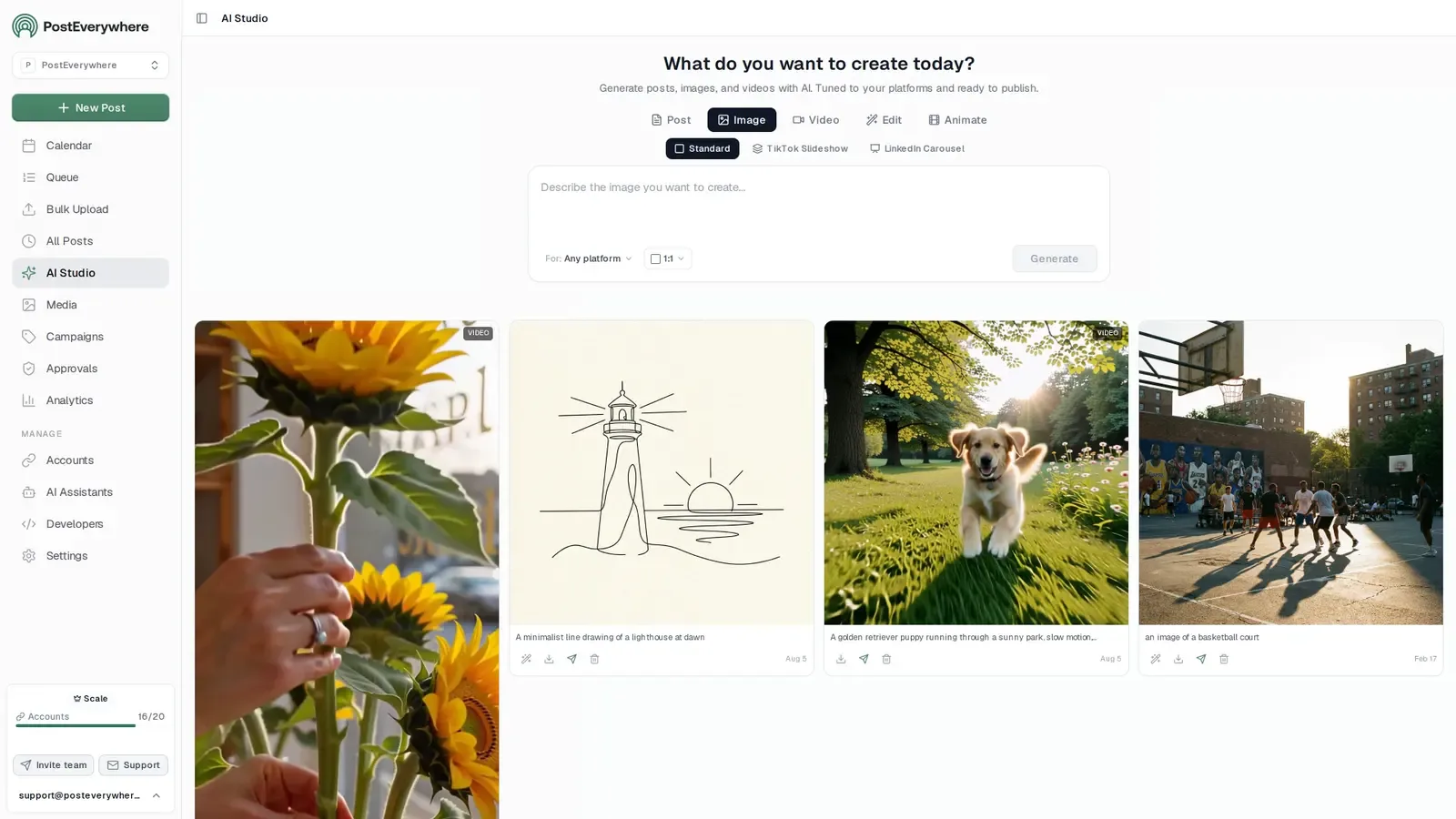
- Create in the same tool. AI Studio makes captions, images and video, so you don't need a second app before you post.
How PostEverywhere works
- Connect your accounts. Link your social accounts once, across all top platforms.
- Create the post. Write it in the composer, make images and video in AI Studio, or ask Claude or ChatGPT to draft and schedule it for you.
- Schedule it everywhere. Tweak the caption for each platform, check every preview, and it goes out on time from one calendar.
Built for AI agents
- Agents do the whole job. A full hosted MCP server with up to 44 tools: publish, schedule, use your queue or the best time, bulk-schedule 50 posts at once, check results, retry failures and send links to connect new accounts. Some rival MCP servers only read data or create drafts.
- $29 a month for 10 accounts, flat. Full API and agent access included, with no per-channel, per-seat or per-call fees. The same 10 accounts cost $60 a month on Buffer and $99 per user (billed annually) on Hootsuite.
- Nothing gated. API, MCP and webhooks come with every plan, from Lite. Several rivals keep their API for higher tiers or a sales call.
- Connected in a minute. One click adds PostEverywhere to Claude, with one-click installs for Cursor and VS Code. ChatGPT adds it under Plugins.
Plans: Lite $9 a month (2 accounts), Starter $19 (5), Growth $29 (10), Scale $39 (20). Every plan includes unlimited posts, the full API, the hosted MCP server and AI Studio.
“This tool has truly made my content posting so much easier, I can't work without it. I can schedule my posts days in advance while working on other projects. Set it and forget it.”
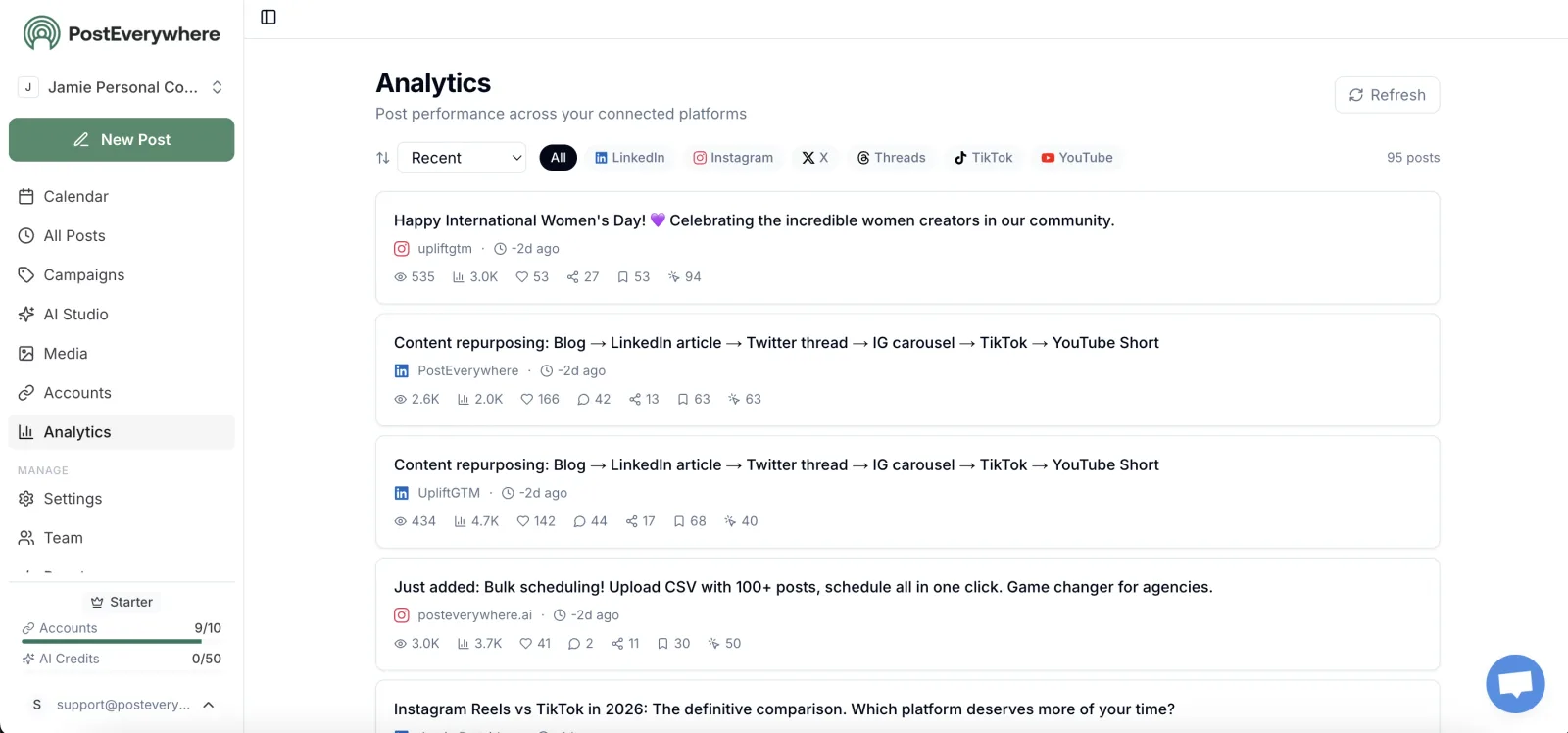
Also in PostEverywhere: a posting queue, bulk upload from CSV, approvals, analytics, an API and the iPhone app.
PostEverywhere is the agentic social media scheduler built for AI agents. Where Crowdfire handed you a feed of articles to share, PostEverywhere lets Claude, ChatGPT or Cursor connect to its hosted MCP server and draft, schedule and publish the posts themselves, as genuinely agentic tools should, on every plan from $9/mo.

Full disclosure: I built PostEverywhere, so take this with whatever grain of salt you need. But I also built it specifically because tools like Crowdfire kept either shutting down, getting acquired and gutted, or jacking up prices to the point where small businesses couldn't justify the cost. That pattern is exactly why PostEverywhere exists.
The biggest thing former Crowdfire users tell me they miss is the simplicity. Crowdfire wasn't trying to be Hootsuite. It wasn't designed for enterprise teams with approval workflows and social listening dashboards.
It was a straightforward tool for people who needed to post to all social media at once without overthinking it. PostEverywhere was designed with that same philosophy.
The Growth plan gives you 10 connected accounts for $29/mo. That covers Instagram, Facebook, LinkedIn, X, YouTube, TikTok, and Threads, all included in one flat rate. No per-channel pricing, no surprise charges when you add your fifth account.
Crowdfire's Plus plan gave you 5 accounts for about $7.48/mo, so PostEverywhere is more expensive on a per-account basis, but you're getting significantly more functionality.
Every plan includes AI content generation credits. If you relied on Crowdfire's content curation to fill gaps in your posting schedule, PostEverywhere's social media automation agents can serve a similar purpose: you describe what you want to post about, and they generate platform-optimized captions.
It's not the same as curated articles, but it solves the same problem: "I need something to post and I don't have time to write it from scratch."
The AI image generator is something Crowdfire never had. Instead of searching stock photo sites or opening Canva, you can generate custom images directly inside the scheduler. It uses the latest, highest-quality models and produces legitimately good results, not the uncanny valley stuff from two years ago.
I use it for probably 40% of my own posts.
The visual calendar gives you a full drag-and-drop view of everything scheduled across all your accounts. Cross-posting lets you publish to multiple platforms from a single piece of content, with automatic formatting adjustments per network.
The best time to post feature suggests times based on when your posts have done best, with new accounts starting from what works across PostEverywhere on each platform.
For platform-specific needs, there's dedicated support for Instagram scheduling with Reels and carousel support, Facebook scheduling for Pages, links, video and Reels, LinkedIn scheduling including document posts, X/Twitter scheduling with thread support, and YouTube scheduling for videos and Shorts.
You also get free access to the hashtag generator and engagement rate calculator.
Pricing: Lite at $9/mo (2 accounts), Starter at $19/mo (5 accounts), Growth at $29/mo (10 accounts), and Scale at $39/mo (20 accounts). 7-day free trial. 20% off annual billing.
Best for: Former Crowdfire users who want flat-rate pricing, AI-assisted content creation, and a simple interface without enterprise bloat.
The catch: No built-in content curation from external sources (the biggest Crowdfire feature gap). Instead, PostEverywhere connects to other tools through its REST API, webhooks and MCP server, so if you specifically need RSS-to-social automation, you'll need to pair PostEverywhere with a tool like Zapier for now.
Missing Crowdfire's simplicity? Start your free PostEverywhere trial: 10 accounts on Growth, AI content generation and flat-rate pricing. cancel anytime.
Why Choose PostEverywhere?
PostEverywhere is the best Crowdfire replacement because it keeps what Crowdfire users loved, simple multi-account posting at a fair flat price, and fills the "what do I post today?" gap with AI Studio and an AI agent that can write and schedule for you.
- Flat pricing as you add accounts. Growth is $29/month for 10 accounts, and Scale is $39 for 20. On Buffer, five channels already cost $25 to $50 a month because it bills per channel.
- Built for one person, priced for one person. Hootsuite starts at $99 per user per month, more than ten times what Crowdfire charged. PostEverywhere covers a solo creator from $9 and a small team on the same plan with no seat fees.
- Every network you used Crowdfire for. Instagram, Facebook, LinkedIn, X (Twitter), YouTube, TikTok and Threads are all included, plus Pinterest, Bluesky and more. Later doesn't support X at all and splits accounts into "social sets".
- Something to post, every day. AI Studio writes captions and makes images and video in the same composer, on every plan, so the queue never sits empty. Buffer has no AI image generation, and SocialBee's $29 Bootstrap plan covers 5 profiles and 1 user.
- Hand the daily routine to an AI agent. Connect Claude, ChatGPT or Cursor to the hosted MCP server in about a minute and it can draft the week, schedule it at your best times and publish, which is the job Crowdfire's curation feed used to nudge you into.
- Simple scheduling, with room to grow. One composer with live previews per account, a posting queue, a drag-and-drop calendar, bulk CSV upload and an iPhone app.
See every plan on the pricing page and start a 7-day free trial to move your Crowdfire routine over in an afternoon.
2. Buffer: A Crowdfire Alternative for Solo Creators
 Buffer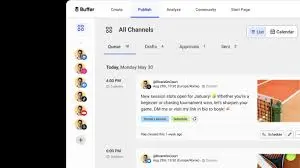
Buffer is probably the most natural landing spot for former Crowdfire users who want something clean and simple. The interface is almost aggressively minimal: you connect your accounts, write your posts, set your schedule, and that's basically it.
If Crowdfire's appeal was "I don't want to think about this too hard," Buffer delivers that same energy.
Where Buffer starts to fall apart for former Crowdfire users is the pricing model. On paid plans, Buffer charges per channel: $5 to $10 per channel per month depending on the plan.
If you were managing five accounts on Crowdfire's $7.48/mo plan, you'll be paying $25–$50/mo for the same number of channels on Buffer. That math gets painful fast.
Buffer also doesn't have content curation. There's no article recommendation engine, no RSS integration built in, and no AI image generation. If the curation workflow was central to how you used Crowdfire, Buffer won't replace that piece. You'll need a separate tool or workflow.
The analytics are decent but not deep. You get post-level engagement metrics and basic audience insights, but nothing approaching what Hootsuite or Sprout Social offer. For most ex-Crowdfire users, that's probably fine; Crowdfire's analytics weren't exactly enterprise-grade either.
Pricing (October 2026): Free (3 channels, 10 posts each). Essentials $5/channel/mo annual ($6 monthly). Team $10/channel/mo annual ($12 monthly). Volume discount past 10 channels.
Good for: Solo creators who only need 3–5 accounts and value simplicity above all else.
The catch: Per-channel pricing scales poorly. No content curation. No AI image generation. If you had more than 5 accounts on Crowdfire, Buffer will cost you significantly more.
3. Hootsuite: For Teams That Outgrew Crowdfire
 Hootsuite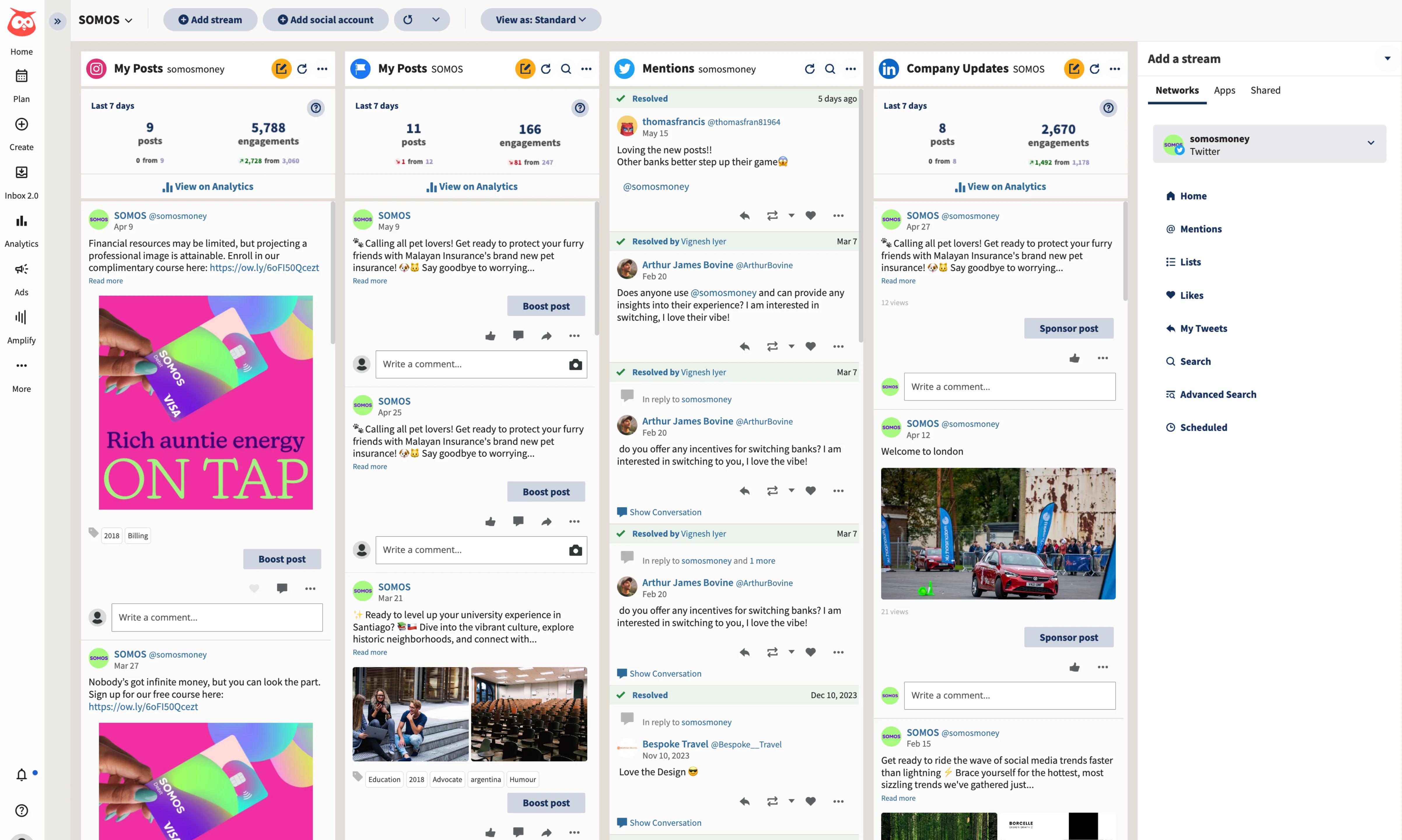
Hootsuite is the opposite end of the spectrum from Crowdfire. Where Crowdfire was built for simplicity and affordability, Hootsuite is built for marketing teams that need every feature imaginable: social listening, competitive benchmarking, approval workflows, ad management, and analytics dashboards that would make a data analyst happy.
If you were a small business that started on Crowdfire and grew into a team of 3–5 people managing social, Hootsuite is worth a serious look. The collaboration features are genuinely well-built.
You can assign posts for approval, maintain a shared content library, set role-based permissions, and run reports that actually tell you whether your social efforts are driving business outcomes.
The social listening feature is Hootsuite's real differentiator. You can monitor brand mentions, track competitor activity, and analyze audience sentiment, all from the same platform you use to schedule posts.
For businesses that care about brand reputation (which should be all of them), this is valuable. Crowdfire never offered anything comparable.
But here's the thing: most former Crowdfire users don't need any of this. Hootsuite starts at $99 per user per month (billed annually), which is more than ten times what Crowdfire's paid plan cost. The interface is dense and takes time to learn.
If you're a solopreneur who just wants to schedule a week's worth of posts on Sunday evening, Hootsuite is massive overkill.
Pricing (October 2026): Standard $99/user/mo (10 accounts). Professional $199/user/mo (unlimited accounts). Advanced $399/user/mo (adds approval workflows). All billed annually; Enterprise custom. No free plan; 14-day free trial.
Good for: Marketing teams with 3+ people who need social listening, advanced analytics, and approval workflows.
The catch: Expensive. Steep learning curve. Overwhelming for solo users or small businesses. The opposite of what made Crowdfire appealing.
Want Hootsuite-level features without the Hootsuite price? Start your 7-day PostEverywhere trial: AI content generation, cross-posting, and up to 20 accounts for a fraction of the cost.
4. Later: For Visual-First Instagram and TikTok Creators
 LaterMCP server: none listed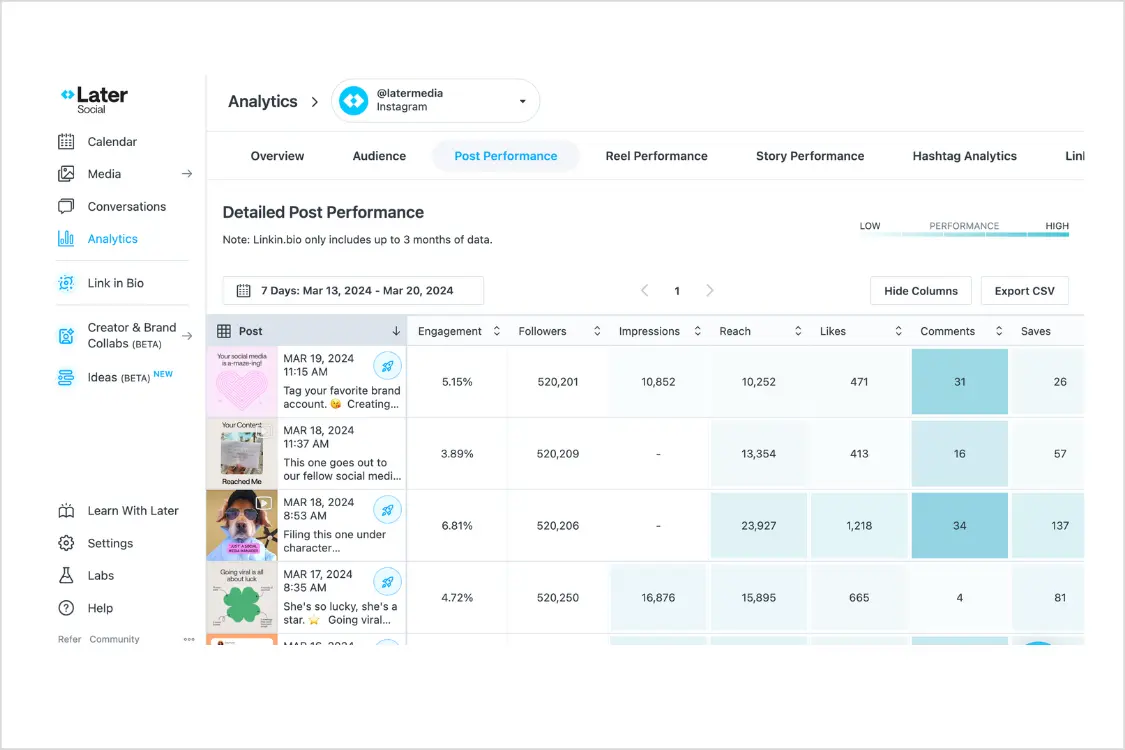
Later is the tool you want if your social strategy is primarily visual. It started as an Instagram planner, and that DNA still shows: the visual grid preview lets you see exactly how your Instagram feed will look before you publish, and the media library makes managing photos and videos across campaigns genuinely easy.
If you used Crowdfire mostly for Instagram and TikTok, Later is probably the closest spiritual successor. The drag-and-drop calendar is intuitive, the Linkin.bio tool turns your Instagram feed into a clickable mini-website, and the platform-specific publishing tools are polished.
Later also has genuinely good hashtag suggestions, something Crowdfire users will appreciate, since Crowdfire's hashtag recommendations were one of its better features.
Later has expanded beyond Instagram into TikTok, Pinterest, LinkedIn, and other platforms, but it still feels most at home with visual content. If you're a B2B company that mostly publishes text-based LinkedIn posts, Later won't feel like a natural fit.
The content curation angle is worth mentioning: Later has a "Collected" feature that lets you save and organize user-generated content for reposting. It's not the same as Crowdfire's article recommendation engine, but it's useful if your strategy involves sharing community content.
Pricing (October 2026): Starter $18.75/mo billed annually (1 social set, 1 user). Growth $37.50/mo annually (2 social sets, 2 users). Scale $82.50/mo annually (6 social sets, 4 users). Annual billing is 25% off monthly. Note: Later raised prices across all tiers in 2025.
Good for: Creators and brands focused on Instagram, TikTok, and Pinterest who prioritize visual planning.
The catch: Less useful for text-heavy platforms like LinkedIn, and X isn't supported at all. Only a small monthly allowance of AI credits. The "social set" pricing model can be confusing.
5. Metricool: For Analytics Bundled with Scheduling
 Metricool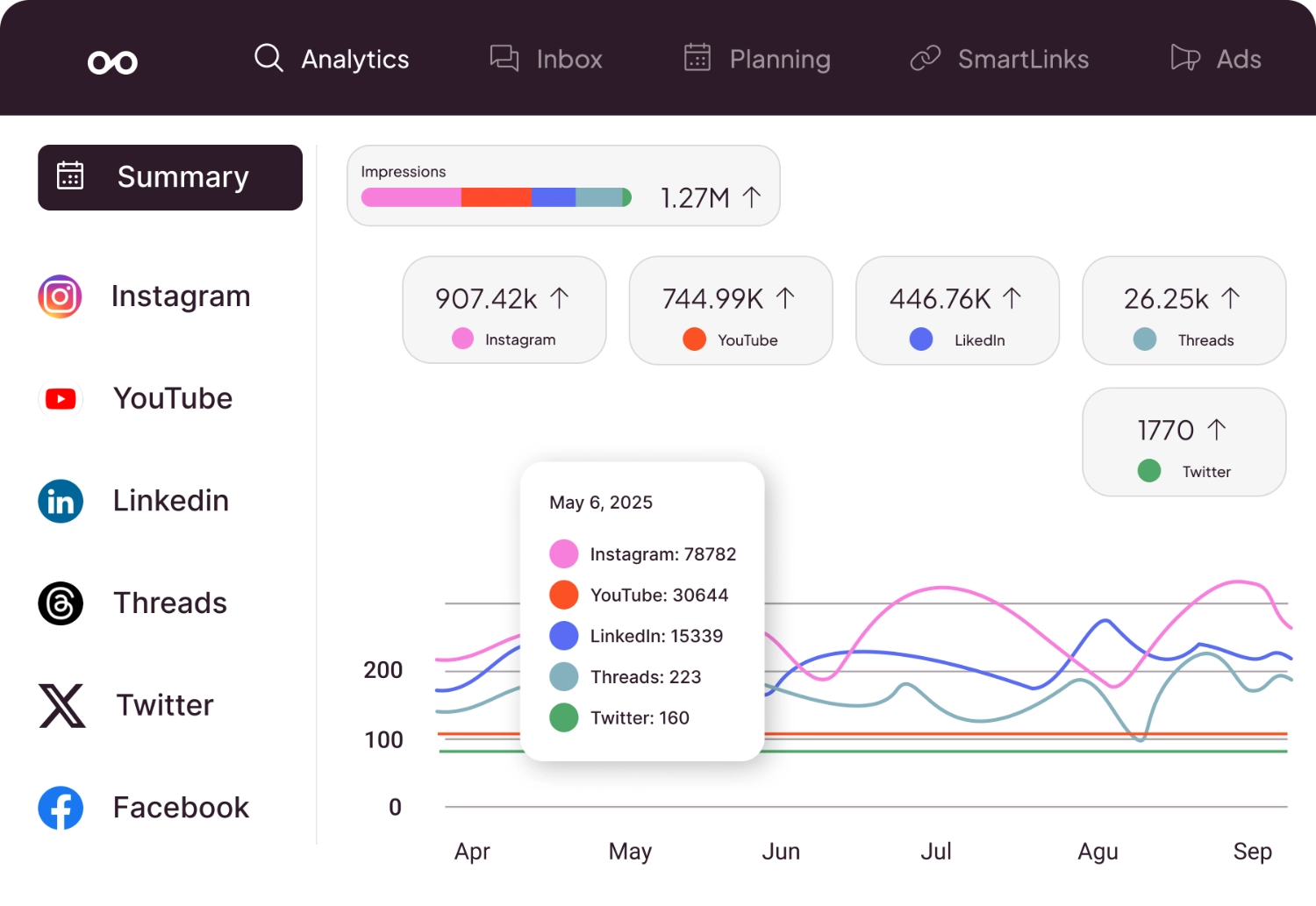
Metricool is a lesser-known option on this list. It's a Spanish company that doesn't get nearly the marketing attention of Buffer or Hootsuite in English-speaking markets, but the product is genuinely strong, especially if you care about analytics as much as scheduling.
Metricool's focus is analytics. Every plan pairs scheduling and a link-in-bio page with detailed performance data across all your connected platforms, which makes it a fit for former Crowdfire users who want to see what is working.
The paid plans are competitive too. The Starter plan covers up to 5 brands for $20/mo billed annually ($25 monthly), which makes it appealing for freelancers or small agencies managing a handful of clients.
If Crowdfire's affordability was a big draw for you, Metricool's pricing will feel familiar.
Metricool also has a competitor analysis feature that lets you benchmark your performance against other accounts in your niche. Crowdfire didn't offer this. It's not social listening in the Hootsuite sense, but it's useful for understanding where you stand relative to competitors.
The scheduling interface is solid but not as polished as Buffer's or Later's. It gets the job done without being exciting. The content curation side is minimal: there's no article recommendation engine, so if that was your primary Crowdfire workflow, Metricool won't fill that gap either.
Pricing (October 2026): Free (1 brand, 20 posts/mo, no LinkedIn or X). Starter from $20/mo annual ($25 monthly, up to 5 brands, unlimited publishing). Advanced from $53/mo annual ($67 monthly, includes the Metricool API for Zapier and Make). Custom plan above that. X is a paid add-on.
Good for: Data-driven marketers who want deep analytics bundled with scheduling at a competitive price.
The catch: The interface isn't as intuitive as Buffer or Later. Limited content curation. Less well-known, which means fewer community resources and tutorials.
6. SocialBee: For Content Recycling and Evergreen Posts
 SocialBeeMCP server: none listed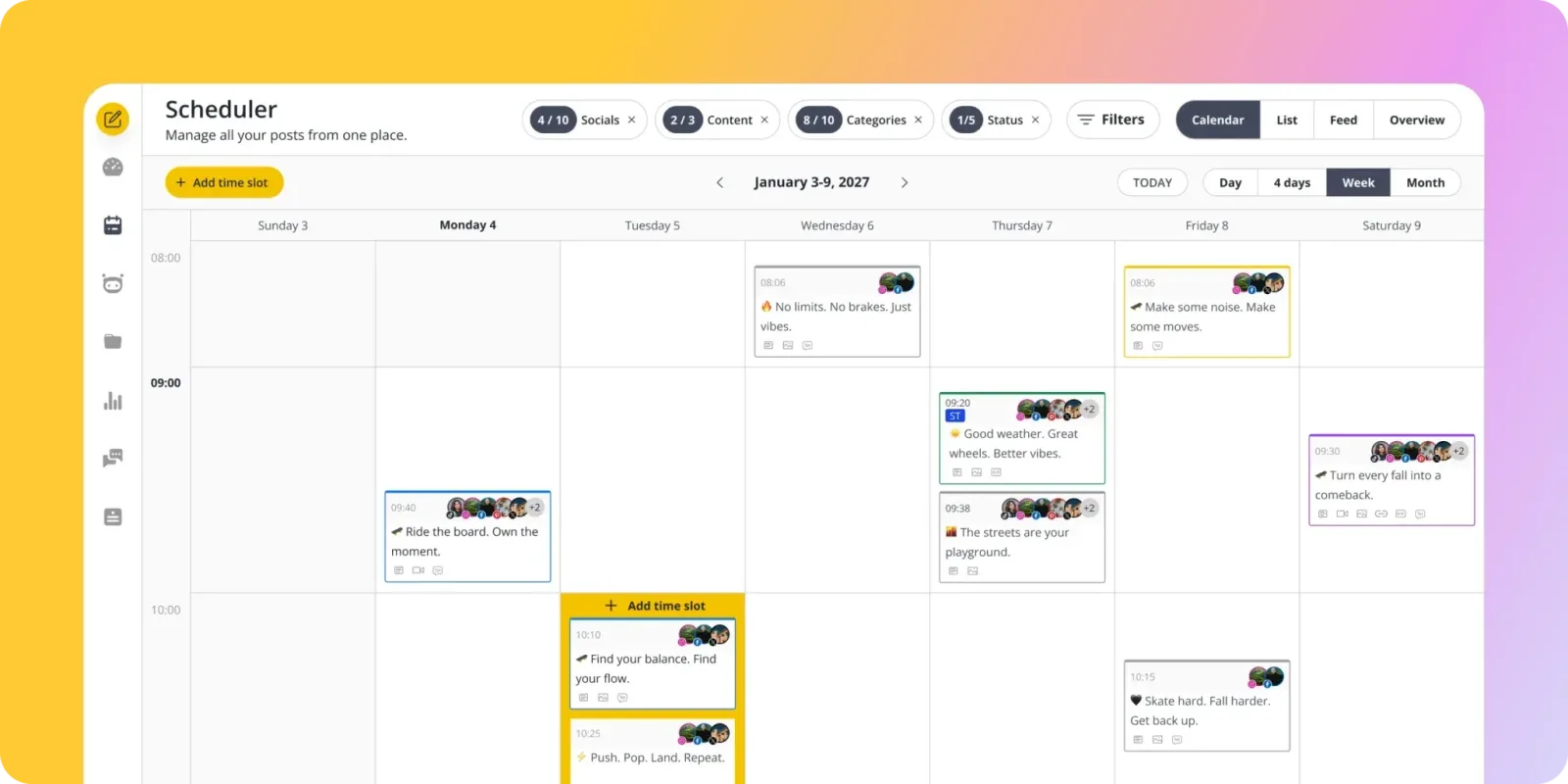
SocialBee was actually one of the tools Crowdfire officially endorsed in their shutdown announcement, which gives it some credibility as a replacement. The standout feature is content categories and recycling: you organize your posts into categories (promotional, educational, behind-the-scenes, etc.), set a schedule for each category, and SocialBee automatically rotates through your content library.
Evergreen posts get recycled so you're never staring at an empty queue.
This is the closest thing to Crowdfire's "always have something to post" philosophy, just implemented differently. Instead of curating external content, SocialBee helps you get more mileage out of content you've already created.
If you had a library of posts in Crowdfire that you scheduled on repeat, SocialBee's recycling system is built exactly for that workflow.
SocialBee also has a Canva integration and AI-assisted caption writing, which helps fill the content creation gap. The workspace structure makes it easy to manage multiple brands: each brand gets its own content categories, schedules, and analytics. For freelancers managing clients, this organization is genuinely helpful.
The analytics aren't as deep as Metricool's, and the interface takes some getting used to. The category-based scheduling system is powerful once you understand it, but the initial setup requires more thought than Crowdfire's simpler queue.
Pricing (October 2026): Bootstrap $29/mo (5 profiles, 1 user, 1 workspace). Accelerate $49/mo (10 profiles, 1 user). Pro $99/mo (25 profiles, 3 users, 5 workspaces). 16% off annual. 14-day trial.
Good for: Content marketers who want to build a library of evergreen content and keep their feeds active with minimal daily effort.
The catch: Higher starting price than Crowdfire. The category system has a learning curve. No content curation from external sources. If content recycling is your main need, our MeetEdgar alternatives and Post Planner alternatives guides cover more tools focused on evergreen content automation.
Tired of comparing pricing pages? Start your PostEverywhere trial: flat-rate plans from 2 to 20 accounts, with AI tools included. See how it compares in 5 minutes.
7. Publer: For Automation and Bulk Scheduling
 Publer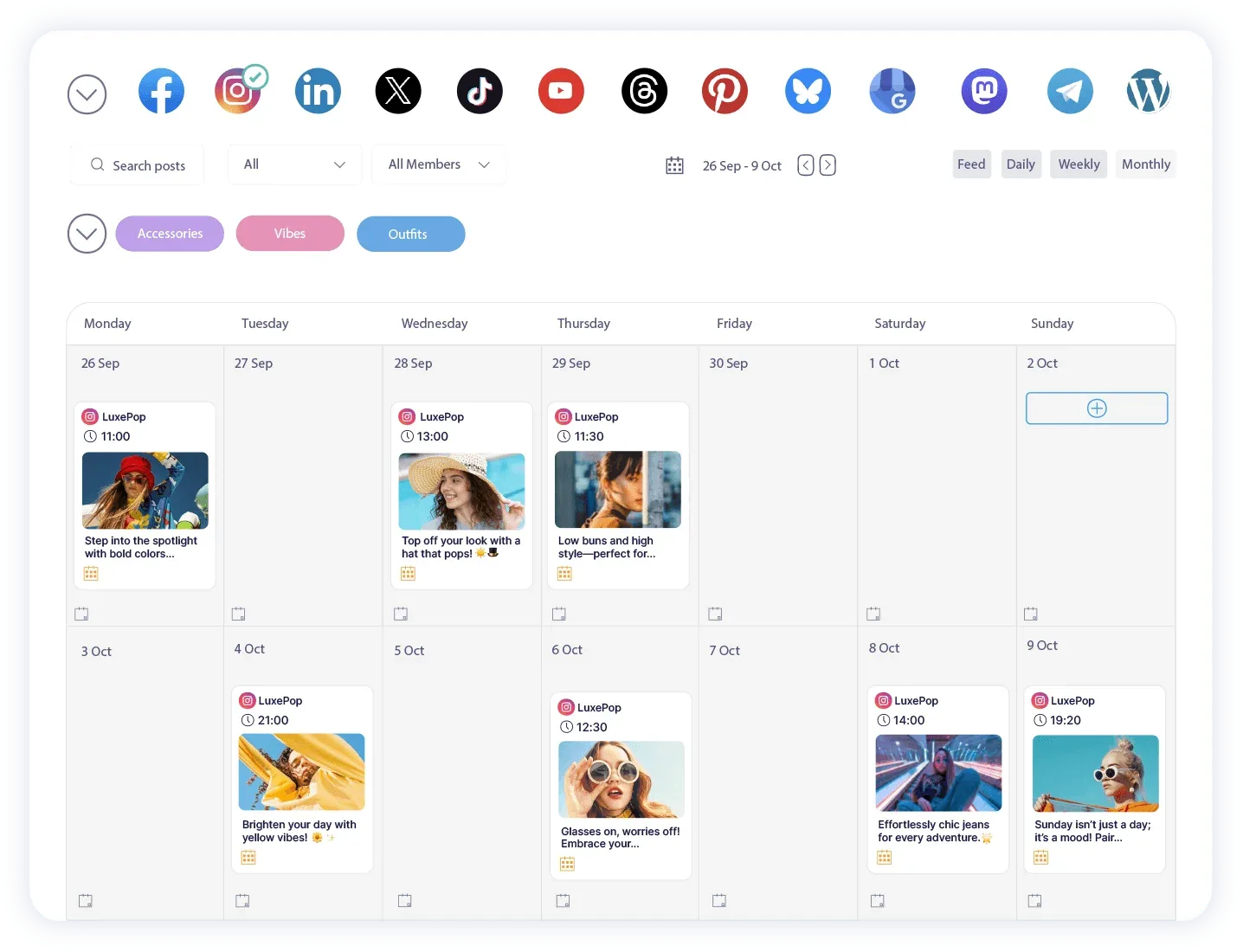
Publer is the power user's tool. If you used Crowdfire's bulk scheduling feature to queue up dozens of posts at once, or if you liked the automation aspects of having content automatically pulled from RSS feeds, Publer is the closest match in terms of raw capability.
Publer supports bulk scheduling via CSV upload, content recycling, auto-scheduling based on optimal times, and RSS feed integration. That last one is a big deal for former Crowdfire users. You can connect your blog's RSS feed and have new posts automatically shared to your social accounts, which is the exact workflow that many Crowdfire users relied on.
The watermark feature is a nice touch for visual content creators: you can automatically add your logo or brand watermark to images before they're published. There's also a link shortener, UTM tracking, and signature/hashtag groups that get appended to posts automatically.
These are small features, but they add up to a workflow that feels efficient once configured.
Publer's paid plans start at $5/month for Professional with one social account, with Business from $10/month adding analytics, unlimited AI Assist and approvals. Former Crowdfire users who want RSS integration and bulk scheduling at a low monthly cost will find Publer's pricing close to what they paid before.
Pricing (October 2026): Free (3 accounts, no X). Professional from $5/mo for 1 social account, priced per account. Business from $10/mo for 1 account, adds analytics, unlimited AI Assist, approvals, API and MCP access. Yearly billing gives 2 months free.
Good for: Power users who want RSS-to-social automation, bulk scheduling via CSV, and content recycling at a low price.
The catch: The interface is functional but not pretty. Less community and fewer tutorials than Buffer or Hootsuite. Advanced features require some setup time. For a deeper look, see our Publer alternatives guide.
How to Migrate Without Losing Momentum
If you're reading this more than a year after the shutdown, you've already survived the hard part. But whether you're finally choosing a permanent tool or switching from a hasty first choice, here's how to make the transition smooth.
Export what you can from your current tool before switching. If you moved to a temporary solution after Crowdfire shut down, don't make the same mistake twice. Export your content calendar, your analytics data, and your post library before you cancel anything. Most tools let you export to CSV.
Reconnect your social accounts one at a time. Don't try to set up everything in one sitting. Start with your most important platform, get the scheduling workflow dialed in, and then add the rest.
Every tool handles platform connections slightly differently, and rushing through the setup is how you end up with broken connections and missed posts.
Rebuild your posting schedule based on data, not habit. Your Crowdfire schedule was probably fine for 2024, but audience behavior shifts. Use your new tool's best time to post feature (or check out our best time to post tool) to recalibrate.
You might find that your optimal posting windows have changed since you last analyzed them.
Set up a content workflow before you start scheduling. The biggest mistake I see former Crowdfire users make is jumping straight into scheduling without establishing where their content comes from. Crowdfire solved this with curation. Your new tool probably doesn't have that feature.
Whether you're using AI content generation, a content calendar template, or a weekly brainstorming session, figure out your content pipeline first.
If you're managing multiple accounts across platforms, a social media audit can help you figure out which accounts are actually worth your time before you start paying for them on a new platform.
And if you're building UTM links to track traffic from social, set those up in your new tool from day one rather than trying to retrofit them later.
Looking for a side-by-side comparison? See our complete social media tool comparison guide with head-to-head matchups.
Frequently Asked Questions
Why did Crowdfire shut down?
Crowdfire cited two main reasons in their May 2025 announcement: rising infrastructure costs and the declining need for third-party scheduling tools as social platforms built their own native publishing features.
The company had also faced challenges with API restrictions from platforms like Twitter and Instagram over the years, which limited core features like follower analytics that originally made Crowdfire popular.
Can I still access my Crowdfire data?
No. All Crowdfire user data was permanently deleted on June 30, 2025, about six weeks after the shutdown. There was no data export option offered to users. If you didn't manually save your post history, analytics, or content queue before May 15, 2025, that data is gone.
This is a good reminder to periodically export your data from whatever tool you use now.
What's the cheapest Crowdfire alternative in 2026?
Buffer and Metricool both offer limited free plans. For paid plans, Publer starts at $5/mo for one account on the Professional plan with RSS integration and bulk scheduling, which is the closest to Crowdfire's old pricing. RecurPost's Starter plan is $9/mo for 2 accounts. PostEverywhere starts at $9/mo for 2 accounts, rises to $29/mo for 10, and includes AI content generation on every plan.
Which alternative has content curation like Crowdfire?
None of the major alternatives offer the exact same article recommendation and curation engine that Crowdfire had. Publer comes closest with RSS feed integration that automatically shares new content from your connected sources. SocialBee offers content recycling for your own posts, which solves the "always have something to post" problem differently.
For AI-assisted content ideas, PostEverywhere's AI content generator can help you create original posts when you're stuck.
Is SocialBee the official Crowdfire replacement?
SocialBee was one of the tools Crowdfire mentioned in their shutdown communications, and they shared referral offers with displaced users. However, there's no formal partnership or data migration between the two platforms.
SocialBee is a solid tool in its own right, but you should evaluate it against your specific needs rather than choosing it just because Crowdfire endorsed it.
What should I look for in a Crowdfire replacement?
Focus on the features you actually used. If content curation was your primary workflow, look for RSS integration or AI content tools. If you mainly used Crowdfire for simple scheduling across 3–5 accounts, a lighter tool with a low account limit may be enough.
If you had more accounts, check the pricing math carefully: per-channel pricing from tools like Buffer can cost more than flat-rate options like PostEverywhere once you pass 4–5 accounts. And critically, choose a tool from a company that looks financially stable. The last thing you need is another shutdown.
Can I use multiple tools instead of one Crowdfire replacement?
Yes, and for some workflows this makes more sense. You might use a social media scheduler like PostEverywhere for publishing and a separate RSS reader for content curation. Some people pair Buffer's scheduling with Feedly for content discovery.
The downside is managing multiple tools and logins, but the upside is that you're not dependent on a single platform for everything, which is exactly the lesson Crowdfire's shutdown taught us.
A year on from the Crowdfire shutdown, which alternatives held up?
Looking back at the last 12 months, the alternatives that retained the most former Crowdfire users have been Buffer (simple queue scheduling), Publer (closest to original Crowdfire pricing), and Metricool (analytics bundled with scheduling).
SocialBee was officially endorsed by Crowdfire and saw a wave of signups, though its $29 entry point is higher than what most Crowdfire users were paying. Later raised prices across all tiers in 2025 (now $18.75/$37.50/$82.50 a month billed annually), which pushed some former Crowdfire users to look elsewhere.
How do I prevent getting burned by another tool shutdown?
Three rules. First, regularly export your data; most tools offer CSV exports of your content calendar and analytics. Don't wait until the shutdown announcement to realize you can't get your data out.
Second, avoid storing original content exclusively in your scheduling tool. Keep a separate document or folder with your post copy, images, and content calendar. Third, pay attention to a tool's business model.
If the pricing seems unsustainably low or the company hasn't raised prices in years despite rising costs, that's a warning sign. Tools that charge fair prices tend to stick around longer.

Founder & CEO of PostEverywhere. Writing about social media strategy, publishing workflows, and analytics that help brands grow faster.