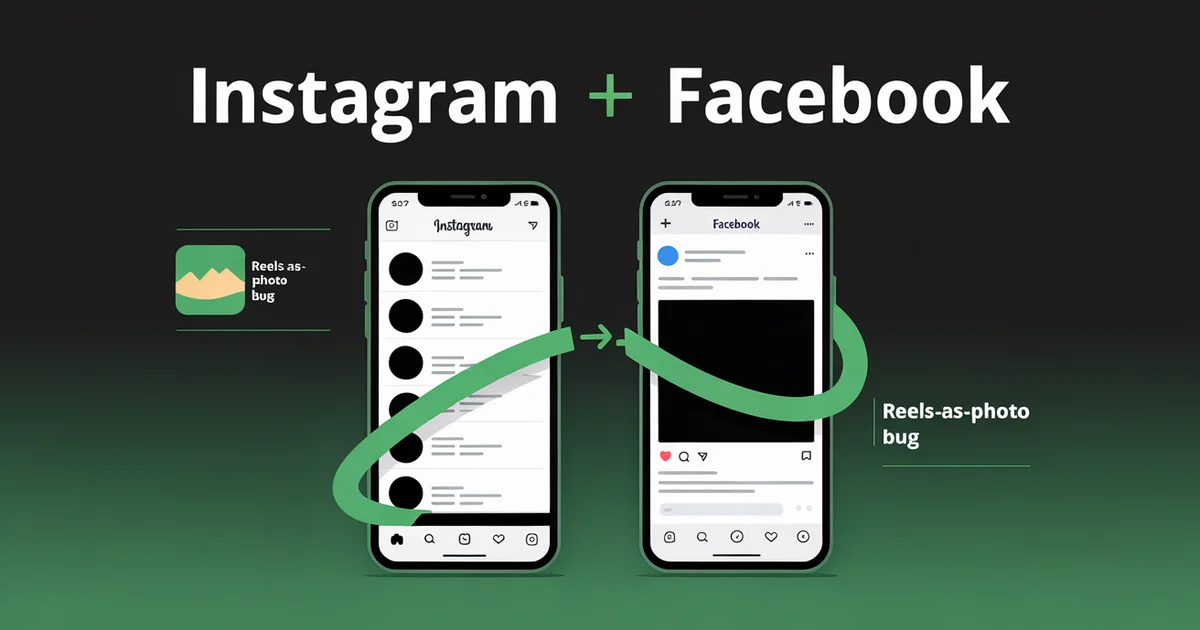
Your last Instagram Reel probably posted to Facebook as a still image, and Meta has known about it for over a year.
If you regularly post to Instagram and Facebook at the same time, you've almost certainly hit one of four specific Meta bugs in the last six months. The Reels-as-photo issue. The silently-disabled sharing toggle. The muted audio. The personal-account-blocked workflow.
Meta's own help center has a dedicated article for the Reels bug (help.instagram.com/1206864193634431). Its existence is the proof.
This post is not a cheerful "five easy steps" guide. It's an honest map of what works, what doesn't, and what changed when Meta rolled out the new Meta Account system on 23 April 2026, three days before this article was published.
If your sharing settings have stopped working in the last week, you're not imagining it.
Edited by Jamie Partridge, Founder
The limits that break this are mapped on our social media automation page.
TL;DR
- Meta offers four native paths to cross-post Instagram and Facebook. Three break under predictable conditions in 2026.
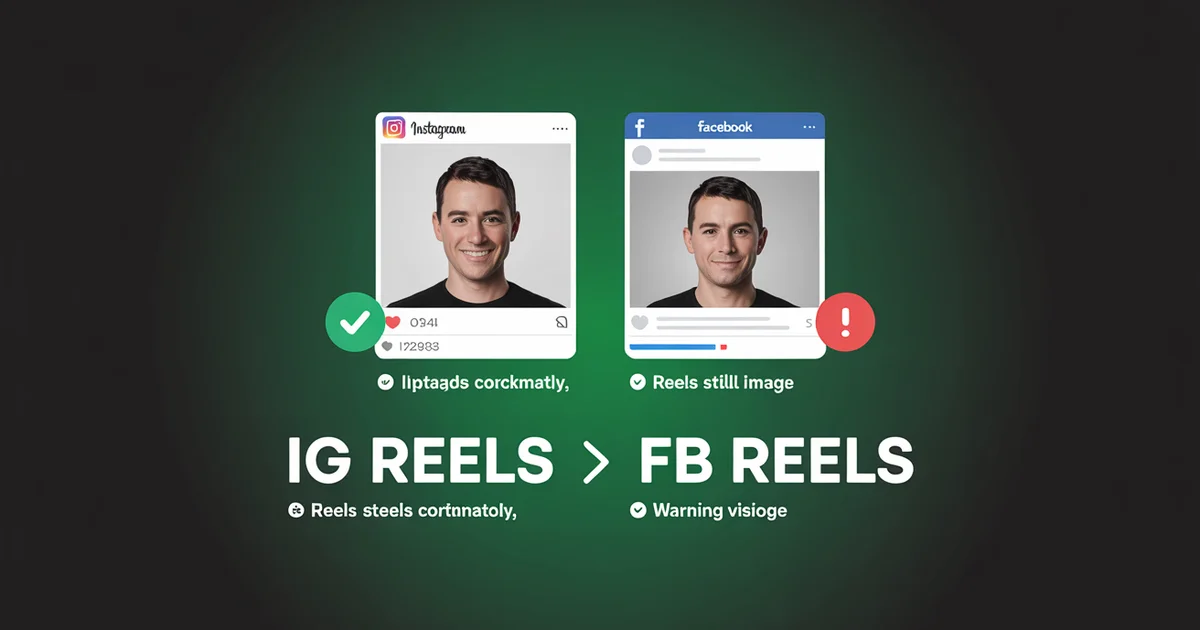
- Reels often render as a static cover image on Facebook. Meta has a help article confirming this and no fix shipping.
- The "Meta Account" migration that began 23 April 2026 silently disabled sharing toggles for many users. Re-link from Settings → Accounts Center if posts have stopped sharing.
- Personal Instagram accounts cannot crosspost to Facebook Pages. Only Business or Creator accounts can.
- The third-party route (cross-platform schedulers) bypasses every one of these failure modes, and lets you size each asset to the right aspect ratio for each platform before publish.
Skip the bugs. PostEverywhere posts to Instagram and Facebook simultaneously. Reels stay as Reels, captions stay full-length, audio stays intact. Start your 7-day trial →
Why post to Instagram and Facebook at the same time at all?
The case for posting to Instagram and Facebook at the same time isn't about saving 30 seconds. It's about audience overlap.
Per DataReportal's 2025 social media report, 80.3% of Instagram users also have a Facebook account. Pew Research's November 2025 study found that 71% of US adults use Facebook and 50% use Instagram, with 52% of Facebook users on the platform daily.
That overlap means cross-posting isn't lazy duplication. It's frequency reinforcement to people who follow you in two places. A customer who sees your offer on Instagram in the morning and again on Facebook over lunch is more likely to act than one who saw it once.
Marketers who skip Facebook because "Instagram is where my audience lives" are routinely missing the parents, older customers, and local-business followers who use Facebook primarily.
The corollary is also true: cross-posting identical content erodes the value of the second exposure. We'll get to that in the algorithm-myth section.
The four native ways to post to Instagram and Facebook at once (and how each one breaks)
Meta provides four official paths in April 2026. Each fails differently.
Method 1: Meta Business Suite scheduler
Meta Business Suite is the closest thing to a unified cross-poster Meta ships. You can schedule a single post, carousel, Reel, or Story to a connected IG Business/Creator account and a Facebook Page from the same composer.
What works: Single images, carousels, basic Reels, and native scheduling (Meta's help pages have long quoted up to 75 days, but many Page owners report a limit of about 30 days in the Planner).
We break the Facebook side down on our Facebook scheduler page. For Reels specifically, see our comparison of the best tools for scheduling Instagram Reels.
What doesn't:
- Personal Instagram accounts are excluded. Business Suite only connects Business or Creator accounts. If you're a solo creator who never converted, Business Suite shows you nothing.
- Reels often render as static cover images on Facebook. Meta's own help article, Fix problems sharing Instagram reels to Facebook, exists specifically for this issue. Workaround: post the Reel directly inside Facebook's Reels composer and to Instagram separately.
- Cross-posting from Facebook to Instagram is more limited than the reverse. Per Meta's Business Help Center, only single-image FB posts can crosspost to IG. Carousels, videos, albums: none of them show an Instagram option.
Method 2: The Instagram in-app "Share to Facebook" toggle
Open Instagram → Settings → Accounts Center → Sharing across profiles. This toggle exists for any post type, including Reels and Stories.
What works: Frictionless when it works. Set it once and posts mirror automatically.
What doesn't:
- It silently turned off for many users on 23 April 2026 when Meta began rolling out the new Meta Account system (12-month rollout). If your auto-share has stopped working in the last week, this is almost certainly why.
- Audio in Reels gets muted on Facebook when the licensed track in your Instagram music library doesn't have Facebook performance rights. The Reel plays silent on FB while playing fine on IG. There's no warning before publish.
- Captions are pulled from the Instagram version, meaning Facebook's much longer character allowance (63,206 vs Instagram's 2,200) is wasted, and the post doesn't get the FB-native long-form treatment that performs well on the platform.
Method 3: Posting from Facebook → cross-share to Instagram
Reverse direction. Available in the Facebook composer for Pages.
What works: Almost nothing reliably. Single still images post fine.
What doesn't: Carousels, video, Reels, albums. None of these surface an Instagram crosspost option. This is documented in the Meta Business Help Center but rarely flagged in third-party guides. If you're starting a workflow on Facebook and expecting it to mirror to Instagram, abandon that workflow now.
Method 4: Threads as the unintended bridge
Threads cross-posts to Instagram and (separately) to Facebook with similar mechanics to Method 2. Some creators use Threads as a "post once, mirror to two places" hub. It works, but it's text-first by design, so you lose the visual creator experience.
The cross-posting algorithm penalty myth, debunked with Mosseri's actual words
You've probably read that Instagram's algorithm penalises cross-posted content. Most posts on this topic say it without sourcing it. Here's what's actually true.
In January 2025, Adam Mosseri confirmed Instagram's recommendation system favours "original content", and elaborated: when the system detects identical content, only the original gets recommended. But "original" in that context means original to Instagram, not original to one platform. The penalty applies to:
- TikTok-watermarked Reels reposted on Instagram
- Posts that are 70%+ visually identical to existing content on the platform (whether yours or someone else's)
- Accounts that repost others' content more than 10 times in 30 days
It does not apply to a creator posting their own original work to two of their own accounts on different platforms (Instagram and Facebook). That's two different platforms, two different audiences, two different recommendation systems.
The actual lesson from Mosseri's words: don't strip a TikTok's audio and post it to Reels with a watermark, and don't recycle other creators' content. Genuinely tailoring an Instagram caption for the Facebook audience is fine, and probably better than a literal copy.
If Instagram already auto-shares to Facebook
If Instagram is already sharing everything to Facebook, you have two choices. Keep the automatic mirror and accept its bugs (still-image Reels, muted audio, identical captions), or switch it off and post to Instagram and Facebook at the same time on your own terms.
If you want it off, the full steps, the three separate switches, and what disabling does not undo are in how to turn auto-sharing off below.
Turning Meta's mirror off before you connect a scheduler matters: otherwise every post you send to Instagram also fires to Facebook automatically, and you end up with duplicates.
How to turn auto-sharing off
Something you posted to Instagram showed up on Facebook and the wrong people saw it; or you run separate strategies per platform and Meta keeps collapsing them into one feed.
Either way, the off switch is harder to find in 2026 than it should be, because Meta has moved it more than once since 2023 and is mid-way through the Meta Account migration that began 23 April 2026.
The current Accounts Center path
- Open Instagram → tap your profile → Settings and activity.
- Look for Meta Account at the top. If you don't see it yet, your account is still on the older Accounts Center UI; the menu name is the only difference, and the path beyond it is identical.
- Tap Sharing across profiles. If you can't find it, use the in-app settings search bar; it's the most reliable way through Meta's reshuffles.
- You'll see three separate toggles: Sharing to Facebook Feed, Sharing to Facebook Stories, and Sharing to Facebook Reels. Turn each off individually.
- Check Meta's help article on sharing across profiles to confirm your account state matches what you just set.
On desktop the path is the same: instagram.com → your avatar → Settings → Meta Account / Accounts Center → Sharing across profiles.
A few things people miss:
- Turning off Feed sharing does not turn off Reels sharing. Users disable the visible toggle, post a Reel, and it still mirrors. Three switches, three actions.
- Stories and the compose screen have their own prompt. Instagram sometimes shows a "Share to Facebook" tickbox when you post, and tapping it once can override your global setting until you turn it off again from the same prompt.
- If the toggle is missing entirely, your Facebook account isn't linked in Meta Account. There's nothing to disable, but nothing stops a future re-link from switching sharing back on under default settings.
What disabling does NOT do
It does not remove posts already shared. Every Instagram post mirrored to Facebook before you flipped the switch stays on Facebook. There is no "unshare all past posts" button anywhere in Meta's UI; you have to delete each Facebook copy manually. Deleting or deactivating Instagram doesn't remove them either.
It does not unlink your accounts. The Instagram-Facebook link stays in Meta Account, so logged-in sessions, password resets, and ad targeting still bridge the two. To separate them fully, remove Facebook under Settings → Meta Account → Profiles. That breaks unified login.
It does not stop cross-app recommendations. Meta's privacy disclosures confirm cross-app signals are used for recommendations regardless of sharing settings, so "People you may know" and "Suggested for you" can still surface one account to the other audience.
If that's a dealbreaker, full separation (different email, different phone number, no shared contacts permissions) is the only reliable fix.
The April 2026 migration note
The Meta Account rollout runs over 12 months and carries your linked-profile settings across, but not always faithfully. Users report toggles changing state after migration in both directions: some found sharing silently switched off (see the FAQ below), while others who had explicitly turned sharing off found one or more of the three toggles back on. Meta hasn't acknowledged either.
The defensive habit: re-check Sharing across profiles after any major Meta UI change, and roughly quarterly until the migration completes. A scheduler connected through the official APIs isn't affected by any of this, which is why the controlled route below is more durable than relying on a toggle.
How to actually post to Instagram and Facebook at the same time without the bugs
A third-party scheduler bypasses every native failure mode above. The reason: it talks to each platform's API independently, so a Reel posts to Facebook through Facebook's Reels endpoint (not the IG-mirror endpoint that triggers the still-image bug), and audio rights get checked against each platform separately.
Here's how it works inside PostEverywhere:
Step 1: Connect both accounts directly
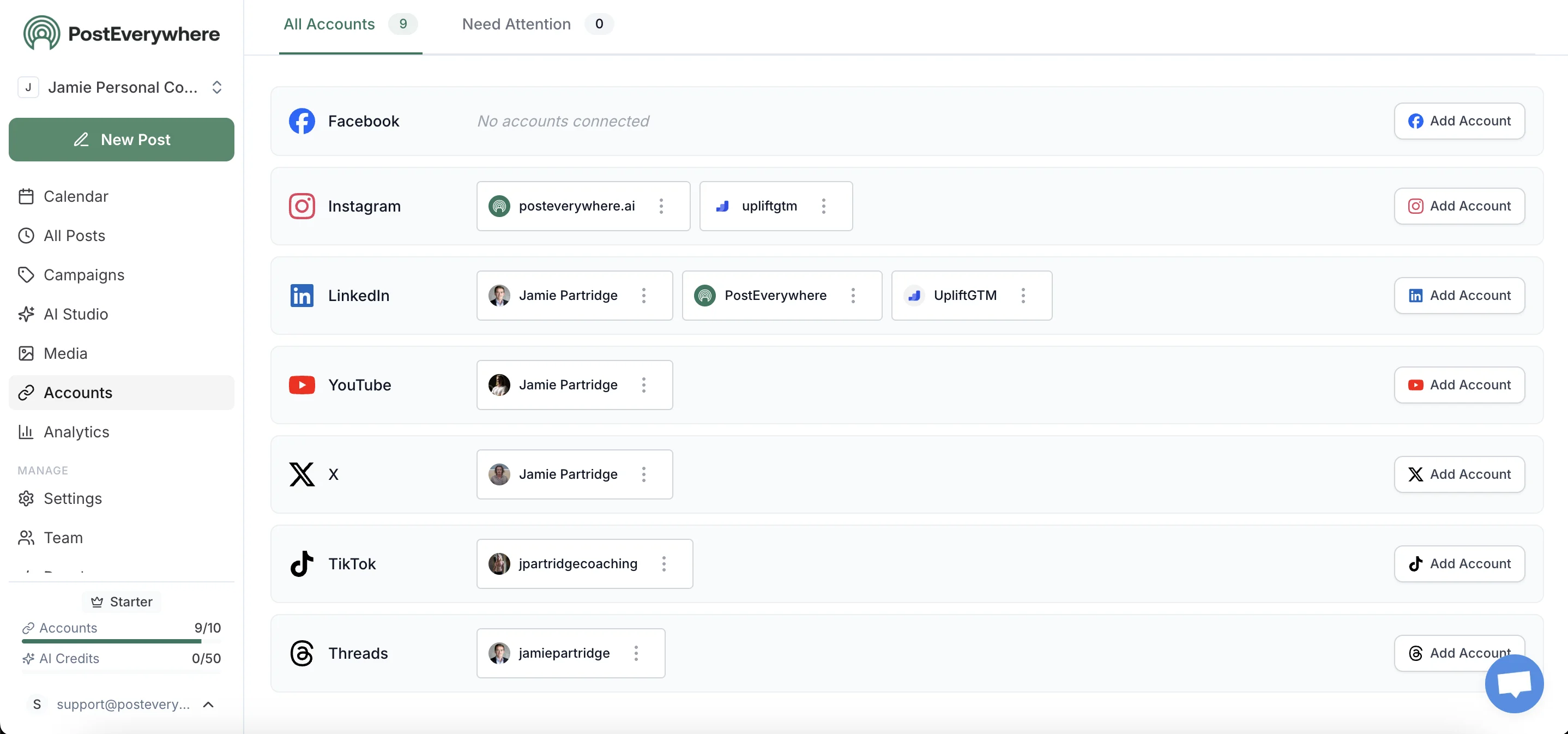
Both Instagram (Business or Creator) and Facebook Page connect via their respective official APIs, meaning Meta authorises each independently and the linked-accounts state inside Meta's own apps doesn't affect this. The April 2026 migration breaks Method 2 above; it doesn't break this.
Step 2: Upload your content once
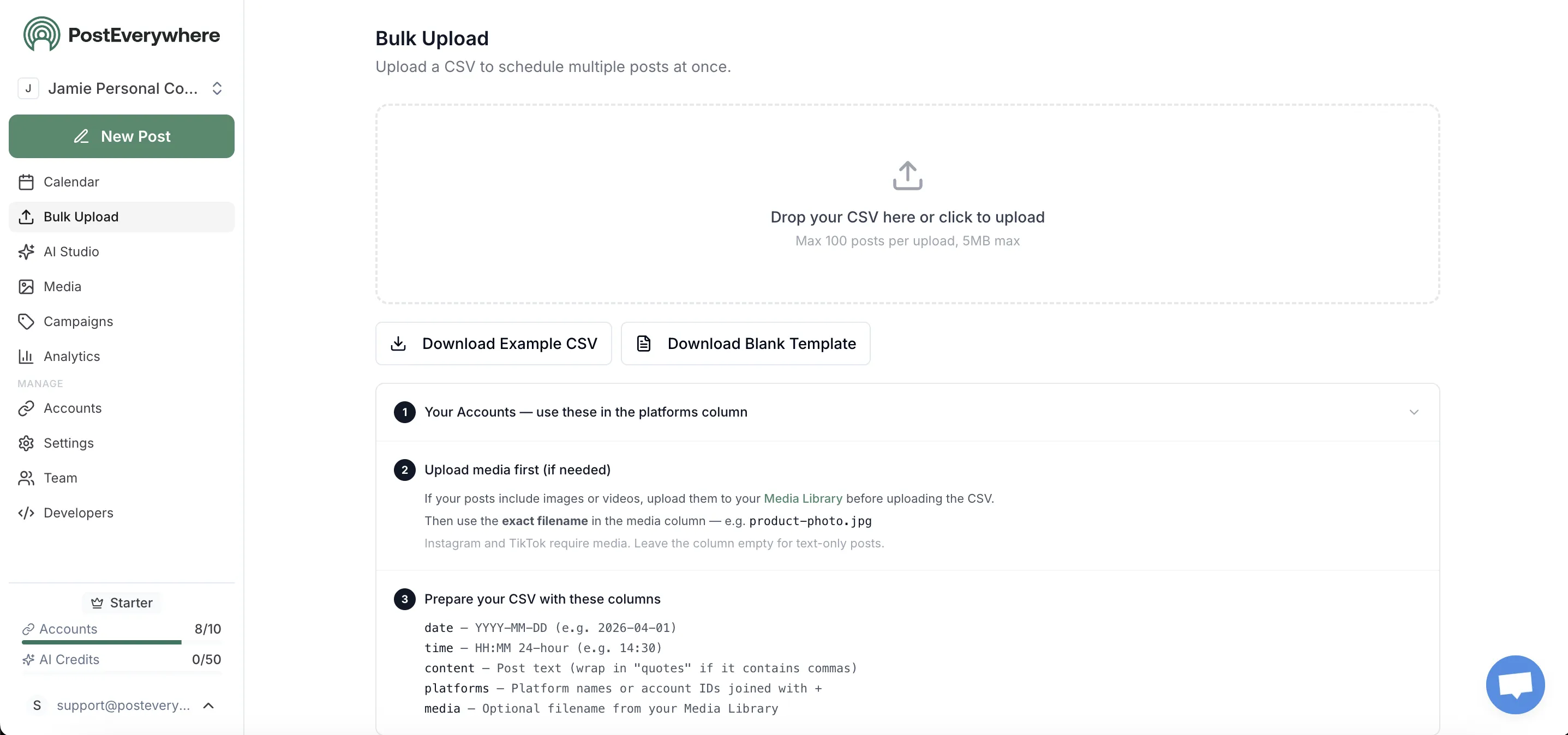
Upload once. The composer detects format and aspect ratio and tells you which platforms can accept it natively. A 9:16 Reel goes to both Instagram Reels and Facebook Reels (as a real Reel, not a thumbnail).
Step 3: Customise per platform without rewriting
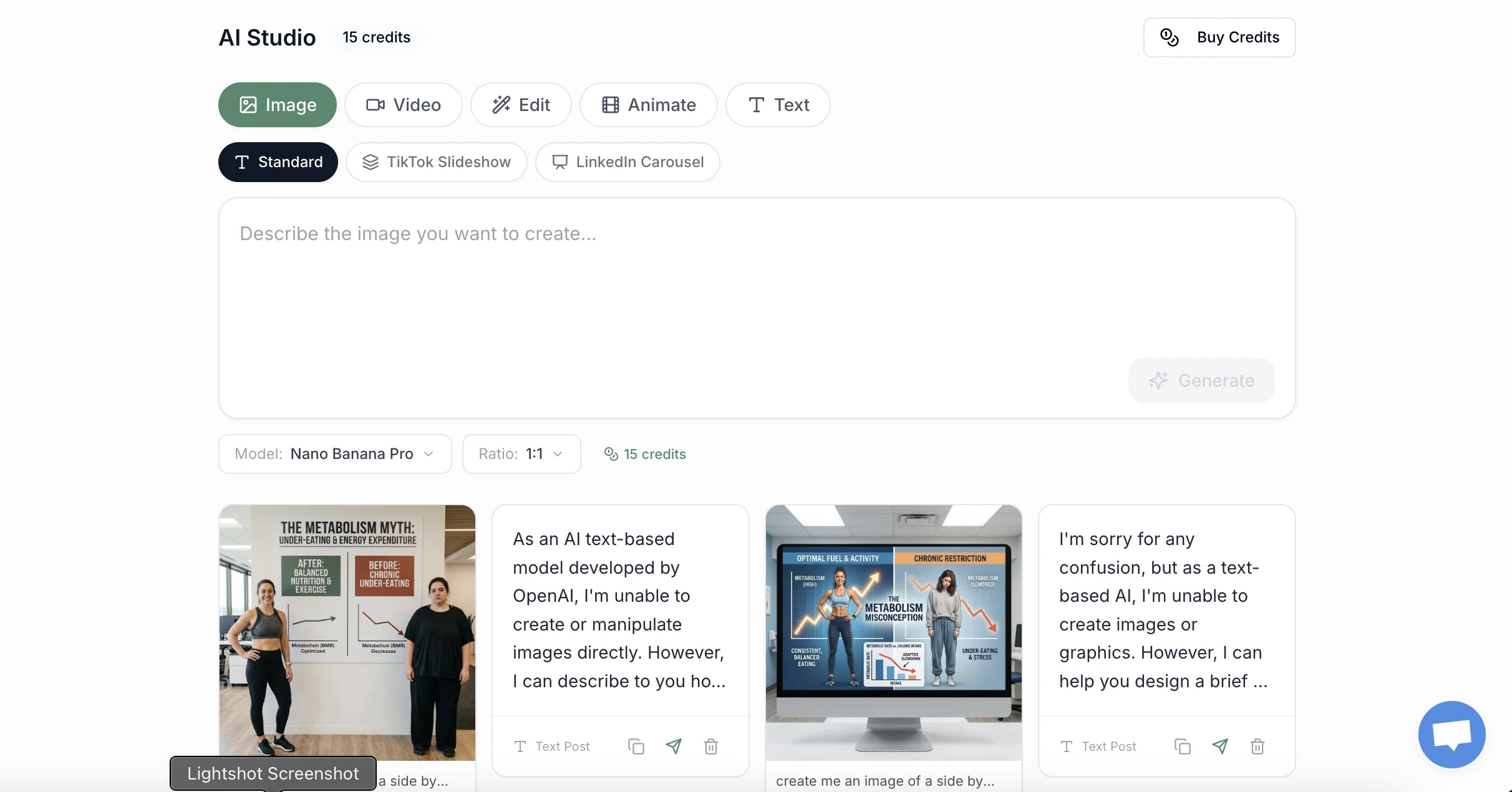
The Facebook variant gets your full long-form caption (use the 63,206 character allowance). The Instagram variant gets the shorter, hashtag-focused version. The AI caption generator can adapt one base post into both versions in a click, but you keep editorial control before anything publishes.
Step 4: Schedule both at the same time, or stagger them

Same publish time across both, or stagger to hit each platform's optimal window. Facebook's audience is most active 12-1pm and 7-9pm; Instagram peaks 7-9am and 7-9pm. The staggered approach catches both windows from a single composer session.
Step 5: Track which platform actually drove engagement
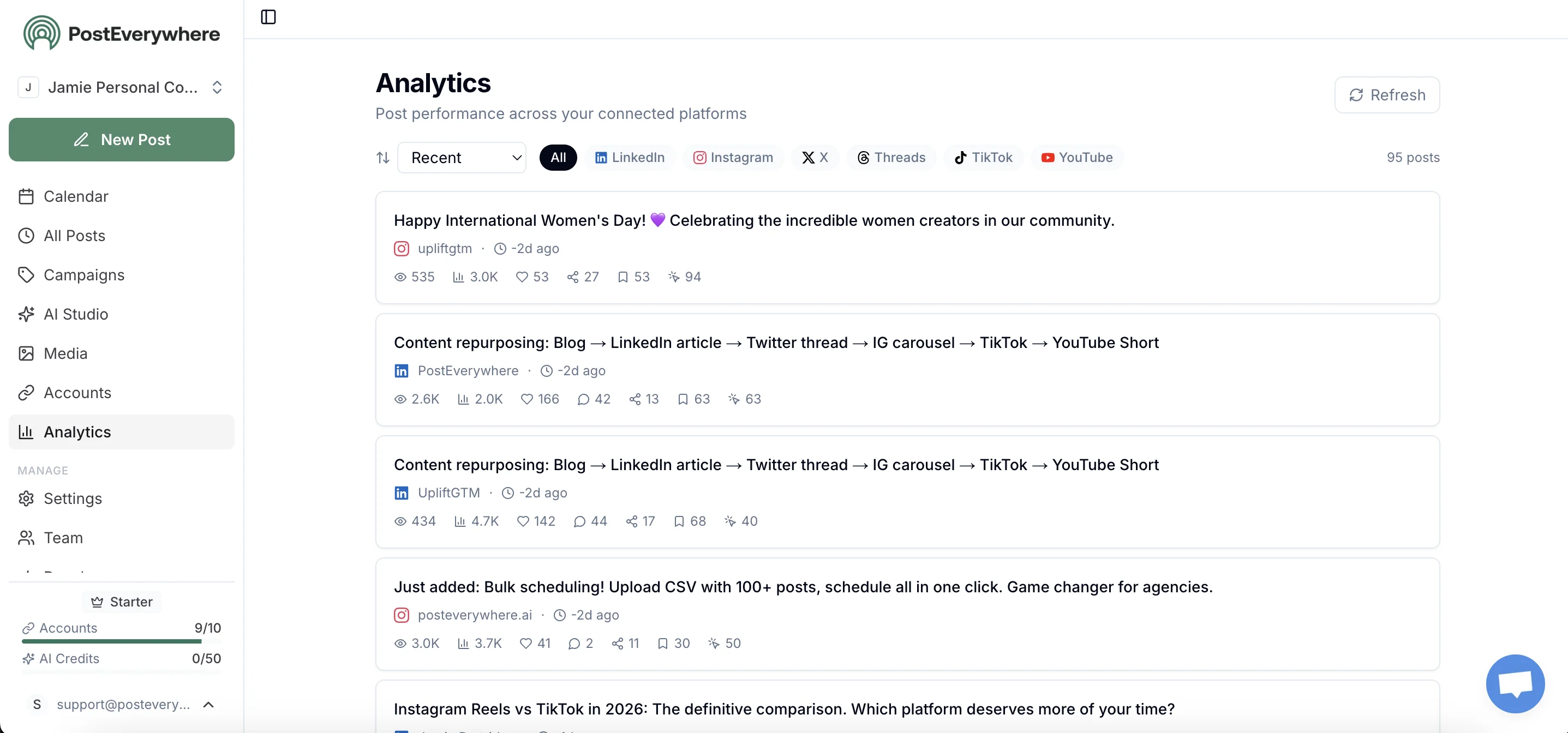
Cross-posting only makes sense if you can tell which platform did the work. Per-platform engagement, reach, and click-through metrics show up in unified analytics. For traffic attribution, append UTM parameters using our free UTM link builder so you can see exactly which platform drove conversions, not just impressions.
Cross-post properly in 2-3 minutes instead of 20. PostEverywhere connects Instagram, Facebook, and every other top platform. Start your 7-day trial →
Frequently asked questions
Why does my Instagram Reel post as a still photo on Facebook?
This is a known bug Meta has documented in help.instagram.com/1206864193634431 since at least 2024 and has not fixed. The native cross-share endpoint sometimes drops the video stream and only delivers the cover image.
Workarounds: post the Reel directly to Facebook Reels using Meta Business Suite's Reels composer, or use a third-party scheduler that posts to each platform's native Reels endpoint.
Why is the audio muted on my Facebook Reel when it plays fine on Instagram?
Instagram and Facebook have different licensed-music libraries. A track that's licensed for Instagram Reels may not have Facebook performance rights, and Meta mutes it on Facebook rather than blocking the post. There's no warning before publish.
The fix: use original or royalty-free audio, or check the track's "available on" list before posting.
Can I crosspost from a personal Instagram account to a Facebook Page?
No. Meta restricts Page crossposting to Instagram Business and Creator accounts. Personal Instagram accounts can only cross-share to a personal Facebook profile, not a Page. Switch your Instagram account to Creator (free, takes 30 seconds) to unlock Page crossposting.
Did Meta's April 2026 update break my cross-posting?
Possibly. The 23 April 2026 Meta Account migration silently disabled sharing toggles for some users when their old Accounts Center entries were migrated. Open Instagram → Settings → Accounts Center → Sharing across profiles and re-enable each share type (Feed, Stories, Reels).
The 12-month rollout means the bug is still affecting users joining the new system.
Does Instagram penalise me for posting the same content to Facebook?
No. Mosseri's January 2025 algorithm guidance penalises recycled content (TikTok watermarks, 70%+ visual similarity, 10+ reposts in 30 days), not cross-posting your own original work to your own accounts on a different platform.
Tailored captions per platform perform better than identical copies, but for audience experience reasons rather than algorithmic ones.
I turned off Sharing across profiles but my Instagram posts still appear on Facebook. Why?
Usually one of three things. You disabled only one of the three toggles (Feed, Stories and Reels are independent). A "Share to Facebook" tickbox on the compose screen flipped your global setting back on.
Or the April 2026 Meta Account migration changed your toggles; re-check all three and look again in two weeks. The full steps are in how to turn auto-sharing off.
Will turning off auto-sharing remove posts already shared to Facebook?
No. Posts that were mirrored to Facebook stay there once they land, even if you disable sharing, unlink the accounts, or delete your Instagram. You have to delete each Facebook copy manually; Meta has never built a retroactive bulk-unshare tool.
Does turning off Sharing across profiles unlink my Instagram and Facebook accounts?
No. Disabling sharing only stops the automatic mirror. The accounts stay linked in Meta Account / Accounts Center for unified login, ad targeting, and "People you may know" suggestions. To unlink fully, remove the Facebook profile under Meta Account → Profiles, which breaks Instagram-via-Facebook login.
What's the fastest way to post to Instagram and Facebook at the same time from my phone?
Meta Business Suite's mobile app handles single posts and Reels reasonably well from a phone, with the bugs above. For multi-account workflows or if you also post to TikTok / X / LinkedIn / YouTube, a third-party scheduler with a mobile app collapses every login into one composer.
PostEverywhere supports both desktop and mobile flows for posting to Instagram and Facebook at the same time alongside every other top platform.
Related guides
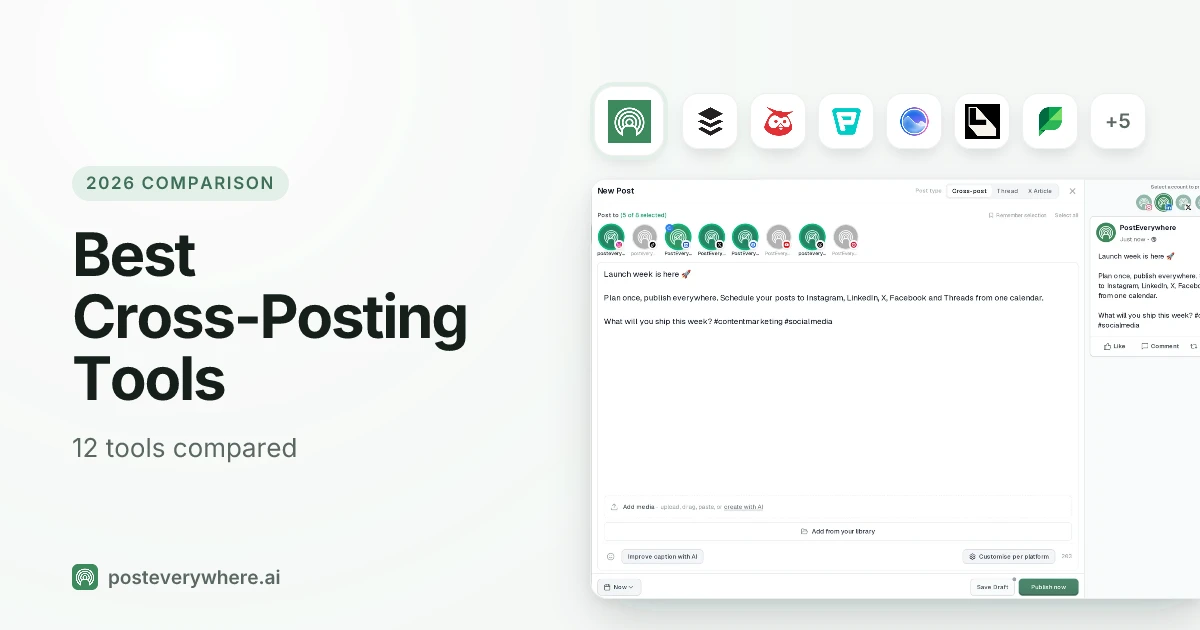
- Best cross-posting tools: tested tools for posting to multiple platforms at once
- Best time to post on Facebook: platform-specific timing data
- Best time to post on Instagram: platform-specific timing data
- Cross-posting feature overview: product page
Stop fighting Meta's bugs. PostEverywhere posts to Instagram, Facebook, TikTok, LinkedIn, X, YouTube, Threads, and Pinterest from one composer. Start your 7-day trial →

Founder & CEO of PostEverywhere. Writing about social media strategy, publishing workflows, and analytics that help brands grow faster.