The best YouTube content ideas for a new channel are short, repeatable formats you can turn into a series: one-tip Shorts, myth vs reality, before and after, answering viewer questions, and multi-part stories. Below are 100 ideas grouped by goal, a ready-made week of Shorts, and what our own data from 9,500+ YouTube uploads says about posting more: when a channel stepped up its uploads, the week's total views roughly doubled at every step.
PostEverywhere schedules your YouTube videos and Shorts at the times your viewers are online, so a week of ideas becomes a week of uploads. See how it works.
YouTube is built for this kind of steady output. Shorts can now be up to three minutes long if they are square or vertical, according to YouTube's own announcement, and YouTube's CEO Neal Mohan said in June 2025 that Shorts were averaging 200 billion daily views. The hard part is not reach. It is knowing what to make next, every week.
YouTube Content Ideas at a Glance
| Ideas | Group | Best for |
|---|---|---|
| 1-25 | YouTube Shorts ideas to grow a new channel | Reach with new viewers, testing topics fast |
| 26-35 | YouTube video ideas for beginners | Your first videos, channel trailer, trust |
| 36-55 | Tutorial and how-to video ideas | Search traffic that lasts for years |
| 56-75 | Vlog, review and list video ideas | Loyal viewers, buyer searches |
| 76-85 | YouTube content ideas without showing your face | Faceless and voiceover channels |
| 86-100 | Evergreen and educational video ideas | Long-term views from one upload |
Quick start: pick three Shorts ideas from 1-25, film them in one session, and use the week of Shorts plan to post them. Turn the one that does best into a full video.
What Our Data Says About Posting More on YouTube
Ideas only work if you post them. We looked at 9,500+ YouTube uploads scheduled with PostEverywhere, most of them Shorts, and compared each channel's busier weeks with its own quieter weeks. This is part of PostEverywhere's Posting Frequency Study 2026.

| Uploads a week | Week's total views | Each video |
|---|---|---|
| 1 → 2-3 | +108% | -32% |
| 2-3 → 4-7 | +113% | +6% |
| 4-7 → 8-14 | +86% | +9% |
| 8-14 → 15+ | +92% | no change |
- Going from 1 to 2-3 uploads a week: each video got 32% fewer views, but the week's total views rose 108%.
- Above that, each video held up: from 2-3 to 4-7 uploads, each video did 6% better and the week's total rose 113%. From 4-7 to 8-14, each video did 9% better.
- At 15+ uploads a week, each video held level and the week's total still rose 92%.
The practical reading: a new channel that posts once a week leaves most of its views on the table. Shorts are the cheapest way to add uploads, which is why most of this list starts there.
Turn this list into a schedule. PostEverywhere's YouTube scheduler publishes your Shorts and full videos with titles, descriptions and custom thumbnails, at the times your viewers are online. Square or vertical videos up to 3 minutes go out as Shorts automatically.
YouTube Shorts Ideas to Grow a New Channel (1-25)
These are the Shorts formats that work for a channel with no audience yet: each one is quick to film, easy to repeat, and gives viewers a reason to watch the next one.
Quick tips and hooks
1. One tip that changed [your niche] for me. One idea, shown not told, in under 30 seconds. It works for cooking, fitness, software, finance, anything.
2. You're doing [common task] wrong. Show the common way, then the better way. The contrast is the hook.
3. Things I wish I knew before starting [activity]. Three quick lessons. Viewers who are just starting will save it.
4. [Skill] in 60 seconds. Compress something people think takes ages: "Perfect rice in 60 seconds", "Edit a vertical video in 60 seconds".
5. The [industry term] everyone gets wrong. Define one word properly. It positions you as the person who knows.
Ideas for a YouTube Shorts series
A series gives people a reason to subscribe: they want part 2.
6. Day 1 of [30-day challenge]. Learning a skill, building a habit, saving money. Post the next day at the same time.
7. Rating [things in your niche] from 1 to 10. One item per Short. Viewers comment with what you should rate next.
8. Part 1 of a 3-part story. A project, a mistake, a customer problem. End each part on a question.
9. Building [thing] from scratch. A garden, an app, a room, a business. Each Short is one step.
10. Answering your comments. Reply to a real viewer comment on screen. YouTube lets you reply to comments with a Short, and it turns viewers into regulars.
Transformation and reaction
11. Before and after [project]. Show the end result first, then rewind.
12. My honest reaction to [trend in your niche]. Add something the original didn't: a correction, a test, a better way.
13. Wait for the ending. A Short with a payoff at the end gets rewatched. Keep the setup under 10 seconds.
14. I tested [viral hack] so you don't have to. Did it work? Show the evidence.
15. What $10 vs $100 [thing] gets you. Price comparisons are instantly clear and easy to film.
Educational bites
16. Myth vs reality: [common belief]. One myth per Short. A natural series.
17. Option A vs option B. Two tools, two methods, two products, side by side.
18. 3 apps that [solve one problem]. Specific beats general: "3 apps for planning meals", not "3 great apps".
19. Explain [complex topic] like I'm five. Simple words and one visual.
20. The mistake beginners make with [skill]. Show the mistake, then the fix.
Behind the scenes and personality
21. How I make [the thing I make]. Your process, sped up. Low effort and high trust.
22. A day in my life as a [job]. Five clips, five seconds each.
23. My setup for [activity]. Desk, kitchen, camera kit, workshop.
24. Unpopular opinion about [your niche]. Be ready to back it up in the comments.
25. The first thing I'd do if I started [activity] today. Advice from hindsight, in one clear step.
Plan a Week of YouTube Shorts
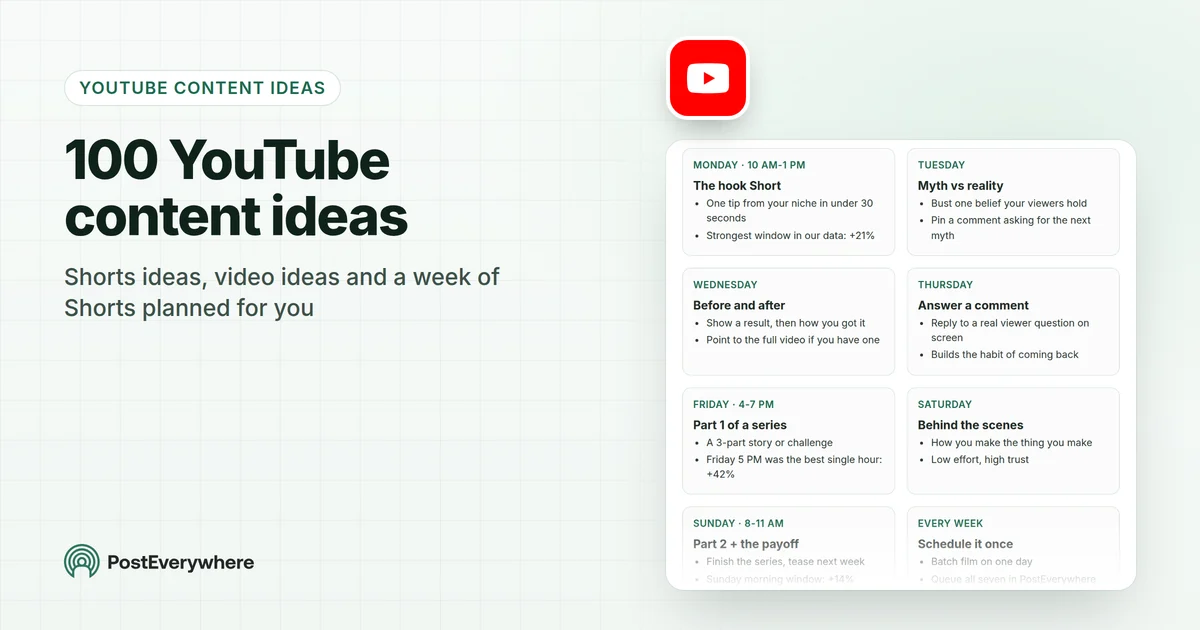
Searches like "plan a week of content ideas for YouTube Shorts" are exactly what this section answers. Here is one week for a new channel, built from the ideas above, with the three strongest posting windows from our YouTube Shorts timing data (6,500+ Shorts scheduled with PostEverywhere).
A week of YouTube Shorts for a new channel
One series, seven Shorts, each feeding the next. Times are the strongest windows in our Shorts data, in your local time.
- Monday · 10 AM-1 PMThe hook Short
- One tip from your niche in under 30 seconds
- Strongest window in our data: +21%
- TuesdayMyth vs reality
- Bust one belief your viewers hold
- Pin a comment asking for the next myth
- WednesdayBefore and after
- Show a result, then how you got it
- Point to the full video if you have one
- ThursdayAnswer a comment
- Reply to a real viewer question on screen
- Builds the habit of coming back
- Friday · 4-7 PMPart 1 of a series
- A 3-part story or challenge
- Friday 5 PM was the best single hour: +42%
- SaturdayBehind the scenes
- How you make the thing you make
- Low effort, high trust
- Sunday · 8-11 AMPart 2 + the payoff
- Finish the series, tease next week
- Sunday morning window: +14%
- Every weekSchedule it once
- Batch film on one day
- Queue all seven in PostEverywhere
| Day | Short | From the list | When |
|---|---|---|---|
| Monday | One tip from your niche | Idea 1 | 10 AM to 1 PM (+21% in our data) |
| Tuesday | Myth vs reality | Idea 16 | Any time |
| Wednesday | Before and after | Idea 11 | Any time |
| Thursday | Answer a viewer comment | Idea 10 | Any time |
| Friday | Part 1 of a series | Idea 8 | 4 to 7 PM (5 PM was the best single hour, +42%) |
| Saturday | Behind the scenes | Idea 21 | Any time |
| Sunday | Part 2 and the payoff | Idea 8 | 8 to 11 AM (+14%) |
All times are your local time. Film all seven in one session, then schedule the week in one go. If seven is too many to start, our data says three a week already roughly doubles a week's views compared with one.
Let your AI agent plan the week. Ask Claude or ChatGPT: "Suggest seven YouTube Shorts ideas to grow a new channel about [your niche], then schedule them in PostEverywhere for next week at my best times." With PostEverywhere connected, it drafts the titles and descriptions and puts them in your calendar. Connect your AI agent.
YouTube Video Ideas for Beginners (26-35)
Your first long videos tell YouTube, and new viewers, what your channel is about. Start with these, and check your name is free everywhere with the YouTube channel name checker.
26. Channel trailer: who this channel is for. Under two minutes. Who you are, what you post, how often.
27. Why I started this channel. Your story makes people care about the next video.
28. My first [result] in [niche]. First sale, first marathon, first app. Real numbers if you have them.
29. The complete beginner's guide to [skill]. The video you wish existed when you started.
30. Answering the 10 questions I get asked most. Easy to film, and each answer can become a Short.
31. What I'd tell myself a year ago. Lessons, mistakes, what you'd skip.
32. My [niche] setup on a budget. Beginners want to know they don't need expensive kit.
33. Trying [popular thing] for the first time. Honest first impressions bring people who are about to try it too.
34. 5 mistakes I made as a beginner. Mistake videos help viewers skip them.
35. What I learned from my first 10 videos. Good for video 11. Show what you changed.
Tutorial and How-To Video Ideas (36-55)
Tutorials are what people search YouTube for, so a good one keeps getting found long after you post it. Our guide to how the YouTube algorithm works explains why search and suggested videos keep sending viewers to them.
36. How to [specific result] step by step. "How to edit vertical video for Shorts" beats "How to edit video".
37. [Software] tutorial: the feature nobody uses. Deep dives into one feature win specific searches.
38. How to fix [common problem]. Troubleshooting videos get searched every day.
39. How I [achieved a result], with real numbers. A case study from your own work.
40. [Task] the right way. Correct a common habit.
41. DIY [project] under $[budget]. A clear budget makes the title instantly useful.
42. How to start [career or side business] in 2026. Refresh it every year.
43. How to set up [tool or equipment] from scratch. For nervous beginners.
44. How to [skill] without [usual requirement]. "Without a camera", "without experience", "without spending money".
45. My full workflow for [task]. Show your real process, start to finish.
46. How to use AI for [specific task]. Practical, specific, with the prompts on screen.
47. [Tool] tips you probably don't know. Ten quick tips for a popular tool.
48. How to choose a [product or service]. A buying framework, not a single recommendation.
49. How to [skill] faster. Shortcuts that save viewers real time.
50. Common [niche] questions answered. One video, many search terms.
51. How to plan a week of [content, meals, workouts]. People search for plans.
52. Beginner to advanced: [skill] in three levels. Viewers find their level.
53. How to get your first [customer, client, subscriber]. The question every beginner has.
54. What to do when [common setback] happens. Calm, practical advice.
55. Follow along: [task] in real time. Long, unedited, and useful.
Vlog, Review and List Video Ideas (56-75)
These build the relationship that keeps viewers coming back, and reviews catch people who are about to buy. Cut the best moments into Shorts using our YouTube Shorts strategy.
Vlogs
56. A day in my life as a [role]. The long version of idea 22.
57. What I spend in a month as a [role] in [city]. Money transparency.
58. 30 days of [challenge]: what happened. A clear story with a before and after.
59. Monthly reset: my goals and how I did. A ritual viewers expect.
60. Come with me to [event or place]. Conferences, markets, trips.
61. Unfiltered week: the wins and the problems. Honest weeks build trust.
Reviews and comparisons
62. [Product] after six months of use. Long-term reviews beat day-one reviews.
63. [Product A] vs [product B]: which should you buy? Head-to-head comparisons help people decide.
64. I tried the viral [product] so you don't have to. Is it worth it?
65. Best [category] under $[price]. Budget lists match how people search.
66. Why I returned [product]. Honest negatives are rare and valuable.
67. Things I'd buy again vs never again. Two lists in one video.
Lists and rankings
68. Top 10 [things] in [niche] for 2026. Update it each year.
69. [Number] mistakes beginners make in [activity]. The long version of idea 34.
70. [Number] tools I use every day. Gets saved and shared.
71. [Number] books that changed how I [do something]. Long shelf life.
72. [Number] habits that [result]. Evergreen.
73. Underrated [things] in [niche]. Hidden gems are a reason to click.
74. [Niche] trends to watch this year. Back each one with an example.
75. Ranking every [thing] I've tried. Tier lists start debates in the comments.
YouTube Content Ideas Without Showing Your Face (76-85)
You don't need to be on camera. These formats work with voiceover, screen recording, hands-only filming or slides. See our guide to starting a faceless YouTube channel for the setup.
76. Screen-recorded tutorials. Software, spreadsheets, design tools.
77. Hands-only cooking, crafts or repairs. The process is the star.
78. Explainer with slides and voiceover. History, science, finance, psychology.
79. Top 10 lists with stock footage you have the rights to. Add real commentary, not just a montage.
80. Ambient or study videos. Long, calm, made once.
81. Story narration over gameplay or b-roll. Popular in Shorts.
82. Data and charts explained. One chart, one story, one minute.
83. Book or course summaries. Key ideas, in your own words.
84. Desk or workspace timelapse. Building, organising, designing.
85. Quiz Shorts. A question, a pause, the answer.
Evergreen and Educational Video Ideas (86-100)
These keep earning views for years because the question never goes away. Track which ones keep growing with the YouTube metrics that matter.
86. [Complex topic] explained simply. "How interest rates work in 8 minutes."
87. The history of [thing in your niche]. Context people can't get in a Short.
88. How [industry or technology] actually works. Behind-the-curtain explainers.
89. [Myth] debunked: the truth about [topic]. The long version of idea 16.
90. [Topic] for complete beginners. Tailored to one audience.
91. What a [job] actually does all day. Career explorers search for this.
92. [Field] words explained. A glossary video.
93. The science behind [everyday thing]. Curiosity clicks.
94. Case study: how [company or person] succeeded or failed. Storytelling with lessons.
95. The complete [skill] course. A free course can become your most-watched video.
96. Essential [items] every [person] needs. Universal and evergreen.
97. How to [life skill] properly. Budgeting, cooking basics, interview prep.
98. Common [category] mistakes and how to fix them. For people past the beginner stage.
99. [Popular old video] updated for 2026. Refresh what already worked.
100. Everything you need to know about [pillar topic]. The hub video that all your others link to.
YouTube Content Ideas by Niche
Use the table to pick a starting set, then see how to go viral on YouTube for packaging titles and thumbnails.
| Niche | Shorts to start with | Long video to follow |
|---|---|---|
| Business and finance | One money rule (1), $10 vs $100 (15) | Beginner's guide to investing (29) |
| Fitness | You're doing it wrong (2), before and after (11) | 30 days of training (58) |
| Tech and software | 3 apps that... (18), feature nobody uses (37 as a Short) | Full tutorial (36) |
| Food | Skill in 60 seconds (4), hands-only (77) | Budget meal plan (51) |
| Beauty and lifestyle | Day in my life (22), honest reaction (12) | Six-month review (62) |
| Gaming | Rating 1 to 10 (7), wait for the ending (13) | Ranking every game (75) |
| Education and careers | Myth vs reality (16), one word explained (5) | What a job actually involves (91) |
How to Turn These Ideas Into a Schedule With PostEverywhere
Ideas don't grow a channel. Uploads do. Here is how PostEverywhere helps you get from this list to a full week:
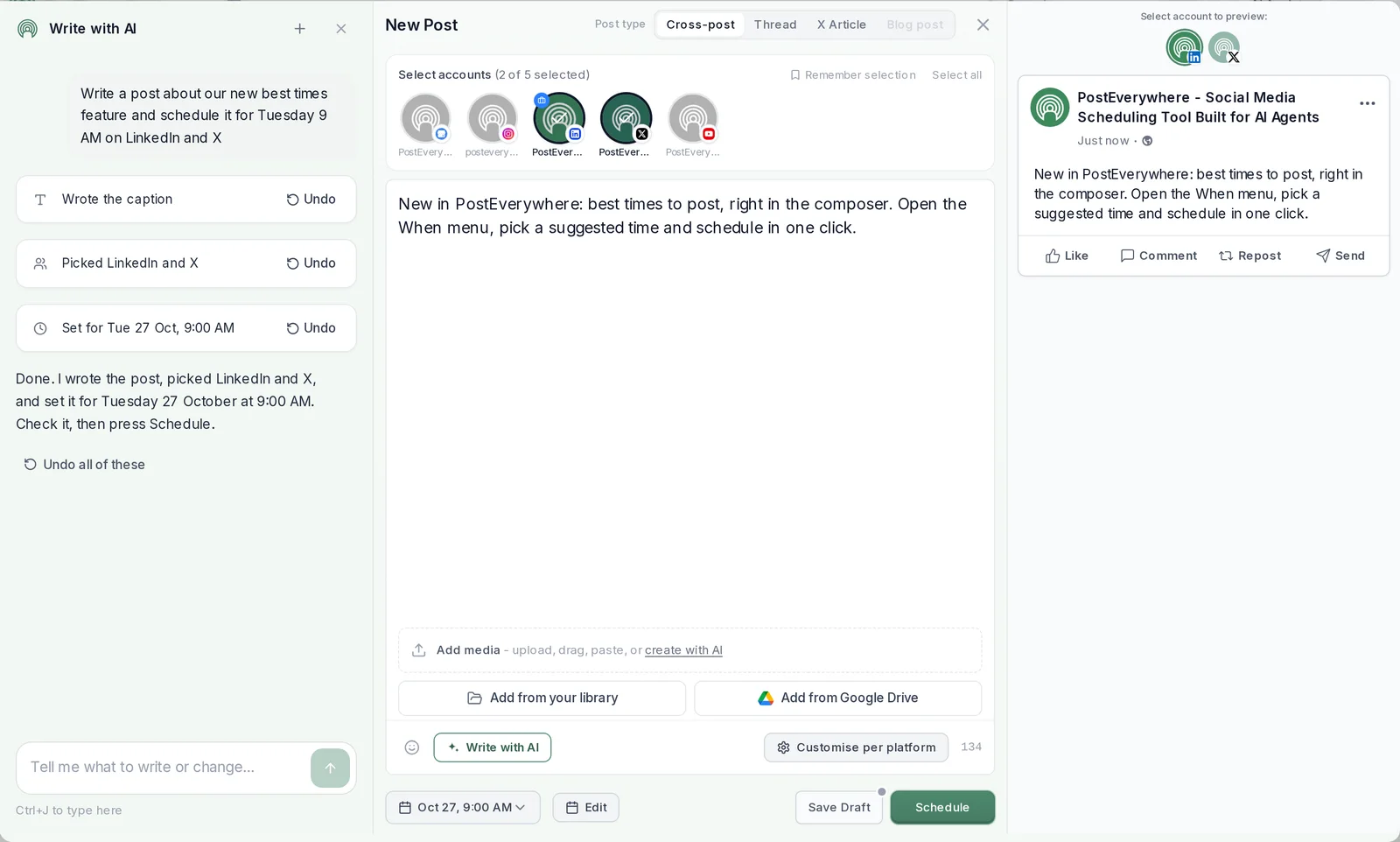
- Draft faster with AI Studio. Start from an idea and let AI write the caption, or improve one you've written, then edit it in your own voice.
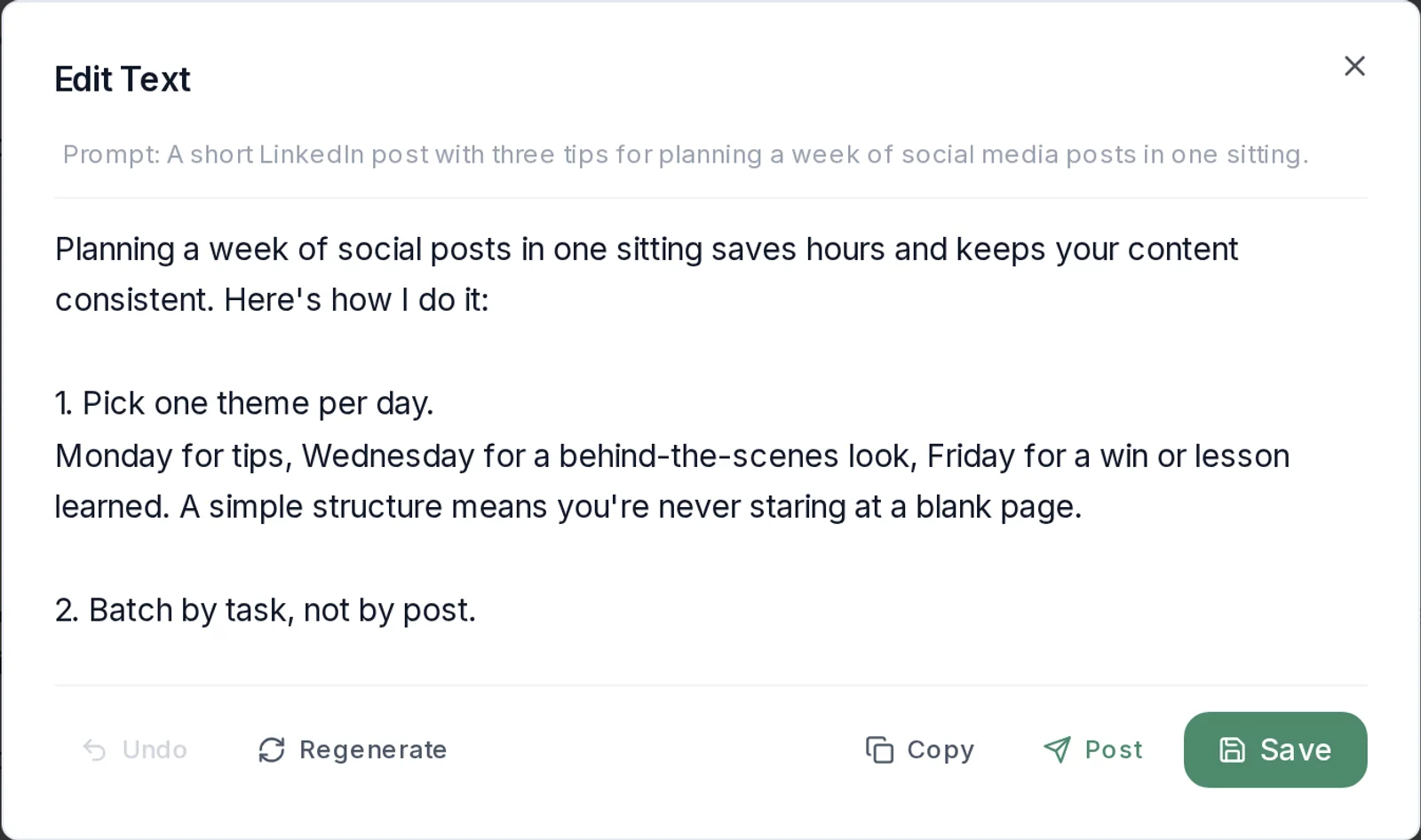
- Let your AI agent plan and schedule. Connect Claude, ChatGPT or another AI agent to PostEverywhere and ask it to turn ideas 1 to 25 into next week's Shorts. It drafts each one and schedules it.
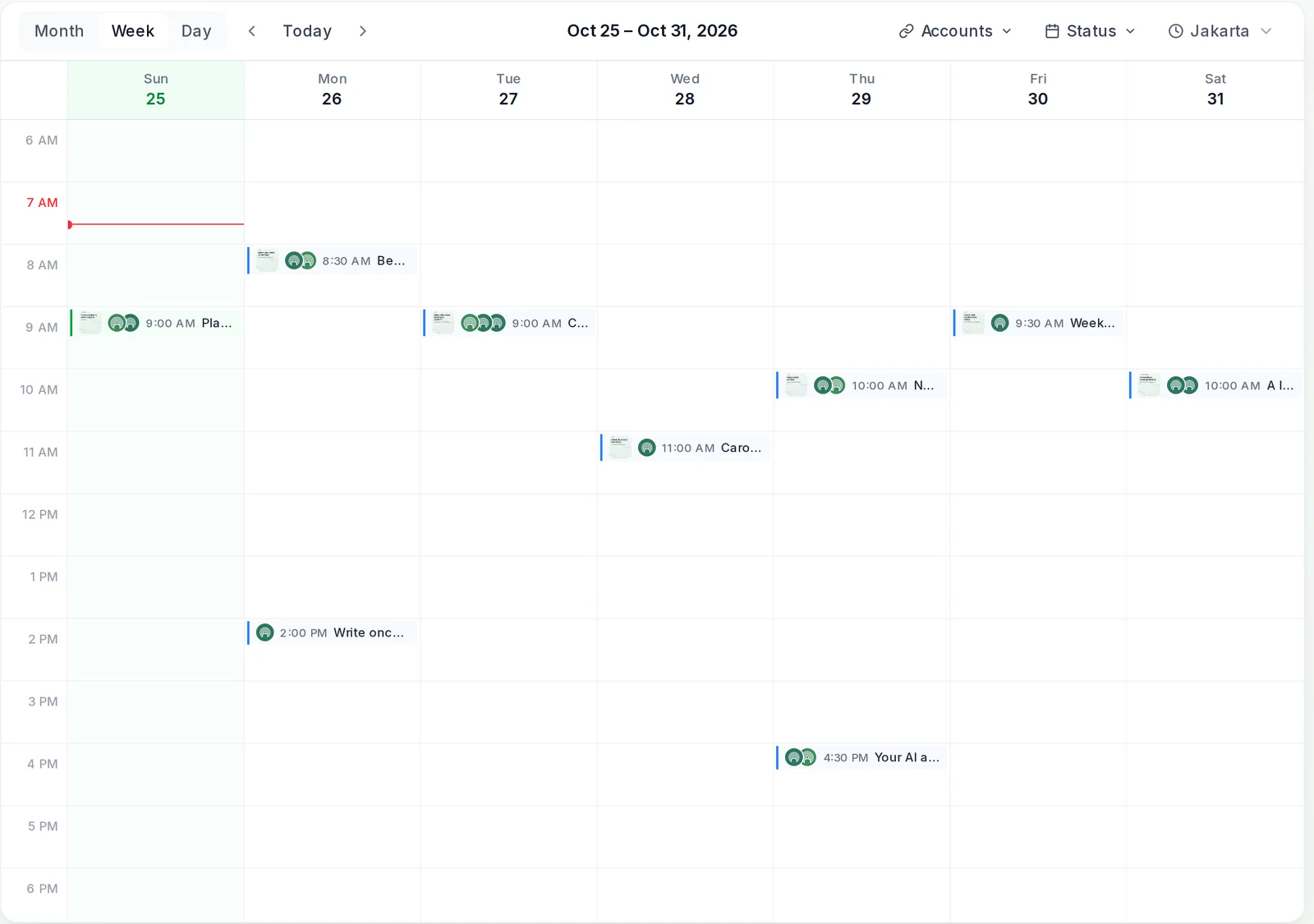
- See the whole week in the calendar. Shorts and full videos sit side by side, so you can spot gaps before they happen.
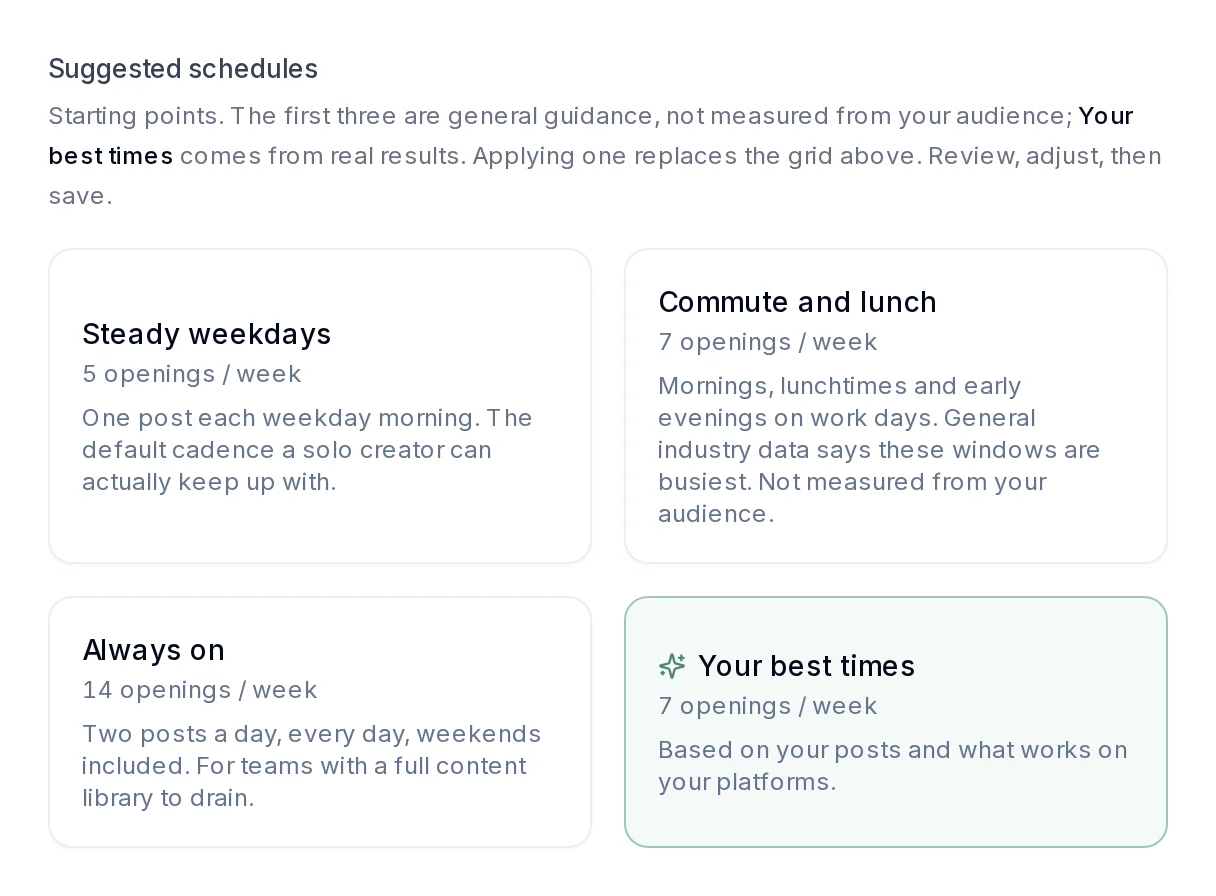
- Post at your best times. Best-time suggestions learn from when your own uploads get the most views, and the posting queue fills your week with openings at those times.
- Post the same idea everywhere. A Short can also go to TikTok, Instagram Reels and Facebook Reels from the same upload, each with its own caption. See how cross-posting works.
Need help with the details? AI Studio drafts titles and descriptions, and our free tag generator covers tags.
Start your 7-day free trial. Schedule a full week of Shorts and videos, with best-time suggestions and AI Studio included. See plans, from $9 a month.
How We Worked This Out
The ideas in this list come from the formats that work across YouTube today, grouped by what each one is for. The data comes from PostEverywhere's own studies:
- Posting frequency: 9,500+ YouTube uploads scheduled with PostEverywhere, most of them Shorts. For each channel we compared busy weeks with its own quieter weeks, so big channels and small channels are each measured against themselves. Busy weeks can differ in other ways too, such as a launch, so read the numbers as a direction, not a promise. Full method: PostEverywhere's Posting Frequency Study 2026.
- Posting times: 6,500+ Shorts scheduled with PostEverywhere, each compared with the same channel's usual Short. Full method: best time to post YouTube Shorts.
- These are PostEverywhere customers, mostly small and growing channels, not all of YouTube.
How to cite this data: "PostEverywhere's Posting Frequency Study 2026, based on 9,500+ YouTube uploads scheduled with PostEverywhere" with a link to this page.
FAQs
What are good YouTube Shorts ideas for a new channel?
Start with formats you can repeat. Good ones are one tip from your niche, myth vs reality, before and after, answering a viewer's comment, and a multi-part series. Ideas 1 to 25 above are all built for channels with no audience yet.
Pick three, film them together, and turn the one that does best into a series.
What should my first YouTube video be?
A short channel trailer. Say who the channel is for and what you'll post, then follow it with a beginner's guide to the main thing you know. Ideas 26 to 35 are written for your first videos.
How often should I post YouTube Shorts?
As often as you can keep them good. In our data from 9,500+ YouTube uploads, going from one to two or three uploads a week cut each video's views by 32% but more than doubled the week's total views.
Above three a week, each video held up and the week's total kept growing. Two to seven a week, Shorts included, is a sensible target.
What is the best time to post YouTube Shorts?
Our data from 6,500+ Shorts points to three windows: Monday 10 AM to 1 PM, Friday 4 to 7 PM and Sunday 8 to 11 AM. All times are your local time. Friday at 5 PM was the best single hour. See the full YouTube Shorts timing study.
How long can a YouTube Short be?
Up to three minutes, as long as the video is square or vertical. YouTube raised the limit from 60 seconds in October 2024, and its Shorts help page now describes Shorts as videos up to 3 minutes long.
Can I make YouTube videos without showing my face?
Yes. Screen recordings, hands-only filming, slides with voiceover, quiz Shorts and data explainers all work without a face on camera. Ideas 76 to 85 are faceless formats.
How do I plan a week of YouTube Shorts?
Pick one series and six supporting Shorts, film them in one session, and schedule them across the week. The week of Shorts plan above gives you a ready-made order with the best posting windows from our data.
Can AI suggest YouTube video ideas?
Yes. AI assistants are good at brainstorming ideas for a niche. The useful part is what happens next: with PostEverywhere connected, your AI agent can turn the ideas into drafts and schedule them for you.
Use AI for the list, then add your own experience to each video.
Sources
- PostEverywhere: How Often to Post on Social Media (Posting Frequency Study 2026)
- PostEverywhere: Best Time to Post YouTube Shorts (Best Time to Post Study 2026)
- YouTube Blog: Tall updates coming to Shorts
- YouTube Help: Reply to comments with your YouTube Shorts
- YouTube Help: Get started creating YouTube Shorts
- Search Engine Journal: YouTube Reports 200 Billion Daily Views For Shorts Format

Founder & CEO of PostEverywhere. Writing about social media strategy, publishing workflows, and analytics that help brands grow faster.