Running social media for one brand is a content problem. Running it for ten is an operations problem, and almost nothing about the first prepares you for the second.
The work that consumes an agency is not writing posts. It is chasing approvals, re-authorising accounts that silently disconnected, explaining why a client's Instagram cannot publish to their personal profile, and rebuilding a report every month because the numbers live in eleven different places.
This is a workflow built around those failure points rather than around content creation, which you have already solved.
Approvals have their own mechanics; our post approval workflow covers how the gate works.
Table of Contents
- What Is a Social Media Workflow?
- The Short Version
- Stage 1: Client Access, Done Once
- Stage 2: Planning Across Clients
- Stage 3: The Approval Gate
- Stage 4: Publishing and the Per-Client Ceilings
- Stage 5: Reporting Without the Monthly Scramble
- What Breaks at Ten Clients
- FAQ: Agency Social Media Workflow
What Is a Social Media Workflow?
A social media workflow is the documented, repeatable process that moves a post from idea to published to measured. It says who does each step, in which tool, and by when, so output doesn't depend on one person remembering how things are done.
Most workflows, for a solo marketer or a large team, share six steps:
- Ideation and planning. Ideas from your content pillars, audience questions and trends go into one backlog, then onto a content calendar.
- Creation. Each piece gets an owner and a brief: platform, format, angle, deadline.
- Review and approval. Someone other than the author checks it before it goes live.
- Scheduling and publishing. Approved posts are queued for each platform from one place rather than posted by hand.
- Engagement. Someone owns replies and comments in the hours after a post goes out.
- Analysis. Results feed back into the next round of planning.
The usual failure points are no single source of truth (drafts spread across chat threads, docs and email), one approver who blocks everything when they're away, and skipping the analysis step so the same mistakes repeat.
A solo creator might run all six steps themselves in a weekly rhythm; an agency runs the same loop once per client, which is where the version below comes in.
The Short Version
A workable agency workflow has five stages: get durable access to each client's accounts once, plan across all clients in one view, route everything through a single approval gate, publish natively with per-client limits respected, and report from one source rather than eleven.
Most of it gets easier when every client sits in its own workspace instead of each platform's own app, with AI social media management for agencies doing the drafting and scheduling.
The stages that actually break are access and approvals. Content is rarely the bottleneck. Agencies lose margin to re-authorisation, chasing sign-off in email threads, and the fact that platform limits apply per client account rather than per agency, which changes how you schedule at volume.
Stage 1: Client Access, Done Once
Getting access wrong at onboarding costs you for the length of the engagement, so this is the stage worth over-investing in.
Never take client passwords. Beyond the obvious security problem, shared logins break the moment a client changes a password or enables two-factor, and they leave you holding credentials you have no business holding. Every major network supports delegated access; use it.
Get the right role, not just any role. This is where agencies get stuck. LinkedIn's Posts API needs w_organization_social to publish as a company, and per LinkedIn's own Posts API documentation the authenticated person must hold an ADMINISTRATOR, DIRECT_SPONSORED_CONTENT_POSTER or CONTENT_ADMIN role on the page.
A client who grants you a lesser role has technically given you access that cannot publish.
Know what is impossible before you promise it. Meta does not permit API publishing to personal Facebook profiles or, in practice, to Groups. Instagram requires a professional account connected to a Page.
TikTok restricts unaudited API clients to private posts, per its Content Posting API documentation. Selling a client on Group posting is a conversation you cannot win later. Our guide to social media API access maps the requirements per network.
Use connect links rather than screen-shares. Sending a client a link that walks them through authorising your tool takes minutes and produces a durable connection. Walking them through a settings menu on a call produces a connection nobody can reproduce in six months.
Onboard clients without the password conversation. Send a connect link, the client authorises, you publish. See multi-account management or browse plans.
Stage 2: Planning Across Clients
The mistake is running each client as an island. Ten separate calendars means no one can answer "what is going out on Thursday" without opening ten tabs.
Plan in one view, filtered by client. That gives you three things a per-client calendar cannot: capacity planning across the team, visible clashes when two clients want the same slot, and an obvious answer when a client asks what is scheduled.
A shared content calendar also makes the awkward conversations easier. "We have nothing scheduled for you next week" is a much better thing to notice internally on Monday than for the client to notice on Friday.
Build the month in bulk rather than daily. Bulk scheduling is the difference between an afternoon per client per month and a rolling daily obligation, and it is the single biggest lever on agency margin in this workflow.
Stage 3: The Approval Gate
Approvals are where agency time disappears, and almost every agency solves it badly at first by using email.
Email approval fails for structural reasons. There is no record of what was approved, versions drift as feedback arrives in fragments, and a client who says "looks good" has approved a screenshot rather than the actual post that publishes.
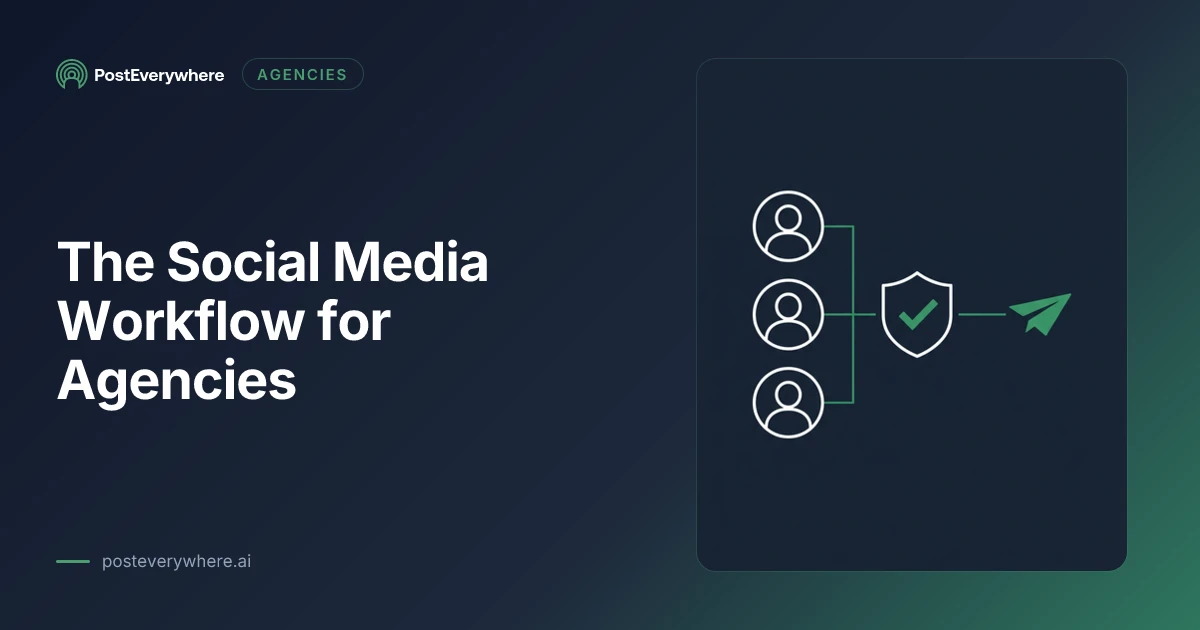
What works is a single gate with three properties: the client sees the post as it will render per network, feedback attaches to the specific post rather than a thread, and approved posts go straight into the queue without a human retyping anything.
The retyping is the hidden cost. Any workflow where an approved post is manually copied into a scheduler introduces the exact error class approvals were meant to prevent. Our roundup of approval workflow tooling compares the options, and the queue and approvals launch note covers how ours works.
Set an approval deadline in the contract. "Posts not approved 48 hours before the scheduled slot move to the next available slot" converts an open-ended chase into a client-side decision, and it is the clause that most improves agency sanity.
Stage 4: Publishing and the Per-Client Ceilings
Here is the operational detail that catches agencies specifically: platform limits apply per account, not per agency, and one of them is worse than that.
Most limits scale with you. Instagram allows 100 API-published posts per rolling 24 hours per account, so ten clients get ten allowances. Fine. YouTube works the same way, with its quota applied per project rather than per client.
TikTok is the exception. Alongside its per-user request limit, it enforces a cap on how many distinct users your API client publishes for in a day, surfaced only as a reached_active_user_cap error.
That limit scales with your client count rather than your posting volume, which is precisely backwards for an agency. It is not documented with a number, so you find it by hitting it.
The rest is per-network variance you should not be managing by hand: X meters posting per call and charges more for posts containing links, while the Telegram Bot API and Discord webhooks are free.
Telegram is a common client destination, and our Telegram scheduler connects it in the same flow as everything else. The full picture is in our rate limits comparison.
Publish natively through official APIs rather than reminder-style workflows. A tool that pings someone to post manually is not a publishing workflow; it is a to-do list that fails at 9pm on a Friday.
Ten clients, one queue. Scale covers 20 connected accounts and 5 seats at $39/mo, with a 7-day trial and card required. Compare plans.
Stage 5: Reporting Without the Monthly Scramble
Month-end reporting is where agencies discover their workflow has been generating data nobody can retrieve.
Decide the metrics at onboarding, in writing, and keep them stable. Clients who receive a different set of numbers each month conclude, reasonably, that you are choosing whichever look best.
Report on what the client's goals actually were rather than what is easy to export. Follower count is easy and almost never the objective. If the engagement was booked to drive signups, the report leads with traffic and conversions, and our analytics view exists to make that retrievable rather than reconstructed.
Automate the collection, write the interpretation yourself. The numbers should assemble without effort. The paragraph explaining why last month dipped is the part the client is actually paying for, and it is the part that keeps the retainer.
What Breaks at Ten Clients
Four things fail at scale that were invisible at one client. At that point, client work has become an operations problem, and many agencies start tracking it in dedicated workflow tools alongside their social stack.
Disconnected accounts. Tokens expire on different schedules per network, and clients revoke access without telling you. At one client you notice. At ten you find out when a month of posts silently did not publish.
You need a view that surfaces broken connections before the queue does.
Seat limits. Agency tools price by seats and connected accounts, and the maths changes sharply between five clients and fifteen. Check the ceiling before you sign, not when you onboard client eleven, and build the tool cost into how you price your agency packages.
Note too that some networks meter separately again: Pinterest differs by two orders of magnitude between trial and standard access.
Approval bottlenecks compounding. One client with a slow approver is an annoyance. Five is a scheduling crisis every week. This is why the contractual deadline matters more than the tool.
Institutional knowledge in one person's head. Which client hates emoji, whose legal team reviews everything, which account is a personal profile that cannot be automated. Write it down per client, in the tool, where the person covering holiday will find it. Team workspaces exist for this, and our roundup of agency tools covers the wider stack.
FAQ: Agency Social Media Workflow
What does a social media workflow for agencies look like?
Five stages, in order: client access, planning, approval, publishing, reporting. Access is obtained once at onboarding, planning happens across all clients in one filtered view, a single approval gate publishes directly on sign-off, publishing respects per-client platform limits, and reporting comes from one source.
Access and approvals are the stages that consume agency margin; content rarely is.
Should agencies ask clients for their social media passwords?
No. Shared logins break whenever a password changes or two-factor is enabled, and they leave you holding credentials you should not have. Every major network supports delegated access through OAuth, so send the client an authorisation link instead.
It takes minutes and survives staff changes on both sides.
Why can't I publish to my client's Facebook Group or personal profile?
Meta does not permit API publishing to personal profiles, and Group access is restricted to the point of being impractical. API publishing works for Facebook Pages. Instagram additionally requires a professional account connected to a Page.
Establish this at onboarding rather than after promising it in a proposal.
How do platform rate limits work for agencies with many clients?
Most scale per account, so ten clients means ten allowances. Instagram permits 100 API-published posts per rolling 24 hours per account. TikTok is the exception: it caps how many distinct users your client publishes for daily, which scales with client count rather than volume, and it is not documented with a number.
How do you stop approvals from delaying everything?
Put a deadline in the contract. Posts not approved 48 hours before their slot move to the next available slot, which turns an open-ended chase into a client-side decision. Pair it with a gate where feedback attaches to the specific post and approval publishes directly, so nobody retypes an approved post into a scheduler.
What should an agency social media report include?
The metrics agreed at onboarding, unchanged month to month, tied to the goals the engagement was booked against. Automate collection so numbers assemble without effort, then write the interpretation yourself. Clients pay for the explanation of why something moved, not the export.
How many social accounts can one agency tool handle?
It varies by plan and is worth checking before you sign rather than at client eleven. PostEverywhere's Scale plan covers 20 connected accounts with 5 seats at $39/mo. Count the accounts, not the clients, since one client often means four or five connected profiles.
What is the biggest operational risk in an agency workflow?
Silently disconnected accounts. Tokens expire on different schedules per network and clients revoke access without mentioning it, so a month of scheduled posts can fail without anyone noticing until the client asks.
Surfacing broken connections before the queue reaches them is the single most valuable safeguard.

Founder & CEO of PostEverywhere. Writing about social media strategy, publishing workflows, and analytics that help brands grow faster.