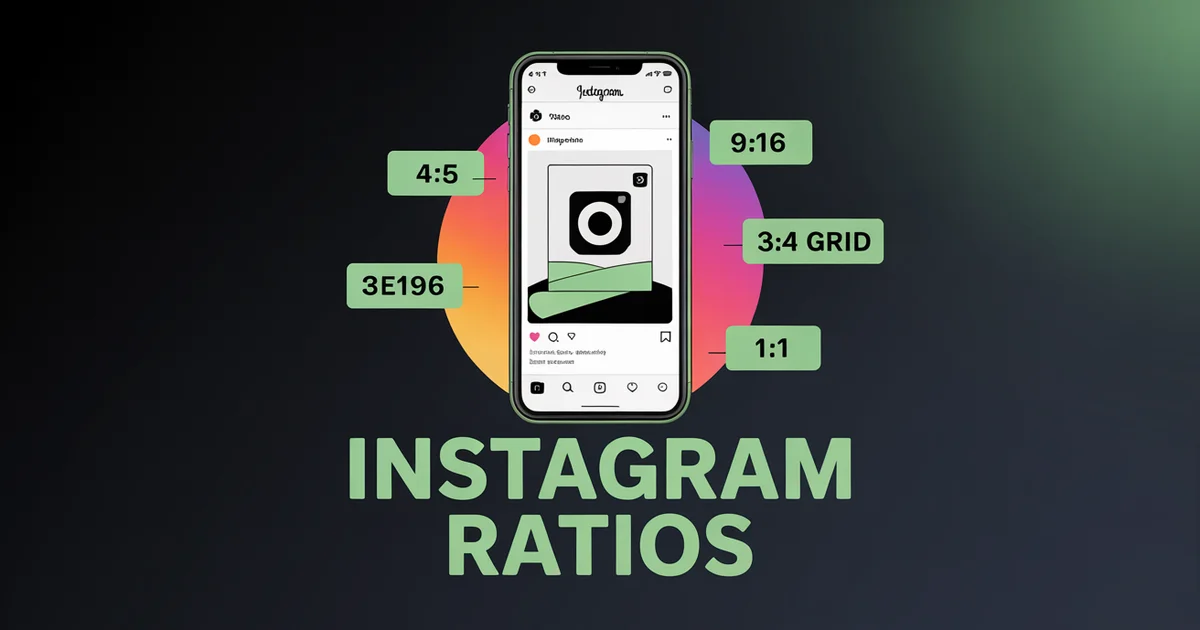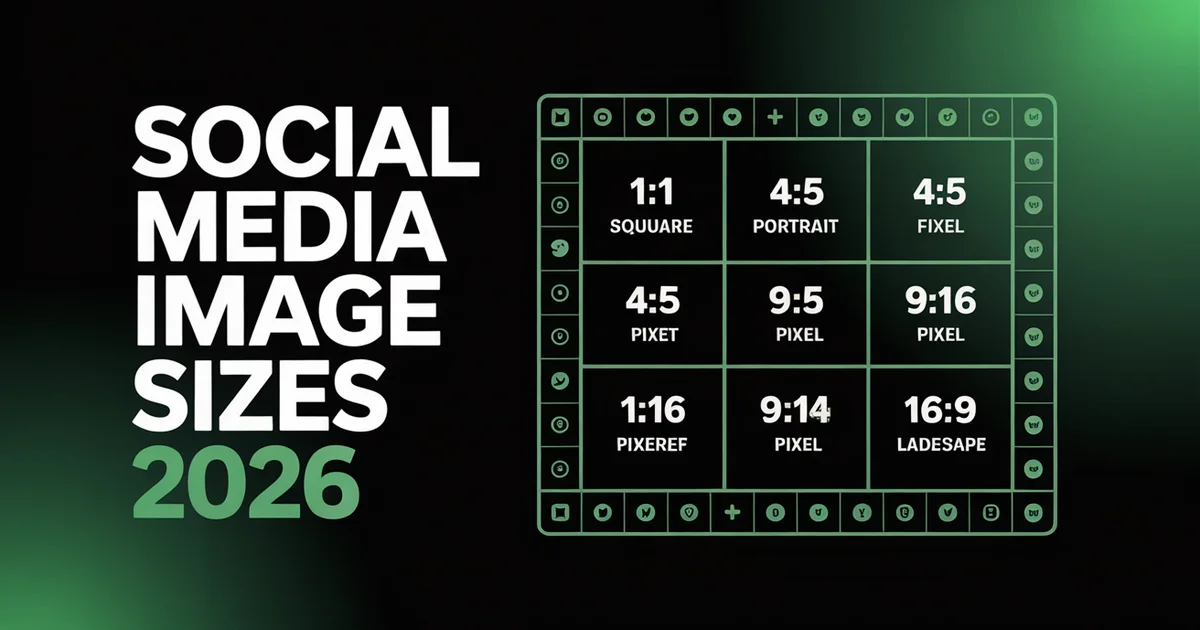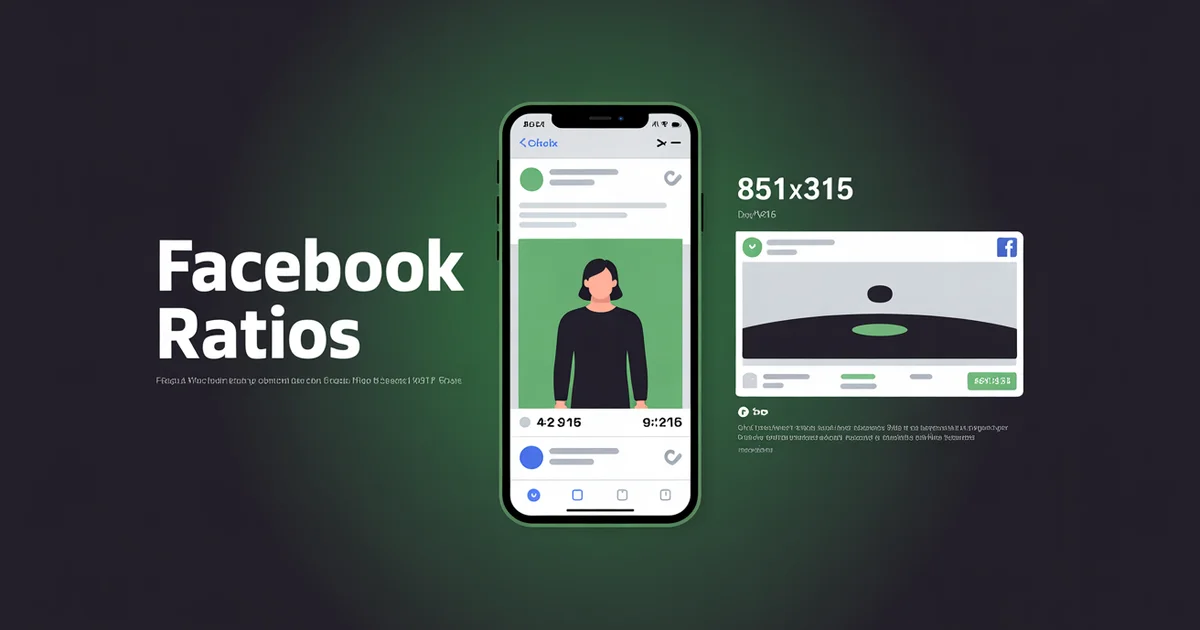
What aspect ratios does Facebook use in 2026?
Facebook uses 4:5 portrait (1080×1350 px) for feed posts and 9:16 vertical (1080×1920 px) for Reels and Stories, with 1:1 square (1080×1080 px) for cross-platform assets. Meta now recommends 4:5 for the feed, and vertical formats consistently outperform square.
This guide covers every Facebook aspect ratio, image size and video dimension across feed, Reels, Stories, cover photos and ads, verified against Meta's current 2026 specs.
Facebook's aspect ratios changed more than any other platform between 2024 and 2026. Meta unified Facebook Reels with Instagram Reels, standardised right-column ads to 1:1, and shifted the feed algorithm toward vertical 4:5 portrait. As of June 2025, every video you upload is published as a Reel. If you are still designing Facebook content around the old 16:9 or 1:1 defaults, you are leaving reach on the table.
The Facebook Aspect Ratio Cheat Sheet
| Format | Aspect Ratio | Recommended Pixels |
|---|---|---|
| Feed post (portrait) | 4:5 | 1080×1350 |
| Feed post (square) | 1:1 | 1080×1080 |
| Feed post (landscape) | 1.91:1 | 1200×630 |
| Feed video | 4:5 or 9:16 | 1080×1350 / 1080×1920 |
| Facebook Reels | 9:16 | 1080×1920 |
| Stories | 9:16 | 1080×1920 |
| Cover photo (Page/Profile) | ~2.7:1 | 851×315 (or 820×360) |
| Event cover | 1.91:1 | 1920×1005 |
| Group cover | ~1.78:1 | 1640×856 |
| Profile picture | 1:1 | 360×360 |
| Feed ad (image) | 4:5 or 1:1 | 1440×1800 / 1440×1440 |
| Stories / Reels ad | 9:16 | 1440×2560 |
| Carousel ad | 1:1 or 4:5 | 1080×1080 / 1080×1350 |
| Right-column ad | 1:1 | 1080×1080 |
| Marketplace ad | 1:1 | 1080×1080 |
The 2026 default: 4:5 portrait (1080×1350) for feed images, 9:16 (1080×1920) for Reels and Stories. Cover photo at 851×315 with the safe zone in the centre 640×312.
Schedule Facebook Reels, Stories and Feed posts from one calendar. PostEverywhere supports every Facebook format, including the unified Meta safe zone. Try the Facebook scheduler →
Facebook Feed Post Size and Aspect Ratios
Facebook now strongly favours vertical, mobile-first ratios. Square 1:1 is still supported, but vertical 4:5 consistently earns roughly double the engagement in third-party studies because it fills more of the mobile screen.
4:5 portrait (1080×1350): recommended
This is the Facebook feed default in 2026. 4:5 takes up significantly more vertical screen space on mobile than square or landscape, which translates to longer dwell time and stronger engagement signals. Meta's own best-practices documentation cites vertical formats as preferred for Feed.
1:1 square (1080×1080): cross-platform safe
Still accepted, still works. Useful for cross-platform brand assets where one square graphic posts identically across Facebook, Instagram, LinkedIn and X. Engagement underperforms 4:5, but the trade-off is operational simplicity when you cross-post to several networks at once.
1.91:1 landscape (1200×630): link previews only
The classic Open Graph card ratio. Still useful for shared articles, link previews and external content where the asset needs to display as both a Facebook post and a webpage Open Graph image. Less useful for organic reach.
4:5 vertical (1080×1350) for feed video
Facebook recommends 4:5 (or 9:16) for feed video. Square 1:1 is accepted but the engagement gap is real. If you have horizontal source footage, crop to 4:5 for the Facebook feed.
Facebook Video Dimensions (Feed, Reels, In-Stream)
Since the June 2025 merge, Facebook treats almost all video as Reels, but the practical dimensions still split by placement:
- Feed video: 4:5 (1080×1350) or 1:1 (1080×1080), MP4 or MOV, H.264 video with AAC audio, up to 4 GB and up to 240 minutes long.
- Reels: 9:16 (1080×1920). The old 90-second Reels cap was removed in 2025, so Reels now carry long-form video too.
- In-stream (mid-roll) video: 16:9 (1920×1080) remains the format for longer content that runs mid-stream ads.
Minimum recommended resolution for any Facebook video is 1080 px on the short edge; below 720 px, Meta's compression produces visible softness.
Facebook Reels Aspect Ratio
9:16 vertical (1080×1920 px). In 2026 this is more important than ever, because Facebook Reels and Instagram Reels now share a unified safe zone.
What "unified" means
As of June 2025, all Facebook video uploads are classified as Reels, so there is no longer a separate "video post" distinction (Meta newsroom). Meta then aligned the safe zones for Facebook Stories, Facebook Reels, Instagram Stories and Instagram Reels into a single 9:16 template. One vertical asset now works across all four placements without redesigning safe zones for each.
The practical implication: design once at 1080×1920 with the unified Meta safe zone, and the same asset posts cleanly across Facebook Reels, Facebook Stories, Instagram Reels and Instagram Stories. That is a real time-saver for teams running cross-posting across Meta.
Facebook Reels safe zone
On a 1080×1920 canvas, keep critical text and logos inside the central corridor:
- Top 14% (~250 px): profile picture, account name, "Sponsored" label on ads
- Bottom 20% (~340 px): reply bar, caption, CTA and sound attribution. Reels captions expand, so conservative teams treat up to the bottom 35% (~640 px) as unsafe
- Sides 6% (~65 px each): the right rail holds like, comment, share and save icons
- Central safe corridor: roughly x:65 to x:1015, y:250 to y:1580
For format-specific cross-platform context, see the Instagram Reels aspect ratio guide, which now applies to Facebook Reels too.
Facebook Story Dimensions
9:16 vertical (1080×1920 px). Same canvas as Reels, same unified safe zone in 2026.
- Max file size: 30 MB for image Stories; video Stories accept larger files
- Length: up to 60 seconds per Story card (organic); up to 120 seconds for Stories ads
- Accepted ratios: anything from 1.91:1 to 9:16, though full-screen 9:16 is strongly preferred
- Safe zone: clear the top ~250 px (14%) and bottom ~340 px (20%); keep the right edge ~65 px clear for icons
If your team already designs for Instagram Stories, the same template works on Facebook Stories. That is the entire point of the unified safe zone.
Facebook Cover Photo Size
This is where most accounts trip up, because the cover photo has different display dimensions on desktop and mobile.
Spec summary
- Recommended upload: 851×315 px (Facebook's stated fast-loading optimal, JPG under 100 KB)
- Better for cross-device: 820×360 px
- Desktop display: 820×312 px
- Mobile display: 640×360 px
- High-resolution upload: 1640×924 px for sharper rendering
The desktop versus mobile crop
- Desktop crops the top and bottom (shows full width)
- Mobile crops roughly 90 px from each side (shows full height)
- Safe zone: centre 640×312 px, guaranteed visible on every device
If your brand depends on cover photo design (logos, taglines, CTAs), keep everything important in the centre 640×312 region. Anything outside that is decorative, visible on desktop but invisible on mobile, where most Facebook viewing now happens.
Another pitfall: the profile picture overlaps the bottom-left of the cover photo. Do not place key copy or logos in that corner, because the profile bubble will hide them.
Other Facebook Image Dimensions
Profile picture
- Upload: 360×360 px recommended (180×180 minimum)
- Desktop display: 170×170 px
- Mobile display: 128×128 px
- Pages display it as a circle, so centre your subject
Event cover
- Dimensions: 1920×1005 px (1.91:1)
- Same Open Graph-style ratio as the link preview card
Group cover
- Recommended: 1640×856 px
- Aspect ratio: roughly 1.78:1 to 1.92:1
These dimensions are stable in 2026 with no recent changes.
One asset, every Facebook format. PostEverywhere auto-formats your content for Facebook Reels, Stories, Feed and ads, plus Instagram and six other platforms. See plans from $9/mo →
Facebook Ad Sizes
Upload ads at higher resolution than organic posts, because Meta's ad delivery system applies its own compression.
Feed image ads
- 1:1 (1440×1440 minimum) or 4:5 (1440×1800)
- Absolute minimum: 600×600
Stories ads
- 9:16 (1440×2560 high-res, or 1080×1920 standard)
- Accepts 1.91:1 to 9:16
Reels ads
- 9:16 (1080×1920; high-res 1440×2560)
- Unified with the Instagram Reels safe zone in 2026
Carousel ads
- 1:1 (1080×1080) or 4:5 (1080×1350)
- 2 to 10 cards, all cards using the same ratio
- Up to 4 GB per video card
Marketplace ads
- 1:1 (1080×1080 and up) preferred; accepts 16:9 to 9:16
- JPG or PNG, up to 30 MB
- Burned-in captions are not supported for video
Right-column ads (desktop only)
- 2025 to 2026 change: standardised to 1:1 (1080×1080); the legacy 1.91:1 ratio is deprecated, and Meta has shifted right-column inventory into automatic placements rather than a standalone buy
- Display size on screen: roughly 254×133 px, heavily scaled down
- No primary text, just image, headline and domain
Video ads (general)
- In-feed: 4:5 (1080×1080 minimum), 1 second to 241 minutes
- In-stream: 16:9 to 9:16, 5 seconds to 10 minutes
For full ad spec coverage, see Meta's video requirements.
Facebook File Sizes, Formats & Upload Limits
Getting the ratio right is only half the job. The wrong file size or format is what makes a cover photo blur or a Reel get deprioritised. Here are the upload limits Meta enforces across placements.
| Placement | Max file size | Formats |
|---|---|---|
| Feed image (4:5, 1:1, 1.91:1) | 30 MB | JPG, PNG |
| Stories image | 30 MB | JPG, PNG |
| Reels / feed video | 4 GB | MP4, MOV (H.264 + AAC) |
| Carousel video card | 4 GB | MP4 |
| Ad images | 30 MB | JPG, PNG |
| Marketplace video | 30 MB | JPG, PNG |
Event covers have a minimum accepted size of 1200×628 px, so upload the recommended 1920×1005 px to stay well clear of it. Image Stories play for up to 26 seconds before advancing.
Format and compression tips
- Use JPG for photographs. It keeps file sizes manageable and compresses cleanly. Reach for PNG when your graphic has text, a logo or transparency, because PNG preserves those sharp edges better at the cost of a larger file.
- MP4 with H.264 video and AAC audio is the universally supported combination for every Facebook video placement.
- Upload in sRGB colour space. Meta compresses every image on upload, and sRGB JPG files under 100 KB experience the least quality loss, which matters most for cover photos.
- Do not over-compress before uploading. Meta accepts images up to 30 MB, so there is no reason to crush your source file and hand the algorithm a soft starting point.
- For carousel ads, 3 to 5 cards typically perform best, and 15-second clips work best on any video card.
What Changed for Facebook in 2024 to 2026
If your reference predates these, update it:
1. Meta unified Facebook and Instagram Reels. In June 2025 all Facebook video uploads became Reels, and the 90-second cap was removed. Meta then aligned Facebook Stories, Facebook Reels, Instagram Stories and Instagram Reels around a single 9:16 safe zone.
2. 4:5 portrait is now the recommended feed ratio. Vertical roughly doubles engagement versus square on comparable accounts, and Meta explicitly recommends vertical for Feed.
3. Right-column ads standardised to 1:1. The legacy 1.91:1 ratio is deprecated and the placement now runs through automatic placements.
4. Mobile-first sizing throughout. Cover photos, profile photos and ads have all prioritised mobile rendering over desktop, reflecting Facebook's mobile-dominant traffic mix.
Common Facebook Aspect Ratio Mistakes
Designing the cover photo for desktop. Mobile shows only the centre 640×312. Design for mobile first.
Posting square 1:1 to the Facebook feed. Still works, but engagement is consistently around half that of 4:5. Switch the default.
Treating Facebook Reels as a separate format from Instagram Reels. Meta unified them. One asset works for both, so design once and post twice.
Using 1.91:1 right-column ads. Deprecated. Standardise on 1:1 (1080×1080) for right-column placements.
Putting logos in the bottom-left of the cover photo. The profile picture overlaps this corner. Move logos elsewhere or accept they will be hidden.
Burning captions into the bottom 340 px of Reels. The reply and CTA bar lives here. Use Meta's native caption tools or keep text in the centre safe corridor.
Uploading low-resolution cover photos. Meta's compression hits low-resolution sources hardest. Upload at the high-res variant (1640×924) for sharper rendering.
Posting horizontal video to Reels. Reels are 9:16. Horizontal video letterboxes badly and underperforms organically.
Tools to Get Facebook Aspect Ratios Right
- Image resizer converts images to 4:5, 9:16 or 1:1 Facebook formats in one click.
- Facebook image resizer handles Facebook-specific quick resizes.
- Facebook scheduler schedules Reels, Stories and Feed posts with format auto-detection.
- AI image generator outputs Facebook-ready images at 4:5 or 1:1.
- Facebook caption generator writes captions tuned for Facebook reach.
- Best time to post on Facebook pairs the right ratio with the right timing.
For cross-platform context, see social media aspect ratios, the Instagram aspect ratio guide (which now applies to Facebook Reels too), and how PostEverywhere handles the social media scheduler workflow end to end.
Post to Facebook and seven other platforms in one click. PostEverywhere handles the cross-posting and ratio matching. Plans start at $9/mo. See pricing →
Frequently Asked Questions
What is the best Facebook aspect ratio in 2026?
4:5 portrait (1080×1350 px) for feed posts and 9:16 vertical (1080×1920 px) for Reels and Stories. Vertical formats consistently outperform square (~1.77% engagement vs ~0.8%) and Meta now officially recommends 4:5 for feed.
Did Facebook unify Reels specs with Instagram Reels?
Yes. As of June 2025, all Facebook video uploads are classified as Reels, there's no longer a separate "video post" format. Then in March 2026, Meta consolidated Facebook Stories, Facebook Reels, Instagram Stories, and Instagram Reels into a single unified 9:16 safe zone. One asset now works across all four.
What is the current Facebook cover photo size?
Upload at 851×315 px (Facebook's stated optimal) or 820×360 px for safer cross-device rendering. Desktop displays 820×312; mobile displays 640×360. The safe zone, guaranteed visible on every device, is the centre 640×312 px region.
Are 1:1 square videos still recommended for Facebook feed?
No. Facebook has clearly shifted toward vertical. 4:5 portrait (1080×1350) is now the recommended feed ratio; 9:16 dominates Reels. Square is accepted but data shows ~2× lower engagement than vertical.
What is the Facebook Reels aspect ratio?
9:16 vertical (1080×1920 px). Facebook accepts any ratio for Reels but strongly recommends 9:16, and the unified Meta safe zone makes 9:16 the universal Reels format across both Facebook and Instagram.
What are Facebook Stories safe zones?
On a 1080×1920 canvas: top ~250 px (profile, account name) and bottom ~280 px (reply bar, CTA) should be clear. Buffer's conservative recommendation is 310 px clear on top and bottom. Critical text and visuals belong in the centre 1080×1380 corridor.
What's the size of a Facebook right-column ad in 2026?
1:1 square (1080×1080 px). The legacy 1.91:1 ratio was deprecated in 2025–2026. Right-column ads display at ~254×133 px on screen and don't support primary text, just image, headline, and domain.
Can I use the same vertical video on Facebook Reels and Instagram Reels?
Yes, that's the entire point of the unified safe zone. One 1080×1920 9:16 asset designed for the unified Meta safe zone (clear top 250 px, clear bottom 280 px) works natively on Facebook Reels, Facebook Stories, Instagram Reels, and Instagram Stories.
Specs in this guide are verified as of July 2026 against Meta's June 2025 video announcement, Meta Business Help on aspect ratios across placements, Meta's video requirements, Meta's safe zone documentation, Sprout Social's video specs guide and Hootsuite's image sizes guide. Meta updates specs periodically, and we update this page when they do. For more cross-platform context, see social media aspect ratios and the Instagram aspect ratio guide.

Founder & CEO of PostEverywhere. Writing about social media strategy, publishing workflows, and analytics that help brands grow faster.