What are the best AI writing tools for social media? If you want an AI agent to write and post for you, PostEverywhere: it's the agentic social media scheduler built for AI agents, so the captions Claude or ChatGPT write are scheduled to all top platforms in the same chat, and its AI Studio writes platform-aware captions inside the scheduler. For long-form standalone writing, Claude; for high-volume variations, ChatGPT.
The AI writing tool category fractured in 2026. Claude ships better long-form than any standalone writing tool. ChatGPT-5 broke its own pricing. Jasper rebuilt around a brand-voice engine. Half the writing apps from 2024 are dead, three new ones launched, and the actually-useful tool for most social media managers is the one already built into their scheduler.
I tested 12 AI writing tools across real social media workflows for the last 90 days: caption batches, content repurposing from blog posts, brand-voice consistency runs across 50+ posts, hook generation, and the awkward middle-distance task of writing a LinkedIn carousel that doesn't read like LinkedIn slop.
If you're scanning the wider AI landscape beyond writing tools, SurfAI lets you discover the best AI tools for your business, including content writing, marketing, automation, and thousands of verified AI solutions.
Here's what works, what doesn't, and how to pick the right tool for your actual stack — with full disclosure that I built one of the tools on this list.
(We've put it at #1, but every other tool here gets an honest review. Skip to the ones that fit your workflow.)
TL;DR
- For most social media managers, the right AI writing tool is the one inside your scheduler. Switching apps every time you need a caption breaks the workflow.
- Claude (free tier) is the standalone writing tool I'd reach for in 2026 for long-form social (LinkedIn essays, X threads, YouTube scripts). Better prose than ChatGPT, better at staying in your voice.
- ChatGPT-5 is built for volume tasks — 50 caption variations, batch repurposing, hook ideation. Faster than Claude on short-form, weaker on voice.
- Jasper still leads on enterprise brand voice consistency at scale. Overkill below 100 posts/month.
- Free tier note: Claude's free tier and ChatGPT-5's free tier are both genuinely usable for 5-15 social posts per day. Plus tiers ($20/mo each) are required for production use.
- The category to ignore: "AI social media post generators" as standalone apps. They're thin wrappers around GPT-4 with worse output and higher prices.
- The combination most marketers actually need: a scheduler with AI built in for daily work + Claude Pro for thinking/long-form. ~$40/mo total replaces 3-4 separate subscriptions.
How I tested
For each tool I ran the same five workflows over 90 days:
- Caption batch generation — 20 caption variations for the same product launch, evaluated for voice consistency and originality
- Content repurposing — 1,200-word blog post → LinkedIn essay, X thread, Instagram caption set, YouTube description (one source, four destinations)
- Brand voice maintenance — 50 posts across the same brand account, checked for voice drift between tool sessions
- Hook generation — 50 hook variations per topic, evaluated for "stops the scroll" quality
- Long-form social — LinkedIn essays (
600 words), X threads (8-15 posts), YouTube video scripts (1,500 words)
I scored each tool on: output quality, voice consistency, speed, pricing transparency, and integration with the rest of a social media stack. Tools that scored poorly across three or more dimensions got dropped from the list.
What makes a good AI writing tool for social media in 2026
The category looks different from 2024. What matters now:
1. Voice consistency over voice quality. The base model quality across Claude/ChatGPT/Gemini is close enough that "which model is best" is a tie. The tool that wins is the one that maintains your brand voice across hundreds of pieces without drift.
2. Workflow integration over standalone output. The hidden cost of any AI writing tool is the context switch — going from scheduler to writing tool to scheduler. Tools built into the publishing surface compound; tools that require copy-paste fight against you.
3. Cost per useful output, not cost per token. A $20/mo tool that produces five usable posts per day costs $0.13 per post. A "free" tool that produces one usable post per hour costs your time, which is much more expensive.
4. Honest free tiers. ChatGPT and Claude both have genuinely usable free tiers in 2026. Most paid AI writing tools can't justify their price above those baselines unless they offer specific differentiation (brand voice training, scheduler integration, specific format optimization).
5. AI-engine citation friendliness. The content you write needs to perform on both Google AND AI engines. Tools that produce content with FAQ structure, statistical density, and decision-framework formatting outperform tools that produce generic "5 tips" listicles in 2026.
With those criteria, here are the 12 that survive testing.
The 12 tools
1. PostEverywhere: Best AI Writing Tool for Social Media if You Want an AI Agent to Post

How PostEverywhere works
- Connect your accounts. Link your social accounts once, across all top platforms.
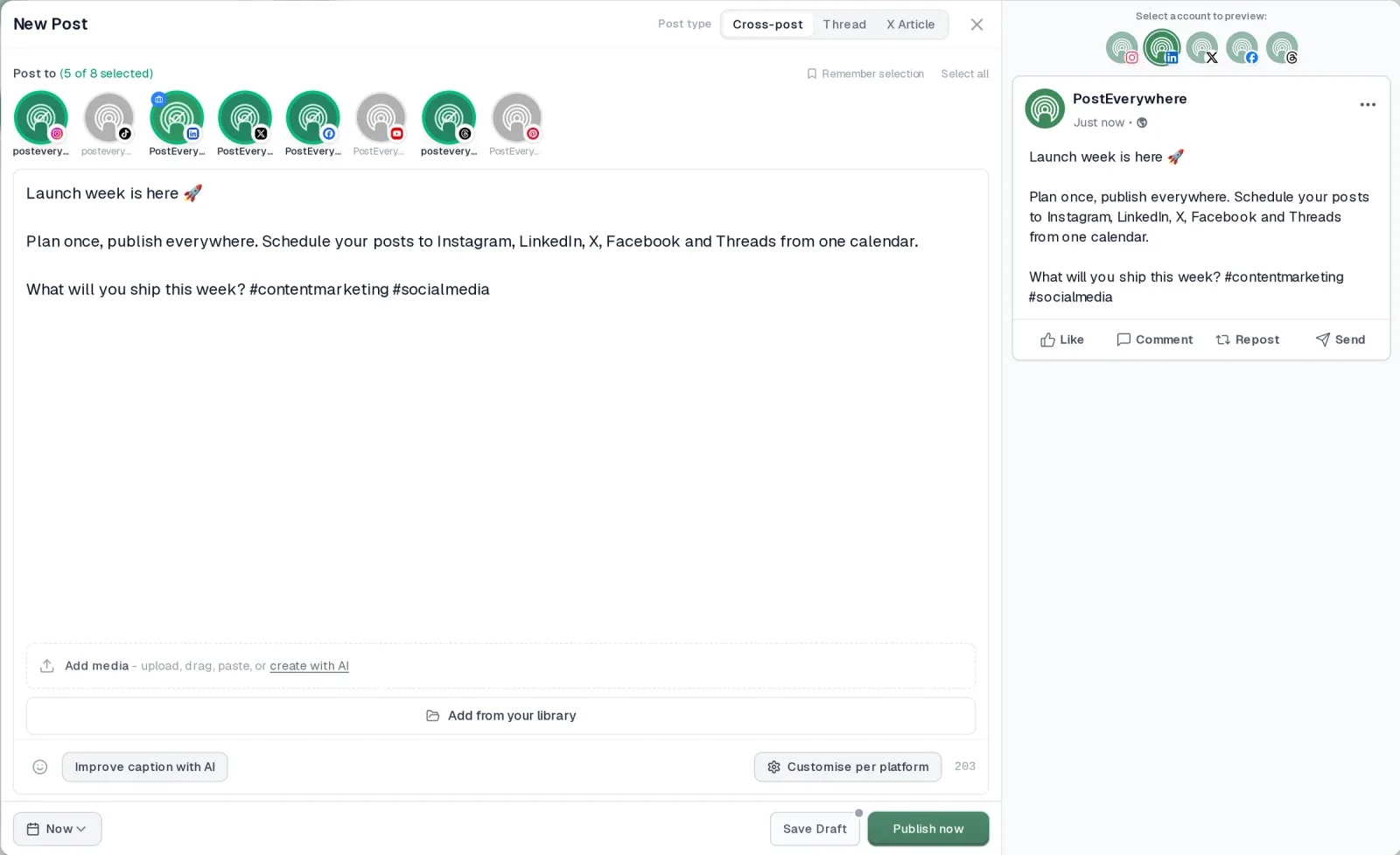
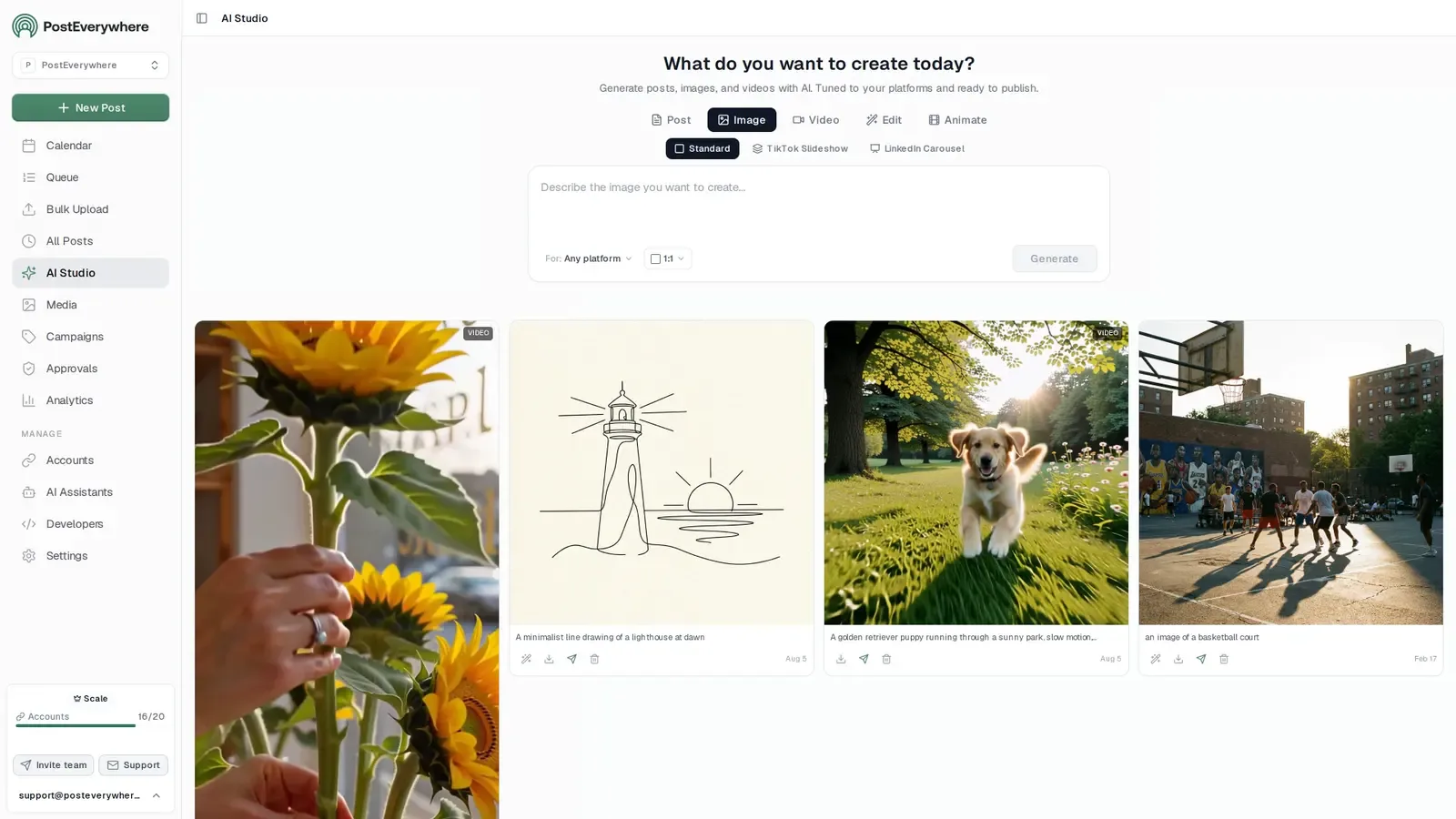
- Create the post. Write it in the composer, make images and video in AI Studio, or ask Claude or ChatGPT to draft and schedule it for you.
- Schedule it everywhere. Tweak the caption for each platform, check every preview, and it goes out on time from one calendar.
Why PostEverywhere wins for AI agents
- Agents do the whole job. A full hosted MCP server with up to 40 tools: publish, schedule, use your queue or the best time, bulk-schedule 50 posts at once, check results, retry failures and send links to connect new accounts. Some rival MCP servers only read data or create drafts.
- $29 a month for 10 accounts, flat. Full API and agent access included, with no per-channel, per-seat or per-call fees. The same 10 accounts cost $60 a month on Buffer and $99 per user (billed annually) on Hootsuite.
- Nothing gated. API, MCP and webhooks come with every plan, from Lite. Several rivals keep their API for higher tiers or a sales call.
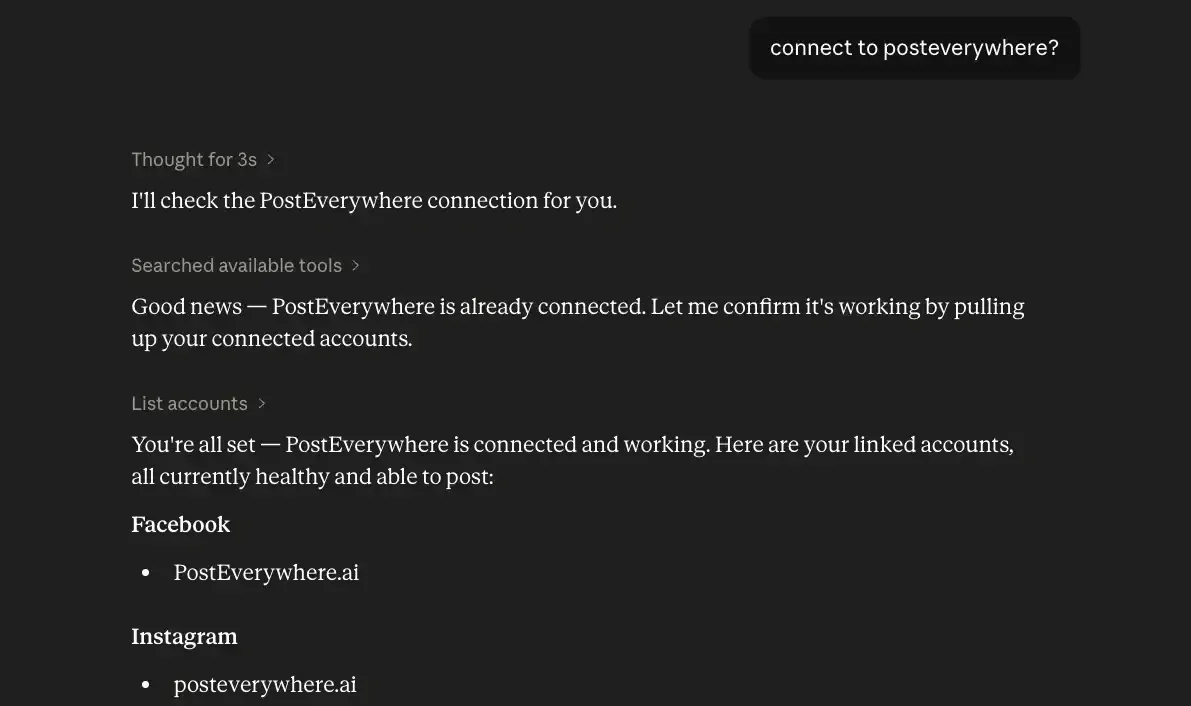
- Connected in a minute. One click adds PostEverywhere to Claude, with one-click installs for Cursor and VS Code. ChatGPT connects in Developer mode.
“This tool has truly made my content posting so much easier, I can't work without it. I can schedule my posts days in advance while working on other projects. Set it and forget it.”
Also in PostEverywhere: a posting queue, bulk upload from CSV, approvals, analytics, an API and the iPhone app.
PostEverywhere is the agentic social media scheduler built for AI agents. Claude or ChatGPT can write your captions and schedule them in the same chat through the hosted MCP server, and AI Studio writes platform-aware captions inside the scheduler when you'd rather do it yourself.
Full disclosure: I built this. We've put it at #1 because (in our biased opinion) it's the right answer for most social media managers — but skim the rest of the list and pick the tool that actually fits your workflow.
Most marketers using a scheduler will get more value from AI built into the publishing flow than from a separate writing tool.
At a glance:
- Pricing: included on all plans ($9/mo Lite, $19/mo Starter, $29/mo Growth, $39/mo Scale)
- AI credits: a monthly allowance on every plan, plus top-ups that never expire
- Trial: 7 days (card required)
- Best for: AI agents and builders first (Claude, ChatGPT or your own code writing and scheduling through MCP or the REST API), then solo founders, marketing teams, and agencies writing 20+ posts/week across multiple platforms
Key features:
- AI Studio caption, hook, thread, poll and hashtag generation, platform-aware (writes IG captions differently from LinkedIn essays)
- AI image generation for photoreal shots and for text in images (uses AI credits)
- AI video generation (5 or 10 second clips)
- MCP server: Claude, ChatGPT, and custom AI agents can call PostEverywhere directly to schedule posts (see how the best AI agents for social media compare)
- Built into the scheduler — zero context switching
- Cross-platform reformatting (one source caption → a version for every platform)
- Saved Brands: voice, banned words and required hashtags applied to every generation
- Up to 5 caption options per request through the API and MCP
Strengths:
- Workflow integration beats every standalone writing tool — the AI is inside the publishing surface, not a separate tab
- Multi-platform aware: knows IG captions need different length/voice than LinkedIn essays (and adapts for the specific channel formats your brand uses — see our Threads marketing brand playbook for the platform-specific voice guidance, or Telegram for Business guide for broadcast-channel formats)
- AI image generation included (most writing tools don't generate images)
- Predictable pricing: top-up credits never expire, and a failed generation costs nothing
Limitations:
- Best for social media writing specifically; not built for long-form blog posts (use Claude for that)
- Brand voice is a written description, not trained on your past posts (Jasper goes further here)
Verdict: If you publish to social media regularly, the tool inside your scheduler wins on workflow alone. If you don't have a scheduler yet, start a 7-day trial of PostEverywhere and skip the standalone AI writing tool entirely.
If you have a scheduler that doesn't include AI, this list has 11 alternatives below.
2. Claude (Anthropic): a free tool for long-form social writing
 ClaudeMCP server: none listed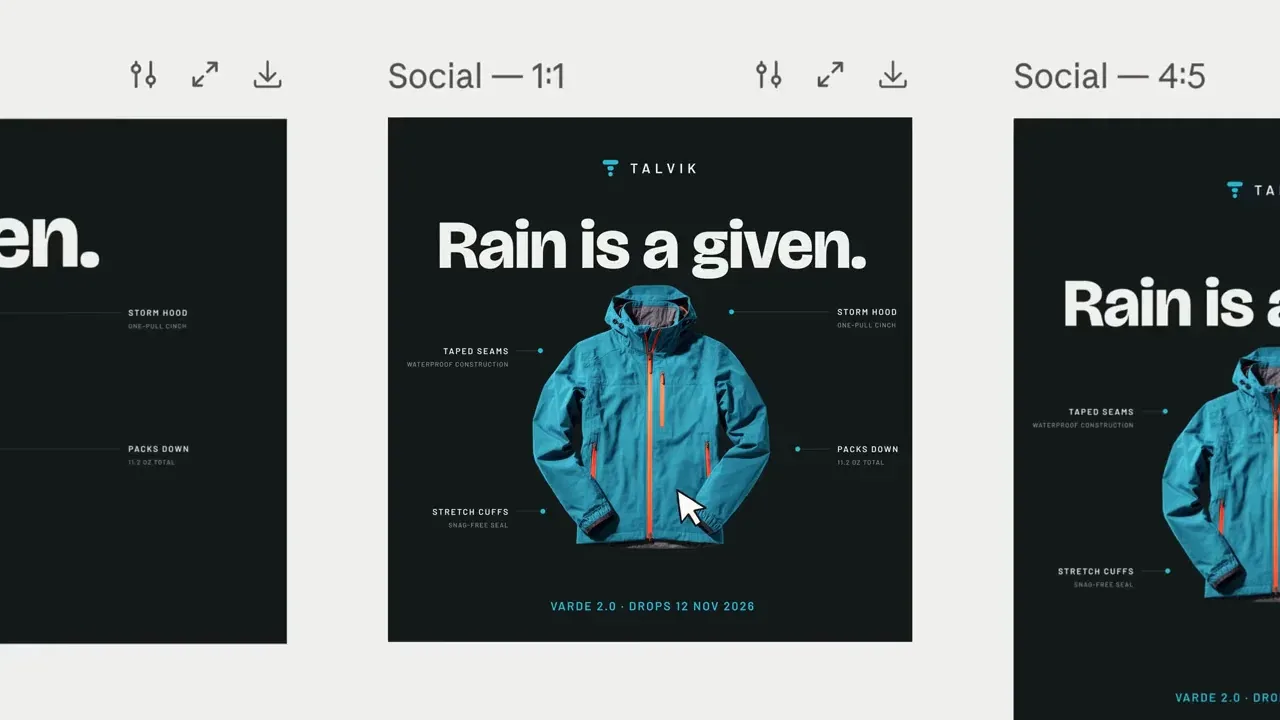
At a glance:
- Pricing: Free tier (substantial daily limits), Claude Pro $20/mo, Team $25/user/mo
- Good for: LinkedIn essays, X threads, YouTube scripts, voice-heavy content
Key features:
- Claude has strong voice-preservation compared with other major LLMs
- 200K context window (paste entire blog posts + brand-voice examples without truncation)
- Projects feature in Pro tier — persist brand voice + context across sessions
- Artifacts for structured outputs (tables, decision matrices, comparison guides)
- Better at refusing to make things up than ChatGPT — fewer fabricated stats
Strengths:
- Better prose than ChatGPT for long-form thoughtful content
- Excellent at staying in voice across 20+ pieces in the same session
- Free tier is genuinely usable (5-15 posts/day depending on length)
- Strong at long-form thinking — the right tool for substantive LinkedIn essays
Limitations:
- Slightly slower than ChatGPT for high-volume short-form (50 caption variations)
- No image generation
- No native social media platform integrations
- Web search availability depends on tier (Pro has it; free tier limited)
Verdict: If you write LinkedIn essays, X threads, or YouTube scripts, Claude is the standalone tool I'd reach for in 2026. For pure social media managers writing daily captions, the scheduler-integrated option (above) compounds better.
Our deeper how to use Claude for social media guide covers specific prompt patterns that work.
3. ChatGPT-5 (OpenAI): for high-volume short-form and ideation
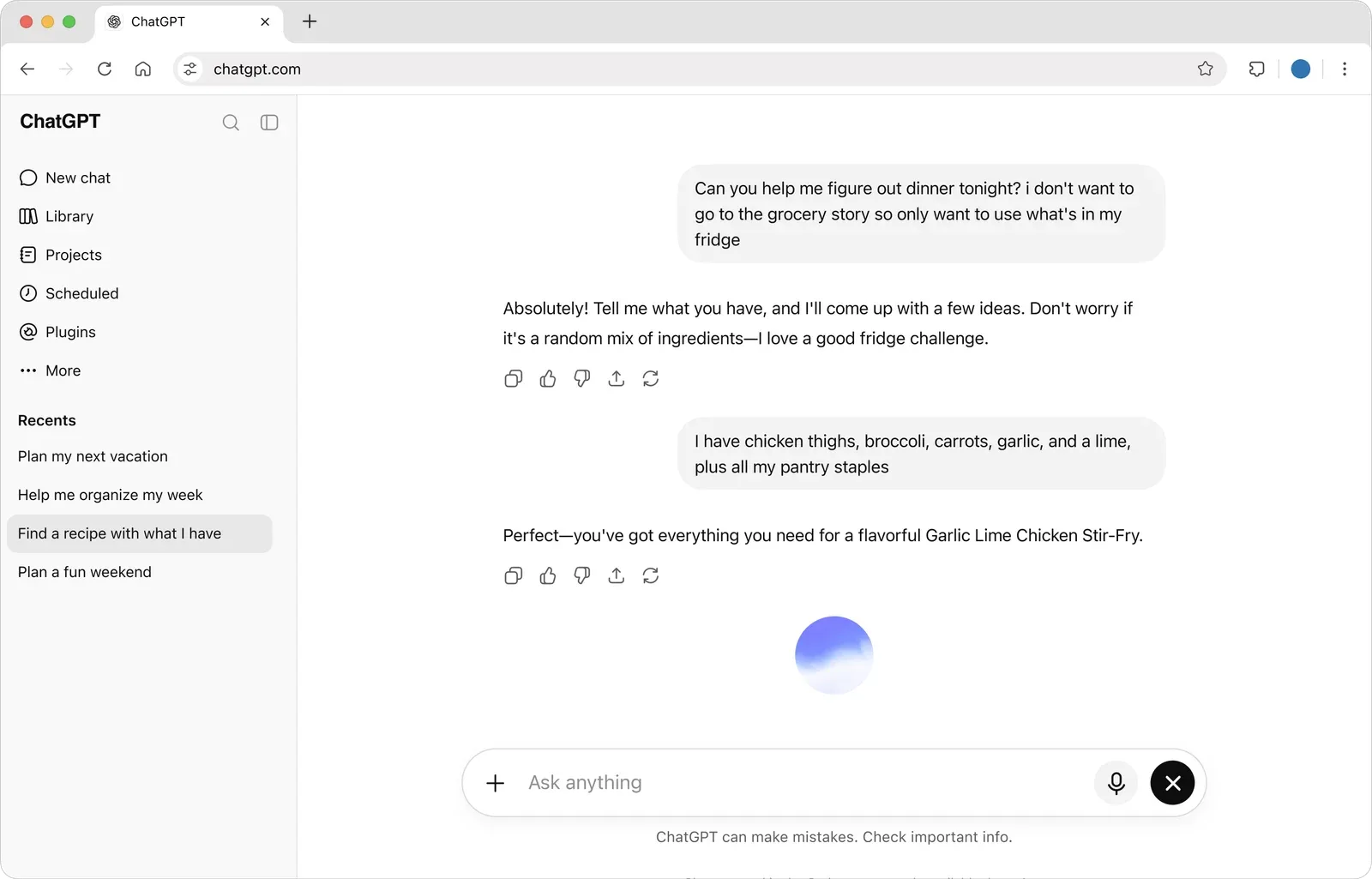
At a glance:
- Pricing: Free tier (rate-limited), Plus $20/mo, Team $25/user/mo
- Good for: caption batches, hook ideation, variety/volume tasks
Key features:
- GPT-5 is fast and excellent at variations
- DALL-E 3 image generation built into Plus
- Custom GPTs — train brand-specific assistants once, reuse forever
- File uploads (analyze your engagement data + ask for content recommendations)
- Real-time web search included
- Memory feature persists context across conversations
Strengths:
- Fastest for high-volume tasks (50 caption variations in 60 seconds)
- DALL-E 3 image gen is built in
- Custom GPTs are a real productivity multiplier when set up correctly
- Web browsing actually works in 2026
Limitations:
- Default voice drifts toward bland marketing speak — requires careful prompting
- Output reads as "AI-generated" more often than Claude's, especially on long-form
- Free tier rate limits hit fast under real production use
- Memory feature can create voice drift if you accidentally train it on bad outputs
Verdict: ChatGPT-5 is faster for volume; Claude is stronger on quality. Most social media managers should have both — the $20/mo each ($40 total) replaces 3-4 standalone AI writing tools.
See our how to use ChatGPT for social media breakdown for specific Custom GPT setups, or ChatGPT vs Claude vs Perplexity for the head-to-head.
4. Jasper: for enterprise brand voice at scale

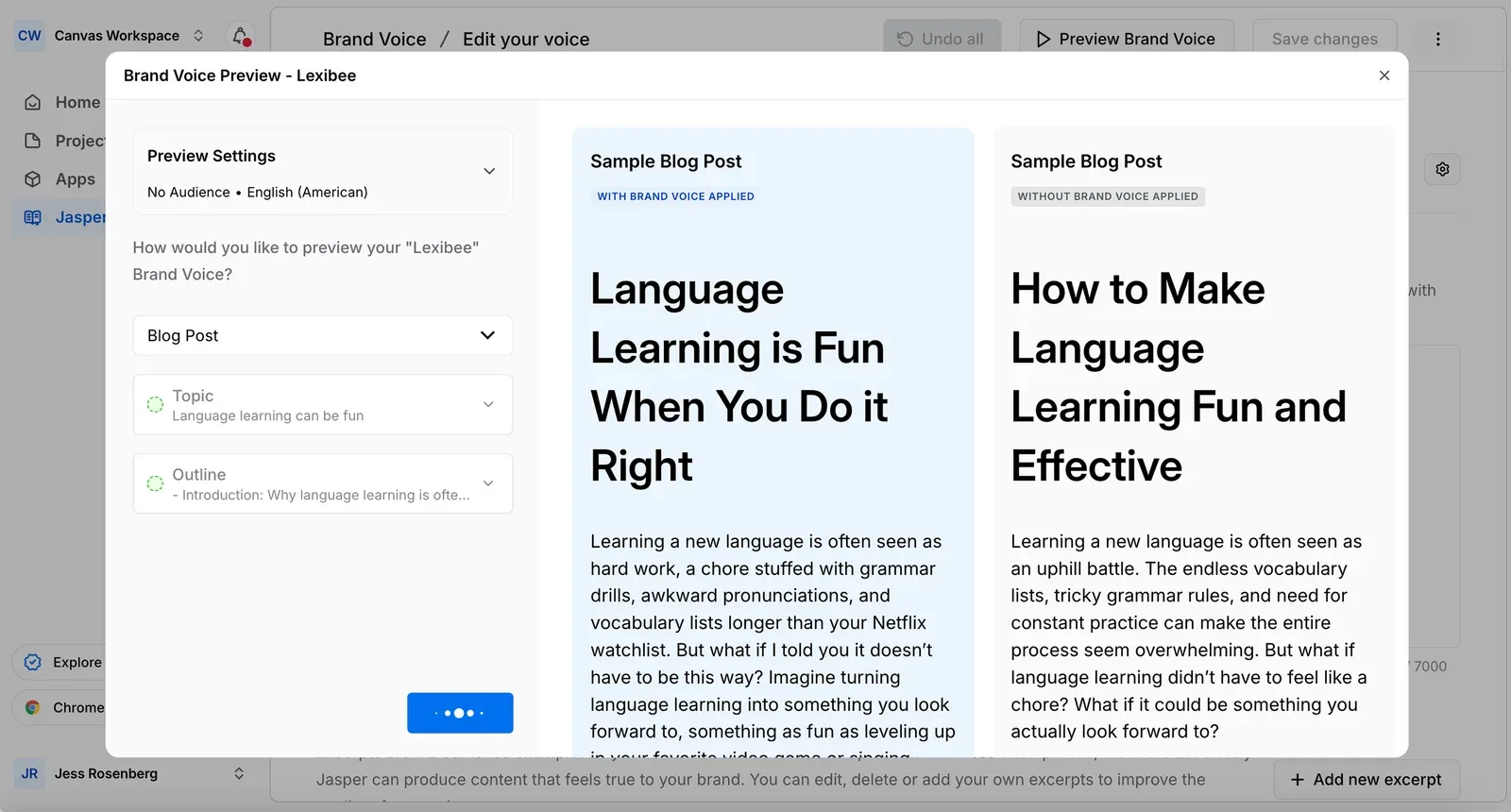
At a glance:
- Pricing: Pro $59/seat/mo billed annually ($69 monthly), Business custom, per Jasper's pricing page (the Creator plan is no longer listed)
- Good for: brands publishing 100+ posts/month across multiple accounts with strict voice requirements
Key features:
- Brand Voice — train on existing content; produces remarkably consistent output across multiple users
- Templates library (140+ pre-built templates for specific marketing formats)
- Team collaboration features built in
- Plagiarism detection included
- SEO mode integrated for content scoring
Strengths:
- Brand voice consistency is genuinely strong for organizations
- Useful for teams where 5+ people are generating content and voice consistency matters
- Templates accelerate specific format work (LinkedIn carousels, IG carousel scripts)
- The Brand Voice training works after one good upload — most other tools need 3-5
Limitations:
- Expensive vs ChatGPT-5/Claude Pro + a scheduler
- Output reads as "Jasper-generated" if not carefully prompted
- Most features overlap with what's now native in Claude/ChatGPT
- Overkill below 100 posts/month — you can replicate 80% of Jasper's value with a Custom GPT for free
Verdict: If you're an enterprise team running 100+ posts/month with strict voice consistency requirements and the budget to support a dedicated tool, Jasper still earns its place. For everyone else, it's hard to justify above $20/mo ChatGPT/Claude + a scheduler.
5. Copy.ai: for marketing copy templates and B2B sequences
 Copy.aiMCP server: none listed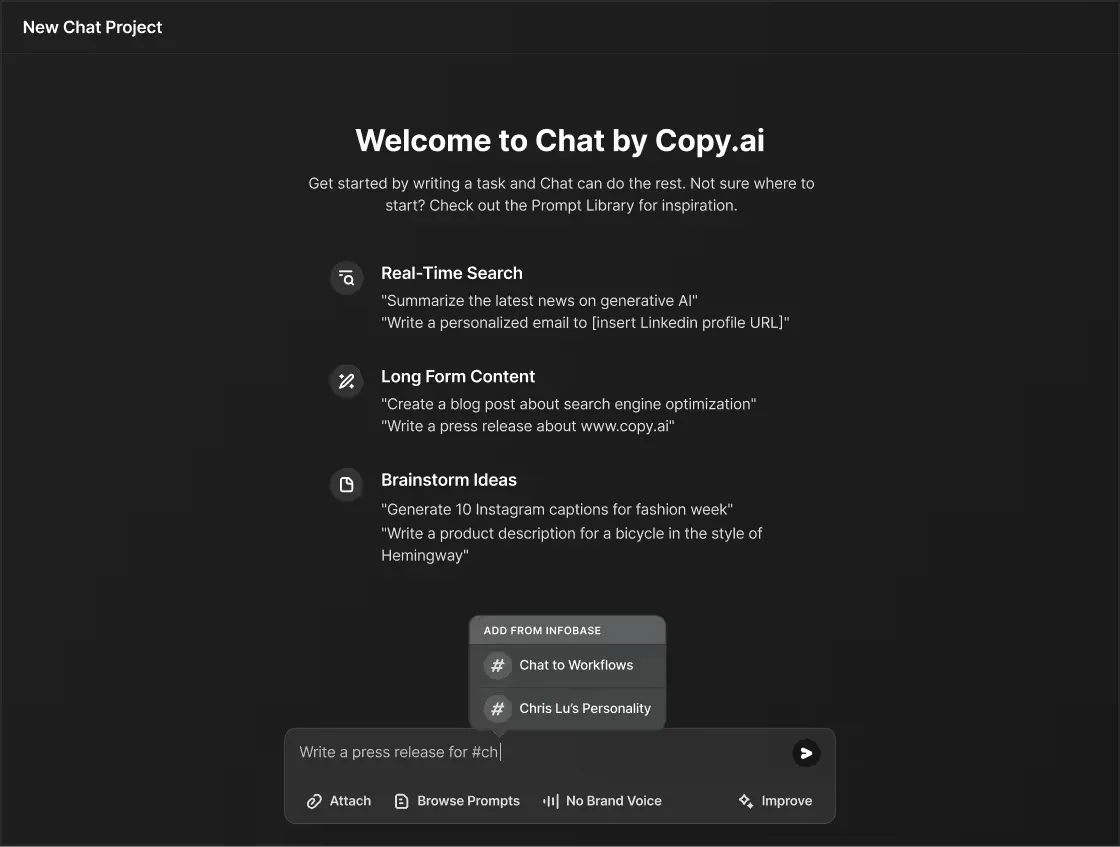
At a glance:
- Pricing: no free plan listed; Chat $29/mo ($24/mo billed annually), Growth $1,000/mo billed annually, Enterprise custom
- Good for: marketing teams running outbound + content combinations, B2B lead-gen content
Key features:
- Workflows feature (chain AI tasks into multi-step pipelines)
- Templates for B2B sales sequences, landing pages, and ad copy
- Brand voice training
- Team collaboration with shared templates
Strengths:
- Workflows are genuinely useful for B2B teams chaining lead → copy → ad sequences
- Strong template library for specific marketing formats
- Better than ChatGPT for marketing-specific format prompts
Limitations:
- The $29/mo Chat plan is hard to justify against $20 ChatGPT Plus, and workflows start at the $1,000/mo Growth plan
- Workflow feature requires upfront setup investment
- Output quality vs Claude/ChatGPT on equivalent prompts is similar (not dramatically better)
Verdict: Useful if you're running B2B outbound + content together and want workflow chaining. Otherwise, ChatGPT-5 covers most use cases for less.
6. Writesonic: for SEO-focused content writing

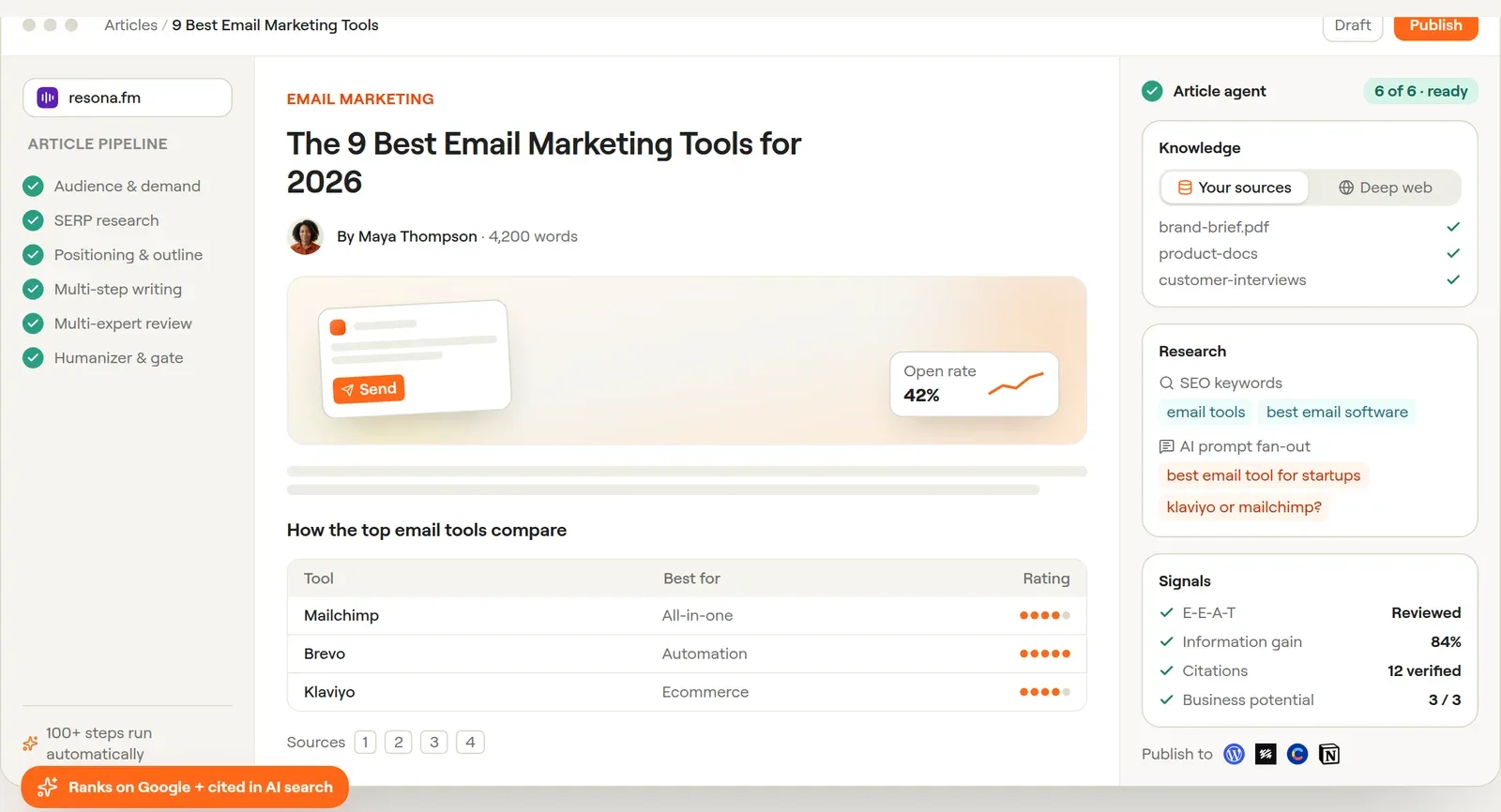
At a glance:
- Pricing: free trial with no credit card (no free plan); Starter $79/mo, Basic $199/mo, Growth $399/mo, all billed annually
- Good for: SEO-driven content teams who want SERP-aware AI output
Key features:
- Article writer with SEO mode (analyzes top-ranking content for keyword)
- Built-in SERP research
- Surfer SEO integration
- Brand voice training
- Fact-checking layer
Strengths:
- SEO-aware output beats generic ChatGPT for content-marketing teams
- Surfer SEO integration is useful if you already use Surfer
- Article writer produces structurally-solid long-form
Limitations:
- Better as a content marketing tool than a social media tool specifically
- Pricing tiers feel overcomplicated
- The $79/mo Starter plan is hard to justify against Claude Pro + Surfer separately
Verdict: If your content marketing and social media live in the same workflow and SEO matters, Writesonic earns consideration. For pure social media work, skip it.
7. Lex: for distraction-free writing with AI assist
 LexMCP server: none listed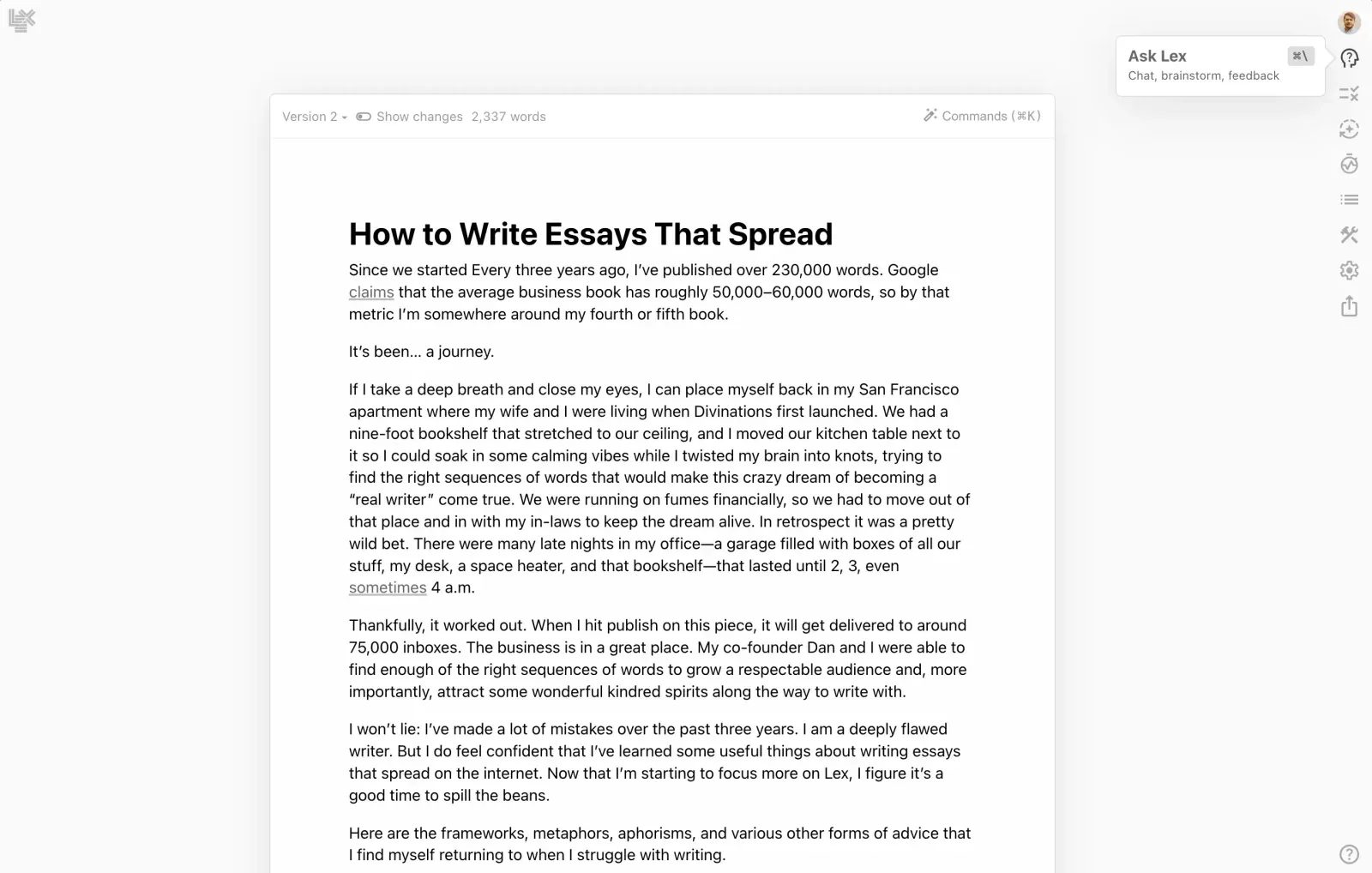
Important: Lex's own site now says it is no longer accepting new customers; existing accounts keep working. What follows describes the tool for current users. If you're choosing a writing tool today, look at the other options on this list.
At a glance:
- Pricing: Free tier, Pro $12/mo
- Good for: solo writers who want AI quietly in the background while drafting
Key features:
- Clean writing interface with AI integration on-demand (Cmd+K)
- Multiple model options (Claude, GPT-4, etc.)
- Excellent diff-style editing suggestions
- Built specifically for prose, not generic copy
Strengths:
- The cleanest writing UI in this list
- Doesn't push AI on you — invites it when you ask
- $12/mo Pro tier is competitive
- Particularly good for LinkedIn essays and Substack-style writing
Limitations:
- Solo writer tool — not built for teams or workflow chains
- No social media platform integrations
- No image generation
- Stronger on long-form; less differentiated for short-form social
Verdict: If you write LinkedIn essays and want a focused writing environment with AI quietly available, Lex is excellent. For multi-platform social media volume work, it's not the right shape.
8. Sudowrite: for creative/long-form scripts
 SudowriteMCP server: none listed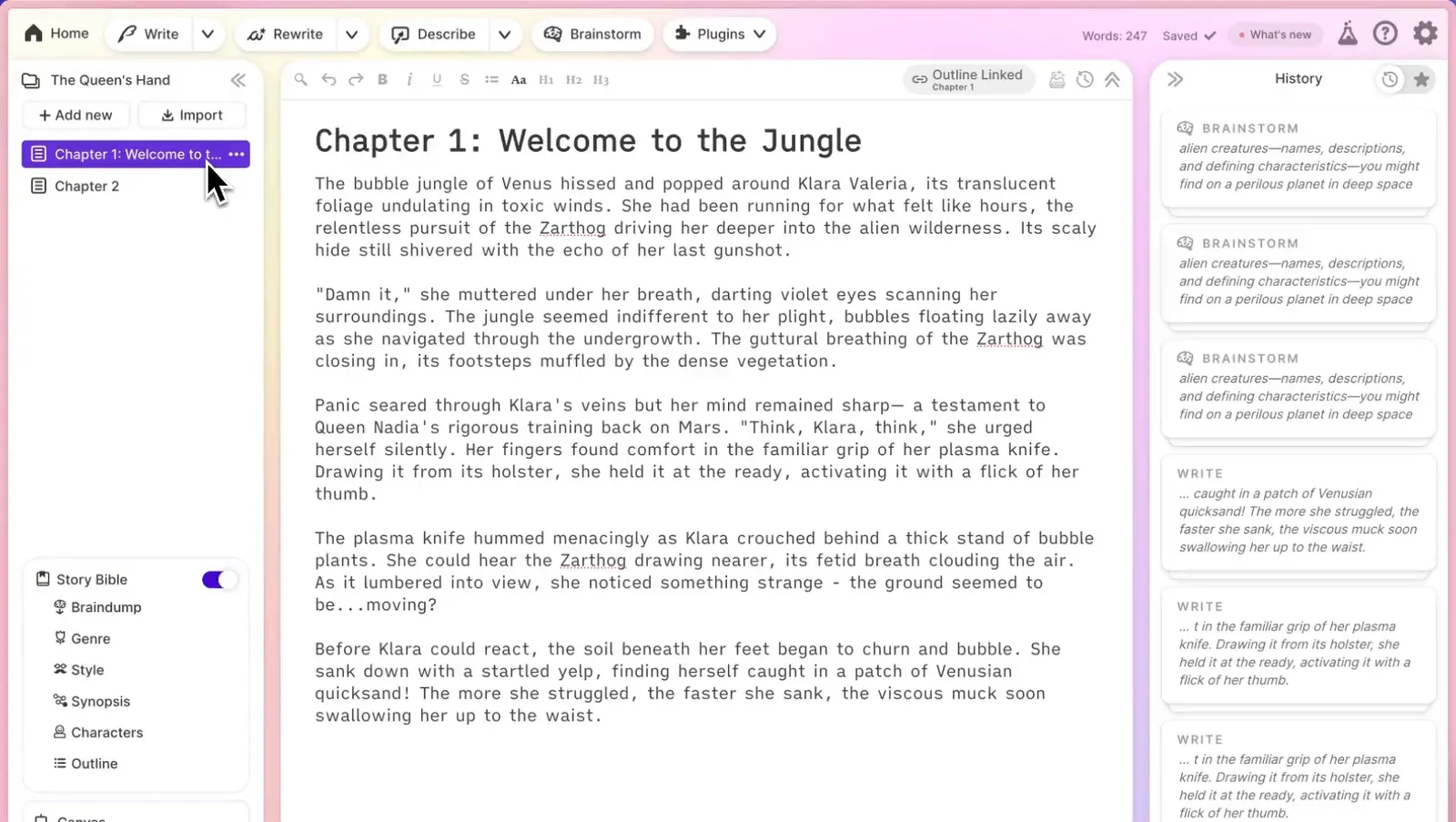
At a glance:
- Pricing: Hobby $19/mo, Professional $29/mo, Max $59/mo
- Good for: YouTube script writers, podcast hosts, narrative-driven content
Key features:
- "Describe" feature for sensory/scene-setting prose
- Story Bible for character/world consistency
- Brainstorm + Expand tools
- Multiple AI models including Claude
Strengths:
- The only AI writing tool built for narrative content specifically
- Genuinely useful for YouTube script writers and podcast prep
- Output is more "human-narrative" than ChatGPT/Claude defaults
Limitations:
- Niche — most social media use cases don't need fiction-craft features
- Overkill for caption writing
- Pricing competitive but feature scope is narrow
Verdict: For YouTube creators and podcast hosts writing scripts, Sudowrite earns its place. Skip if your social media work is mostly short-form.
9. Rytr: a free tier for budget-conscious creators
 RytrMCP server: none listed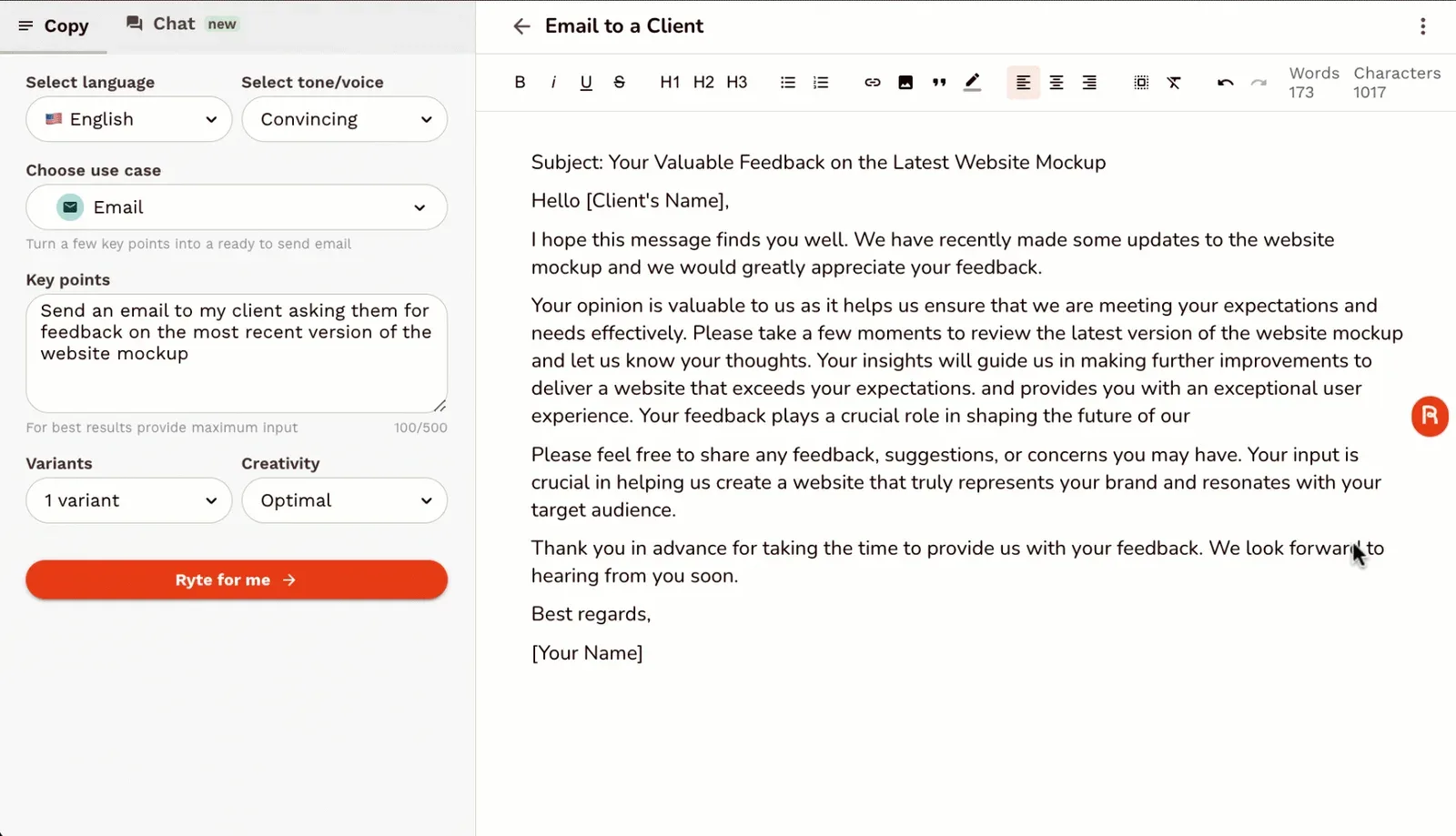
At a glance:
- Pricing: Free (10,000 chars/mo), Unlimited $9/mo, Premium $29/mo
- Good for: solo creators, students, side projects on a budget
Key features:
- 40+ templates for social media specifically
- Tone selection
- Plagiarism checker
- Browser extension
Strengths:
- Genuinely usable free tier
- Cheapest paid tier in the category ($9/mo)
- Templates cover common social media use cases
Limitations:
- Output quality below Claude/ChatGPT consistently
- No brand voice training in lower tiers
- The $9/mo is great pricing but you're trading quality for cost
Verdict: A generous free tier for the category. Use Rytr if budget is the binding constraint and you can't afford ChatGPT Plus or Claude Pro.
10. Anyword: for performance-prediction copy
 AnywordMCP server: none listed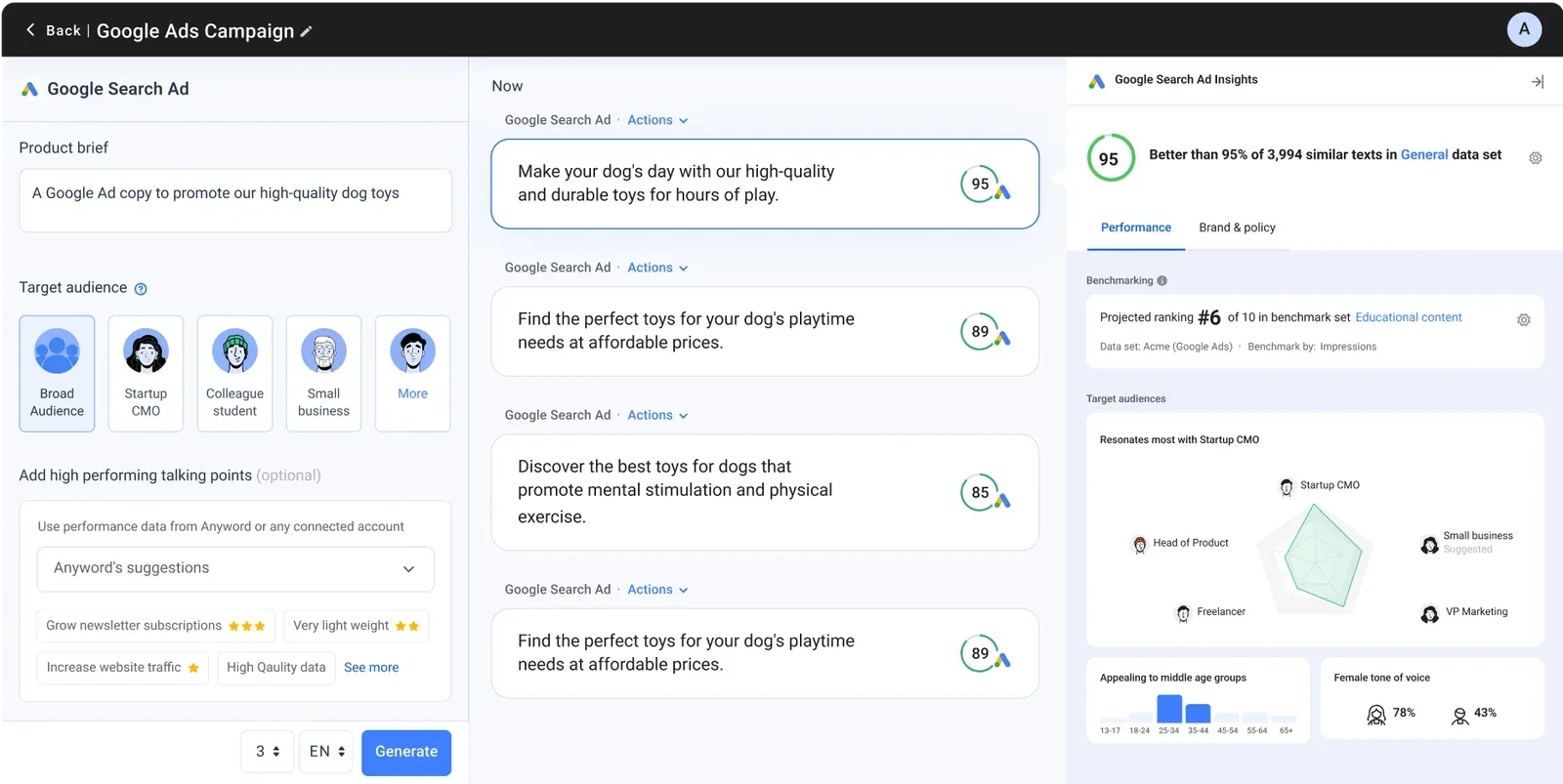
At a glance:
- Pricing: Starter $39/mo, Data-Driven $79/mo, Business $349/mo
- Good for: performance marketers writing ads and CTAs at scale
Key features:
- Predictive performance scoring — every output gets a predicted conversion rate
- Brand voice training
- A/B testing built in
- Targeted at ads + landing page copy
Strengths:
- The performance prediction is actually useful for ad copy iteration
- Stronger than generic LLMs for short-form conversion copy
- Useful for marketing teams testing dozens of variants
Limitations:
- Built for ads, not native social media content
- Expensive for what amounts to a focused subset of LLM use
- The performance prediction works better for ads than for organic social
Verdict: Good for performance marketing teams iterating ad copy. For organic social media content, the prediction feature doesn't fit the workflow.
11. Wordtune: for rewriting and refining existing copy
 WordtuneMCP server: none listed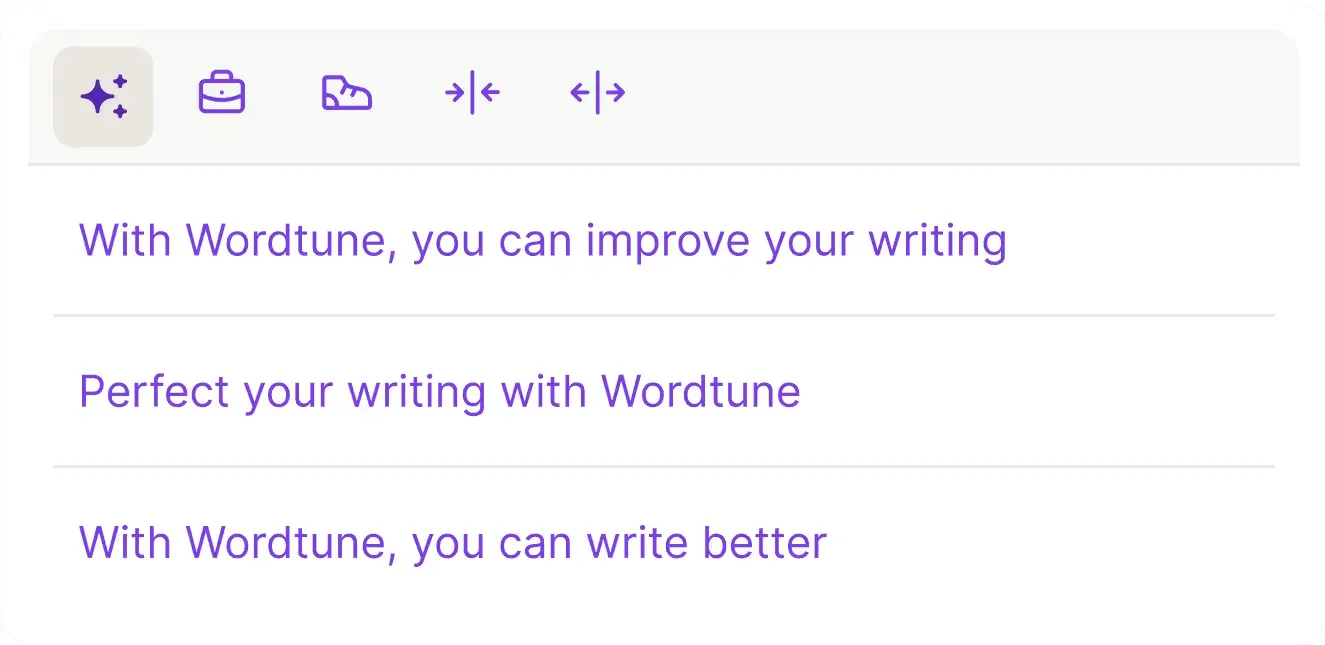
At a glance:
- Pricing: Basic (free, limited daily use), Advanced $6.99/mo, Unlimited $9.99/mo, less if billed annually
- Good for: editing/rewriting existing copy, not generating from scratch
Key features:
- Rewrite suggestions in multiple tones
- Spices feature (statistical facts, examples, analogies on demand)
- Browser extension that works everywhere
- Summarization tool for source material
Strengths:
- Strong at refining existing copy
- Browser extension makes it usable inside Google Docs, X drafts, LinkedIn
- The Spices feature is genuinely useful for adding factual depth to drafts
Limitations:
- Not built for generating from scratch — different shape from Claude/ChatGPT
- Output is editing-focused, not creation-focused
- Overlaps with Claude/ChatGPT's editing features
Verdict: Useful as a complementary tool for refining existing drafts. Not a replacement for a primary AI writing tool.
12. Perplexity Pro: for research-backed content writing

At a glance:
- Pricing: Free tier, Pro $20/mo
- Good for: writers who need to ground content in current data
Key features:
- Real-time web search and source citation built in
- Multiple AI model access (Claude, GPT, Sonar)
- Spaces feature for persistent project context
- Better factual grounding than any standalone LLM
Strengths:
- For stats-heavy content (industry trends, benchmark posts, news commentary), Perplexity is strong
- Source citations are real and verifiable — fewer fabricated facts
- The $20/mo Pro is competitive vs ChatGPT/Claude Pro
Limitations:
- Output reads as "research summary" — needs editing for voice
- Not optimized for voice-heavy social posts
- Better as a research tool that hands off to Claude/ChatGPT for writing
Verdict: A strong research-phase tool in 2026 for content that needs to cite current data. Pair with Claude or PostEverywhere's AI for the actual writing step. Our how to use Perplexity for social media covers specific research workflows that work for marketers.
Comparison table
| Tool | Pricing | Use it for | Free tier? | Brand voice training? | Social integration? | What an AI agent can do (MCP) |
|---|---|---|---|---|---|---|
| PostEverywhere | $9-39/mo | AI agents that write and post; scheduler + AI | Yes (7-day trial) | Yes | Built-in (All top platforms) | Publish, schedule, queue, best time, bulk, retry, connect accounts |
| Claude | $20/mo Pro | Long-form social, voice quality | Yes (real) | Projects feature | No | It's an AI assistant |
| ChatGPT-5 | $20/mo Plus | Volume, ideation, custom GPTs | Yes (rate-limited) | Custom GPTs | No | It's an AI assistant |
| Jasper | $59/seat/mo + custom | Enterprise brand voice at scale | No | Trained on your content | Limited | Brand context and content, Business plan; no publishing |
| Copy.ai | $29-1,000+/mo | B2B workflows, sequences | No | Yes | No | None listed |
| Writesonic | $79-399/mo | SEO-aware content | Free trial only | Yes | No | Has an MCP server |
| Lex | Closed to new customers | Solo writers, prose focus | Yes | No | No | None listed |
| Sudowrite | $19-59/mo | Narrative/YouTube scripts | No | Story Bible | No | None listed |
| Rytr | $9-29/mo | Budget creators | Yes (10K chars) | Premium only | No | None listed |
| Anyword | $39-349/mo | Performance ad copy | No | Yes | No | None listed |
| Wordtune | $7-10/mo | Refining existing copy | Yes (limited) | No | Browser extension | None listed |
| Perplexity Pro | $20/mo | Research-backed content | Yes | Spaces feature | No | Has an MCP server |
How to pick the right tool
The decision tree most marketers should run:
Are you publishing to social media regularly?
→ Yes, and you don't have a scheduler with AI built in: get a scheduler with AI integrated first. The workflow integration matters more than the standalone tool quality.
→ Yes, and you have a scheduler with AI: skip the standalone tool unless you specifically need long-form (Claude) or research-heavy content (Perplexity).
→ No, you're writing for blog or marketing channels: Claude Pro is a strong general tool for quality + voice. ChatGPT-5 if you prioritize variety/speed.
What's your monthly content volume?
| Volume | Stack |
|---|---|
| 1-20 posts/month | Claude free tier or ChatGPT free tier |
| 20-100 posts/month | Claude Pro or ChatGPT Plus ($20/mo) + a scheduler |
| 100-300 posts/month | Claude Pro + ChatGPT Plus + a scheduler with AI ($60/mo total) |
| 300+ posts/month | Jasper or Copy.ai + a scheduler — voice consistency matters at scale |
What kind of content?
| Content type | Tool to use |
|---|---|
| Daily captions across multiple platforms | PostEverywhere or any scheduler with AI |
| LinkedIn essays (600+ words) | Claude |
| X threads (8-15 posts) | Claude or ChatGPT |
| YouTube scripts | Sudowrite or Claude |
| Brand voice at scale (50+ posts/week) | Jasper |
| Performance ads | Anyword |
| Research-heavy content (stats, trends) | Perplexity Pro |
| Editing existing drafts | Wordtune |
| Budget-constrained | Rytr ($9/mo) or free Claude/ChatGPT tiers |
Common AI writing tool mistakes
The patterns that waste budget or kill output quality:
- Subscribing to 4+ AI writing tools — most overlap. Pick one for daily work + Claude for thinking. That's enough.
- Using AI tools instead of a scheduler — the workflow integration is worth more than the tool quality. Buy a scheduler with AI, not 3 separate AI tools.
- Not training brand voice — every tool that supports brand voice training underperforms its capability if you skip the setup. Spend 30 minutes uploading examples once.
- Treating AI output as final copy — every winning AI workflow has a human editing pass. AI draft + human edit beats human draft alone on speed AND beats AI alone on quality.
- Optimizing for tokens, not outputs — "this tool gives me more characters per dollar" is the wrong frame. The right frame is "how many usable posts per hour does this tool produce."
- Using ChatGPT default voice — the default reads as marketing slop. Three examples in the system prompt + a banned-phrases list fixes 90% of it.
- Not measuring output quality — track which AI-generated posts actually perform. Most teams discover their best-performing AI outputs come from very different prompts than they assumed.
For deeper dives into specific categories: our AI content creation tools roundup covers the broader category, our best AI caption generators roundup focuses on the captions-only subset, and our 25 best AI tools for social media covers tools beyond just writing.
For workflow-level guidance, how to use AI for social media is the canonical playbook.
Tools you need alongside AI writing
The minimum viable AI-augmented social media stack:
- A scheduler with AI built in — for daily work. PostEverywhere covers this across all top platforms
- Claude Pro or ChatGPT Plus ($20/mo) — for long-form thinking and the occasional standalone task the scheduler doesn't fit
- An AI image generator for visuals; it can be built into your scheduler (like PostEverywhere's AI Studio), or a standalone tool such as Ideogram or Midjourney
- Analytics that track AI-generated post performance separately — social media analytics helps you see which AI prompts actually win
- A hashtag generator — for the moments when ChatGPT is wrong about which hashtags are trending
- A UTM builder — to track AI-generated links separately for attribution
- Cross-platform planning — cross-posting is what turns one Claude-generated essay into platform-specific posts for every network
Total monthly cost if you're publishing 50+ posts/week: ~$60-80/mo. Replaces typical setups costing $200+ with 4-5 disconnected subscriptions.
FAQs
Is AI-generated content bad for SEO or social media reach?
No. Google's position (confirmed multiple times) is that AI content is fine if it's high-quality. Social platforms don't have a "detect AI" filter on reach — they have engagement signals. If your AI content gets engagement, it reaches. Quality matters; source doesn't.
Which AI is best for brand voice consistency?
Jasper for enterprise teams running 100+ posts/month. Claude Pro (Projects feature) for teams running 20-100 posts/month. ChatGPT with a well-built Custom GPT for solo creators. Most teams over-invest in brand voice tools when 3 good example posts in the system prompt would solve 80% of the problem.
Can I cancel my $300/mo Jasper subscription and use ChatGPT instead?
For most teams: yes. Test Jasper outputs vs ChatGPT-5 Custom GPT outputs on equivalent prompts for two weeks. If the difference is small (it usually is below 100 posts/month), cancel Jasper.
If the difference is large for your specific brand voice (it sometimes is for highly distinctive voices), keep Jasper.
Should I use AI to write replies and DMs to followers?
No. Community is one of the last defensible moats for small brands. Don't hand it to a bot. Use AI for content production; keep humans on engagement.
Will AI writing tools replace social media managers?
Not in 2026. AI replaces 60-70% of content production tasks. The remaining 30-40% — strategy, judgement, community management, real-time response, taste — is still human. One marketer with AI does the work of three marketers without it.
The teams that win are the ones using AI as a force multiplier, not as a replacement.
How do I stop AI output from sounding like AI?
Three fixes: (1) ban specific AI tells in your prompt (e.g., "do not use 'in today's fast-paced world', 'elevate', 'unlock', 'game-changer'"). (2) Provide 3-5 voice examples, not voice adjectives. (3) Edit the first draft and cut 25-30%. That covers 90% of the AI-detection problem.
Are AI writing tools worth it if I only post twice a week?
The free tiers of Claude or ChatGPT are enough at that volume. Don't pay for AI writing tools if you're publishing fewer than 10 posts/week — the cost-per-useful-output math doesn't work.
How do AI writing tools compare to copywriters I hire?
For social media specifically in 2026: AI is faster, cheaper, and produces 80% of the quality of a freelance copywriter at 5% of the cost. The 20% gap is voice nuance, cultural references, and judgment about what to say when.
For agencies, the right answer is increasingly AI + human editor over either alone.
What's the cheapest stack that's actually good?
Claude free tier + a scheduler with AI built in ($29/mo PostEverywhere Growth) = $29/mo total. Enough for 5-50 posts/week with good output quality. Add Claude Pro ($20/mo) if you need more daily volume.
Can AI tools schedule posts to social platforms?
Standalone AI writing tools (Claude, ChatGPT, Jasper, etc.) don't schedule posts directly. They generate content; you still need a scheduler to publish. The exception: tools like PostEverywhere that bake AI into the scheduling workflow — those generate AND publish from one dashboard.
Will AI writing tools change again in 2026-2027?
Yes, frequently. The base model layer (Claude, ChatGPT, Gemini) ships major updates every 6-12 weeks. The application layer on top consolidates fast — expect 3-4 of the tools in this list to either get acquired, rebrand, or fade by mid-2027.
The scheduler-integrated AI category is the most stable bet because the underlying platform integrations matter more than the AI tier on top.
Next steps
The honest call on AI writing tools in 2026:
If you're publishing to social media regularly:
- Make sure your scheduler has AI built in. If it doesn't, switch to one that does — the workflow integration compounds. PostEverywhere offers a 7-day free trial with full AI access.
- Add Claude Pro ($20/mo) for the long-form thinking and substantive writing your scheduler's AI isn't built for. Connect PostEverywhere to Claude and those drafts schedule themselves instead of being pasted across.
- That's it. Don't subscribe to 3 separate AI tools.
If you're focused on content marketing (blogs, long-form):
- Claude Pro is your daily driver.
- Perplexity Pro for research-phase work.
- Wordtune browser extension for editing inside Google Docs.
If you're an agency or team at 100+ posts/month:
- Evaluate Jasper for brand voice consistency at scale.
- ChatGPT Team for shared Custom GPTs.
- A scheduler with AI built in for daily execution.
- Total cost: $200-400/mo for the team — still cheaper than the freelancer alternative.
The tool category will keep churning through 2026-2027. The strategic stable bet is the workflow — scheduler with AI baked in, plus one or two LLM Pro subscriptions for thinking. Build the workflow first; swap individual tools as the market evolves.

Founder & CEO of PostEverywhere. Writing about social media strategy, publishing workflows, and analytics that help brands grow faster.